43 activities
Get every person in the room playing along
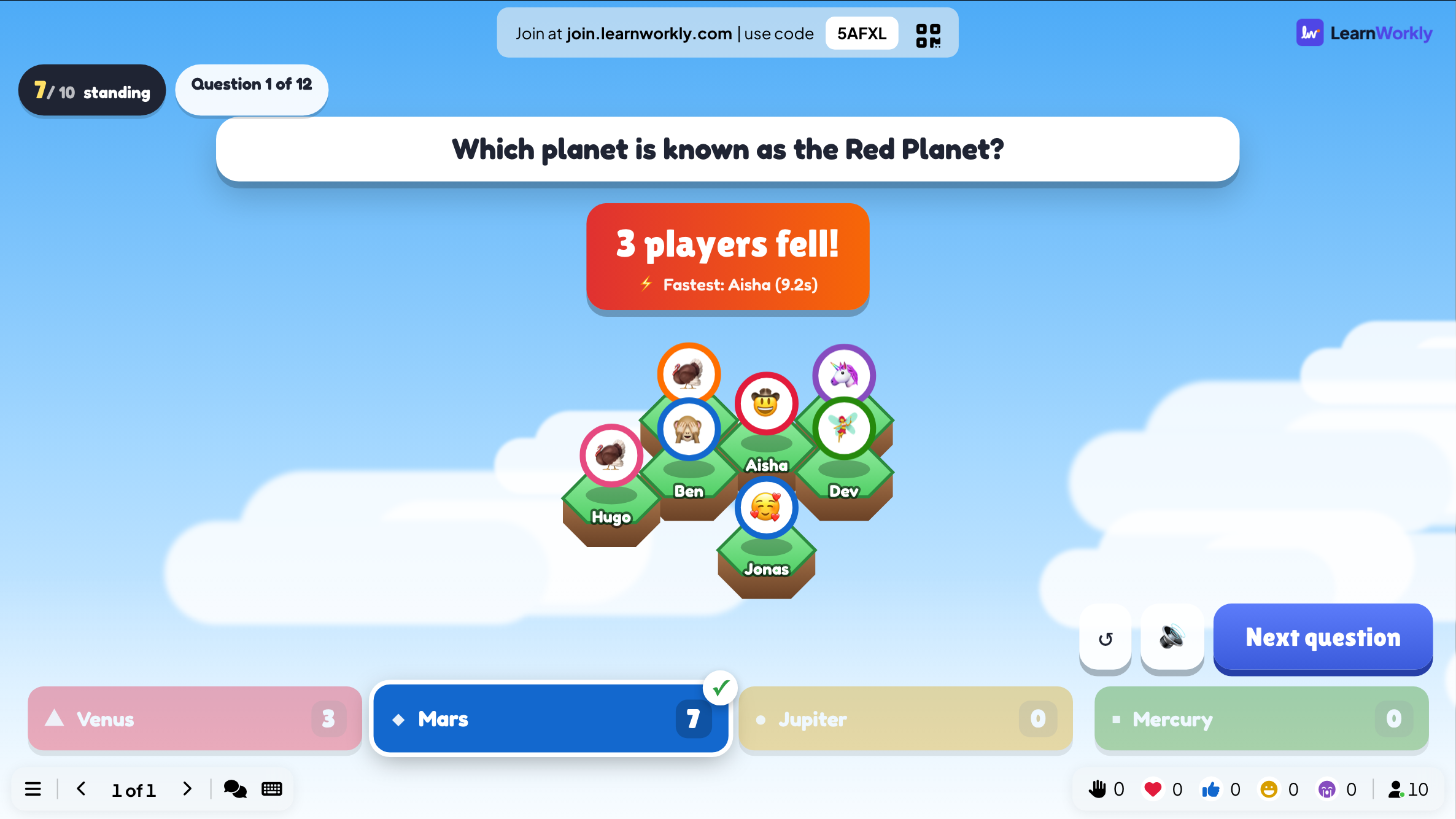
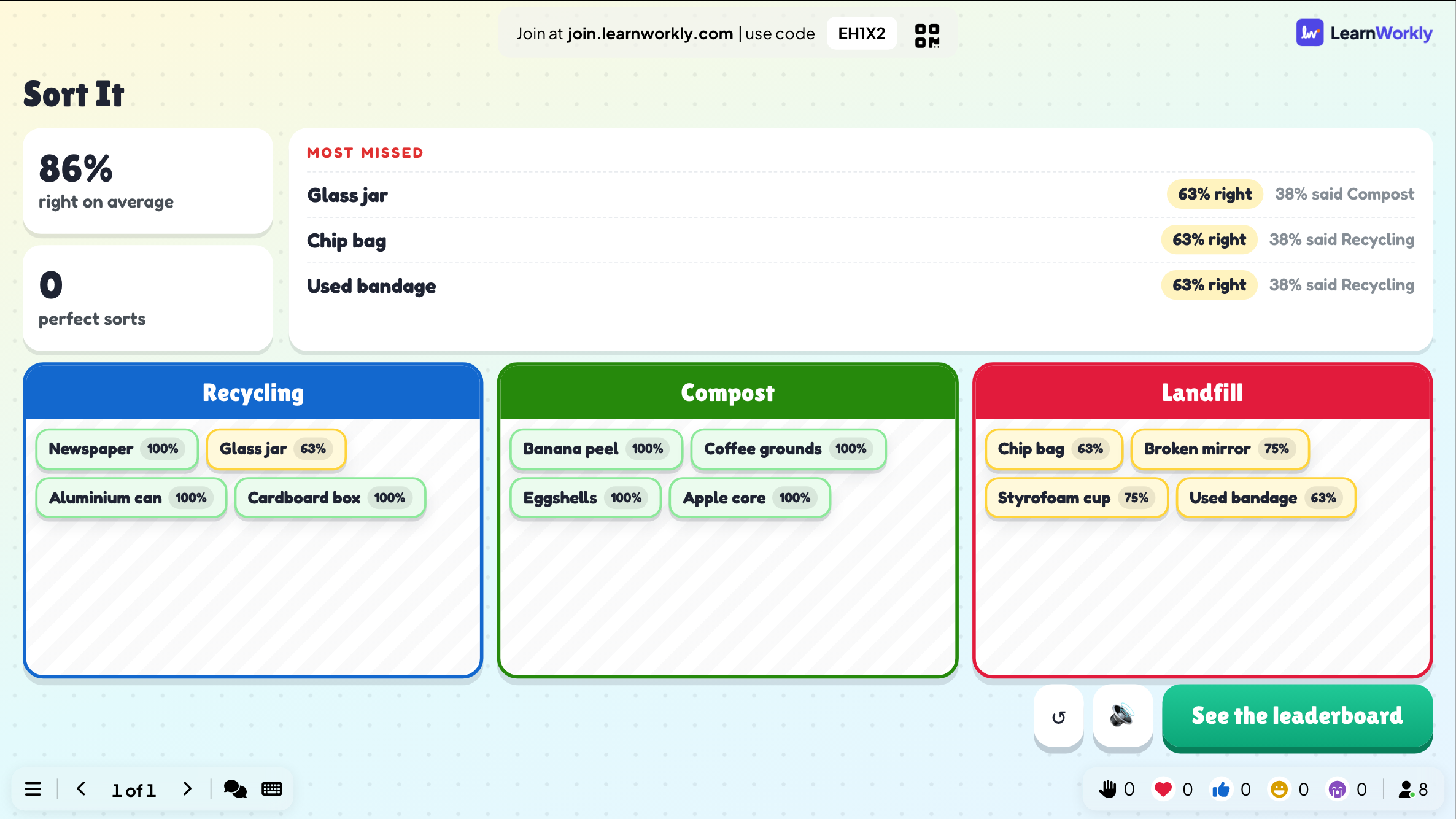
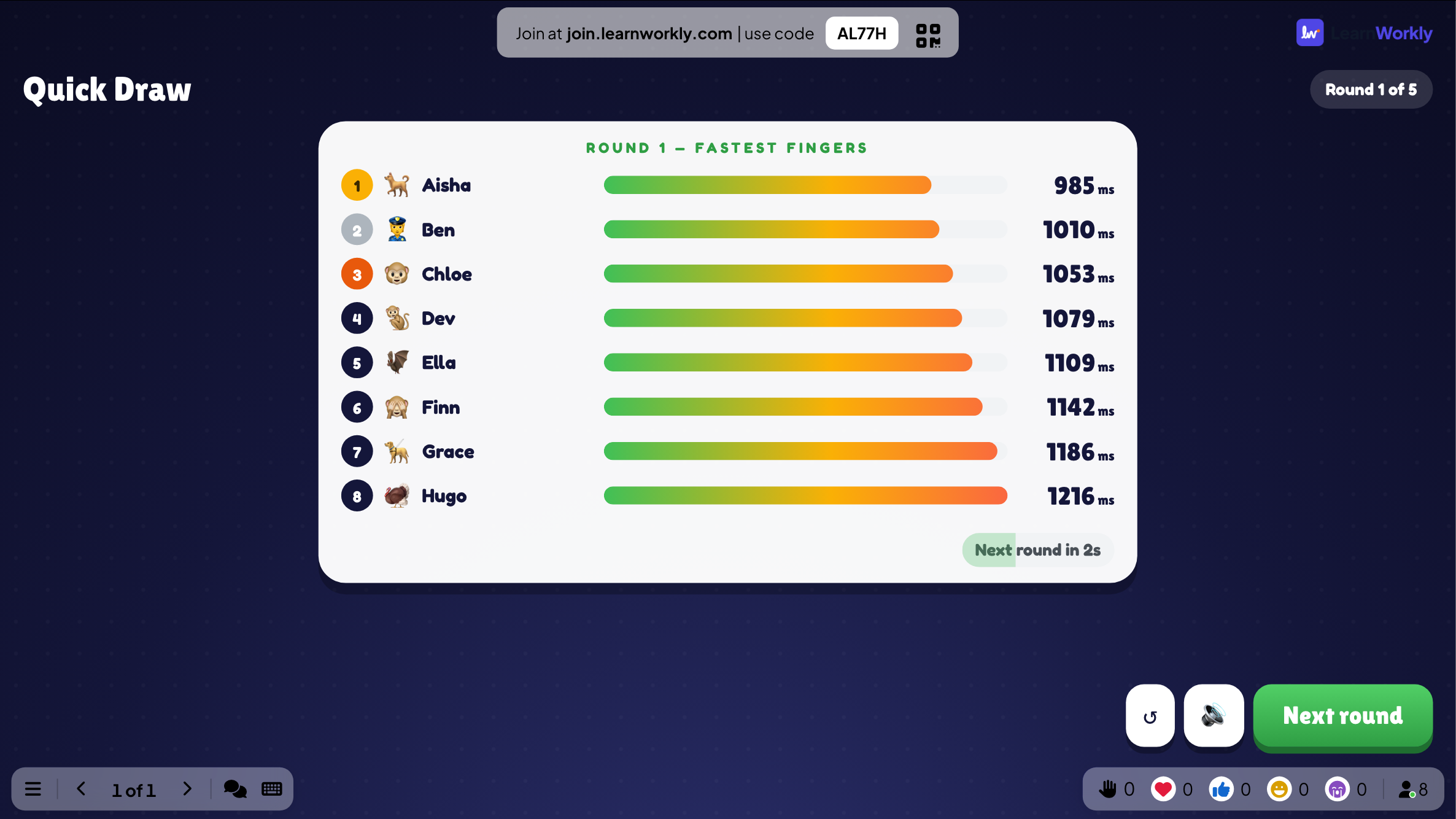
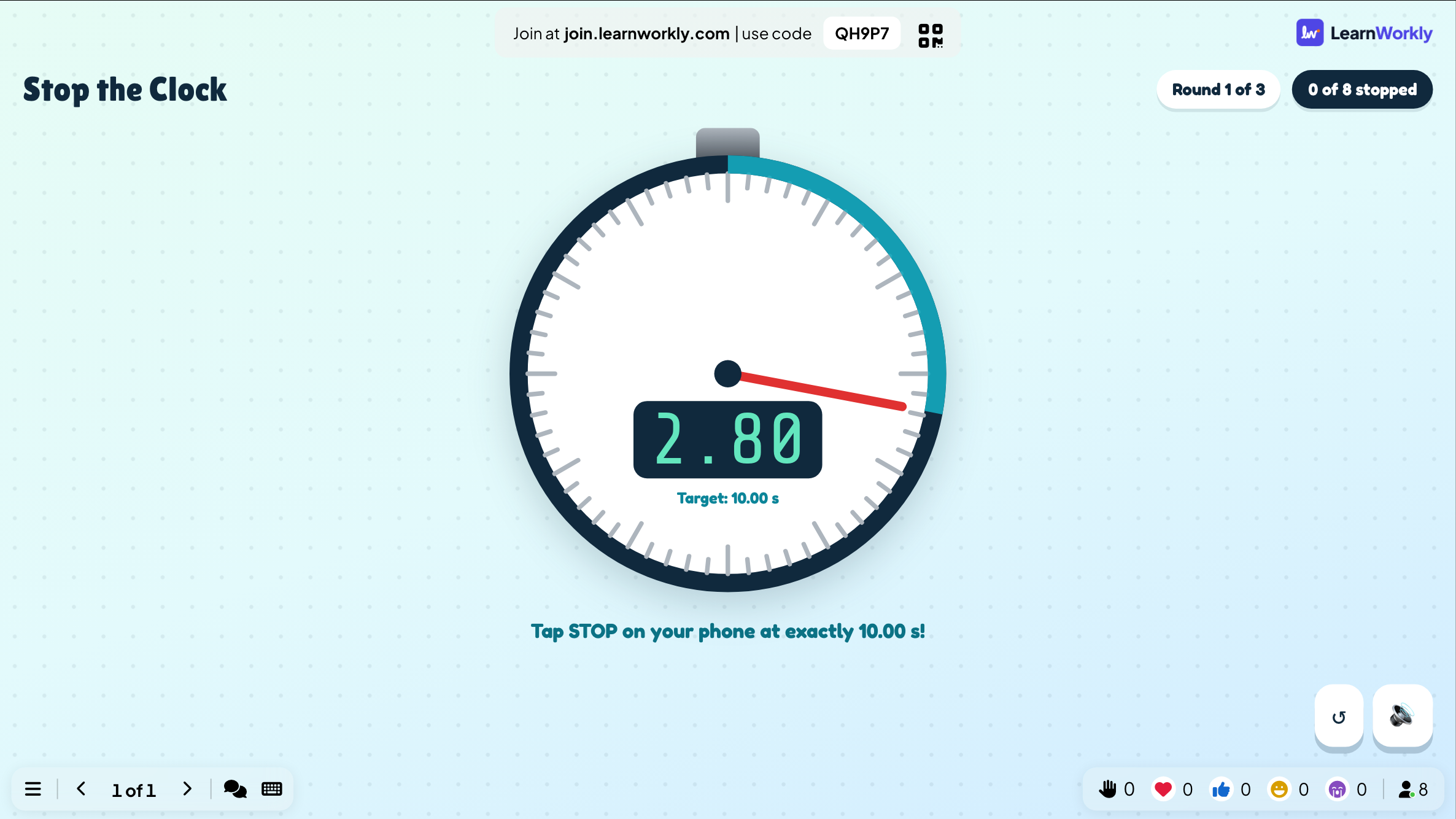
Quizzes with a leaderboard, party games and quick questions. People join on their phones with a code, and the big screen shows everyone at once.
Games
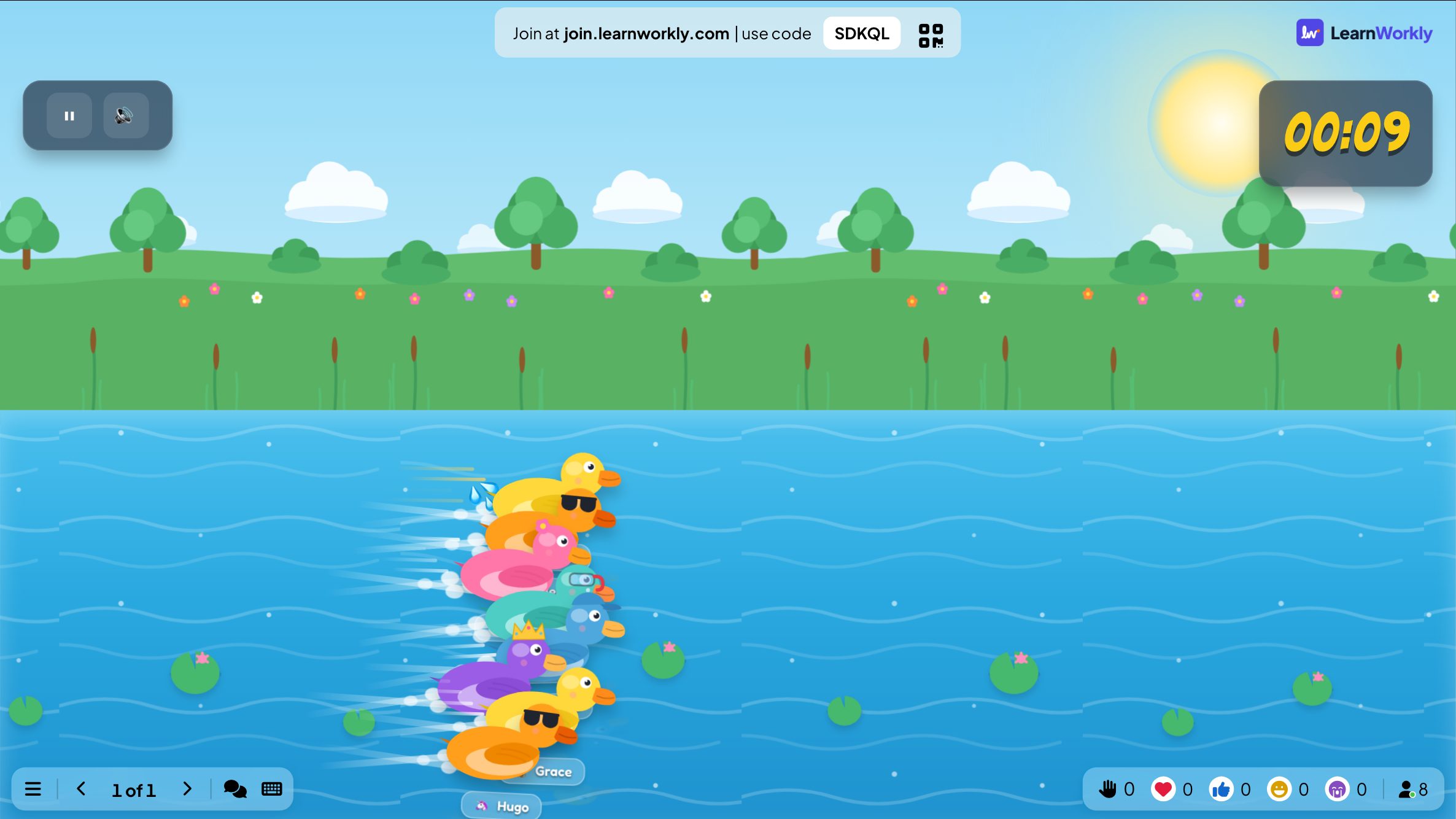
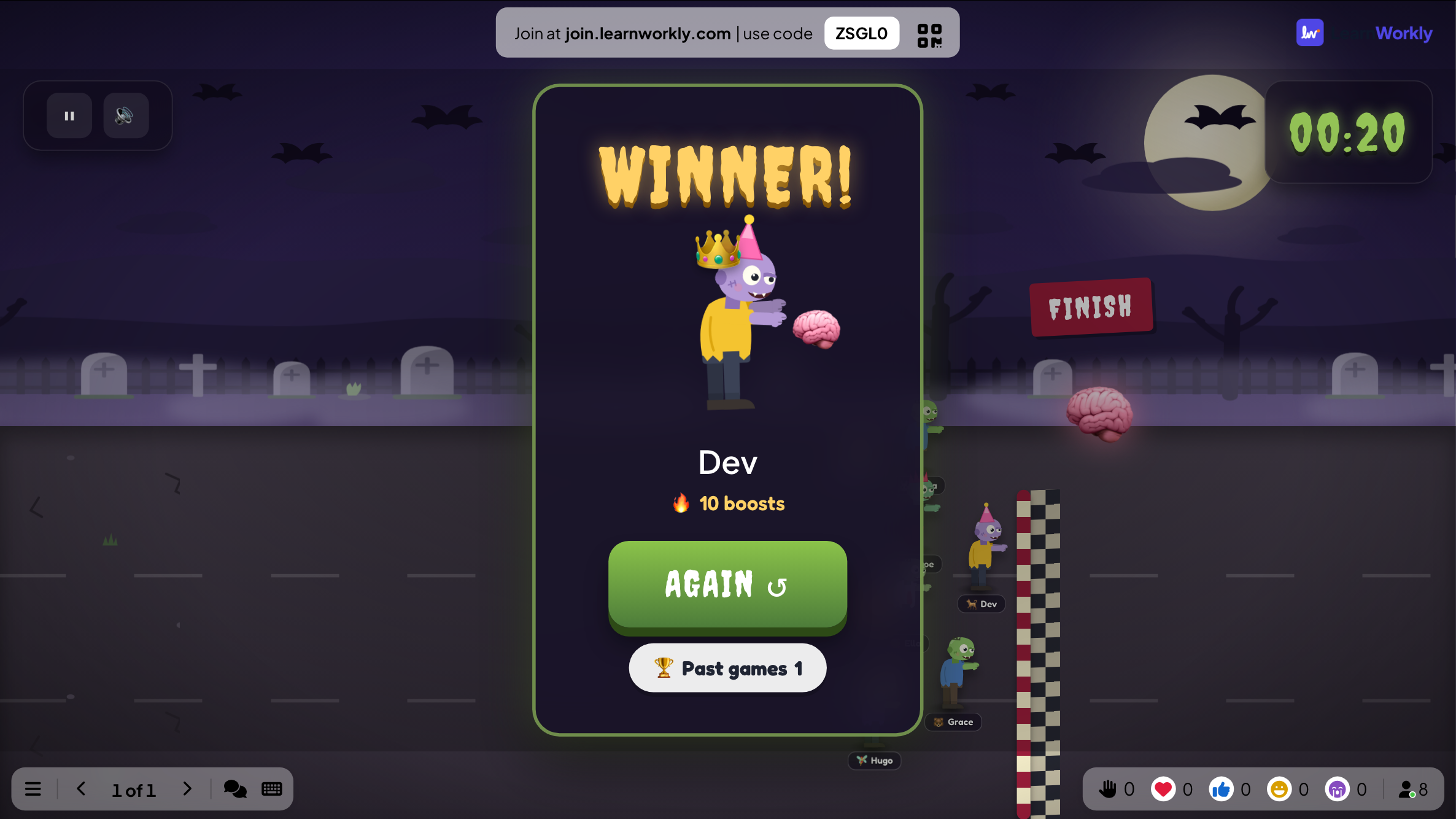
Live games everyone plays on their phone while the action happens on the big screen.
18 activities
Scenario
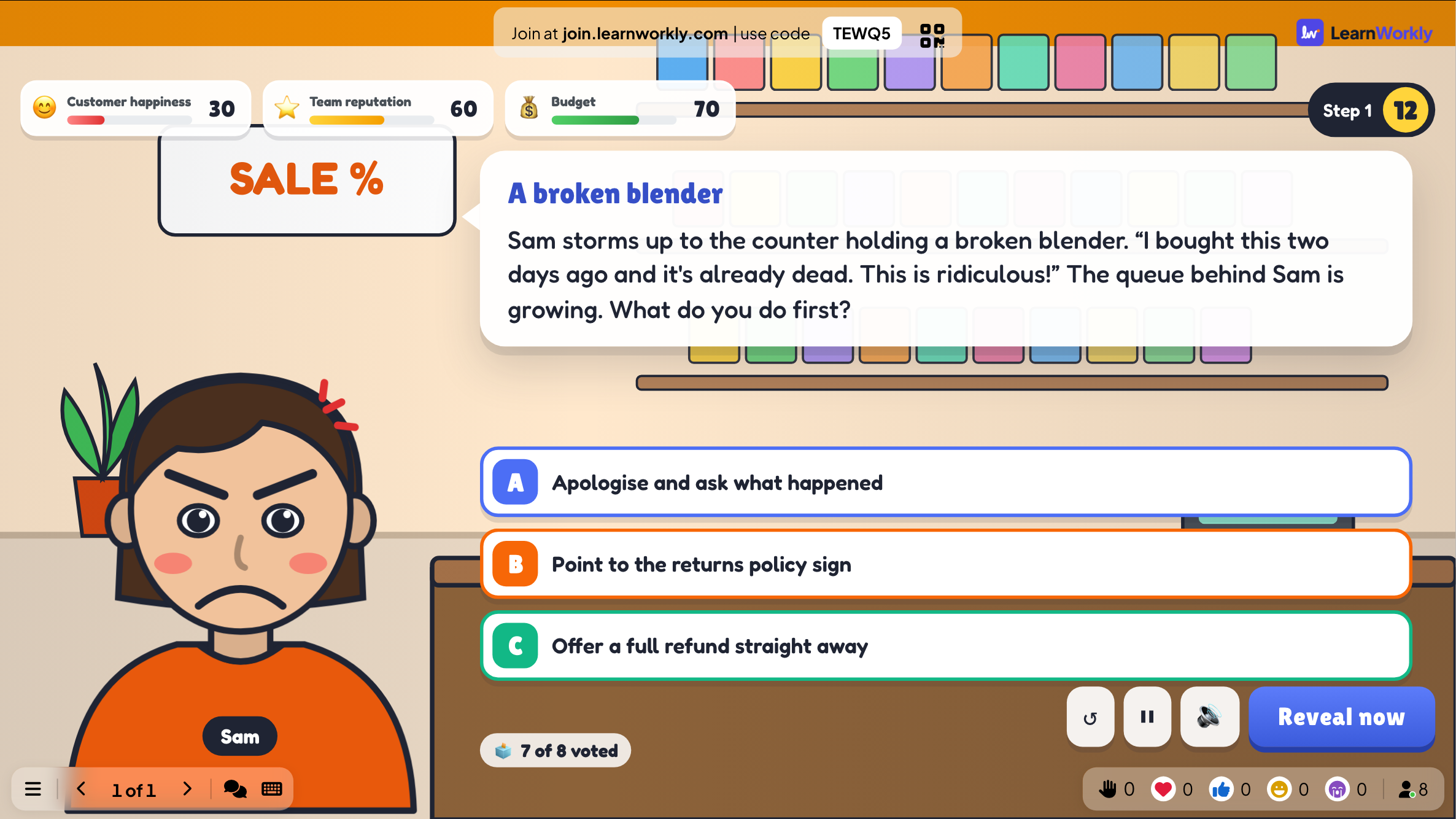
A branching story: the room votes on what to do, and every choice changes what happens next.
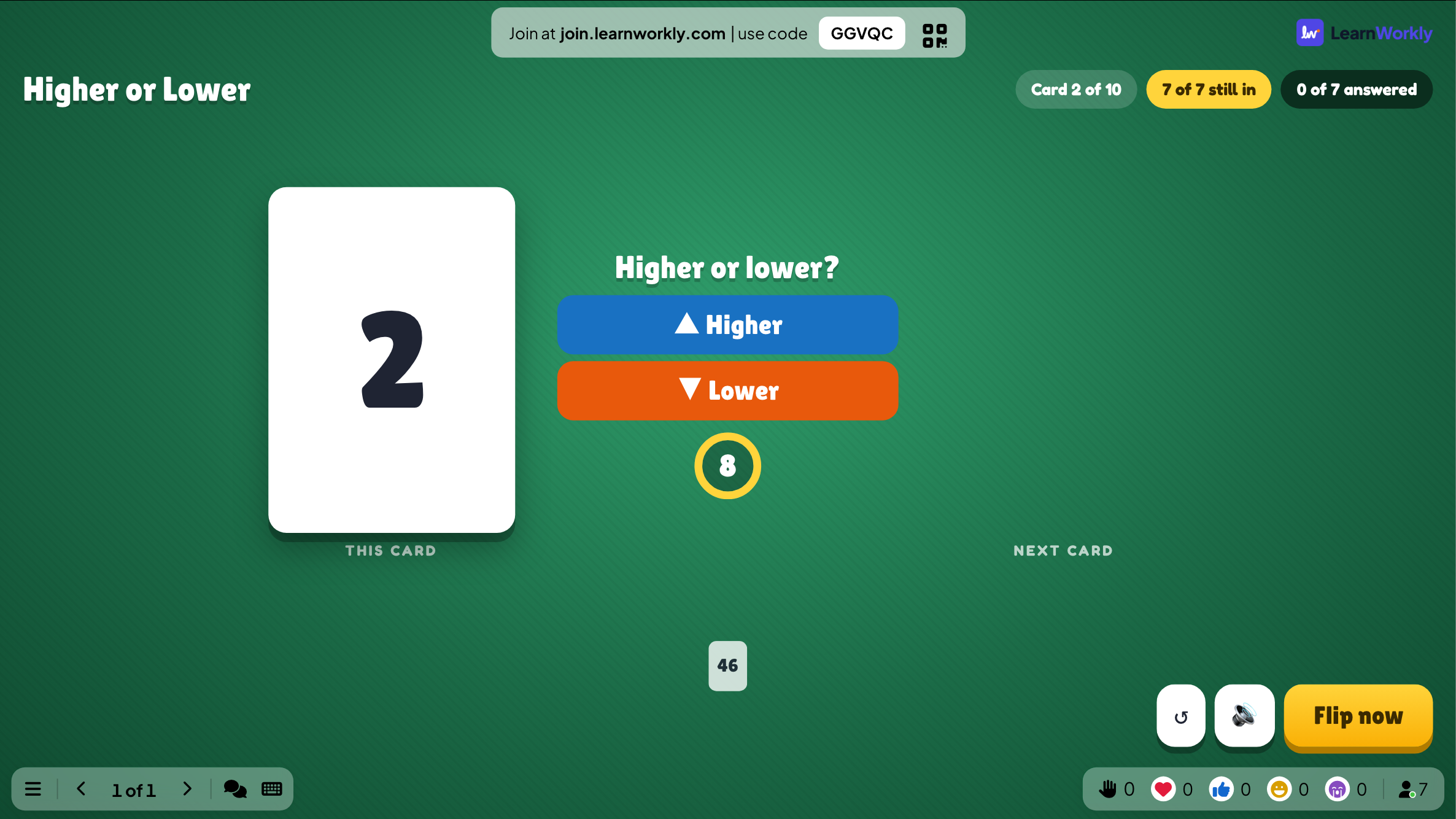
Higher or Lower
Guess whether the next card is higher or lower and keep your streak alive.
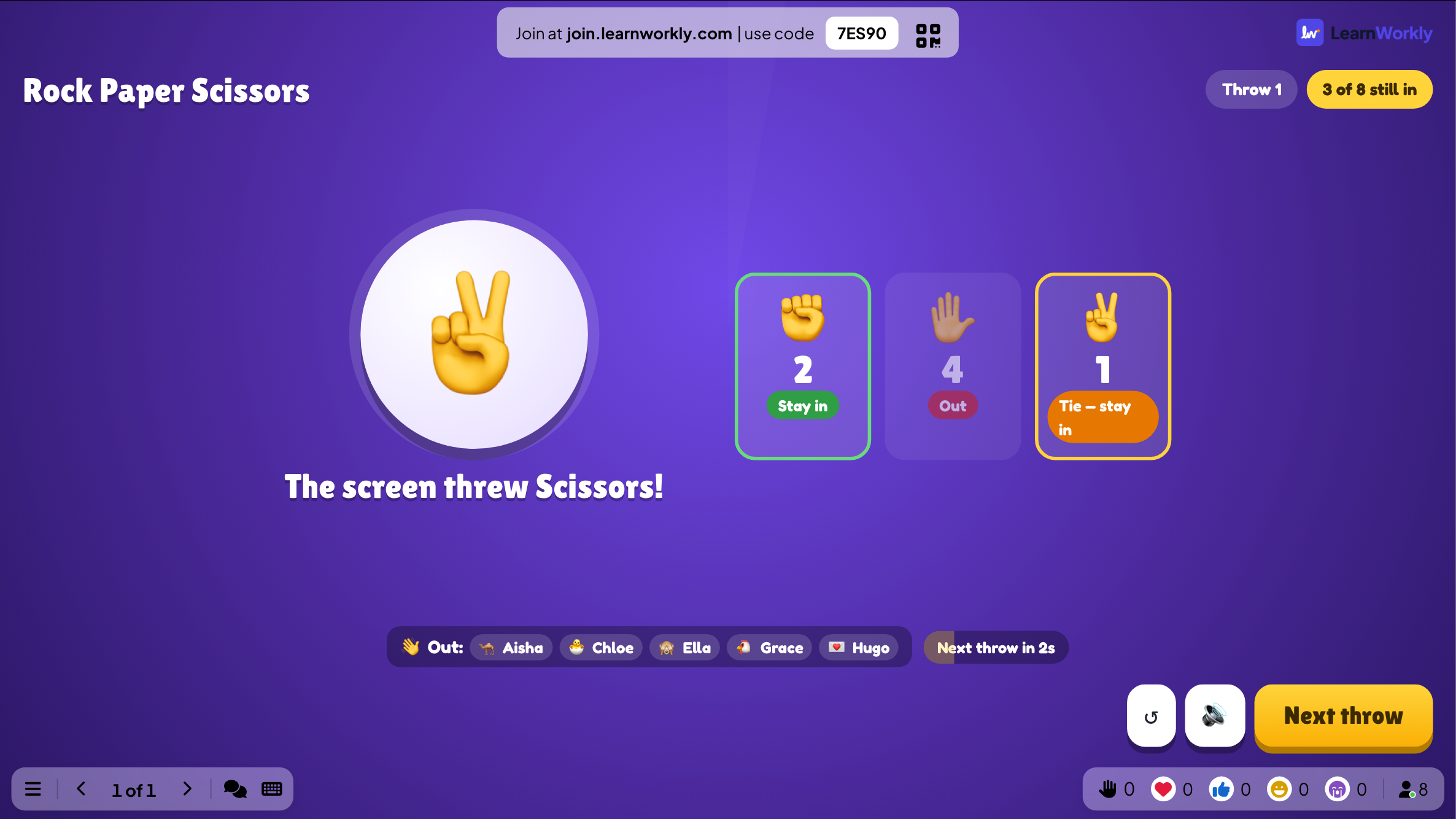
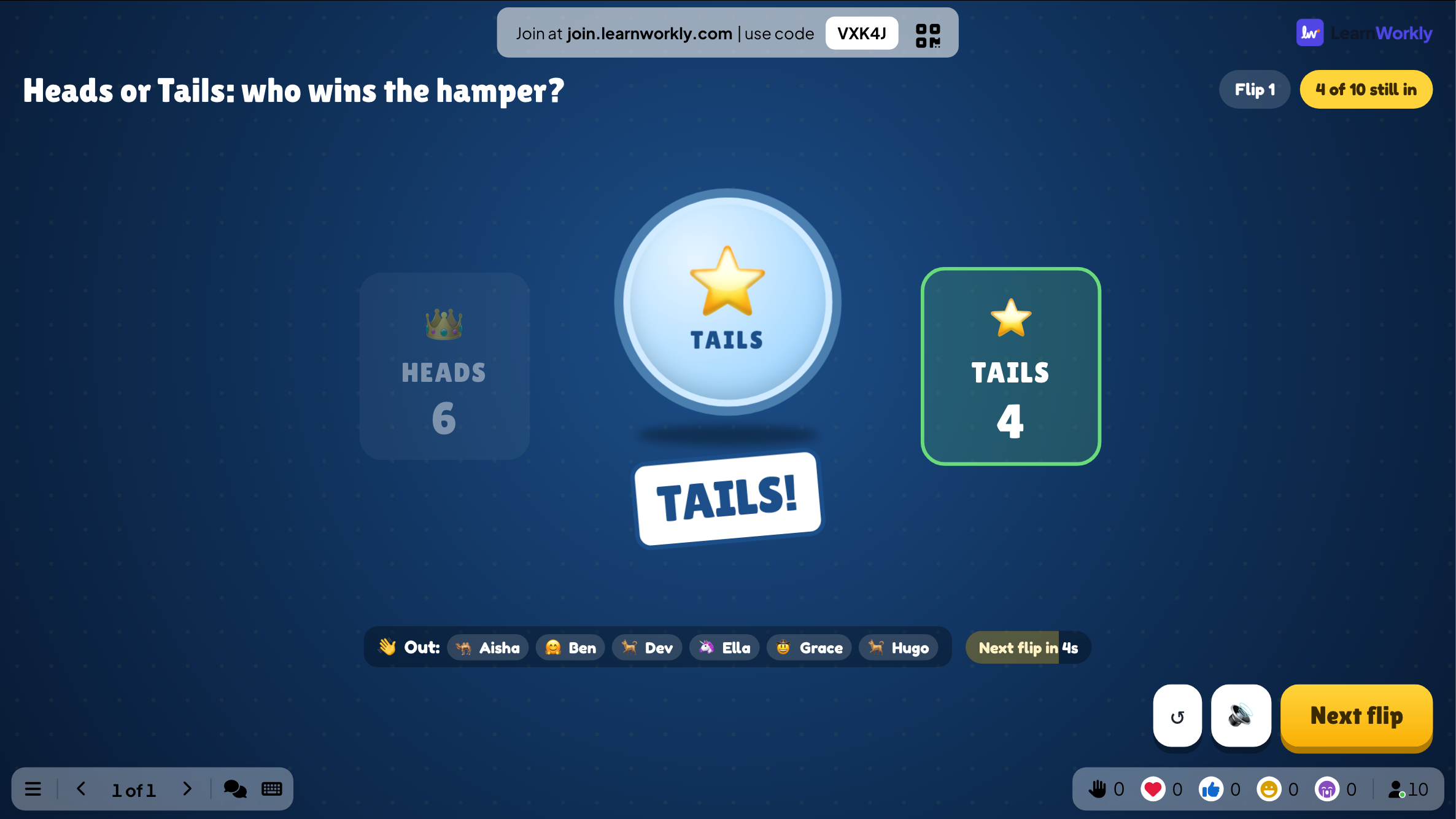
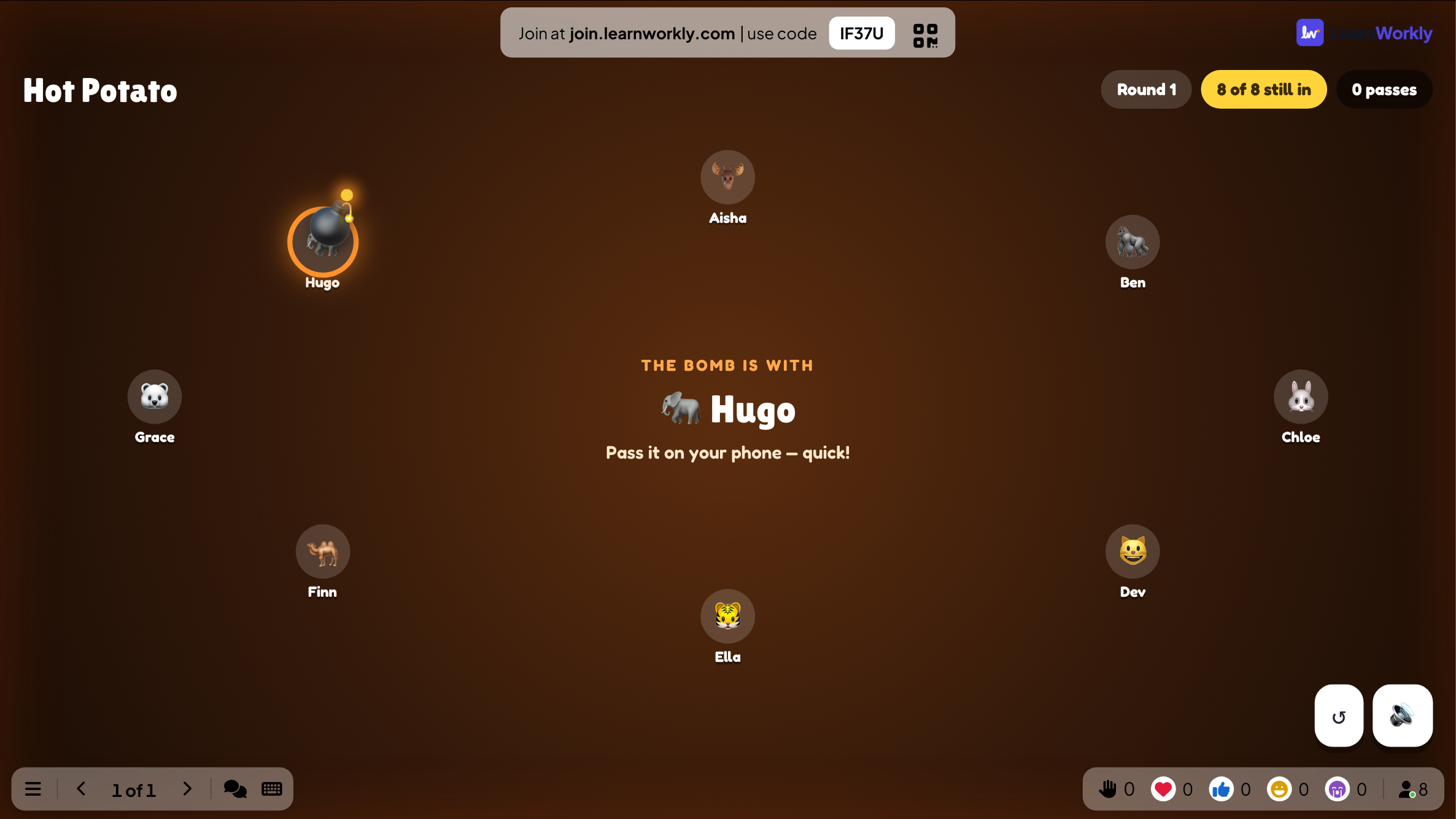
Lucky Draw
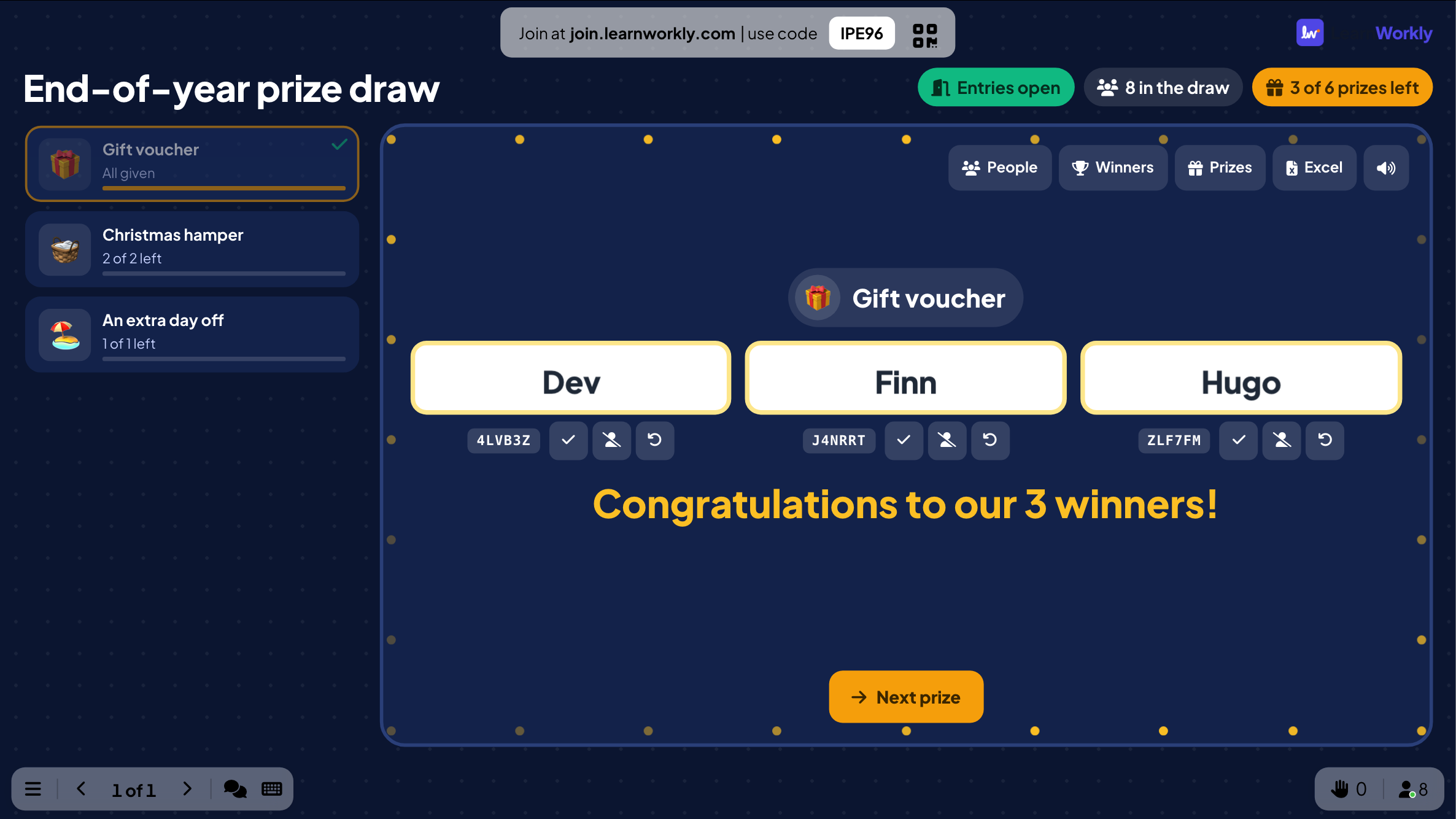
A prize draw: people join on their phone and the big screen draws the winners of each prize.
Quiz
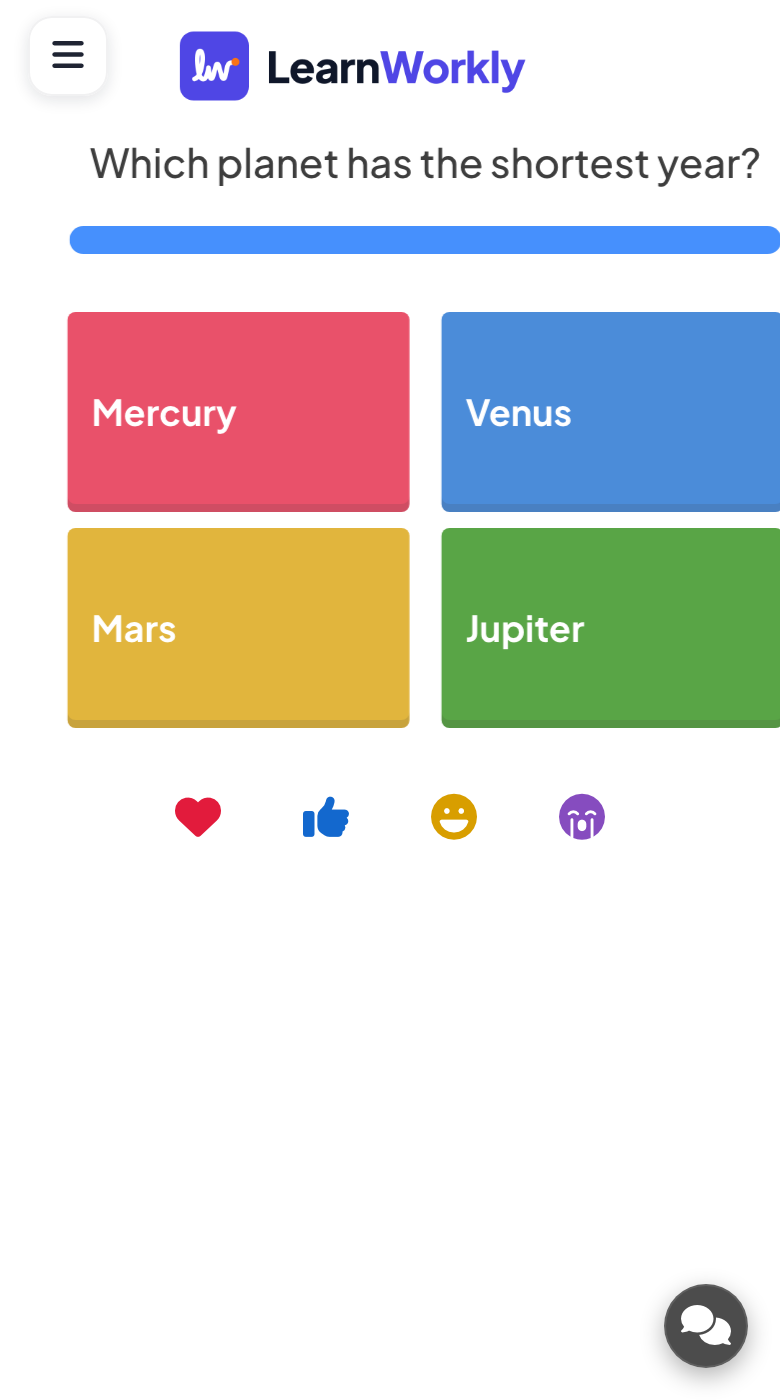
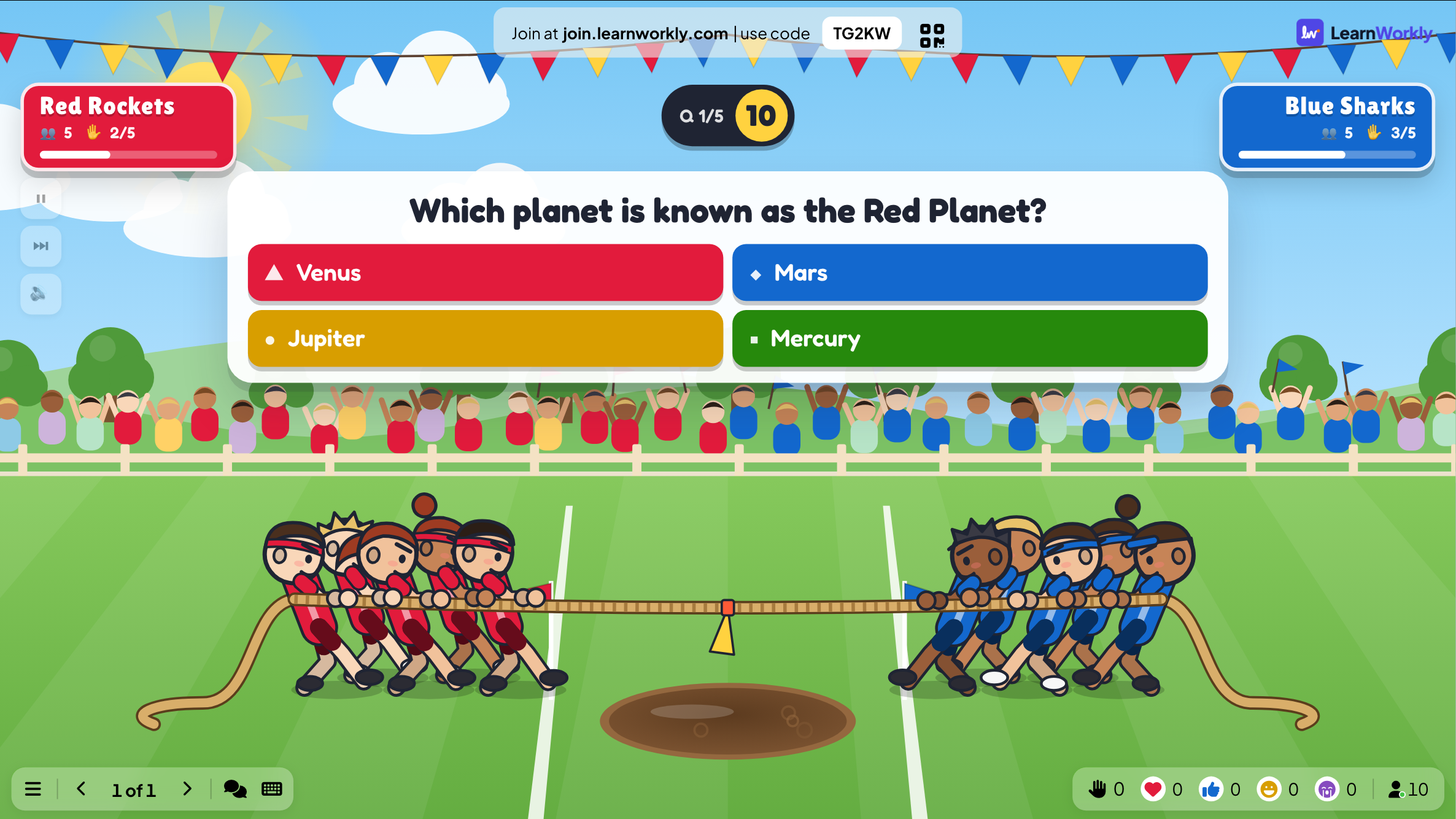
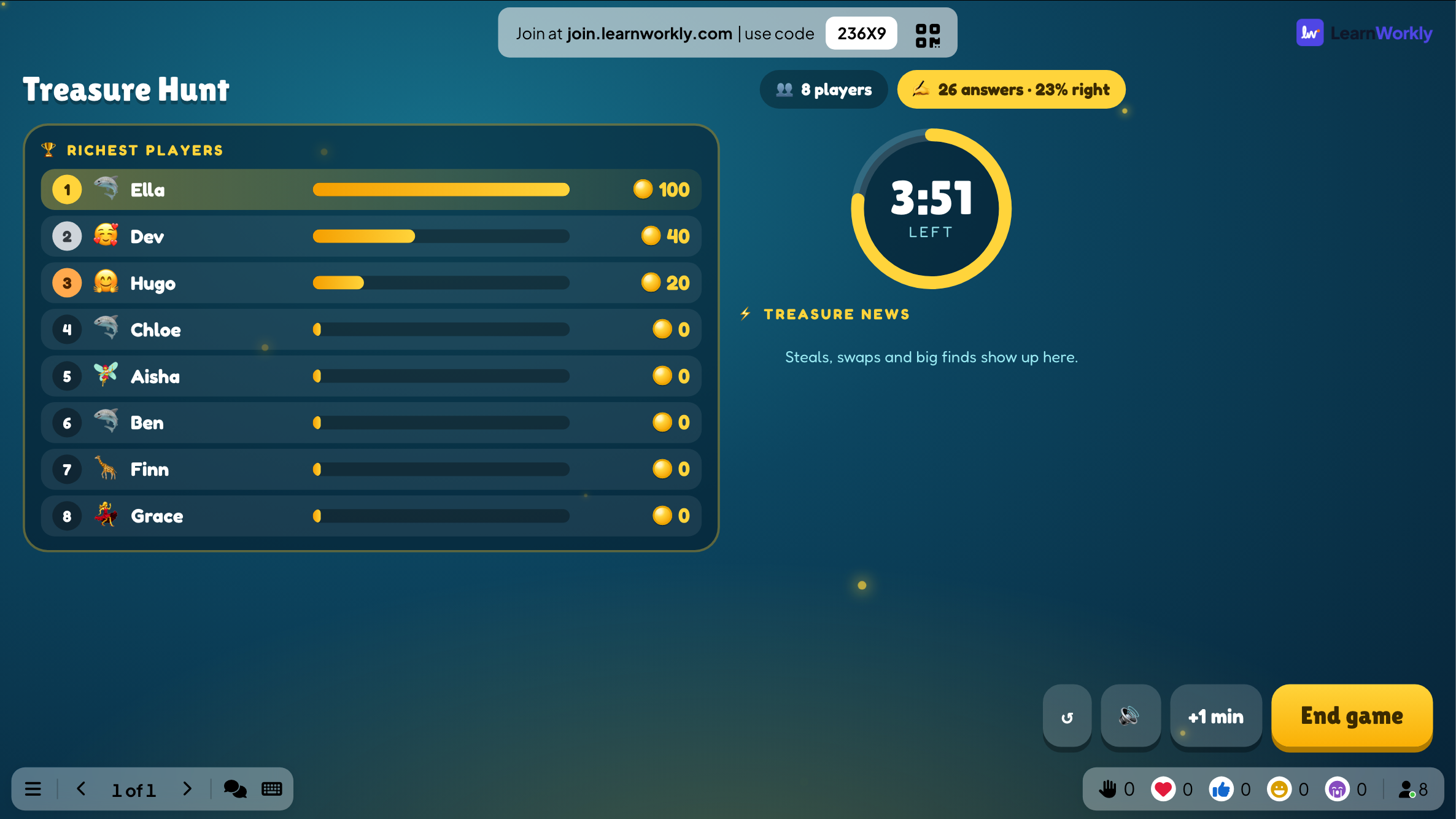
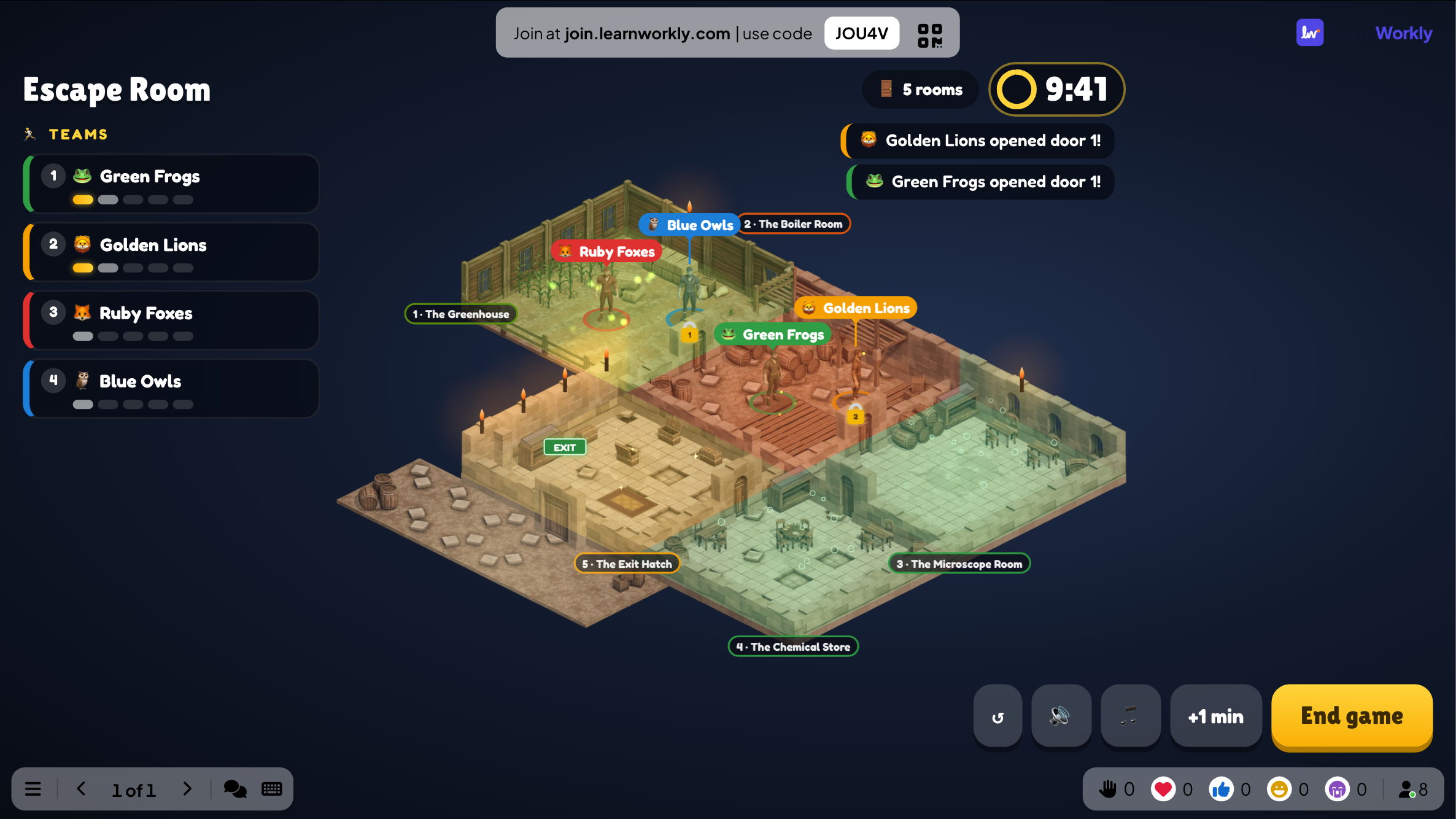
Questions with right answers, points for right and fast answers, and a leaderboard.
10 activities
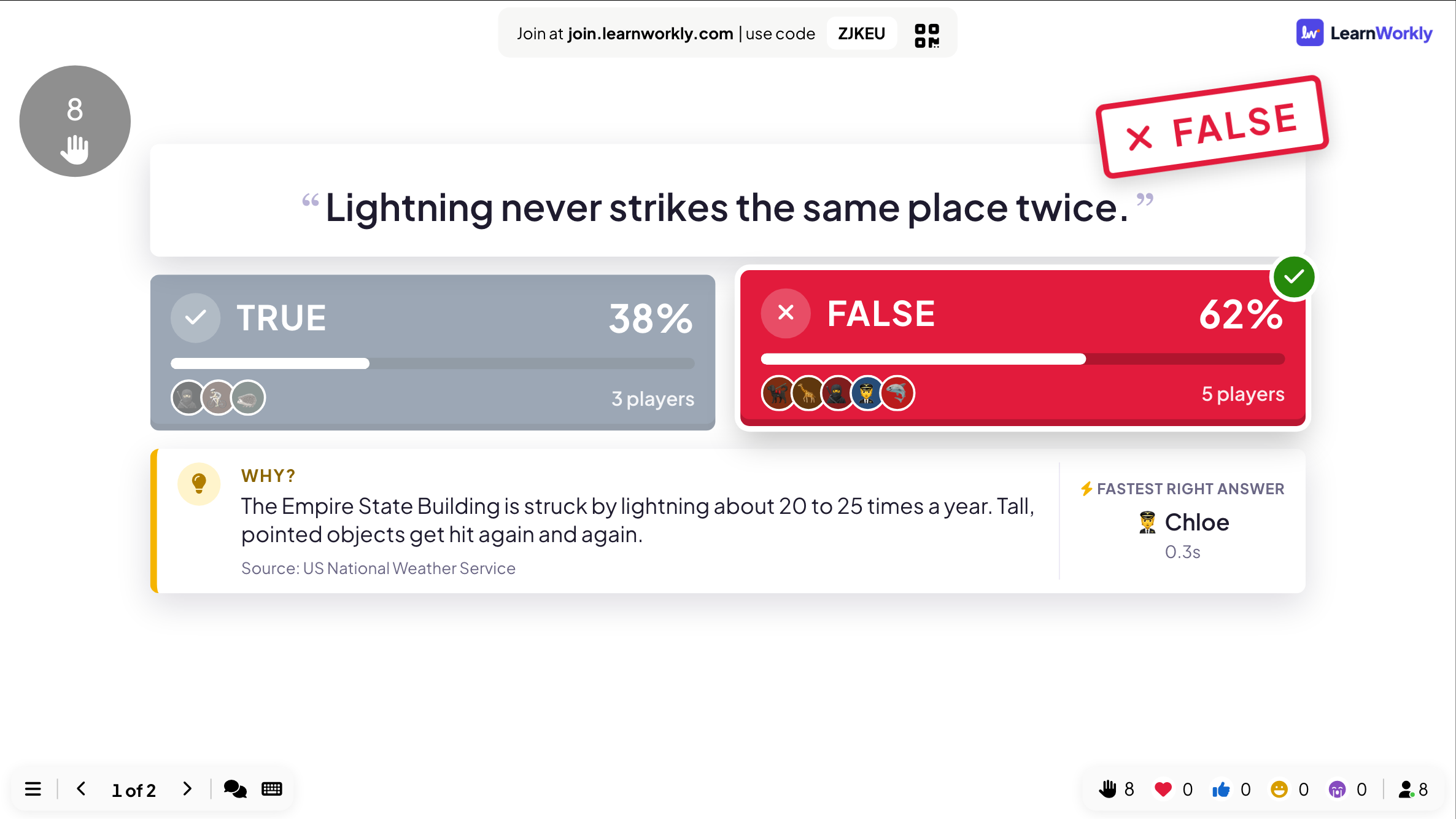
True or False
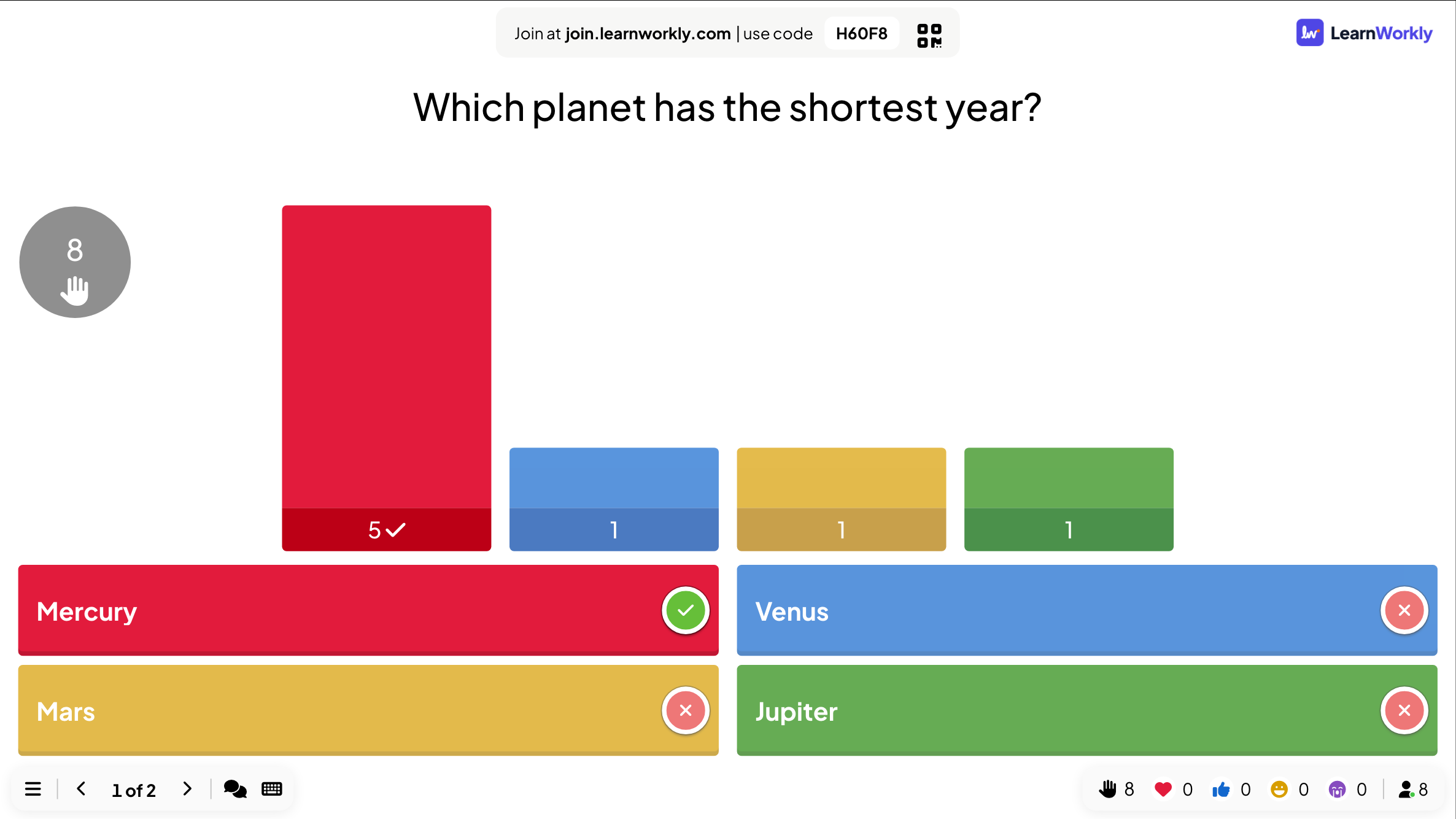
Players pick a side, then the answer is stamped on screen with the reason why.
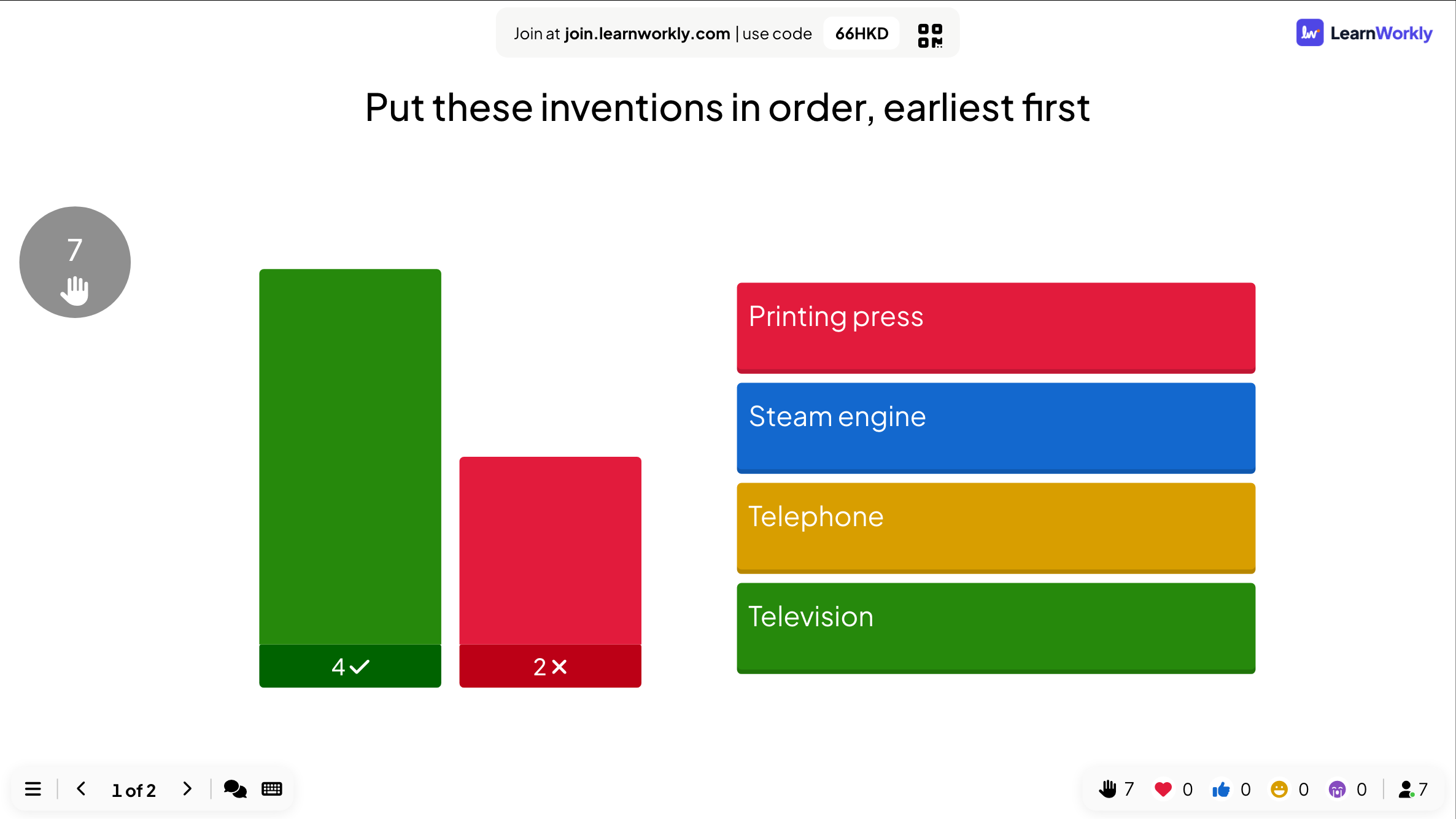
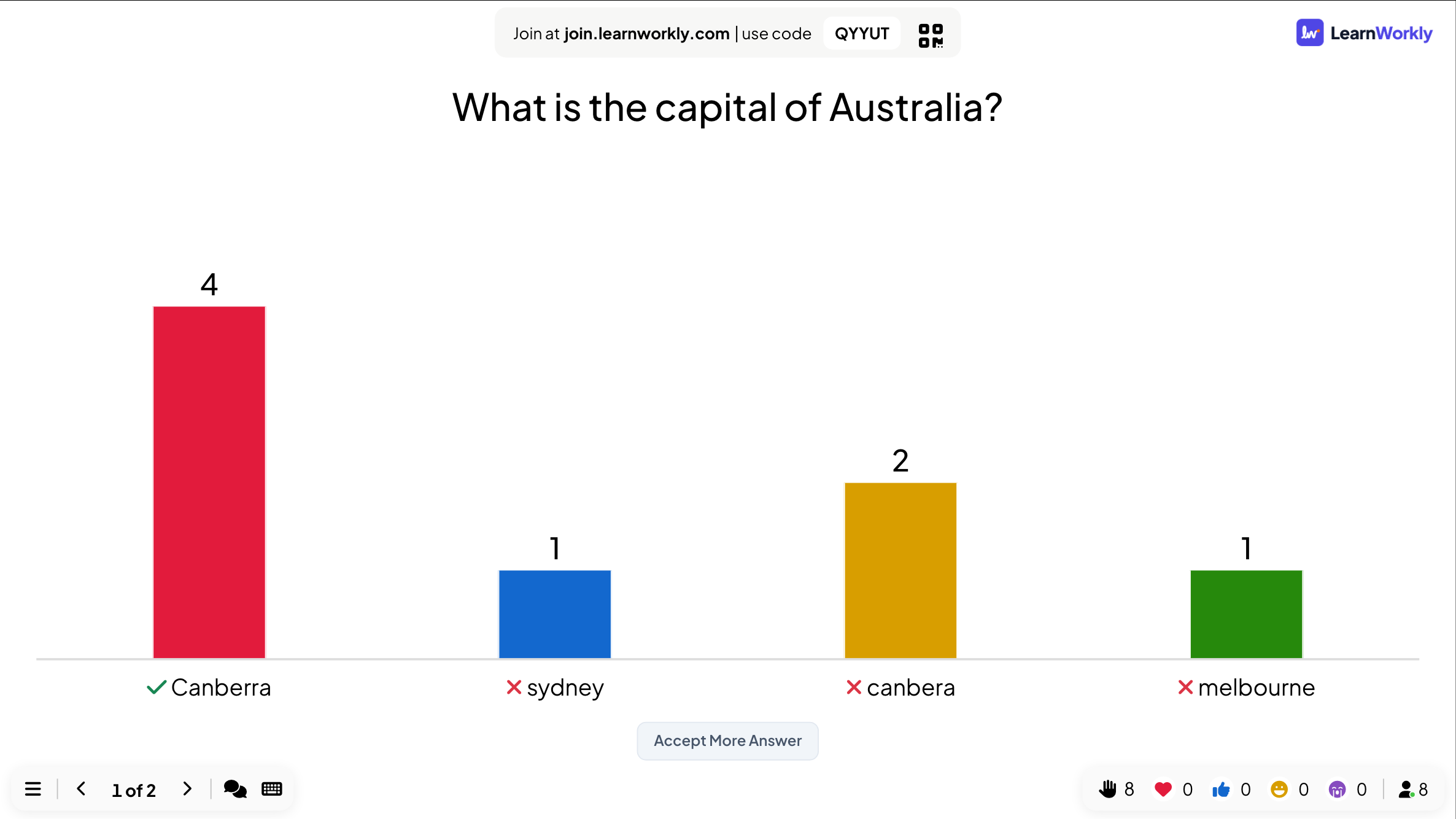
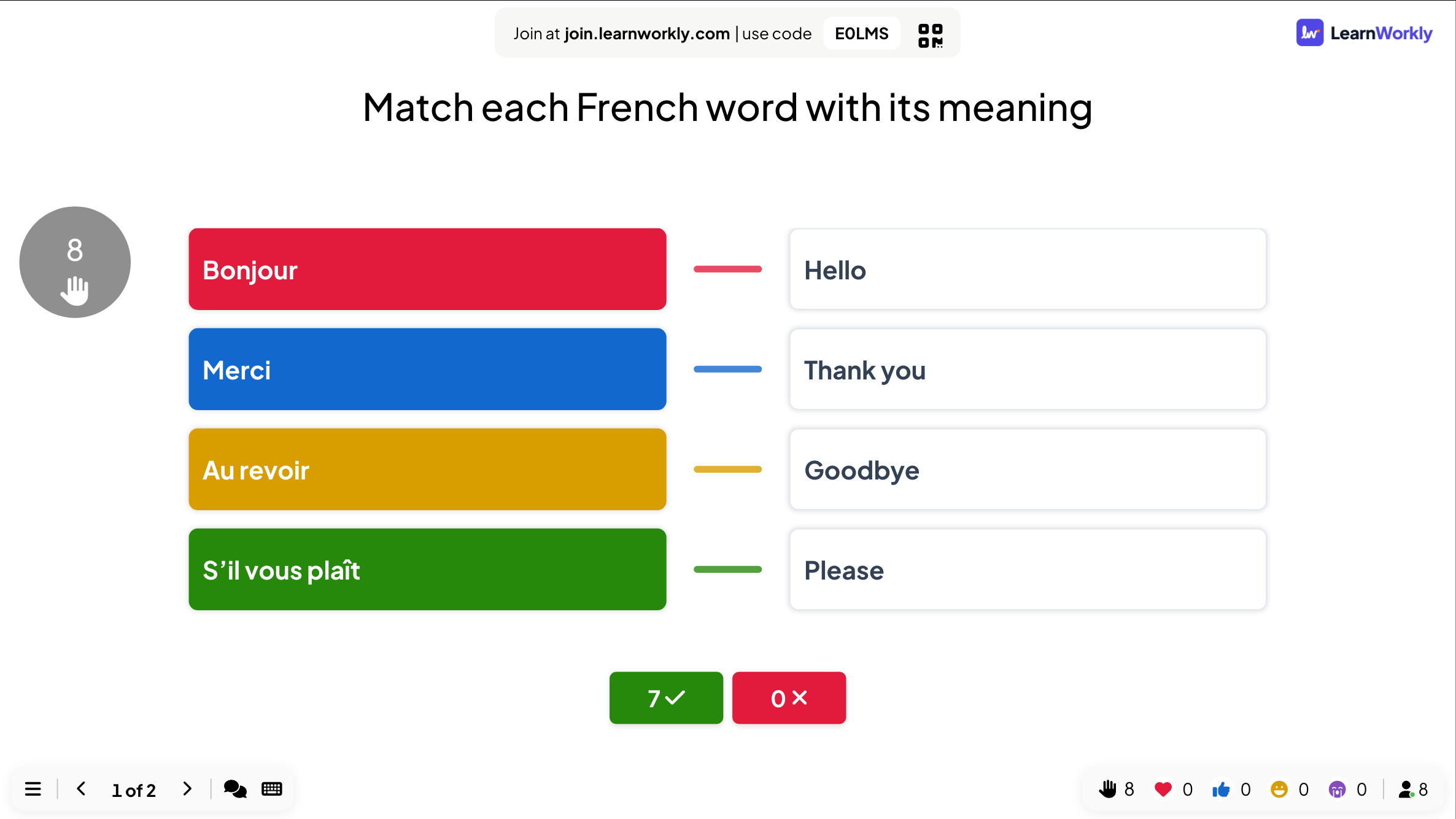
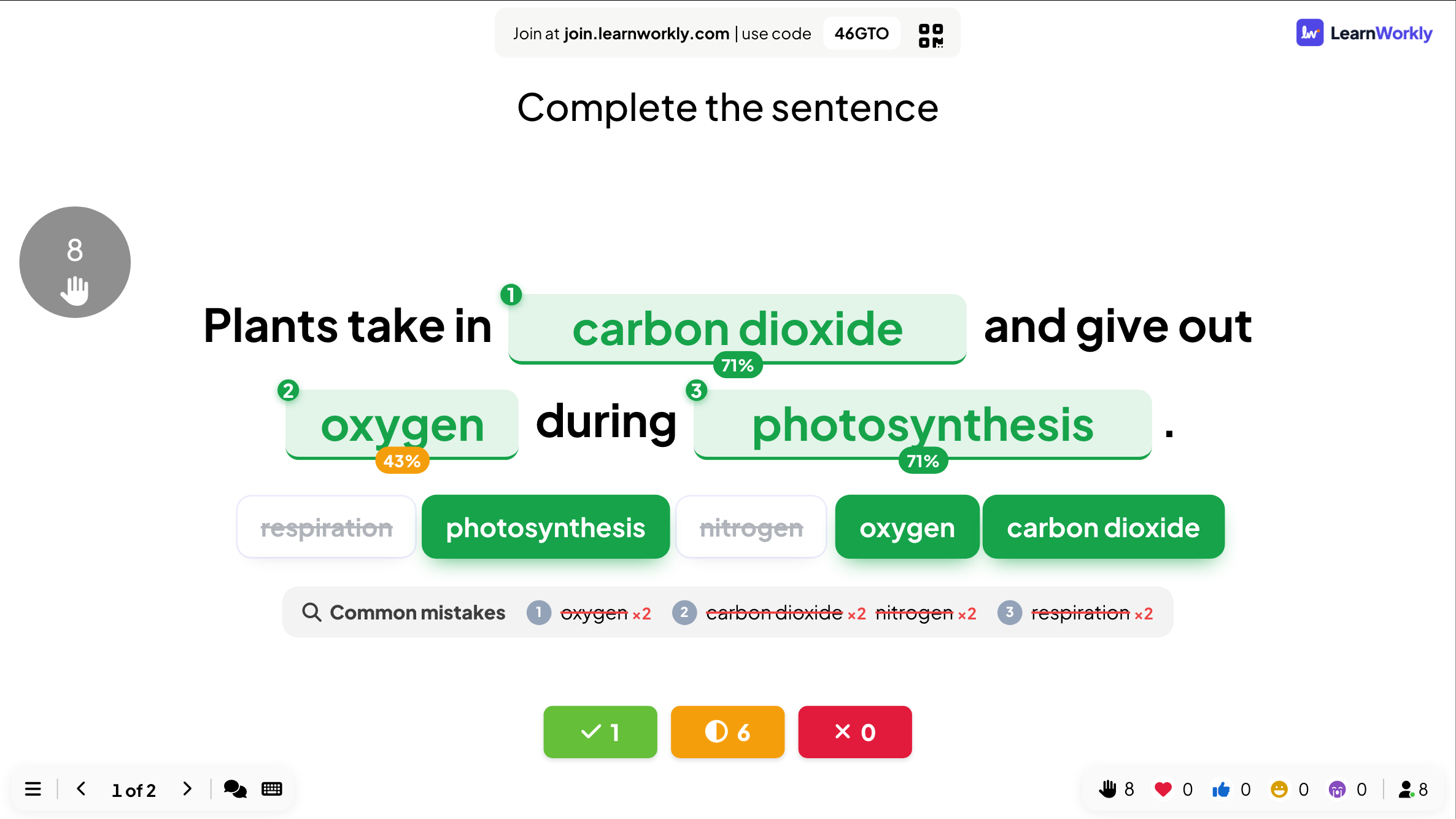
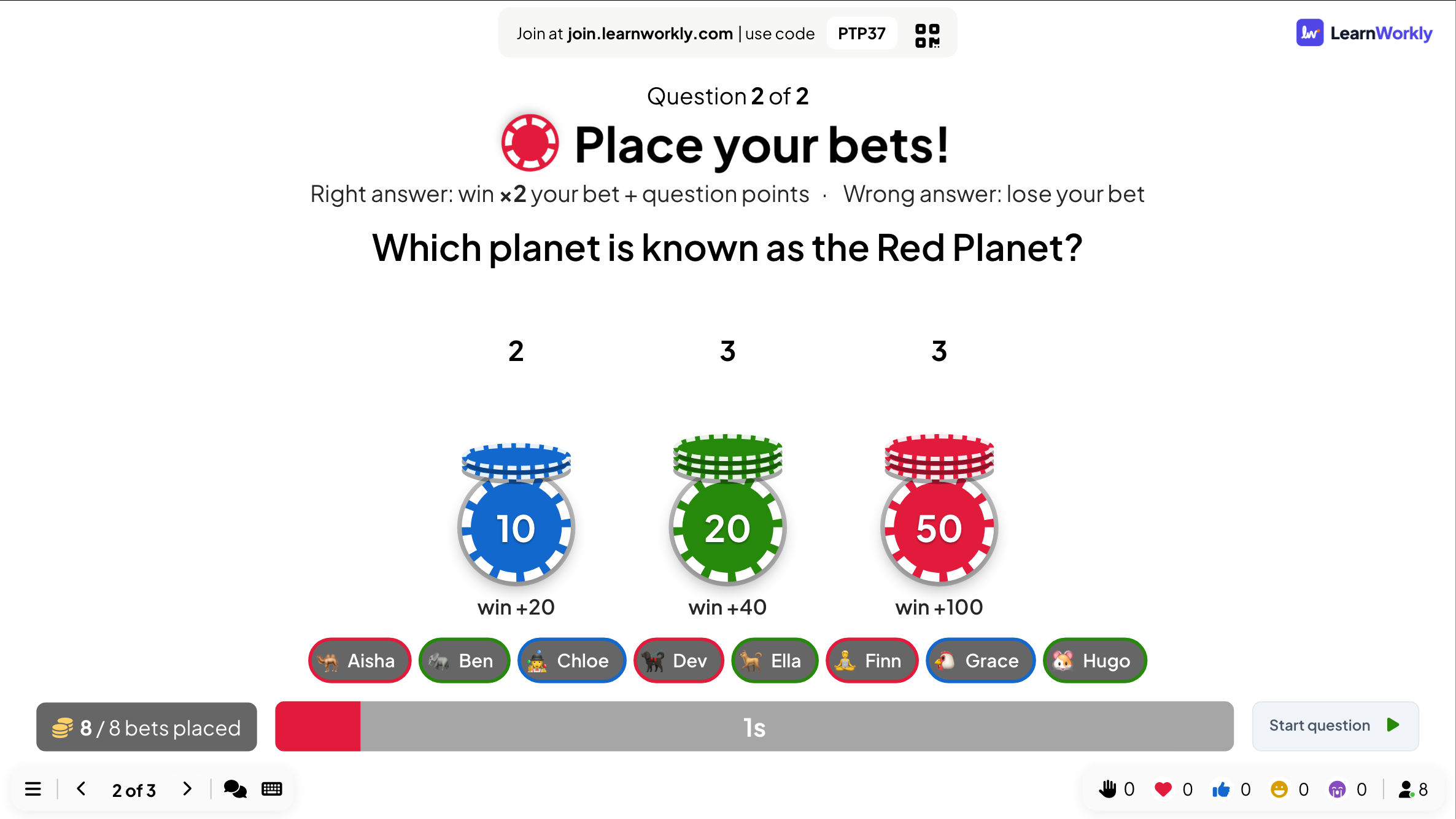
Bet / Wager
Bet points before the options appear: right doubles the bet, wrong loses it.
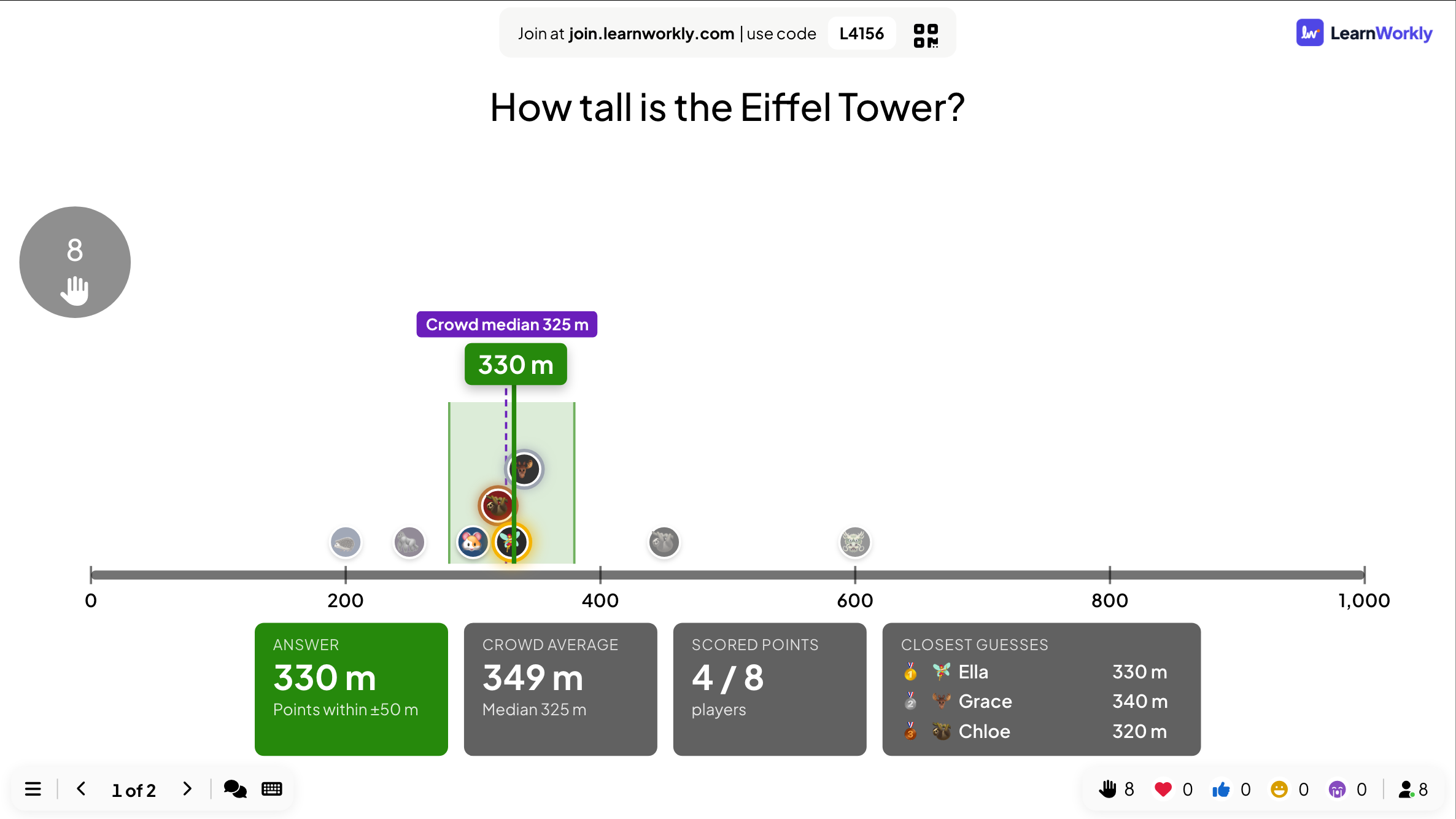
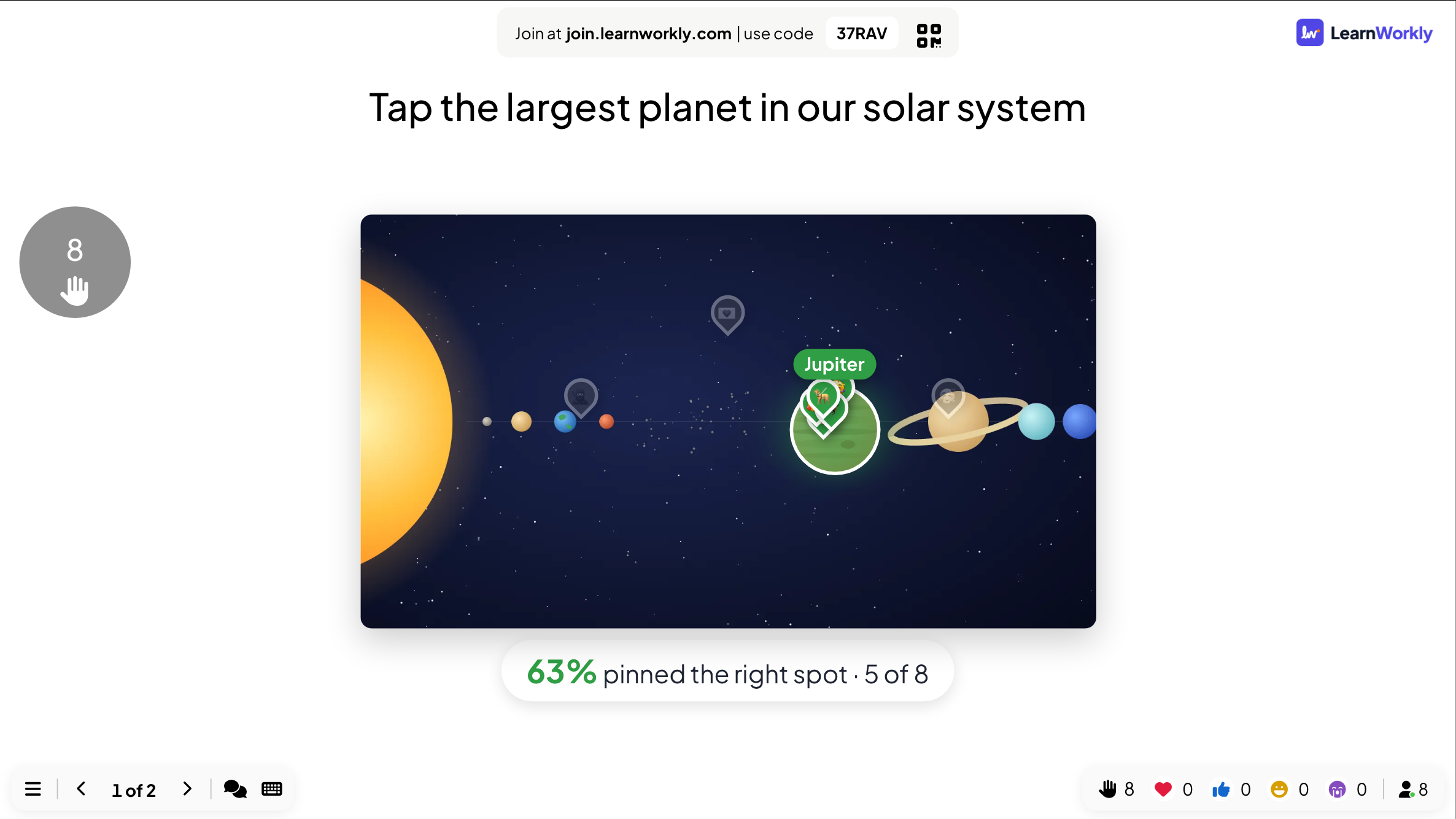
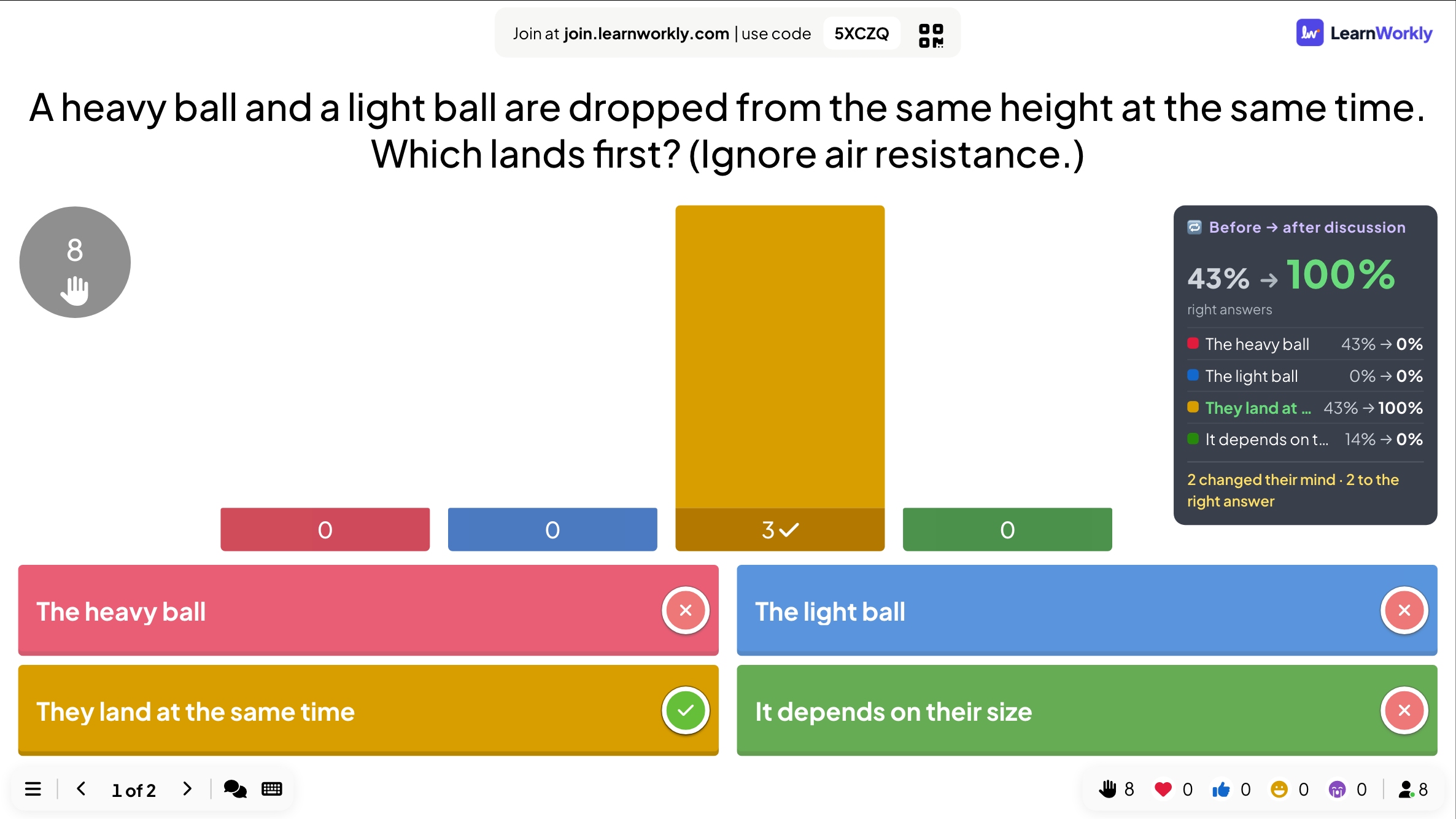
Vote · Discuss · Revote
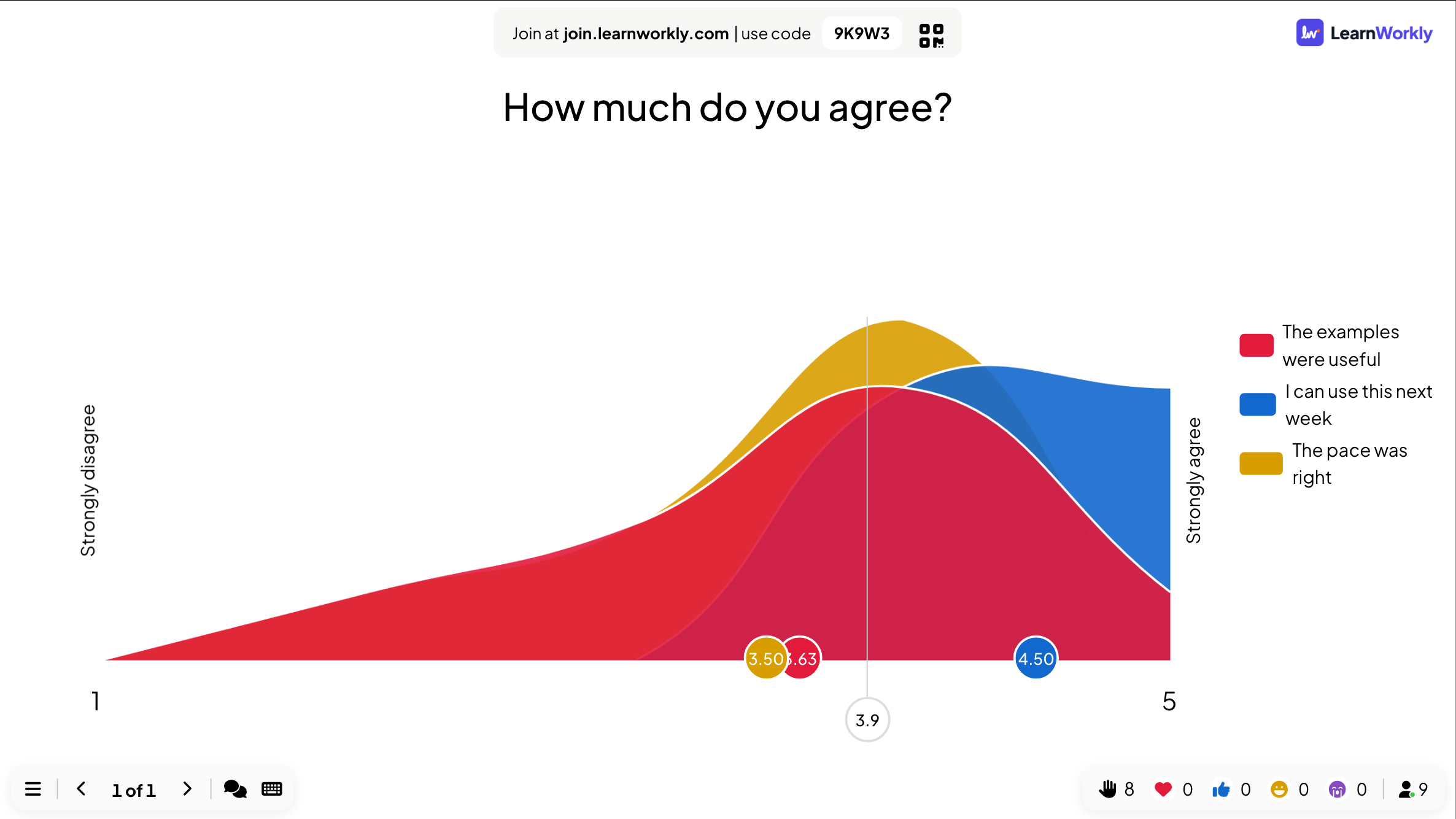
Vote alone, discuss with a neighbour, vote again, and see how the room changed its mind.
Interactive questions
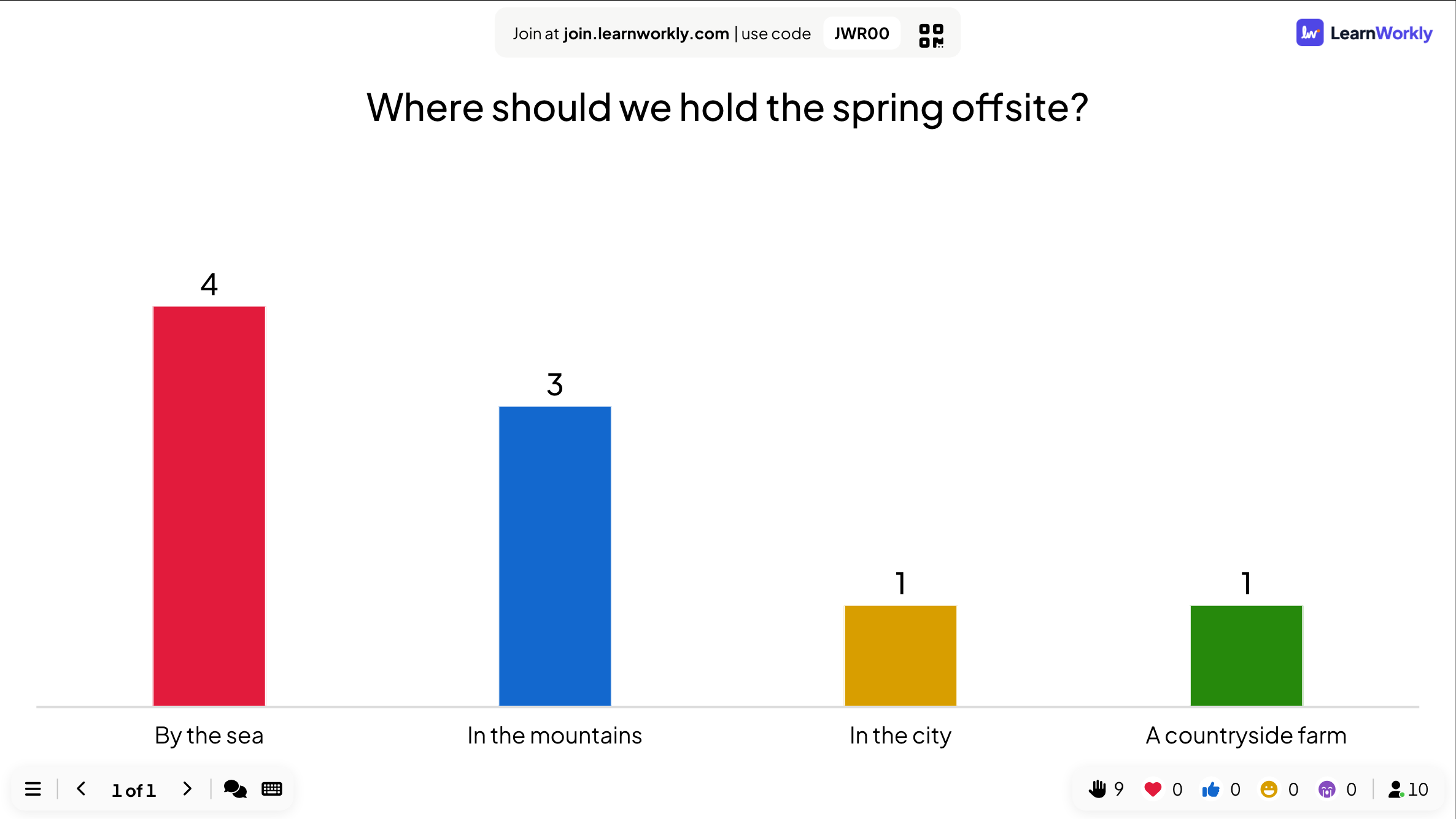
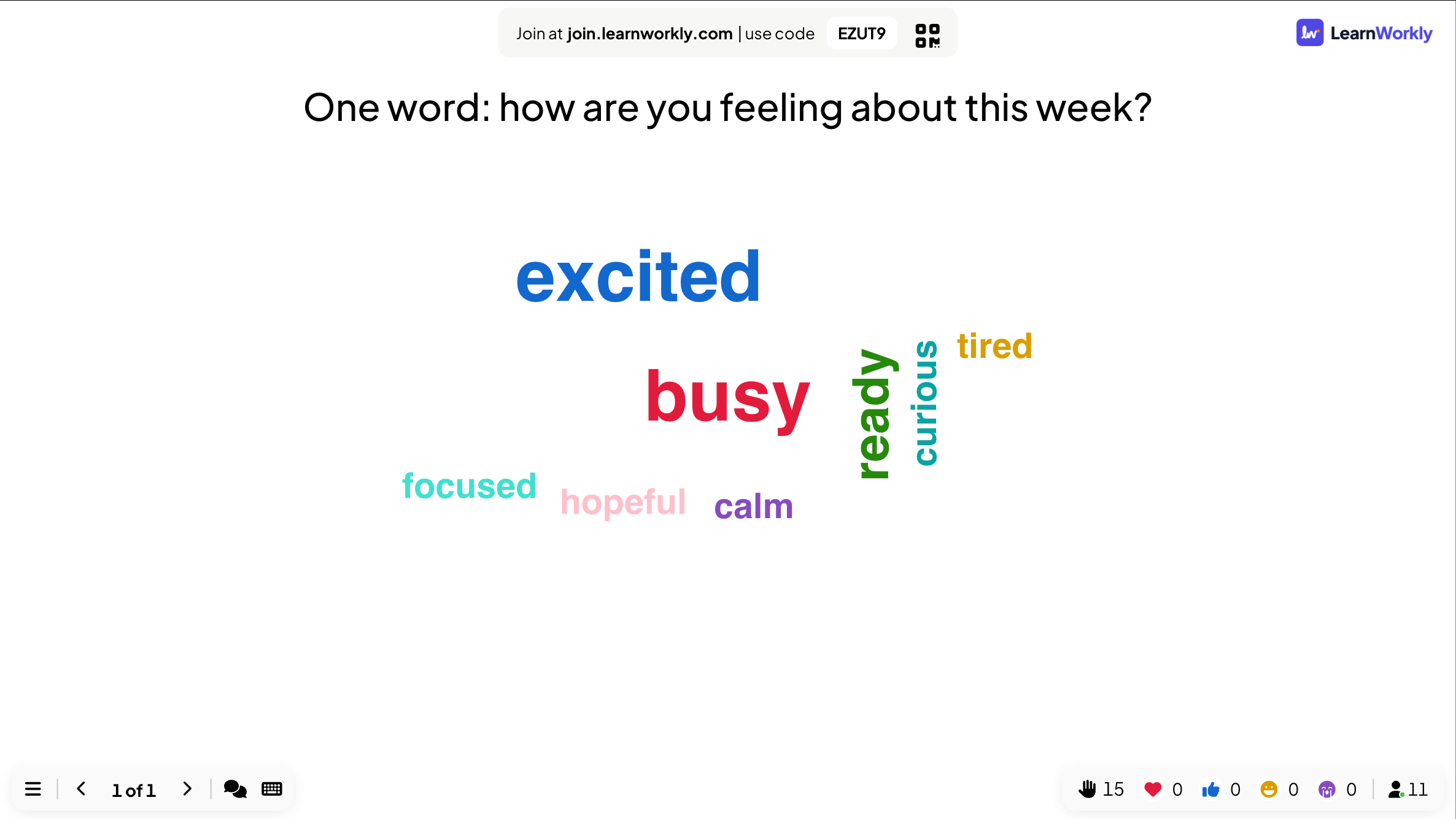
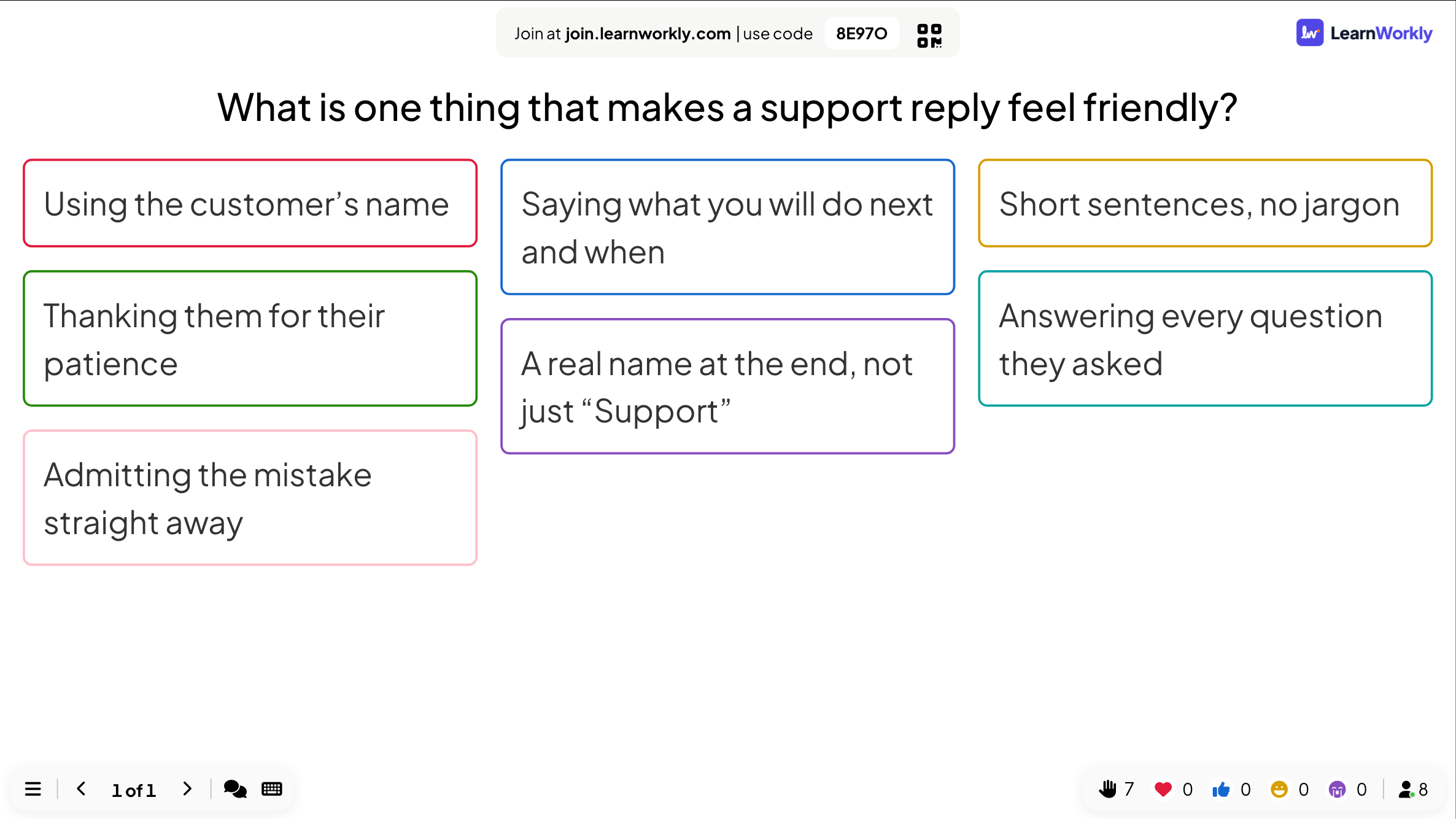
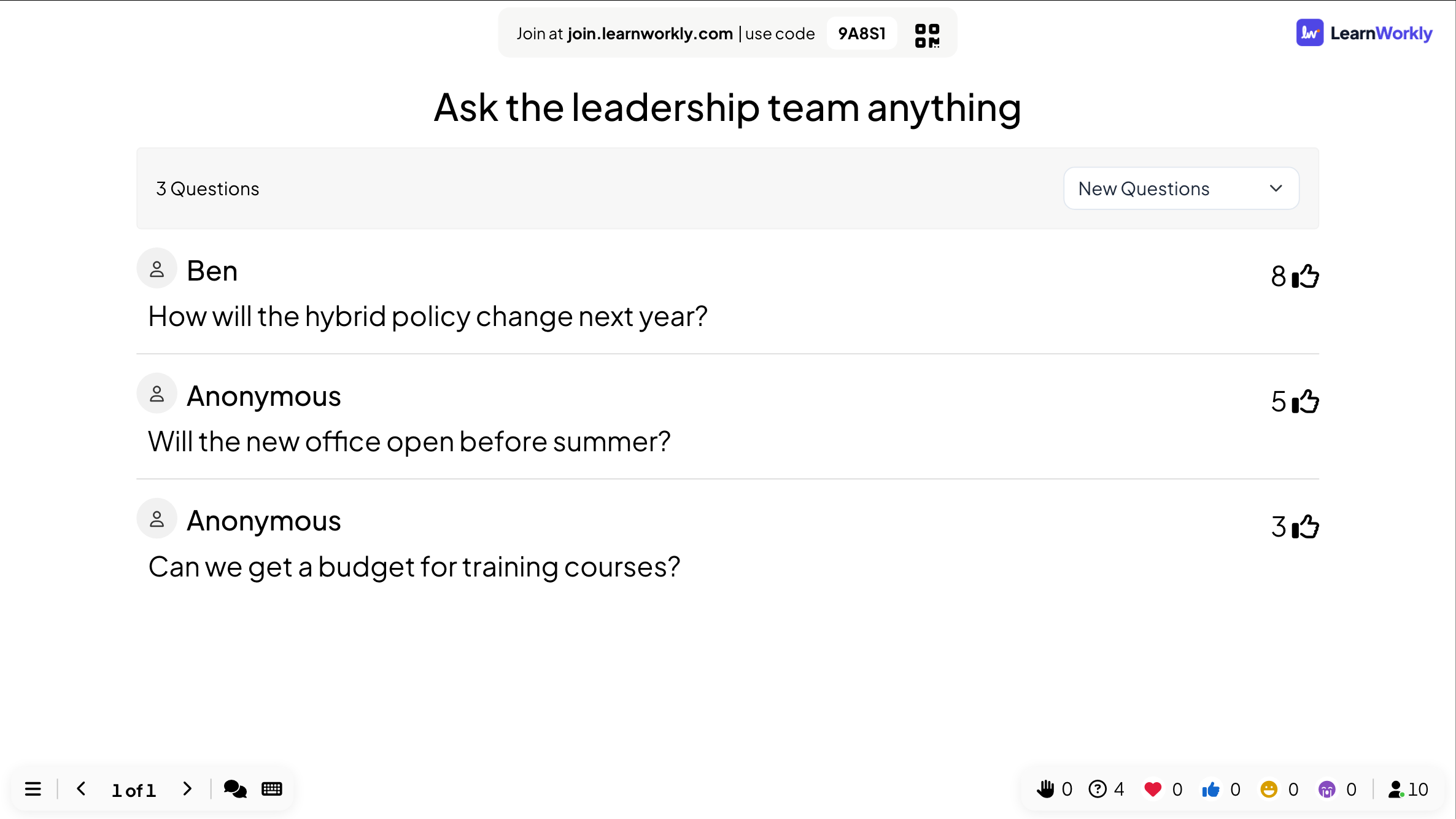
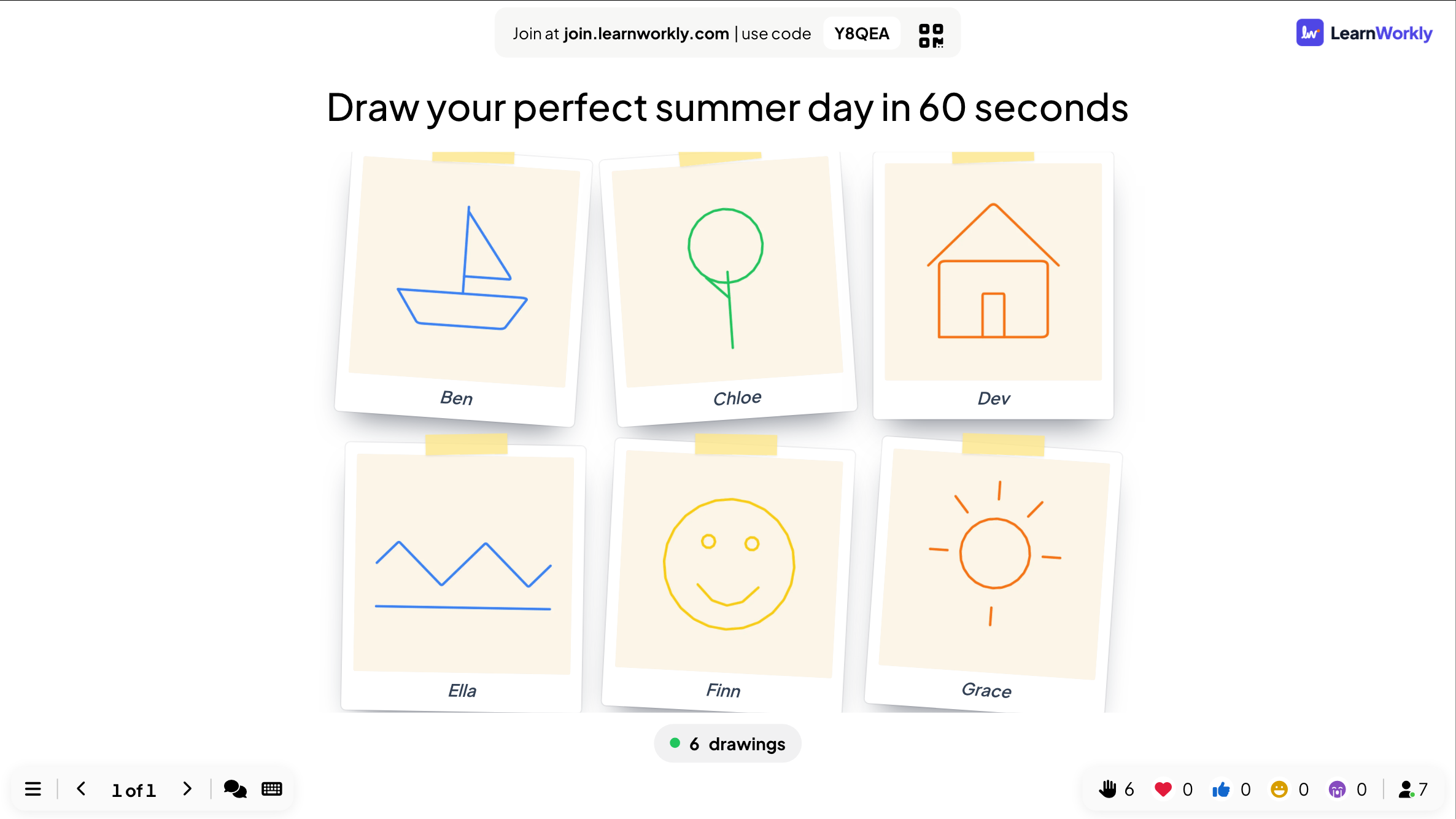
Opinions, ideas and questions from the whole room, shown live on the big screen.
15 activities
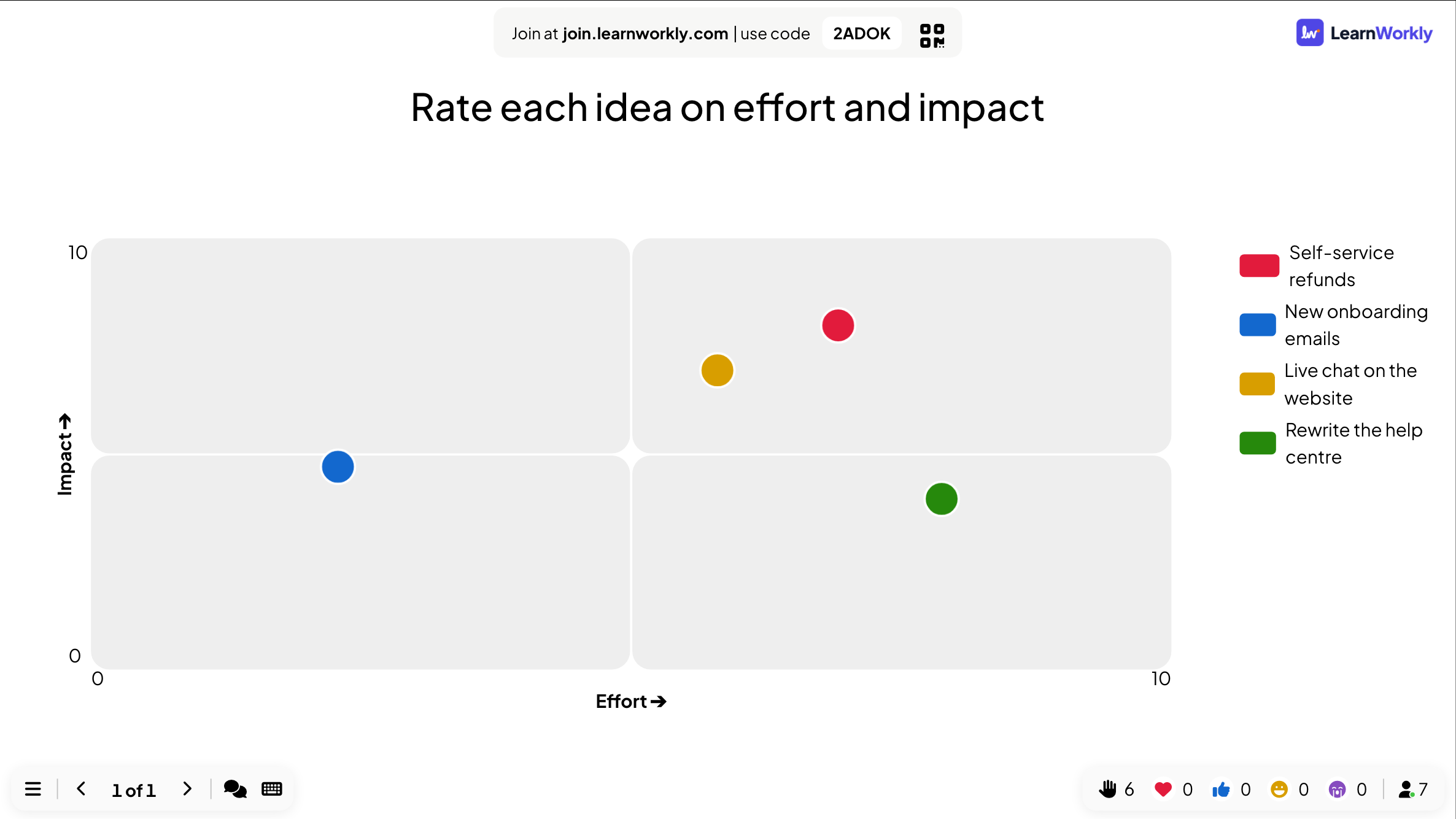
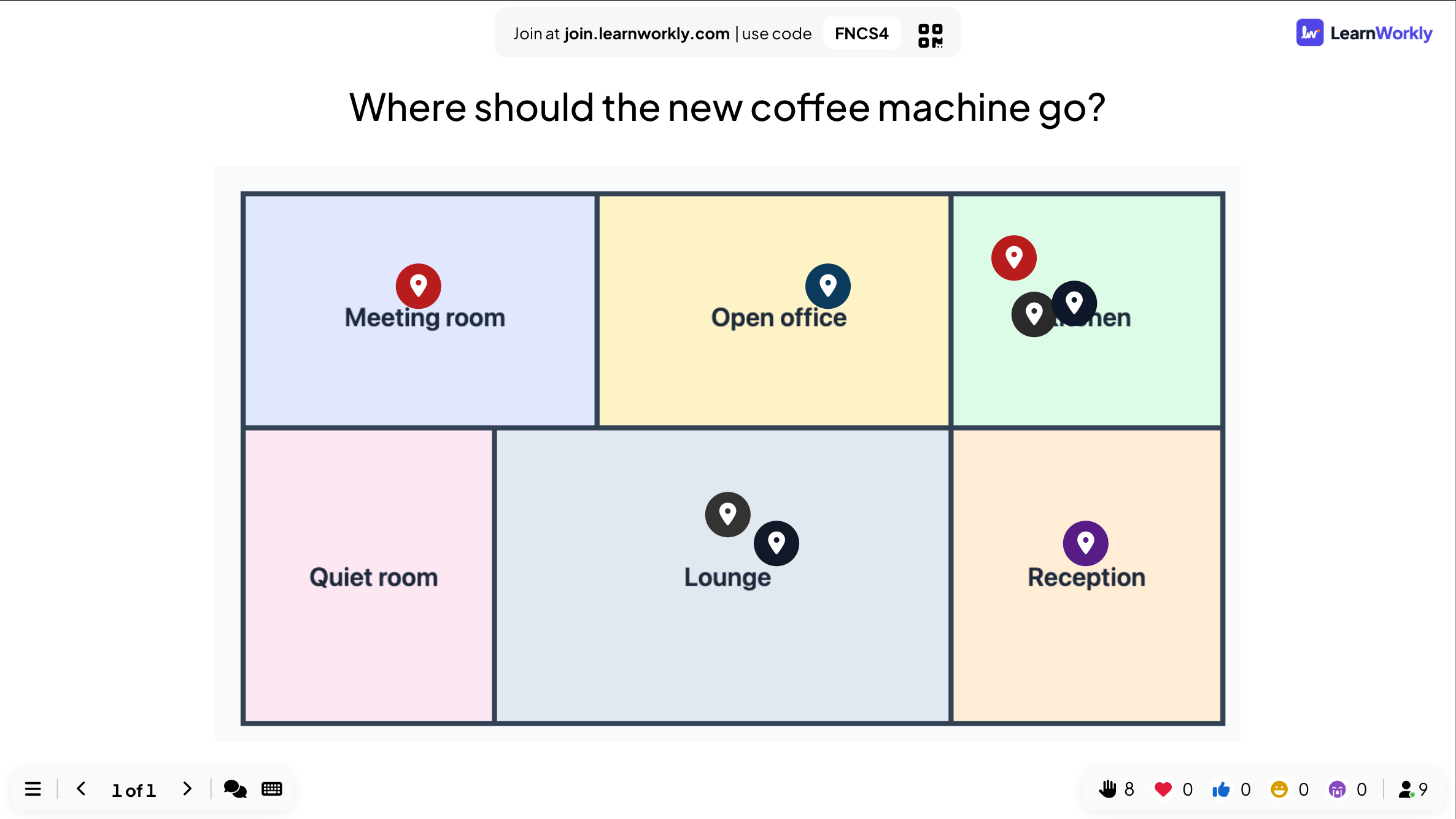
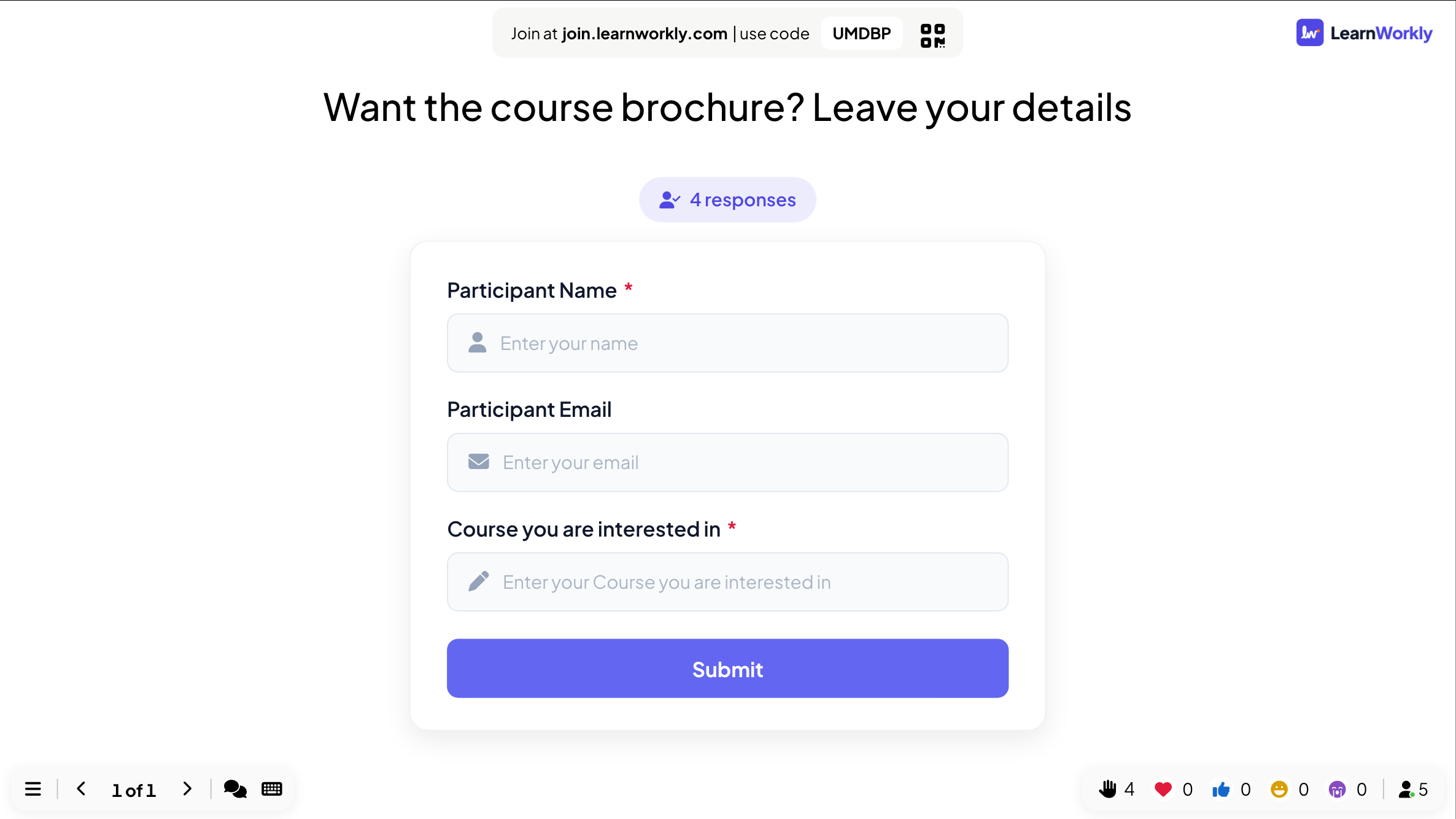
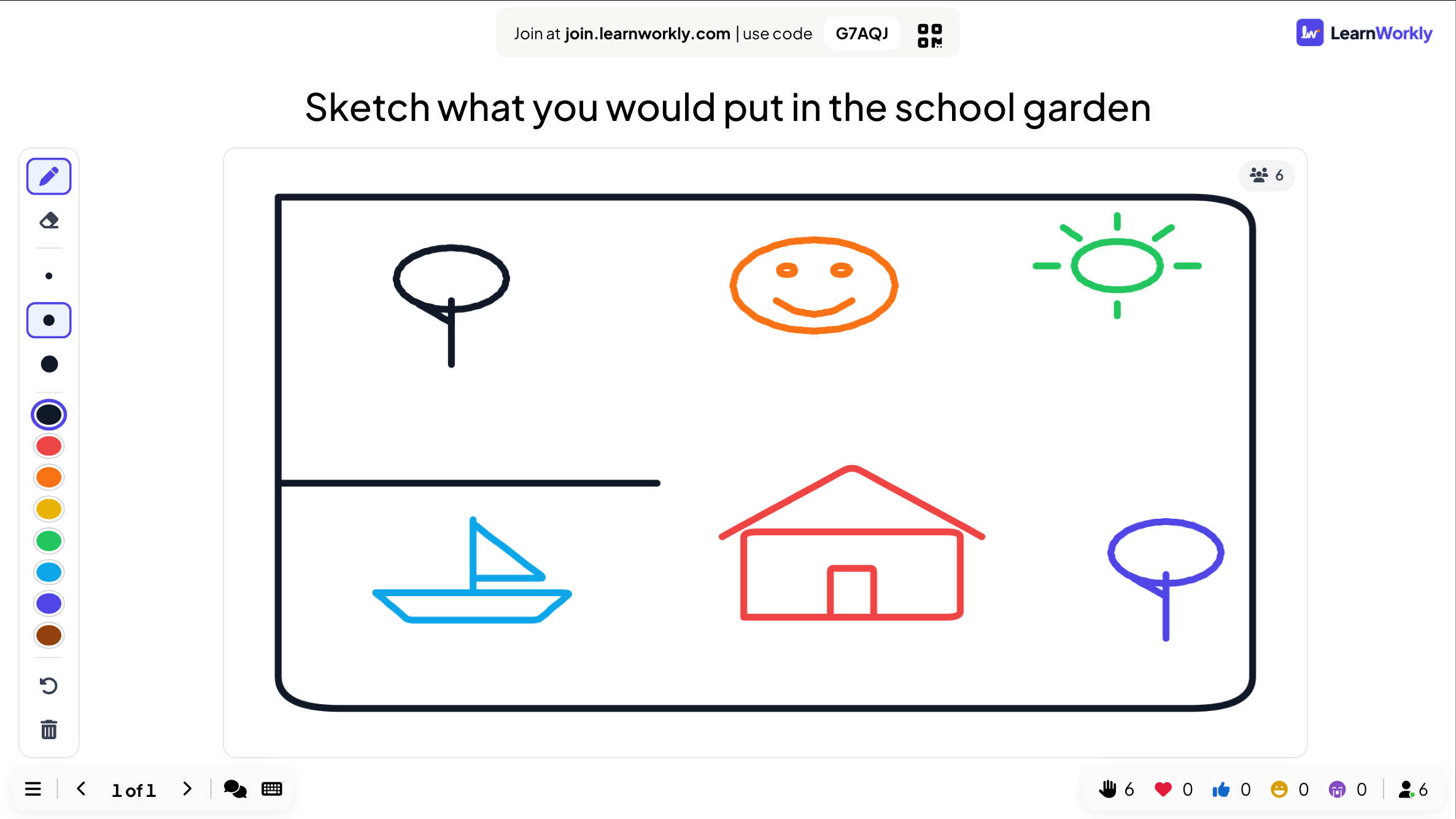
Play it live
Try any activity in under a minute
- 1
Click Play it live on any activity. No sign-up needed.
- 2
A demo presentation with sample content opens in the app. Click Present.
- 3
Join from your phone with the code on the screen and play it yourself.
See it in your next session
Free for up to 10 live participants. No credit card, nothing for your audience to install.
Free for up to 10 participants · No credit card