Quiz
Vote · Discuss · Revote: peer instruction in a single slide
Vote alone, discuss with a neighbour, vote again, and see how the room changed its mind.
Opens a demo in the app. No sign-up needed.
What is Vote · Discuss · Revote?
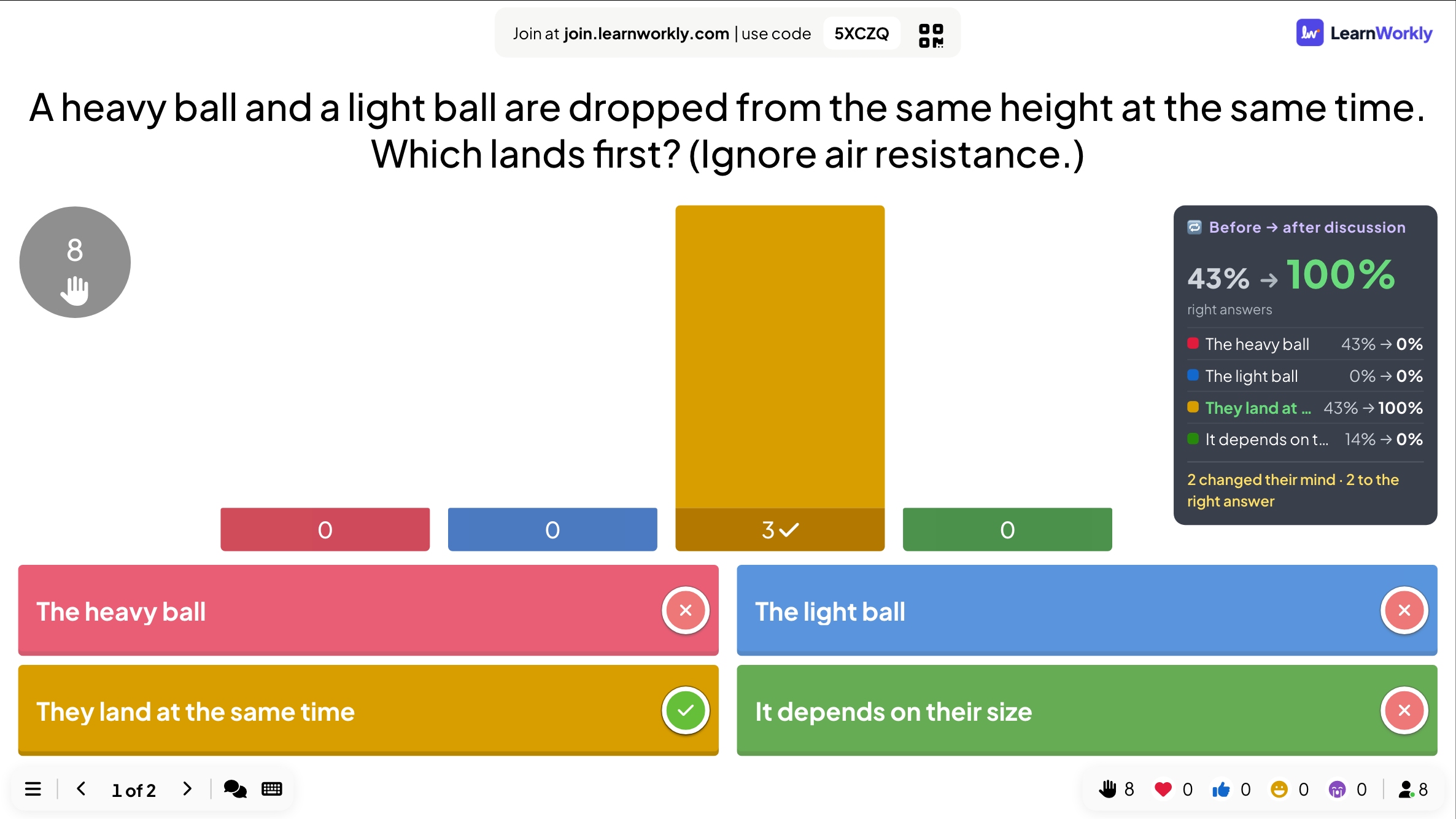
Vote · Discuss · Revote runs a full peer-instruction round on one slide. First everyone answers a question on their own, with no points at stake, so they answer honestly. Then the room talks it over in pairs, ideally with someone who chose differently. Finally everyone votes again, and this second vote scores points for the leaderboard. The reveal compares the two votes, so you can see how many people changed their mind and how many moved to the right answer. It works best with a question that splits the room.
Read the full guide to Vote · Discuss · RevoteOn the big screen
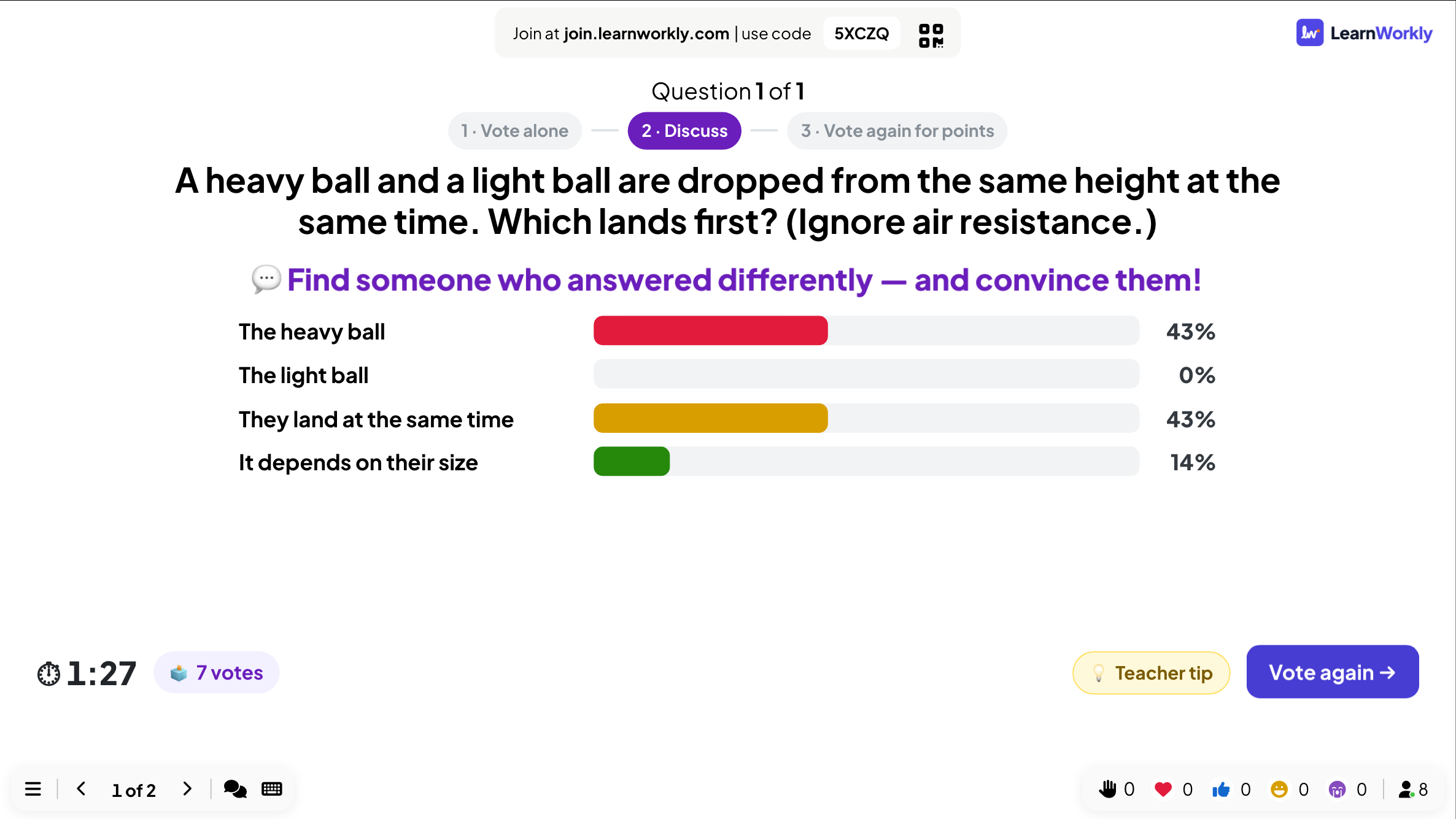
The big screen counts first votes, then shows the discussion timer, the split of the first vote if you chose to show it, and a Teacher tip button. The reveal compares the votes before and after the discussion.
On phones
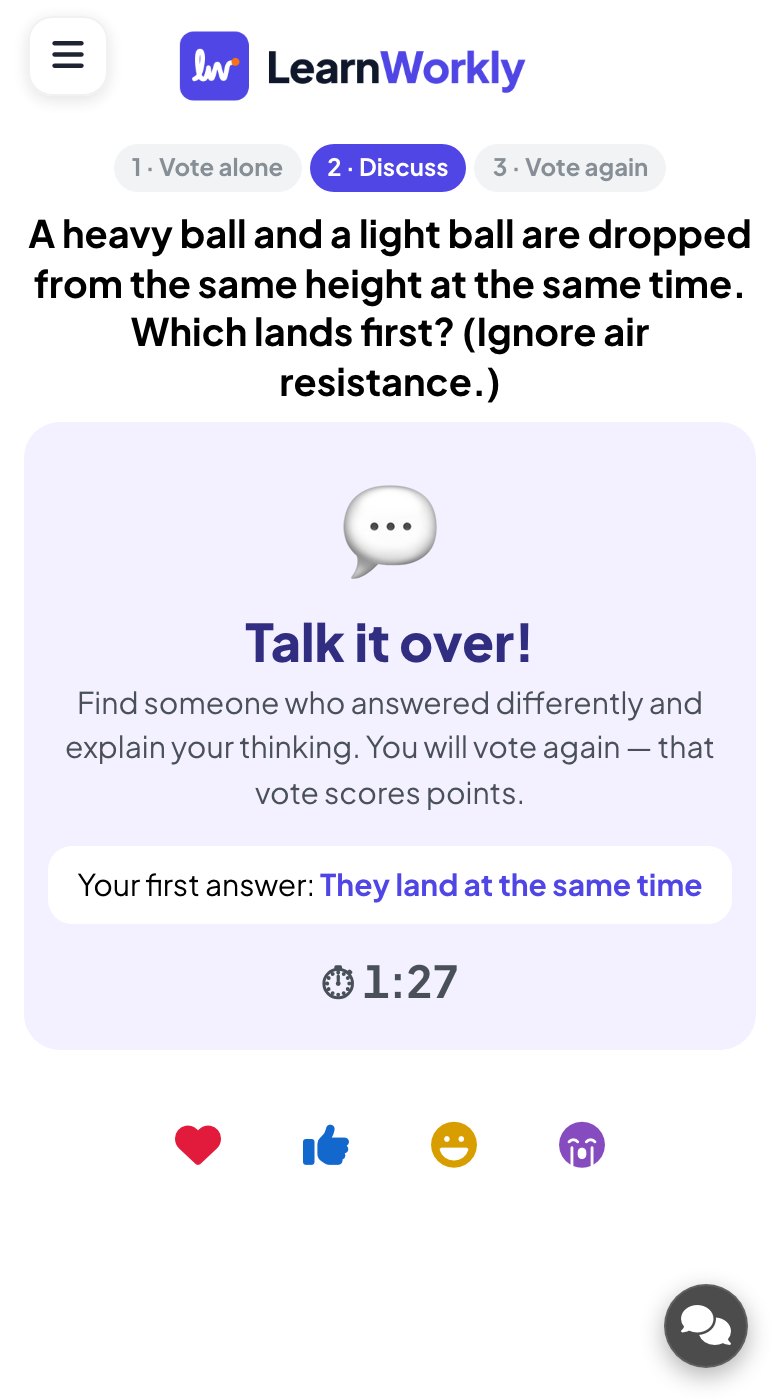
Phones first ask what the player thinks and say this vote gives no points. During the discussion they say Talk it over! and suggest finding someone who answered differently. After the second vote, players see whether they kept or changed their answer.
What you control
You set the first vote (20 seconds by default, 10 to 60) and the discussion (90 seconds by default, up to 3 minutes). Showing the first-vote split is on by default. Close vote & discuss and Vote again move on early.
Great for
Concept questions in lectures
Use peer instruction in a large lecture to get students explaining ideas to each other.
University lecturersTricky topics in class
Tackle a common misconception by letting pupils argue it out before the second vote.
School teachersScenario discussions
Ask workshop groups what they would do in a situation, discuss, then see who changed their view.
Trainers and L&D teamsInteractive lessons online
Pair people up in an online lesson for the discussion stage, then bring everyone back to vote.
Interactive lessonsQuestions that split the room
Copy one into a Vote · Discuss · Revote slide, or use them as a starting point for your own.
Play it live- 1
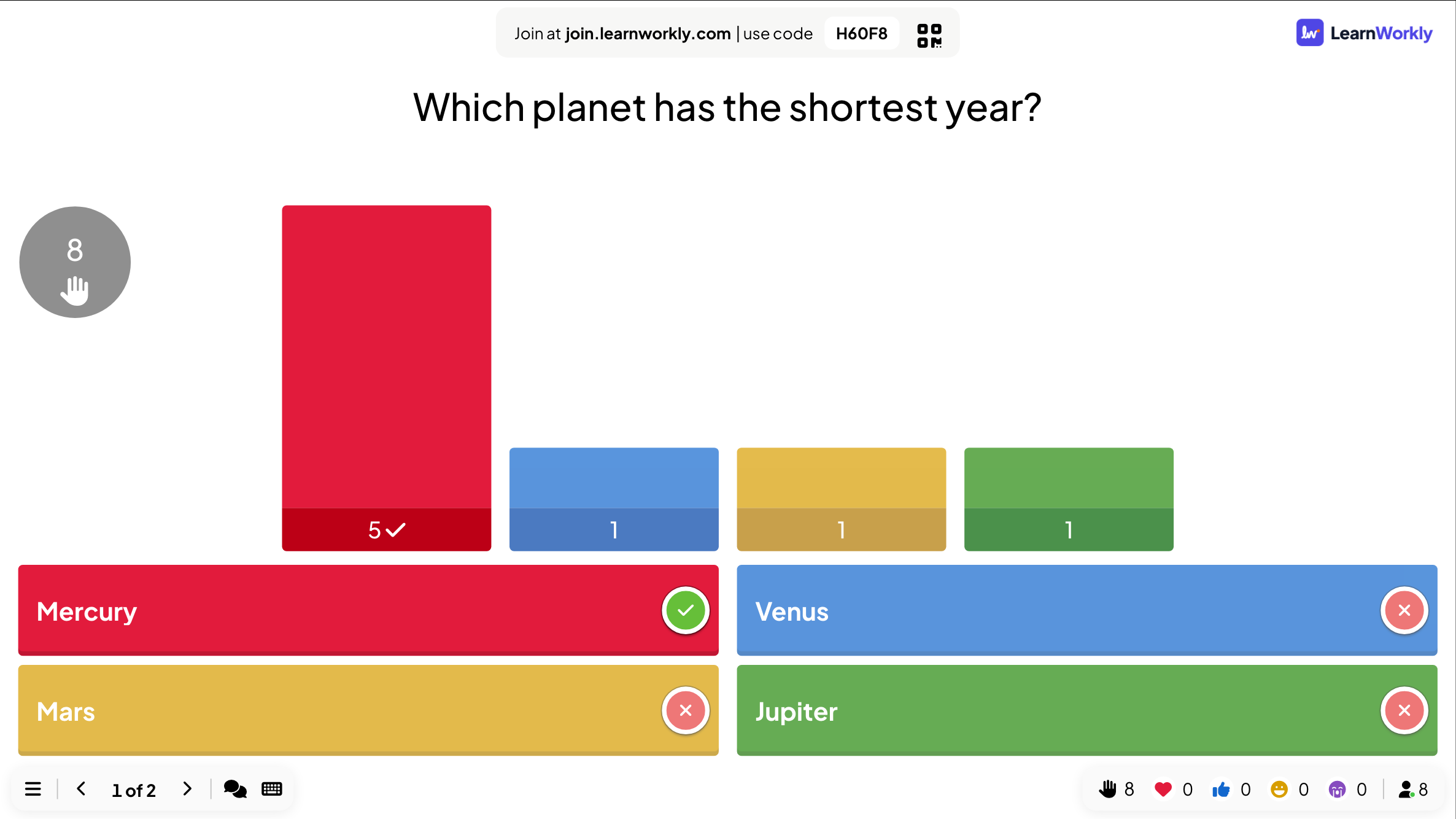
A heavy ball and a light ball are dropped from the same height with no air resistance. Which lands first? (both together)
- 2
If you flip a fair coin and get heads five times in a row, is tails more likely next? (no, still 50%)
- 3
Is 0.999... recurring equal to 1? (yes)
- 4
In summer, is the Earth closer to the Sun than in winter? (no, seasons come from the tilt of its axis)
- 5
A bat and a ball cost 1.10 in total. The bat costs 1.00 more than the ball. What does the ball cost? (0.05)
Run it in three steps
- 1
In the editor, click + New Slide and pick Vote · Discuss · Revote. Change the sample content to your own.
- 2
Click Present. People join on their phones with the code or QR code on the screen.
- 3
Fast, correct answers score points, and the leaderboard shows the top players after each question.
See it in action
Vote · Discuss · Revote: frequently asked questions
What is peer instruction?
A teaching method where learners answer a concept question alone, discuss it with a peer, then answer again. Explaining their reasoning to each other often moves people to the right answer. This slide runs all three stages for you, with timers.
Does the first vote count for points?
No. Only the second vote scores for the leaderboard, so people can give their honest first answer without worrying about their score. Their first answer is still compared with the second at the reveal.
Should the room see the first vote while discussing?
Showing the split, which is the default, tells people the room disagrees and gives them something to talk about; the right answer stays hidden. Hide it if you worry people will simply follow the majority.
What if almost everyone gets the first vote right?
Then a discussion adds little. Move on quickly with Close vote & discuss and Vote again, and pick a harder question next time. The best questions get roughly half the room right on the first vote.
More activities like this
All activities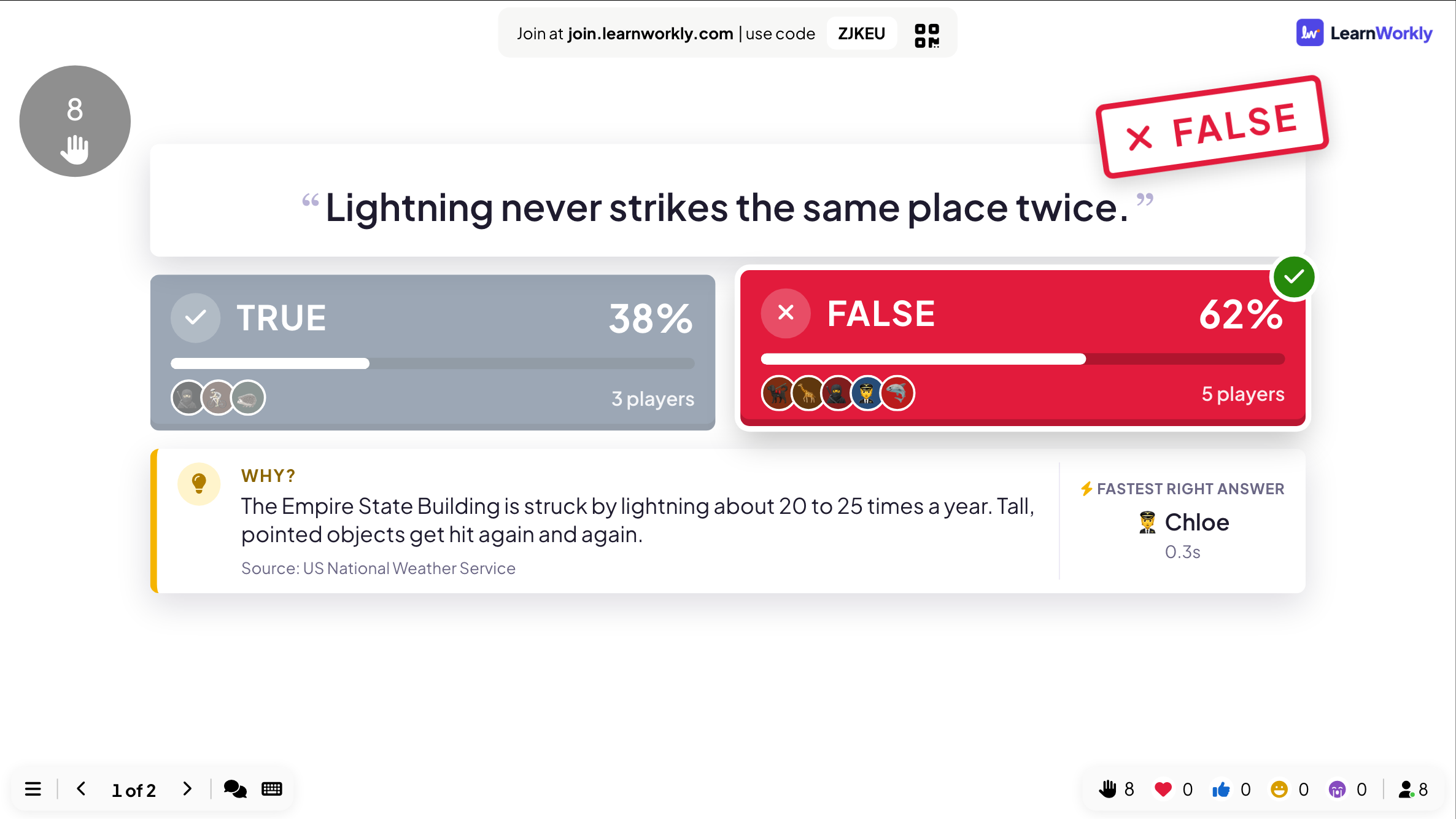
See it in your next session
Free for up to 10 live participants. No credit card, nothing for your audience to install.
Free for up to 10 participants · No credit card