LearnWorkly vs Pear Deck
A Pear Deck alternative without the slide deck
Pear Deck adds interactive questions to slide presentations. LearnWorkly is built around the questions themselves: students answer, draw or photograph their work, and you see every answer live and reply on top of it.
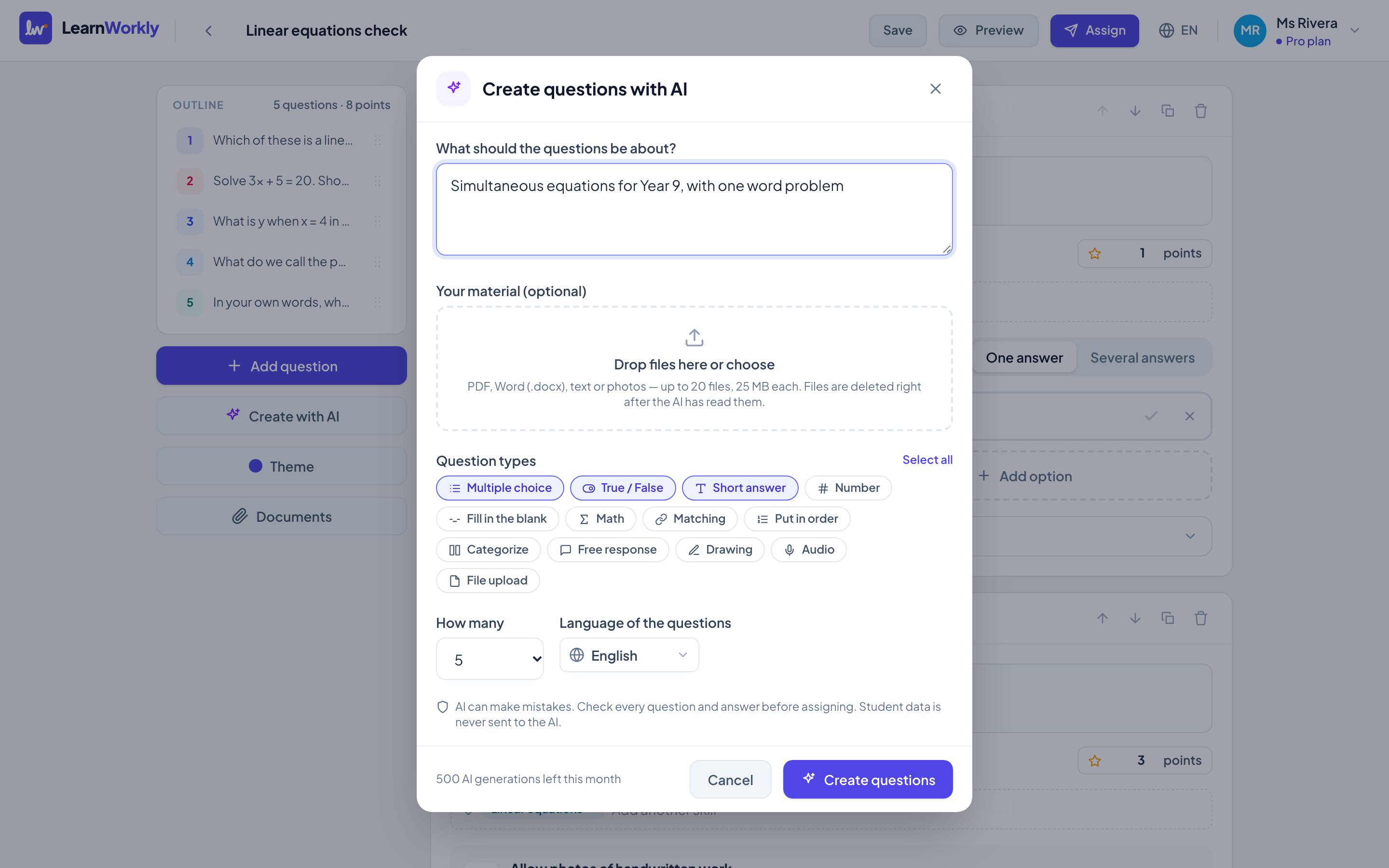
LearnWorkly and Pear Deck side by side
Pear Deck is built for teachers who present slides and want students to respond to them.
| LearnWorkly | Pear Deck | |
|---|---|---|
| Made for | Tutors and small groups | Classroom teachers presenting slides |
| Paid plan price | Free for 10 students; Solo $9.99/month; Pro $14.99/month | About $149.99 per year |
| Monthly billing | Yes | Billed annually |
| Needs a slide deck | No | Yes |
| Live view of student answers | Yes | Yes |
| Photos of handwritten work from a phone | Yes, by QR code with any phone | Not stated |
| Homework with due dates and reminders | Yes | Not stated |
Information about Pear Deck from its public website and reviews, checked November 2026. It may have changed: check their website for the latest details. Pear Deck is a trademark of its owner; LearnWorkly is not affiliated with it.
Why tutors choose LearnWorkly
No slides needed
Create questions directly, or with AI from a topic or your worksheet.
See the working
Drawings and photos of handwritten work, not only typed answers.
Homework too
The same activity works live, as homework with reminders, or as practice.
Fair to say: Choose Pear Deck if your lessons are slide presentations and you want to add questions to the slides you already have.
See how it works
Live view
See every answer the moment it is written
Ask a question and watch the whole group answer in real time: typed answers, multiple choice, drawings, recordings and photos of handwritten work. No more “Is everyone OK?” followed by silence.
Learn more: Live view of every answer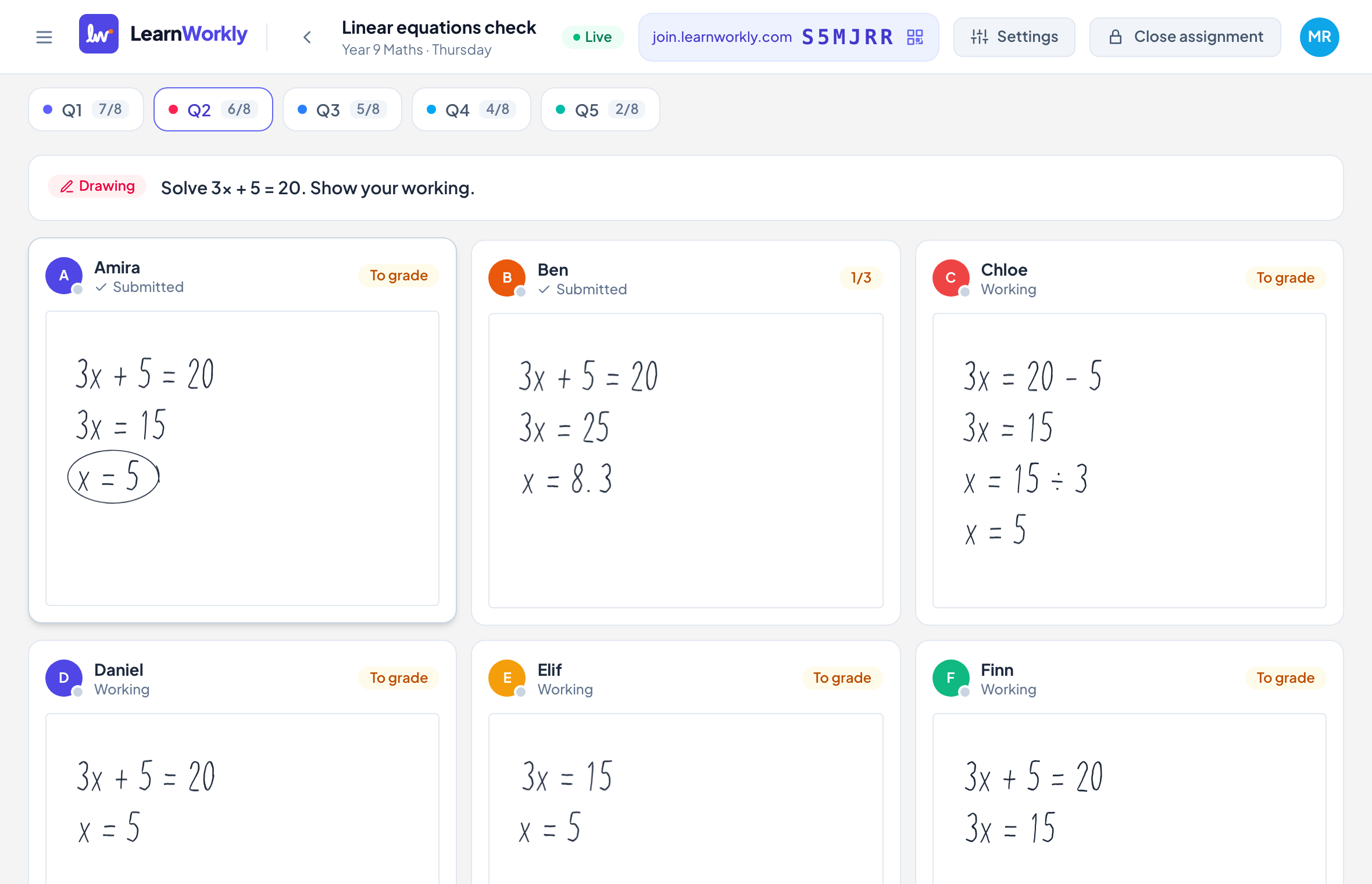
Homework and practice
Keep learning going between lessons
Use the same activities for homework and practice. Set a due date, a time limit or a number of attempts, and let LearnWorkly remind students and mark what it can while you get on with your day.
Learn more: Homework and practice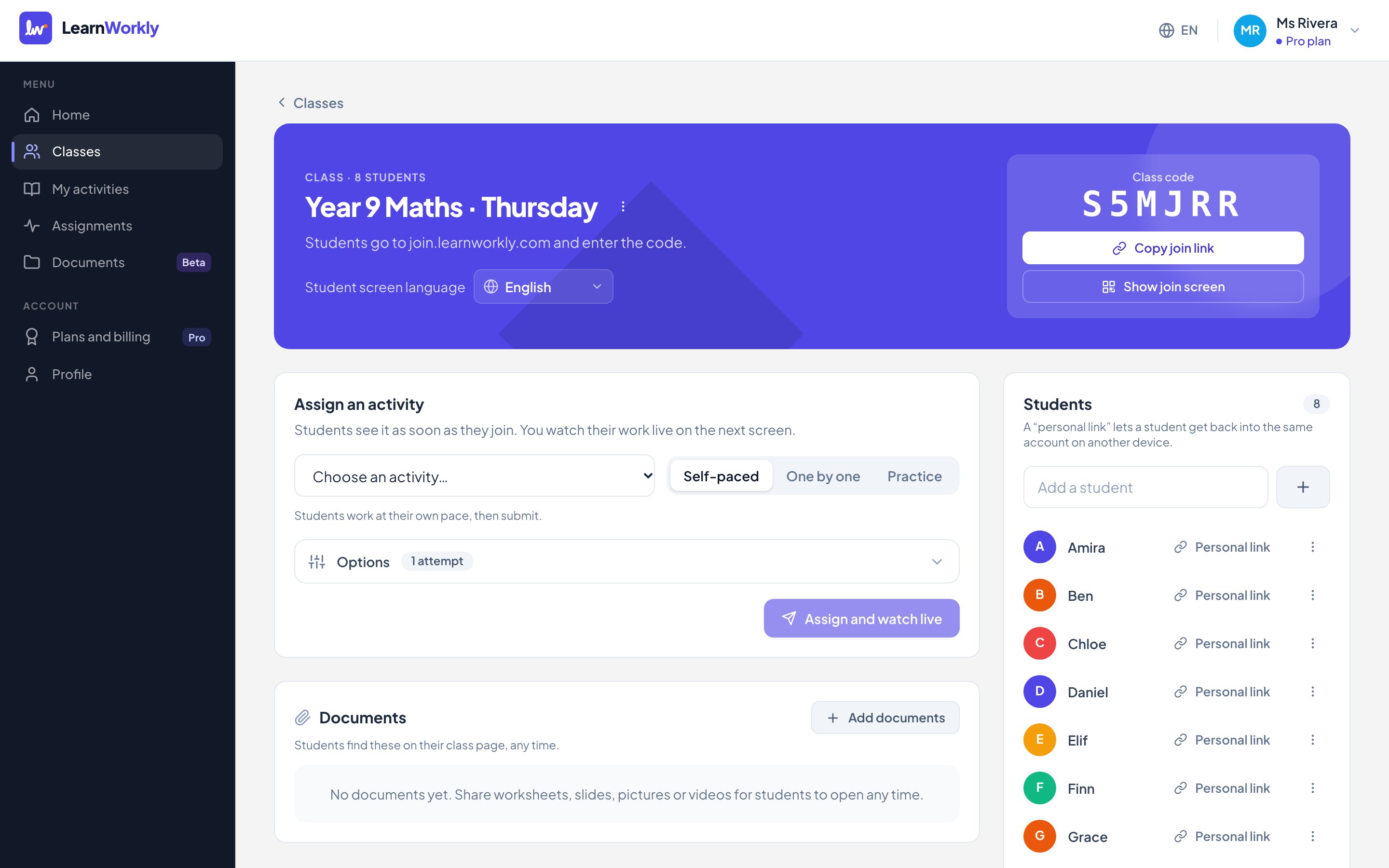
Frequently asked questions
Can I use my existing slides?
You can export slides to PDF and import them: each page becomes a content block, and you add questions between them.
Do students need an account?
No. They join with a class code or personal link and type their name.
Other comparisons
Try it in your next lesson
Free for up to 10 students, with every question type. Set up your first activity in five minutes.
Free for up to 10 students · No credit card