Interactive questions
Open Ended: collect free-text answers, ideas and feedback
Collect ideas and feedback as free text.
Opens a demo in the app. No sign-up needed.
What is Open Ended?
An Open Ended slide asks a question that cannot be answered with a tick. People write their answer in their own words on their phone, and each reply appears as a card on a shared wall on the big screen. You can also let them attach a photo or make a quick sketch with their answer. Use it when you want explanations rather than votes: ideas for a project, what someone found confusing, feedback on a session, or a short reflection at the end of a lesson.
Read the full guide to Open EndedOn the big screen
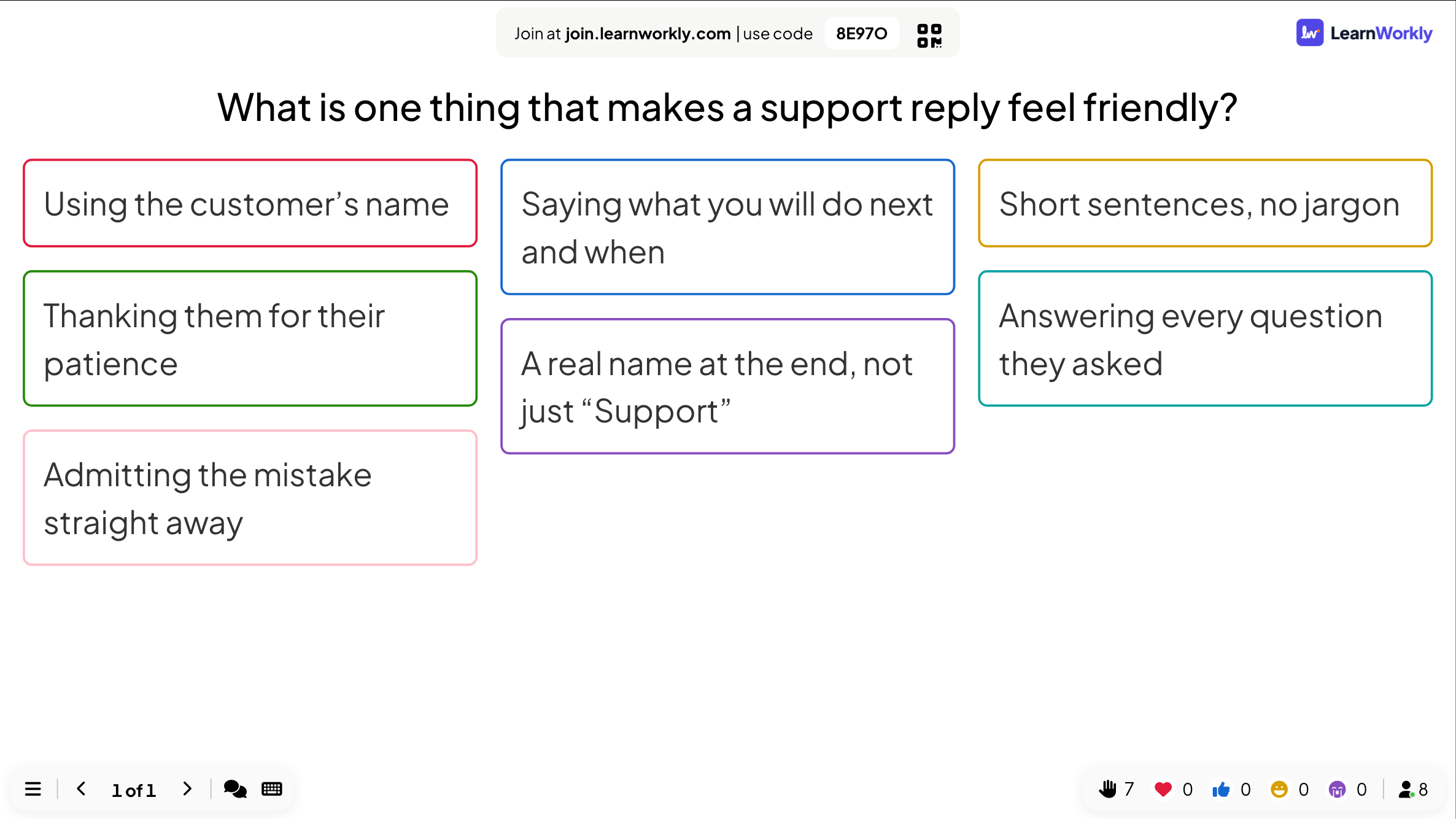
A growing wall of answer cards, each with a coloured border, flying in as people send them. Click any card to show it large for the whole room. Each card has a menu to edit or delete it.
On phones
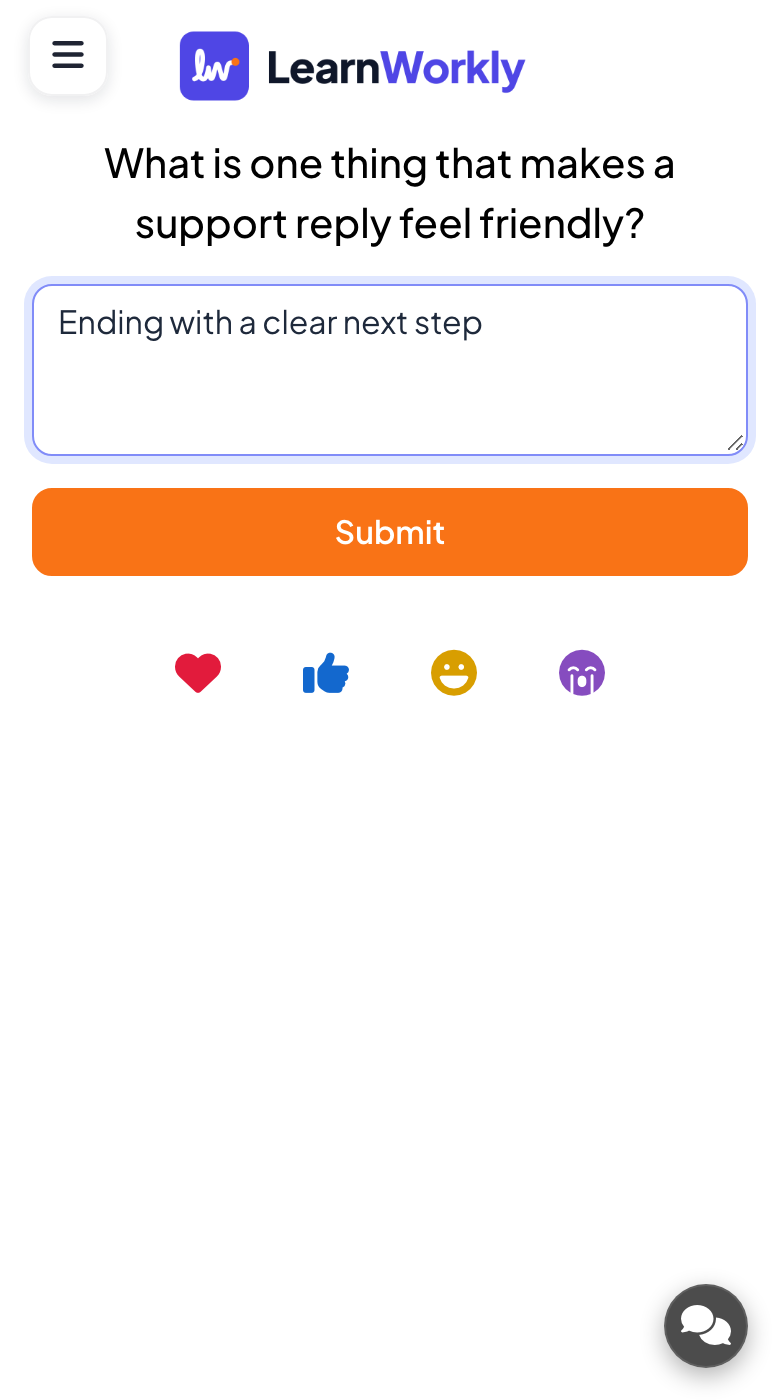
Participants type their answer and press Submit. If you allow it, they can add a picture or draw above the text box, with Undo and Clear. Name, email and avatar fields only appear when you switch them on.
What you control
Name, email and avatar fields are off by default, so answers are anonymous. Multiple Submissions is on by default. You choose whether to allow image upload or drawing, and can hide the wall until you are ready to show it.
Great for
Muddiest point checks
Ask students what was least clear in today's lesson and plan your next explanation from their own words.
School teachersSeminar reflections
Collect short written responses to a reading or case and discuss the strongest cards with the group.
University lecturersIdeas and feedback
Gather suggestions in a meeting or end-of-workshop feedback without anyone having to speak up first.
Meetings and presentationsOnline sessions
Remote participants share photos of their work or written answers, so everyone on the call sees the same wall.
Interactive lessonsOpen-ended questions to try
Copy one into a Open Ended slide, or use them as a starting point for your own.
Play it live- 1
What is one thing from today you could explain to a friend?
- 2
What should we start doing as a team next month?
- 3
Take a photo of your worked solution and add one sentence about it.
- 4
What question do you still have about this topic?
- 5
Describe the best moment of today's event in one sentence.
Run it in three steps
- 1
In the editor, click + New Slide and pick Open Ended. Change the sample content to your own.
- 2
Click Present. People join on their phones with the code or QR code on the screen.
- 3
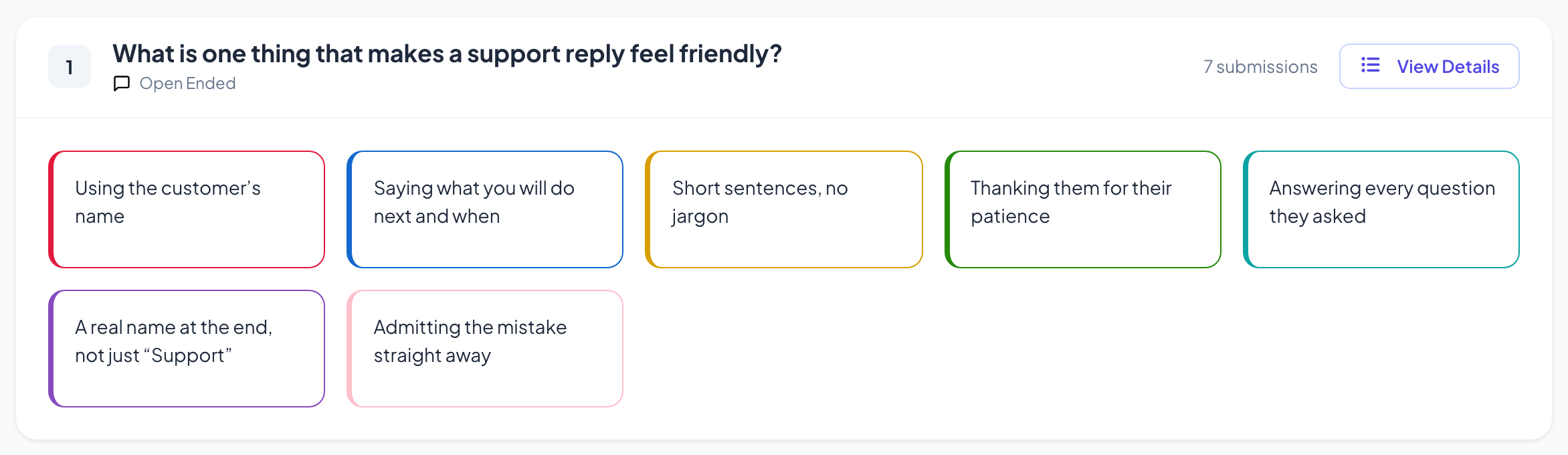
Answers appear on the big screen as people send them, and stay in the report afterwards.
See it in action
Open Ended: frequently asked questions
Are open-ended answers anonymous?
By default, yes. The name, email and avatar fields are all off, so cards carry no names. Turn on any of them if you need to know who wrote what; those details then also show in the report.
Can I check answers before the room sees them?
Turn on Hide result so answers are collected while the wall stays hidden, then show it when you are ready. Any card you do not want on screen can be removed from its menu with Delete.
Can participants send pictures or drawings?
Yes, if you allow it. Enable participant image upload adds an Add Image button, and Enable participant drawing gives them a small canvas above the text box. Both are optional settings on the slide.
Can I talk to someone about their answer?
When video calls are switched on for the presentation, cards sent by participants have a button to start a call with that person, so you can follow up on what they wrote.
More activities like this
All activities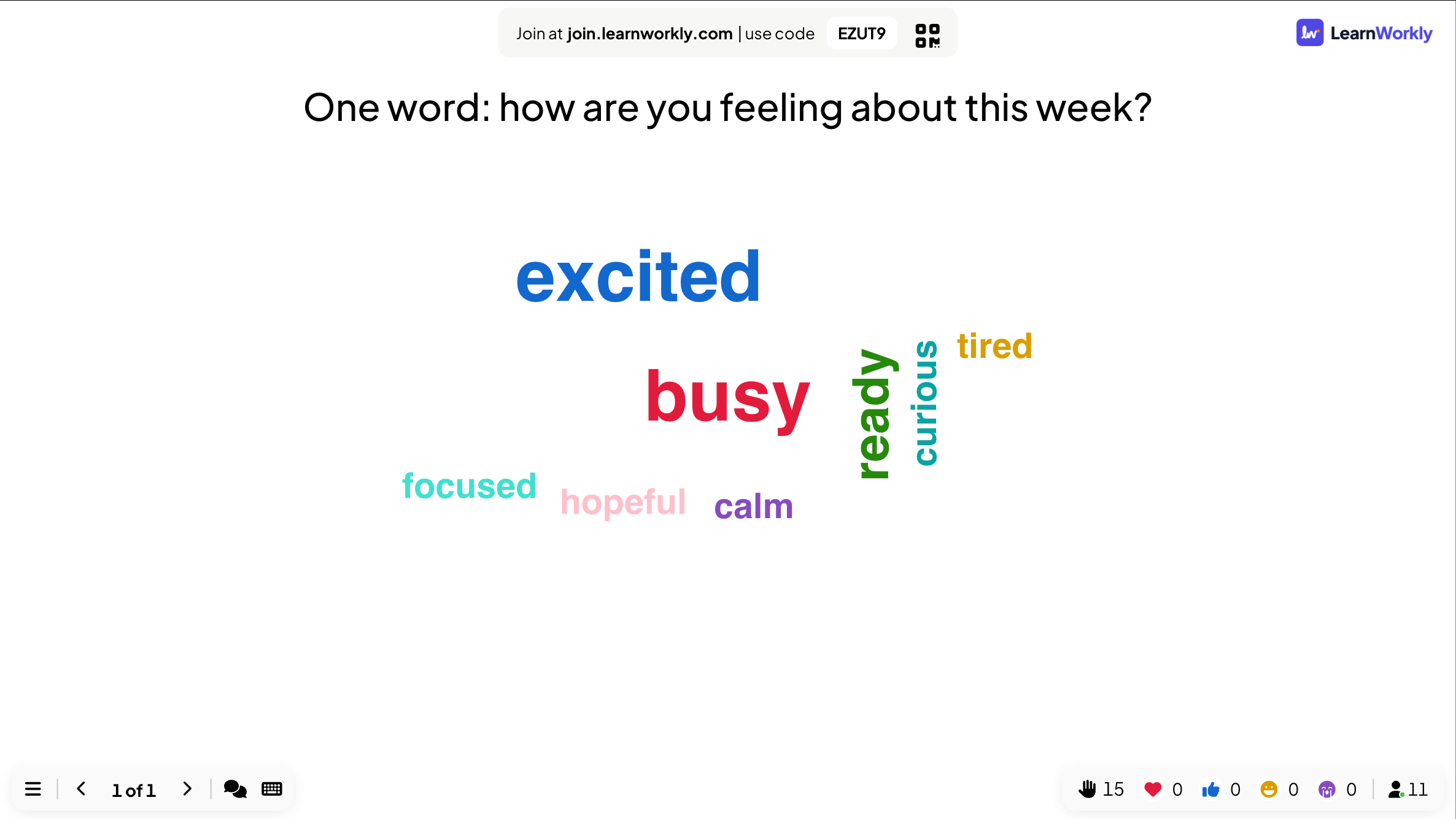
See it in your next session
Free for up to 10 live participants. No credit card, nothing for your audience to install.
Free for up to 10 participants · No credit card