Interactive questions
Flip Cards: reveal questions, words and prompts one by one
Cards to flip for learning, memorising and Q&A sessions.
Opens a demo in the app. No sign-up needed.
What is Flip Cards?
Flip Cards are a set of cards on the big screen that you turn over one at a time. Each card has a front and a back, so you can show a question and then reveal the answer, or keep cards face down as mystery cards and open them in any order. Participants' phones show whichever card you open, so people at the back can read it too. They are made for revision, vocabulary, speaking practice and discussion prompts, and an optional timer helps keep each turn short. Nobody submits anything: the talking happens in the room.
Read the full guide to Flip CardsOn the big screen
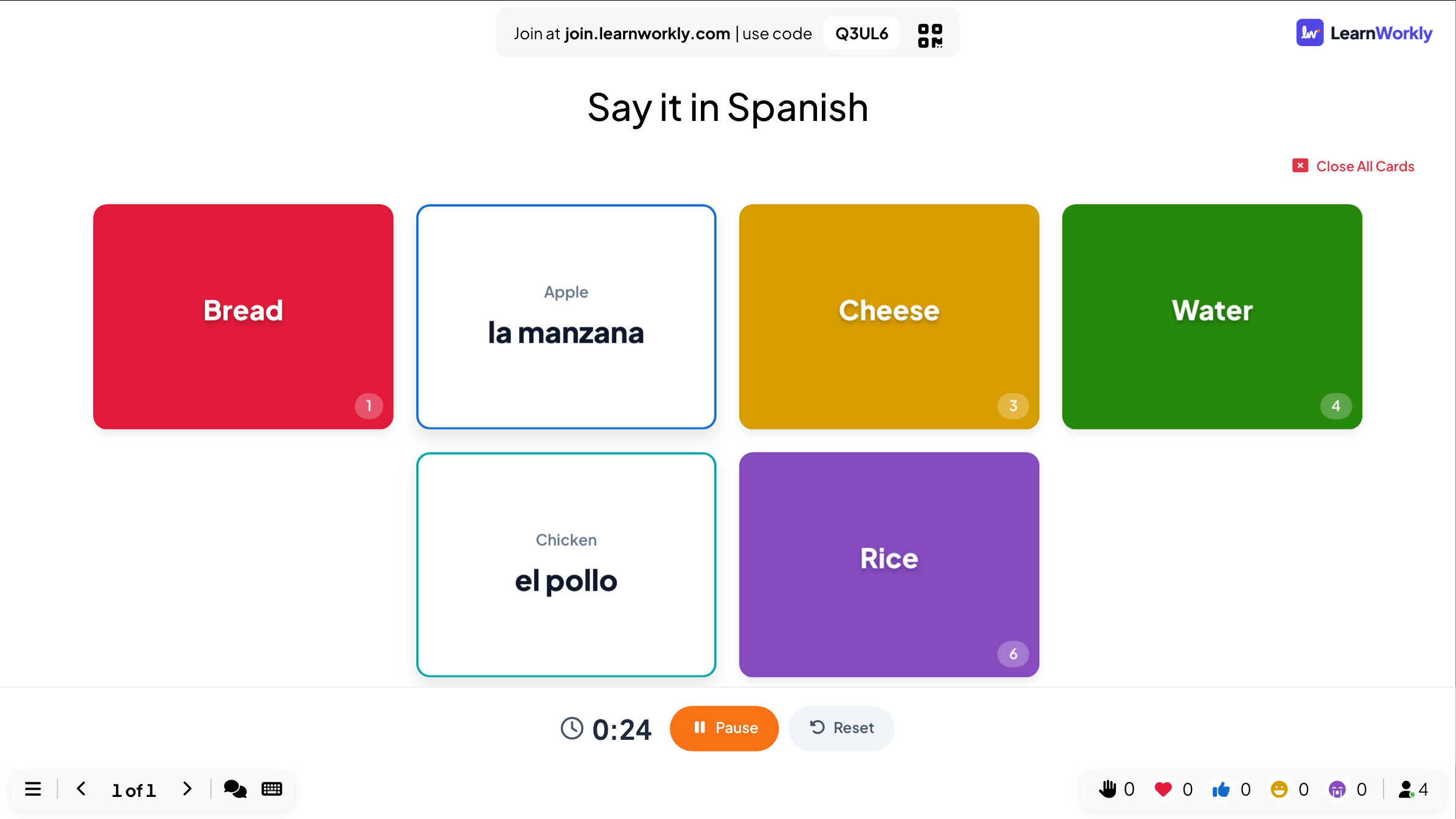
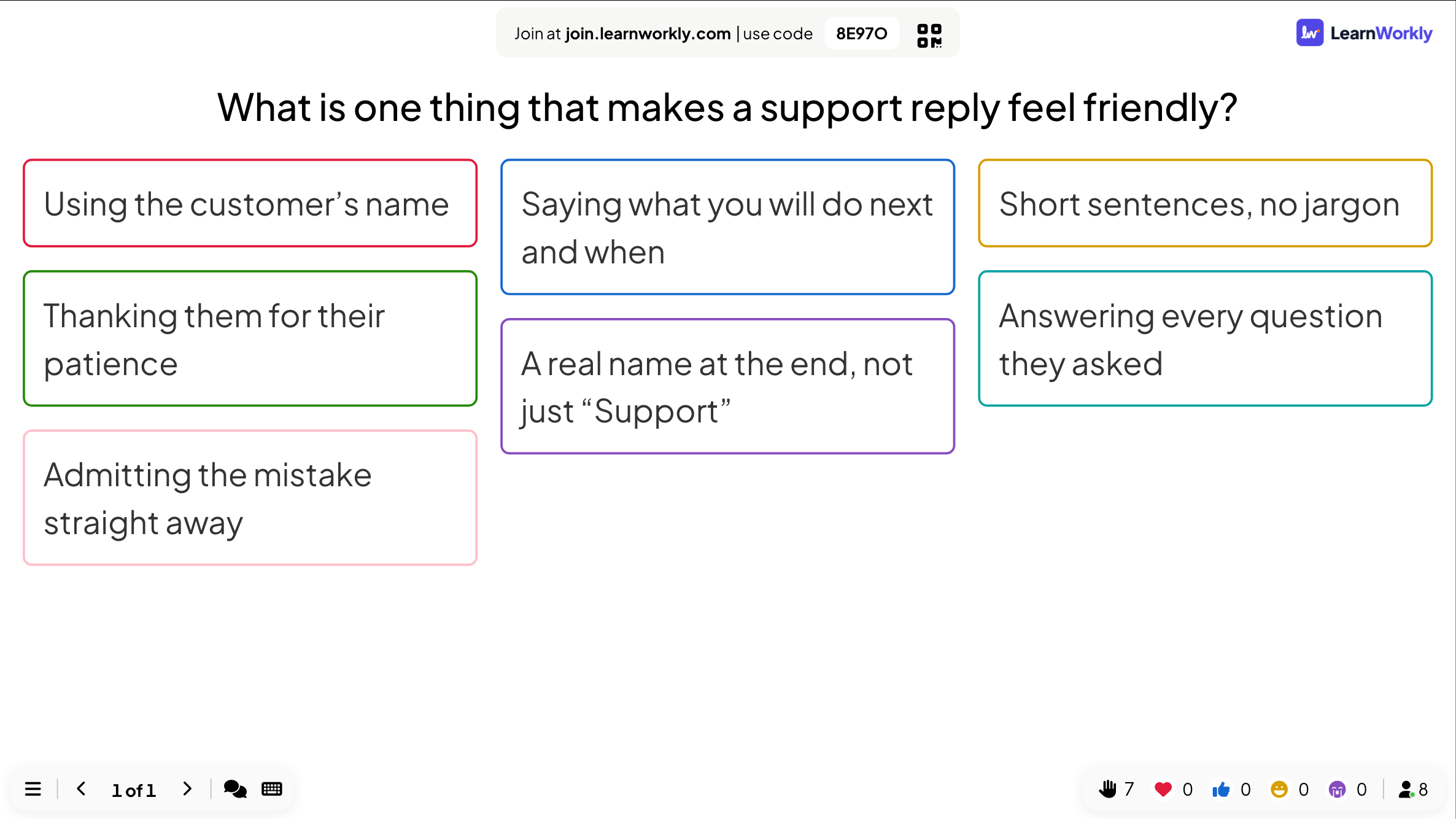
A layout of coloured cards. Click one to flip it and click again to close it. A timer can run when a card opens, with Pause and Reset, and Close All Cards turns every card face down again.
On phones
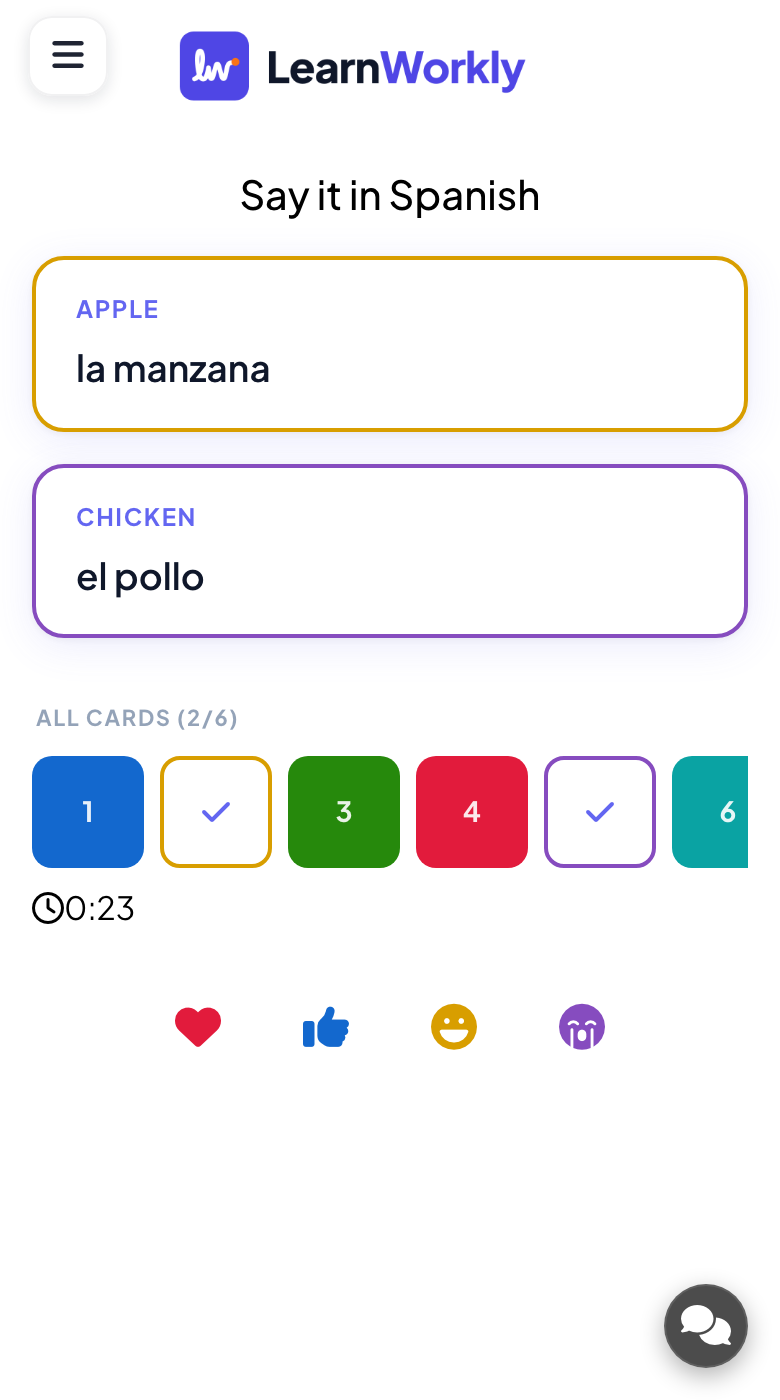
Phones show a waiting message until you open a card, then display that card so everyone can read it up close. Participants do not answer on this slide; they speak, discuss or write elsewhere.
What you control
Add up to 9 cards with a front, a back, optional images and a colour. Choose Question & answer or Mystery cards, a timer (None, Count Up or Count Down), shuffled order, and for mystery cards how many can stay open at once.
Great for
Speaking practice
Open a prompt card, start a countdown and let a learner talk until the timer ends.
ESL and language teachersRevision lessons
Show a question on the front, let the class answer aloud, then flip the card to check the answer.
School teachersWorkshop discussions
Use mystery cards as discussion topics and let the group pick which card to open next.
Trainers and L&D teamsTeam day games
Hide challenges or trivia behind mystery cards and reveal them one by one at a team event.
Events and team buildingFlip card sets to try
Copy one into a Flip Cards slide, or use them as a starting point for your own.
Play it live- 1
Say it in Spanish: English food words on the front, Spanish on the back.
- 2
Speak for one minute: a topic on each card with a countdown.
- 3
Key dates: an event on the front, the year on the back.
- 4
Mystery discussion topics about workplace communication.
- 5
Team challenges hidden behind numbered mystery cards.
Run it in three steps
- 1
In the editor, click + New Slide and pick Flip Cards. Change the sample content to your own.
- 2
Click Present. People join on their phones with the code or QR code on the screen.
- 3
Answers appear on the big screen as people send them, and stay in the report afterwards.
Flip Cards: frequently asked questions
Do participants answer anything on flip cards?
No. Flip Cards are for showing and talking. Phones simply follow the card you open. Ask people to answer out loud, or add a poll or quiz slide after the cards if you want to collect answers.
Can I add a timer to each card?
Yes. Choose Count Up or Count Down with the minutes and seconds you want. The timer starts when you open a card, and you can pause or reset it from the big screen.
Can several cards be open at the same time?
With the Mystery cards style, set the number of deal places from 1 to 9 to decide how many cards may stay open. Opening one more closes the oldest open card.
Can I shuffle the cards?
Yes. Turn on Shuffle item order and the cards appear in a random order, which is handy when you reuse the same set for revision several times and want a different sequence.
More activities like this
All activities
See it in your next session
Free for up to 10 live participants. No credit card, nothing for your audience to install.
Free for up to 10 participants · No credit card