Question types
Every way a student can show what they know
Some things are best checked with a quick tap, others need a drawing, a spoken answer or a page of working. LearnWorkly has 13 question types, and none of them is locked behind a paid plan.
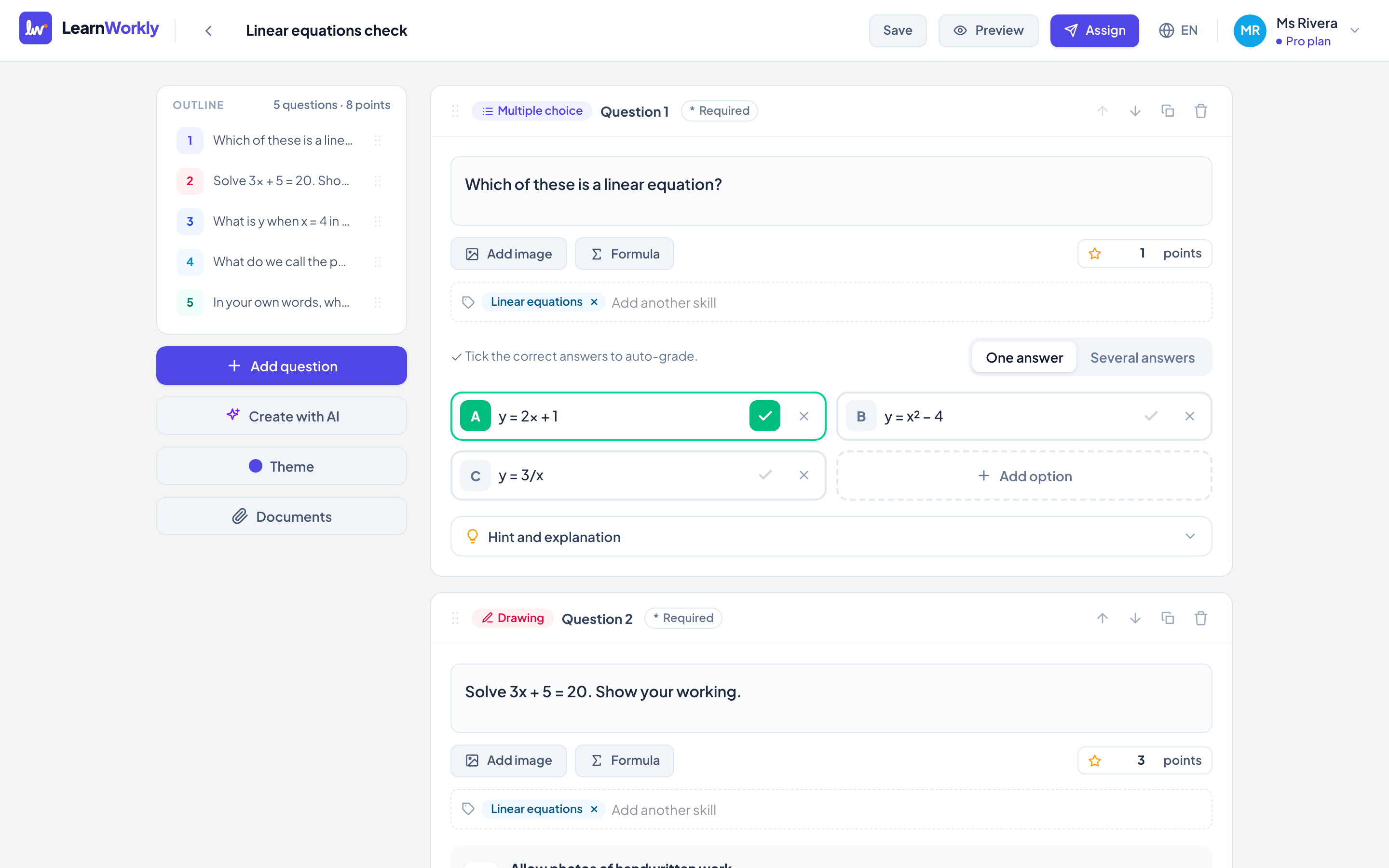
Auto-marked
Multiple choice, true or false, short answer, number, fill in the blank, maths, matching, put in order and categorise are marked for you.
Drawing
Students sketch, label diagrams or show their working with a finger, a mouse or a pen. No stylus needed.
Audio
Perfect for speaking practice: students record an answer and you listen and reply, by text or by voice.
Open answers and files
Free response with rubrics, and file upload for essays, worksheets or projects.
How it works
- 1
Pick a question type, or let AI draft a set of questions for you.
- 2
Add pictures, formulas, hints and explanations.
- 3
Assign it live in a lesson, as homework or as self-paced practice.
Frequently asked questions
Are some question types only on paid plans?
No. All 13 question types, including drawing, audio, maths, matching and file upload, are on every plan, Free too.
Can I write maths formulas?
Yes. Questions and answers support formulas with a visual maths keyboard, and maths answers that are equal in value (like 1/2 and 0.5) are accepted.
Can students see the right answers?
You decide: straight after each question, after they submit, after the due date, or only when you release the results.
Related features
Try it in your next lesson
Free for up to 10 students, with every question type. Set up your first activity in five minutes.
Free for up to 10 students · No credit card