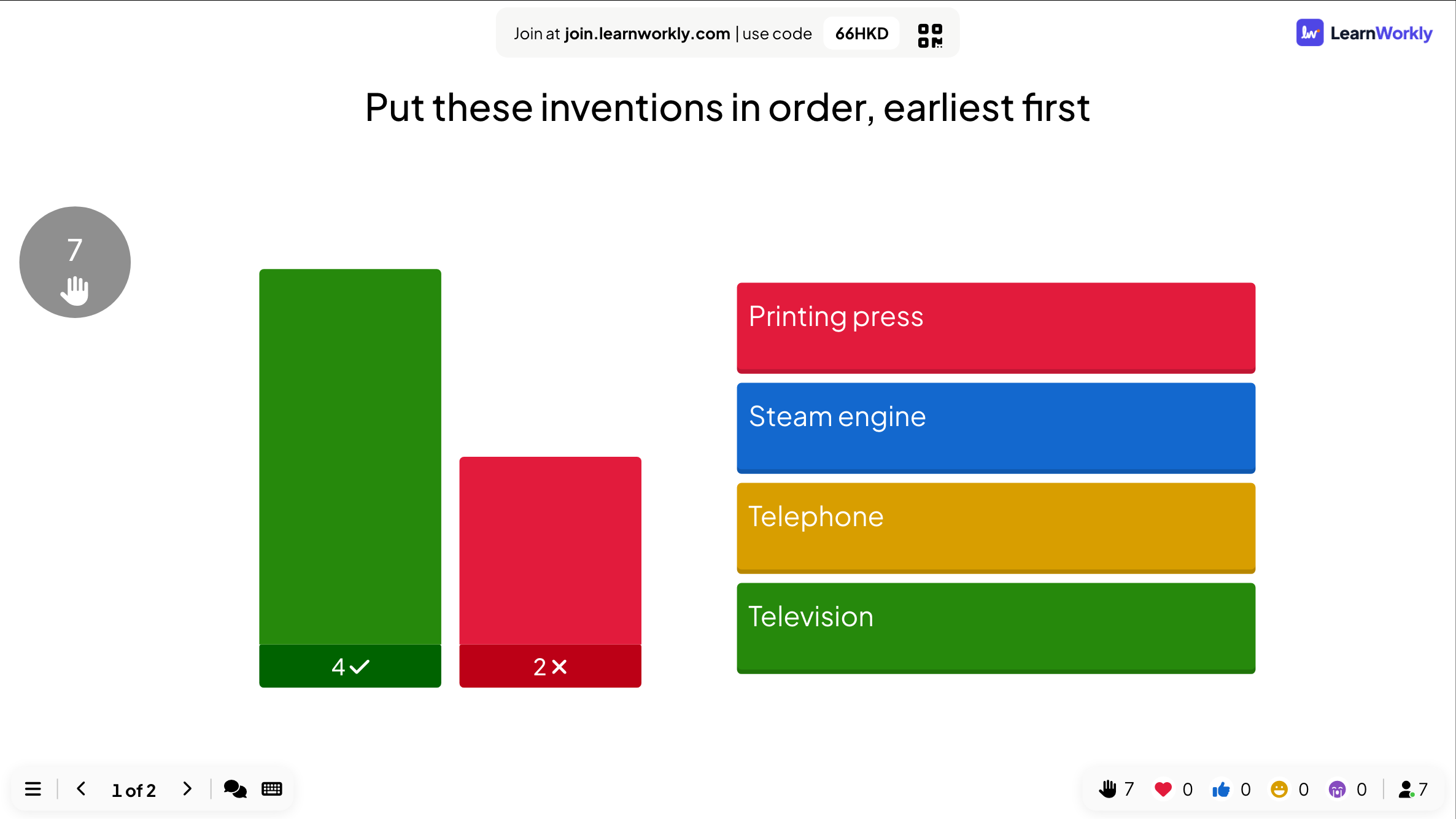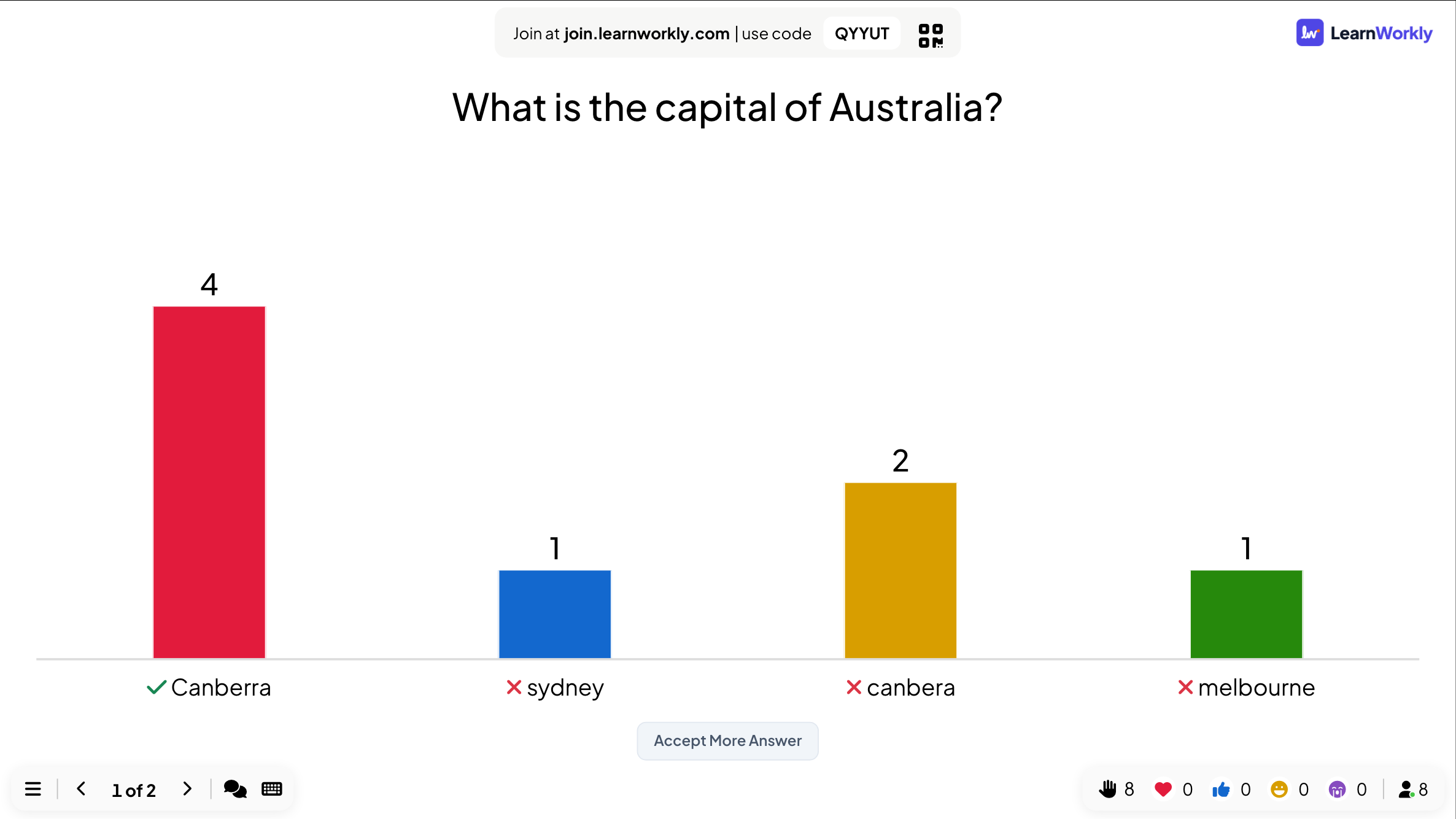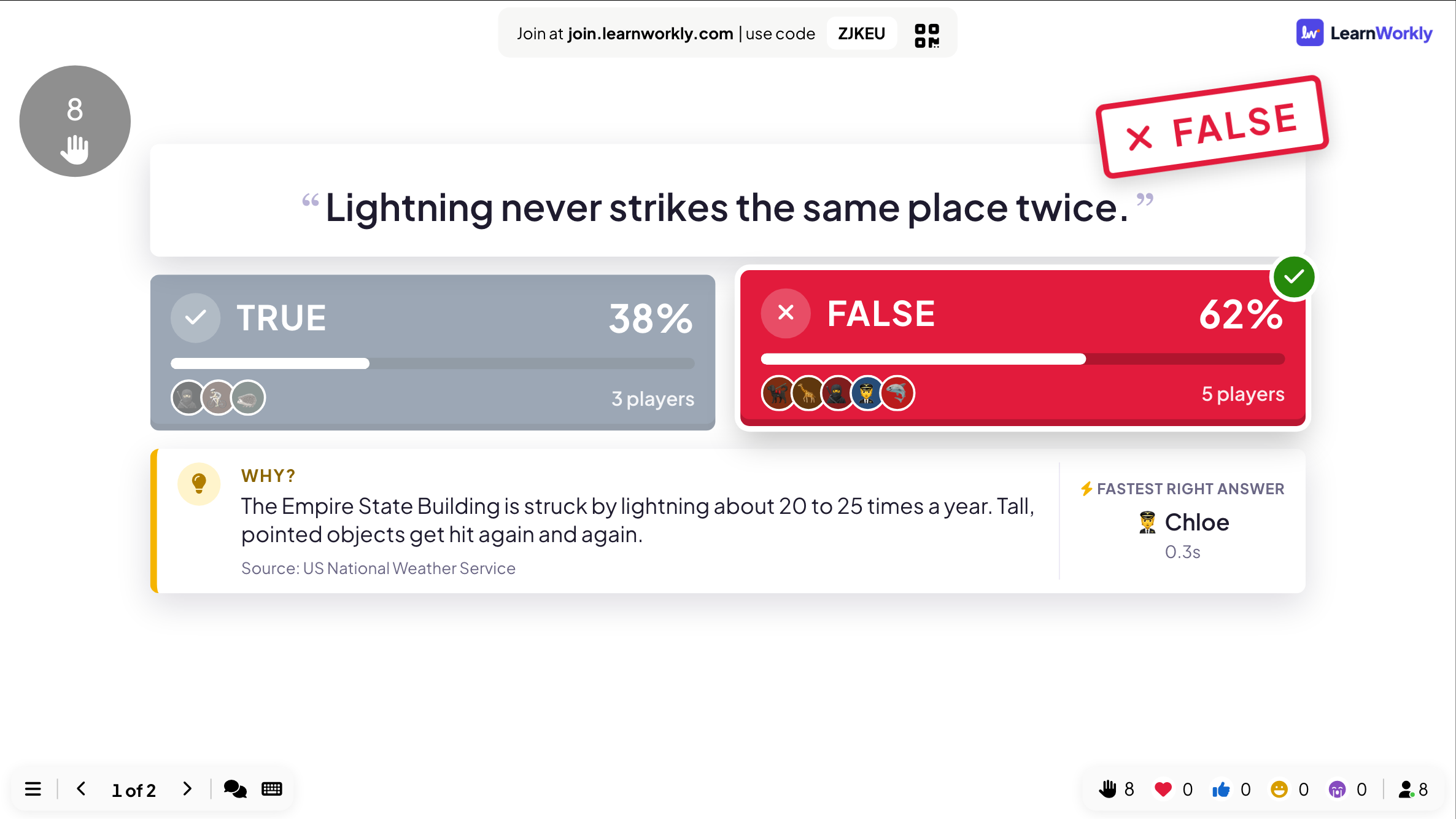
True or False
Players pick a side, then the answer is stamped on screen with the reason why.
Multiple-choice quiz questions with scoring and a leaderboard.
Opens a demo in the app. No sign-up needed.
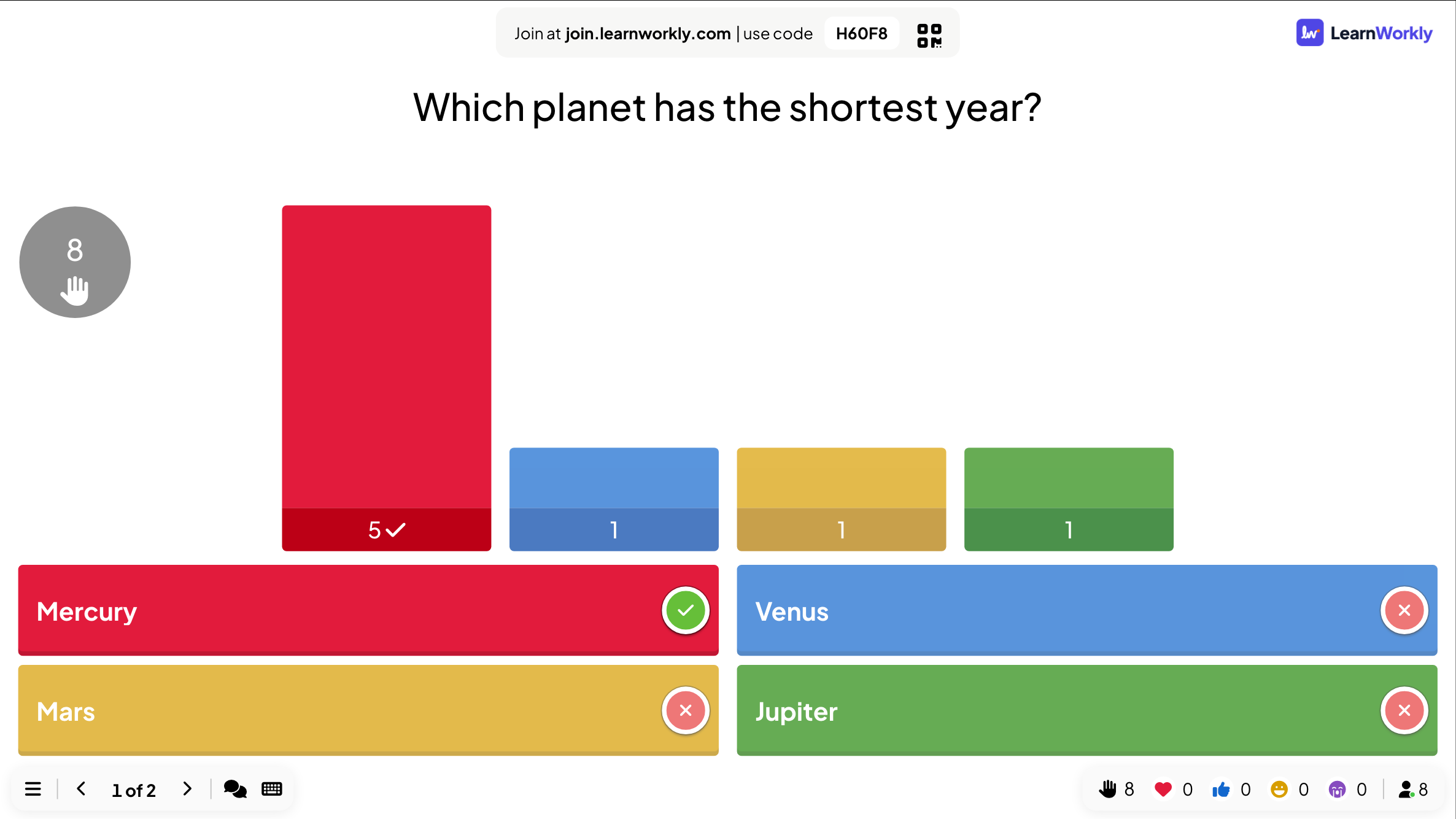
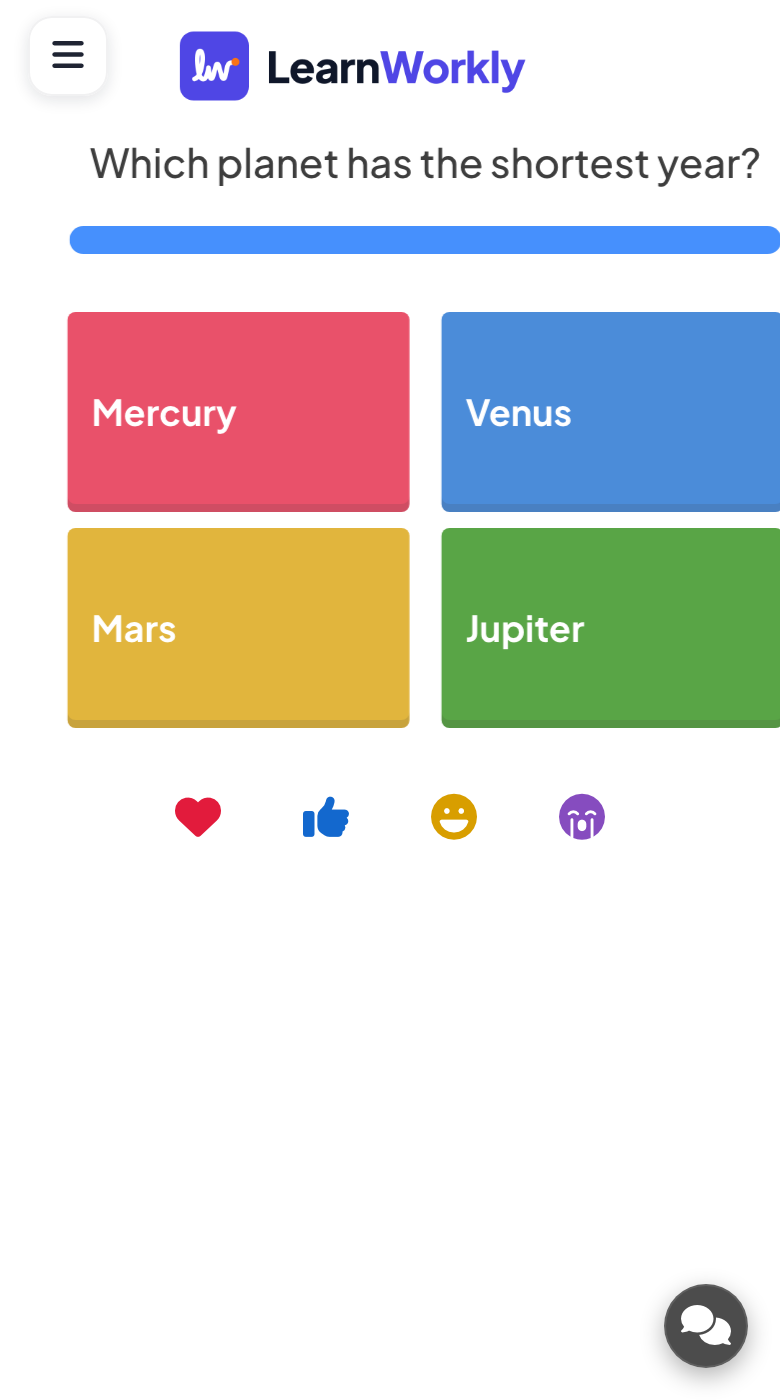
Select Answer is the multiple-choice question of a live quiz. You write a question, add up to six options and tick the ones that are right. When you present it, everyone answers on their own phone before the countdown runs out, and correct answers earn points for the leaderboard. You can mark more than one option as right, add a picture to the question or to each option, and choose between a classic quiz layout and a bar chart. It fits warm-ups, quick checks for understanding, revision and pub-quiz rounds alike.
Read the full guide to Select AnswerWhile the timer runs, the big screen shows the question and its options. When time is up, the right answers get a tick and every option shows how many people picked it, so you can see straight away where the room went wrong.
Phones show the options as large coloured buttons after a short countdown. With a single right answer, one tap sends it. With several right answers, people select them and tap Submit. Afterwards each phone says whether the answer was right and how many points it earned.
You set the time to answer (45 seconds by default) and the points range (0 to 100). Faster right answers score more unless you switch that off. Partial scoring for several right options is off by default. End Quiz stops the timer early.
Ask one question after explaining a topic and see at a glance which wrong option the class fell for.
School teachersClose a module with a few questions on policy or product facts so you know what needs another pass.
Trainers and L&D teamsBuild a themed round of general knowledge questions with pictures, then crown the winner on the leaderboard.
Events and team buildingOpen a meeting or online session with a light question everyone answers on their phone in seconds.
Meetings and presentationsCopy one into a Select Answer slide, or use them as a starting point for your own.
Play it liveWhich planet has the shortest year? Mercury, Venus, Mars, Jupiter (Mercury)
Which of these are prime numbers? 9, 11, 15, 17 (11 and 17, with partial scoring on)
Which gas do plants take in for photosynthesis? Oxygen, nitrogen, carbon dioxide, hydrogen (carbon dioxide)
In which year did the First World War end? 1916, 1918, 1920, 1939 (1918)
Which of these should you do first when you receive a suspicious email? Reply, click the link, report it, forward it (report it)
In the editor, click + New Slide and pick Select Answer. Change the sample content to your own.
Click Present. People join on their phones with the code or QR code on the screen.
Fast, correct answers score points, and the leaderboard shows the top players after each question.
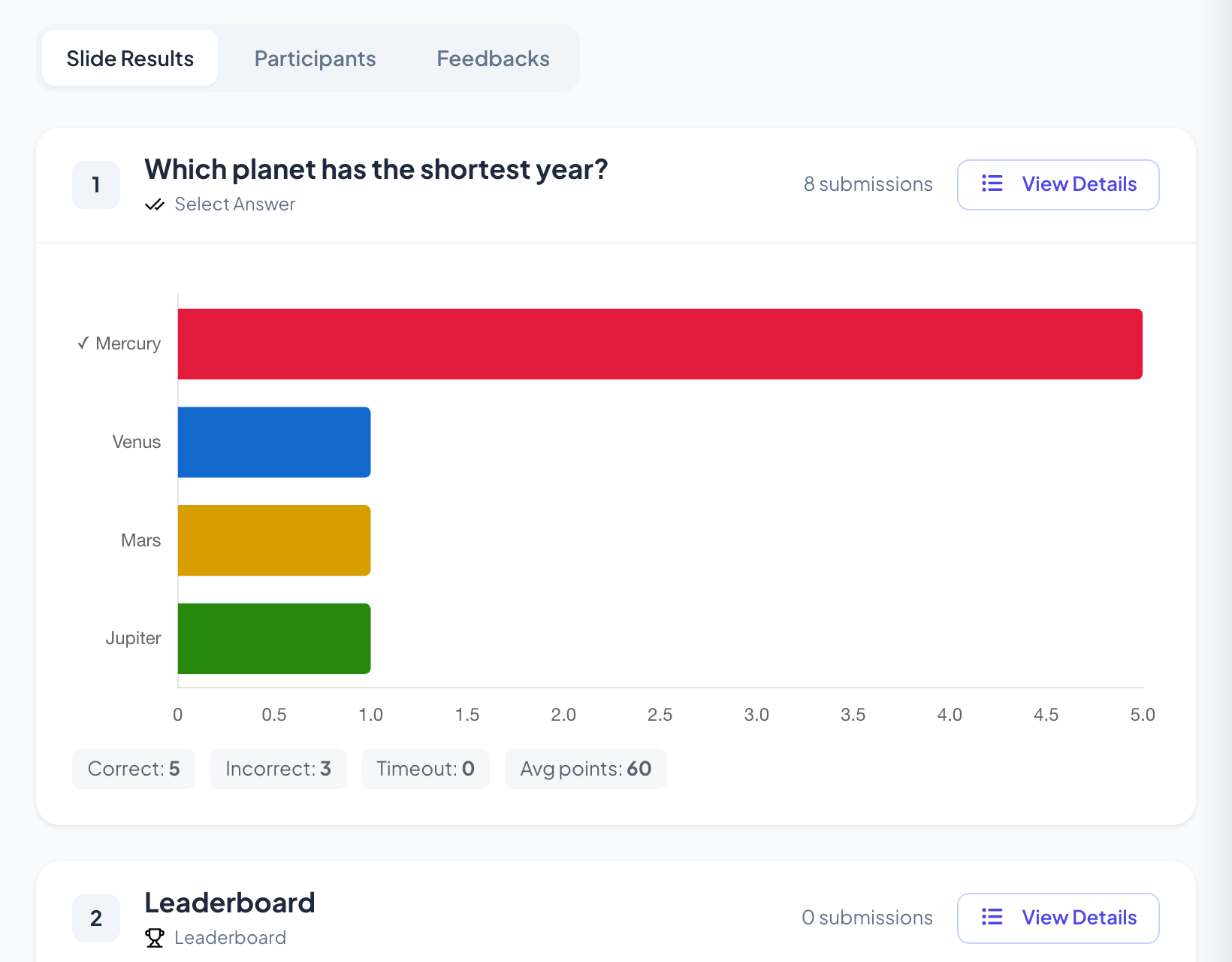
A right answer scores between the minimum and maximum points you set, 0 and 100 by default. With speed scoring on, the quicker the right answer, the closer it gets to the maximum. A wrong answer or no answer scores nothing.
Yes. Tick every option that is right. Participants then select several options and submit. Turn on partial scoring if you want someone who picks some of the right options, and no wrong one, to get a share of the points.
Yes. Switch off the setting that gives more points for fast correct answers. Every right answer then scores the same fixed amount, which suits careful thinking questions better than a race.
Yes. Add a question image and turn on image reveal: the picture is uncovered tile by tile as the countdown runs, at random or in order from the top left. It works well for guess-the-place or guess-the-object rounds.
Free for up to 10 live participants. No credit card, nothing for your audience to install.
Free for up to 10 participants · No credit card
Can we measure your visit?
We would like to use Google Analytics to see which pages are useful. It sets cookies, so it only runs if you agree.Privacy policy