Games
Rock Paper Scissors: the whole room versus the screen
The whole room plays against the screen until two players face off.
Opens a demo in the app. No sign-up needed.
What is Rock Paper Scissors?
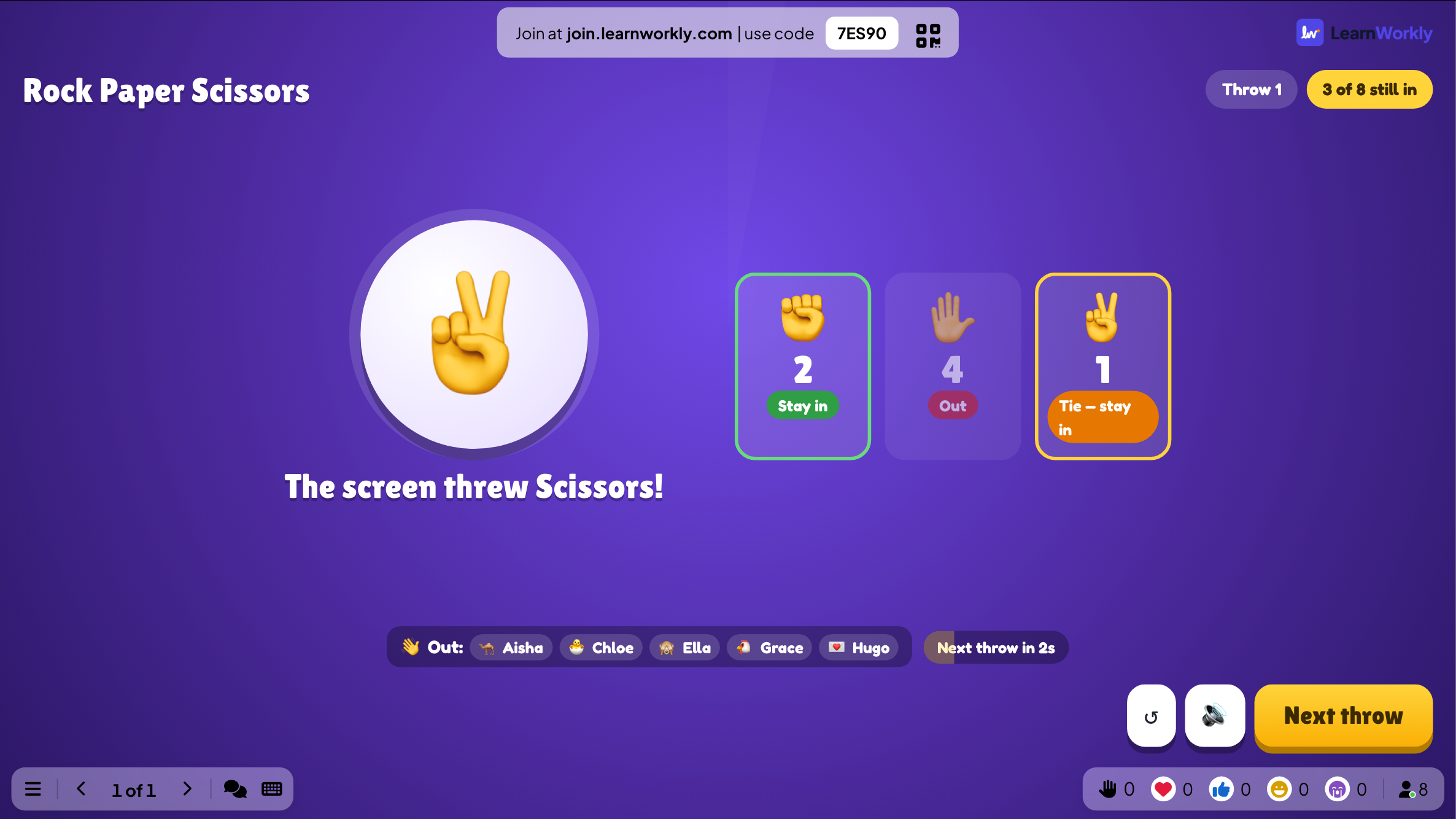
This version of Rock Paper Scissors pits everyone in the room against the big screen at once. Players choose rock, paper or scissors on their phones, then the screen reveals its own hand. Win or draw and you survive; lose, or fail to pick in time, and you are out. If every remaining player would lose a throw, nobody goes out and the round is replayed. When two players remain, they can face each other in a final duel. It needs no content and quickly finds a single winner.
Read the full guide to Rock Paper ScissorsOn the big screen
While players choose, the big screen says Pick on your phone! and counts how many have picked. After each throw it shows the screen's hand and who stayed in or went out, then the next throw starts automatically.
On phones
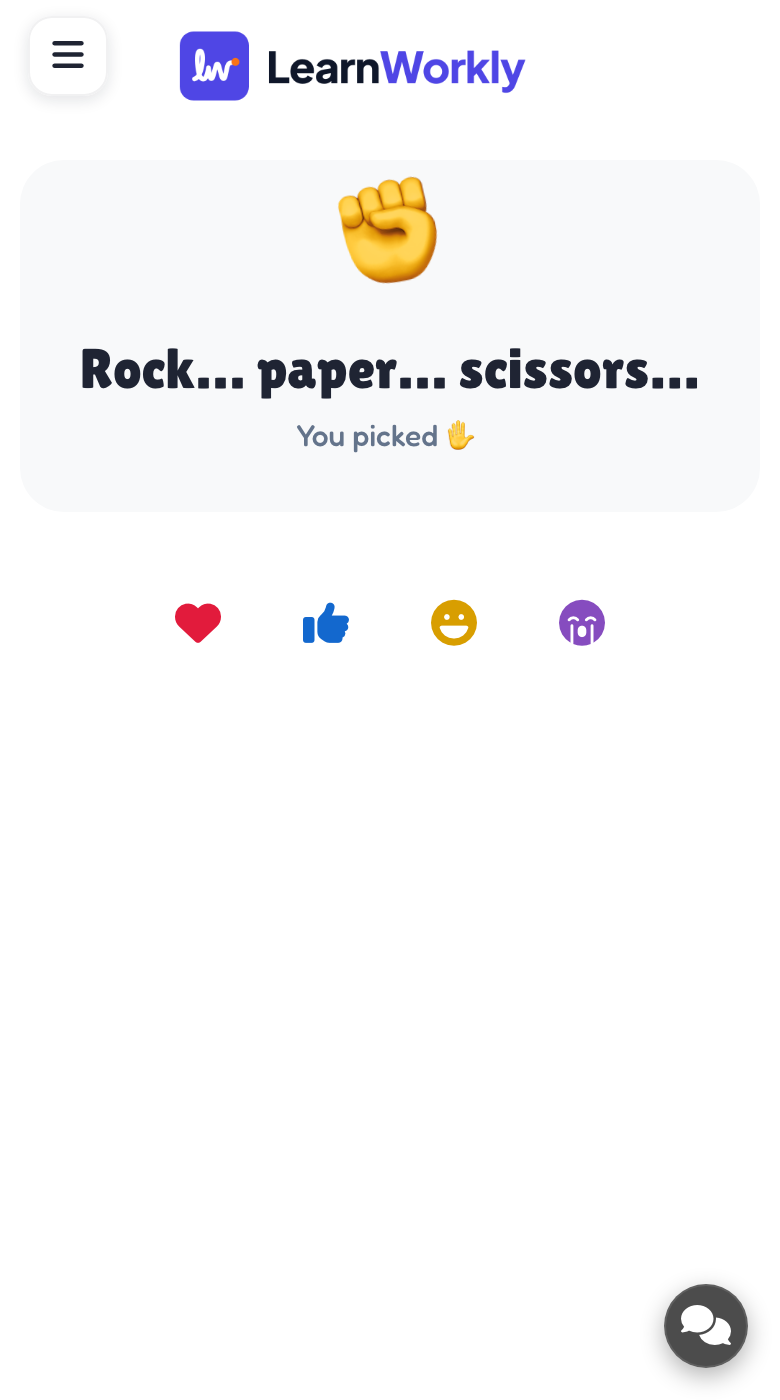
Each phone shows three big buttons for rock, paper and scissors. Players tap their choice before time runs out. In the final duel, the last two players throw against each other rather than against the screen.
What you control
There are two settings: the time to pick (3, 5 or 8 seconds, 5 by default) and the final duel between the last two players, which is on by default. Press START to begin and Throw now once everyone has picked.
Great for
Deciding who goes first
Settle which pupil starts a presentation or reads first with a fun, fast elimination game.
School teachersWorkshop break
Give a training group a short, lively break that needs no preparation from you at all.
Trainers and L&D teamsPrize giveaway
Find one winner for a prize at an event with a contest the whole audience can join.
Events and team buildingOnline session energiser
Wake up participants on a video call with a quick knockout they play from their phones.
Meetings and presentationsWays to play
Copy one into a Rock Paper Scissors slide, or use them as a starting point for your own.
Play it live- 1
The winner chooses the song for the end-of-lesson tidy-up
- 2
Quick 3-second picks for a fast, chaotic party round
- 3
Play before a quiz to decide who reads the first question
- 4
Best of three games: the overall winner gets the prize
- 5
Keep the final duel on for a showdown between two finalists
Run it in three steps
- 1
In the editor, click + New Slide and pick Rock Paper Scissors. Change the sample content to your own.
- 2
Click Present. People join on their phones with the code or QR code on the screen.
- 3
Start the game: it plays out on the big screen while everyone takes part on their phone.
Rock Paper Scissors: frequently asked questions
How do you get knocked out of Rock Paper Scissors?
You go out if the screen's hand beats yours, or if you do not pick before the timer ends. A draw against the screen keeps you in. The exception: if every remaining player would go out on the same throw, nobody does and the room throws again.
What is the final duel?
When only two players are left, they stop playing against the screen and play each other instead. The first to win two throws wins the game. You can switch the duel off in the settings if you prefer to keep everyone against the screen.
Can people join once the game has started?
Not into the current game. Anyone who joins after you press START watches the big screen and can take part in the next one. Press Play again on the final screen to start a new game with everyone.
Is it a good way to pick one winner?
It works well when you want a single winner with some fun on the way. Nobody needs to prepare anything, every player makes their own choices, and the room keeps throwing until one person is left standing.
More activities like this
All activities
See it in your next session
Free for up to 10 live participants. No credit card, nothing for your audience to install.
Free for up to 10 participants · No credit card