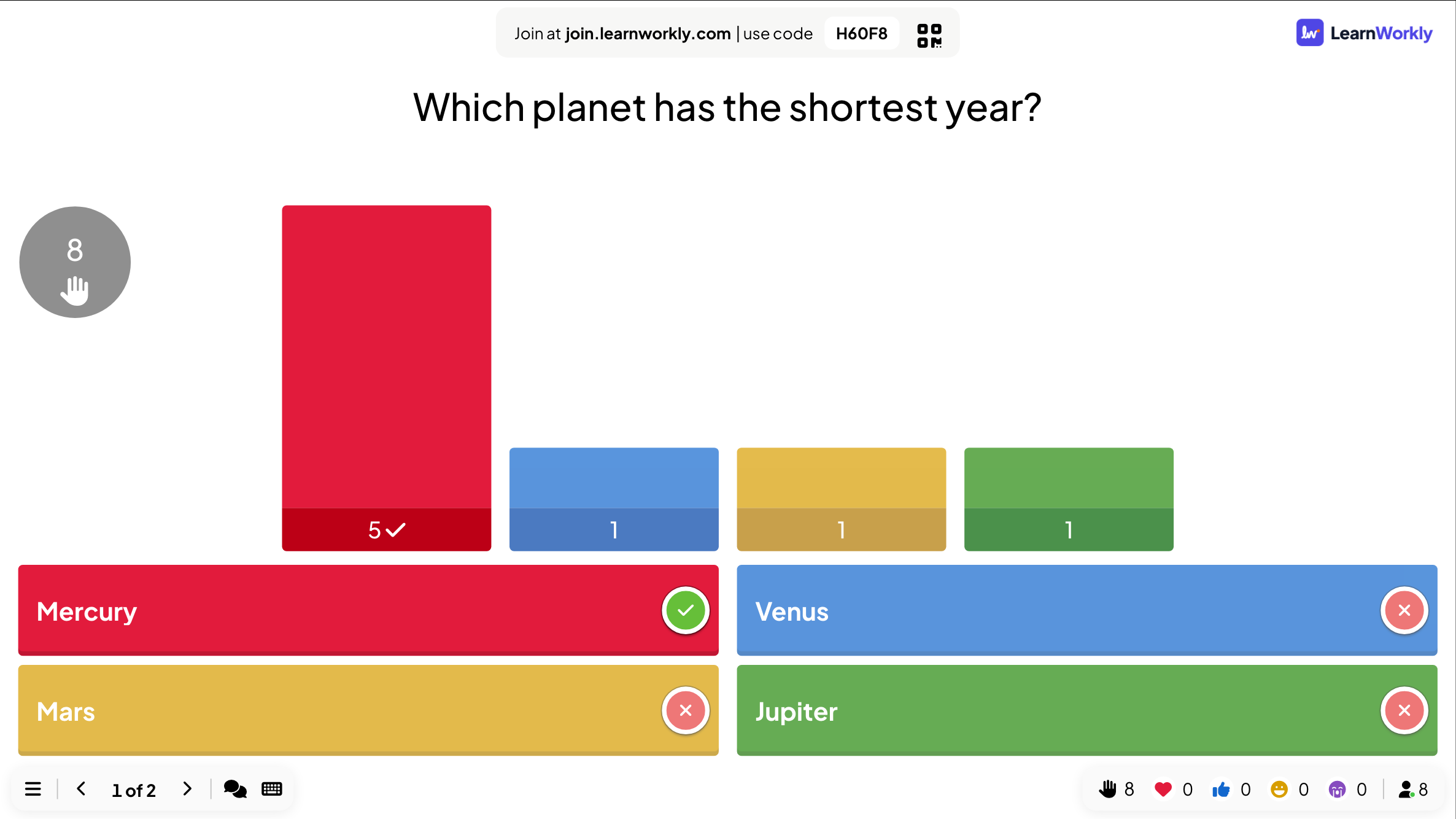
Quiz
Pin Answer: a map and picture quiz played with a tap
Tap the right spot on a picture: a map, a diagram or a screenshot.
Opens a demo in the app. No sign-up needed.
What is Pin Answer?
Pin Answer is a quiz question where players answer by dropping a pin on a picture. Ask where a country is, which part of a diagram is the heart, or which button saves a file. A pin inside a right area scores, and faster pins score more. You can start from a ready-made picture, such as a world map, a continent, the USA, the solar system or the human body, and pick the answer from a list. Or upload your own map, diagram or screenshot and draw the right areas yourself.
Read the full guide to Pin AnswerOn the big screen
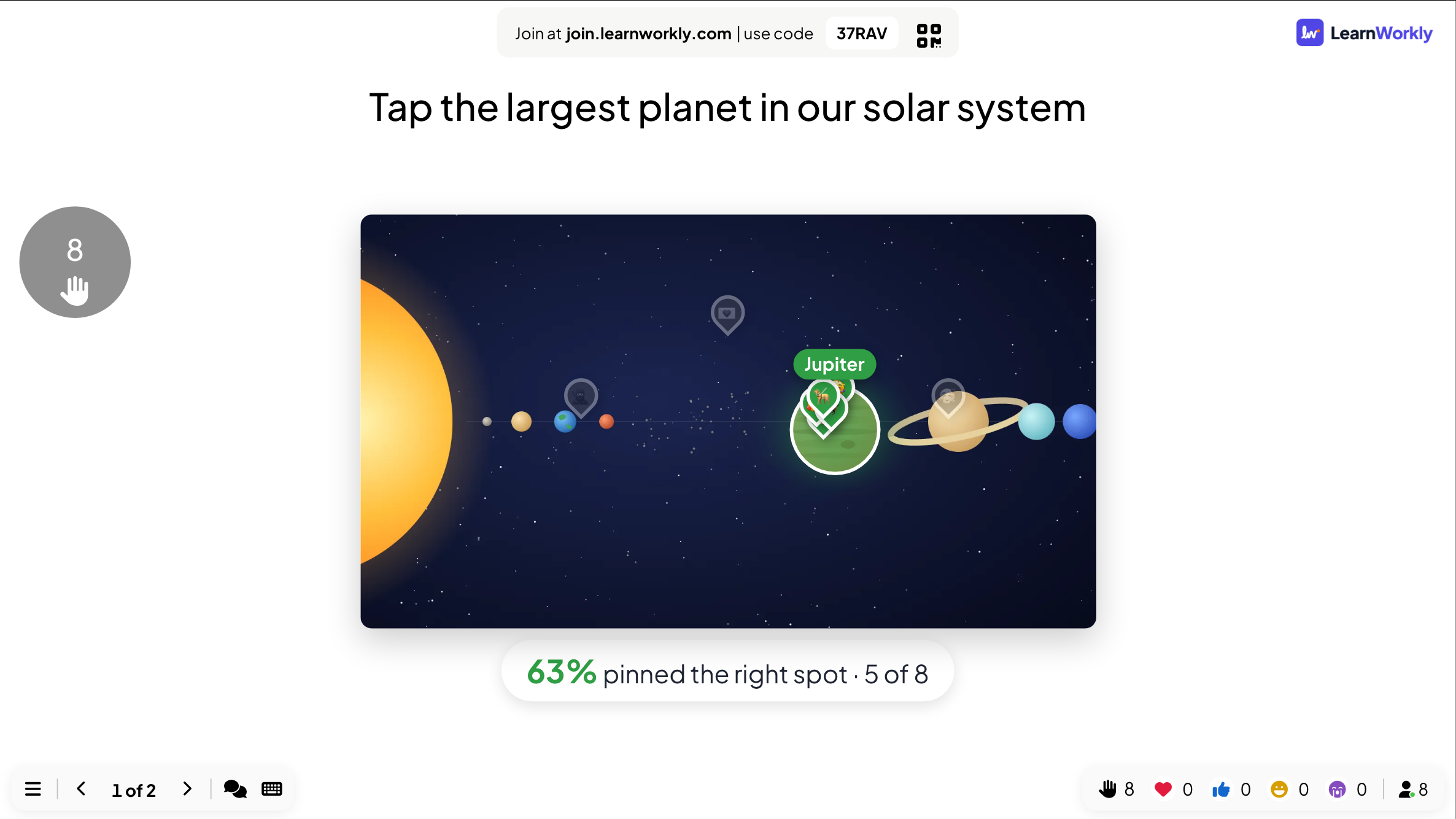
While players think, the big screen shows the question and the picture. At the reveal it shows everyone’s pins on the picture together with the right areas, so you can see how close the room came.
On phones
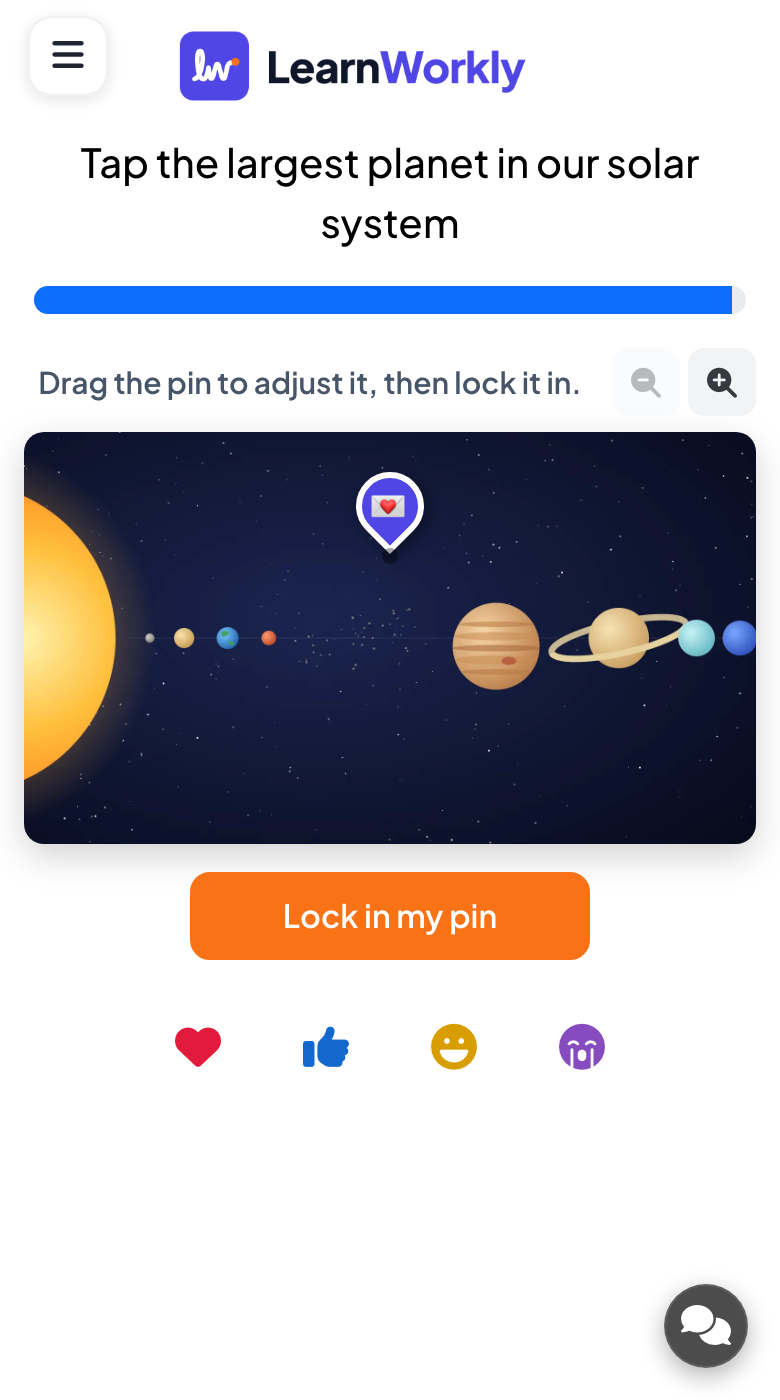
Each phone shows the picture with zoom buttons. Players tap to drop their pin, drag it to fine-tune the position, then tap Lock in my pin. At the reveal their phone marks the right answer in green.
What you control
You choose a ready-made picture and search for the answer, or let Random pick one and write the question. With your own image, you draw circle or rectangle areas. Up to five places can count as right.
Great for
Geography lessons
Ask students to find countries, capitals or regions on a ready-made map and see every pin at once.
School teachersAnatomy and diagrams
Check that students can locate parts of the body or labels on a diagram you upload.
University lecturersSoftware training
Upload a screenshot and ask trainees to tap the button or menu that does a task.
Trainers and L&D teamsMap rounds at events
Run a where-in-the-world round at a quiz night or fun day using the built-in maps.
Events and team buildingPins to try
Copy one into a Pin Answer slide, or use them as a starting point for your own.
Play it live- 1
On the world map: where is Kenya?
- 2
On the solar system: which planet is the largest? (Jupiter)
- 3
On the human body: where is the liver?
- 4
On a map of Europe: which country has Lisbon as its capital? (Portugal)
- 5
On a screenshot of your app: tap the button that exports a report
Run it in three steps
- 1
In the editor, click + New Slide and pick Pin Answer. Change the sample content to your own.
- 2
Click Present. People join on their phones with the code or QR code on the screen.
- 3
Fast, correct answers score points, and the leaderboard shows the top players after each question.
Pin Answer: frequently asked questions
Which ready-made maps and pictures are included?
World map, Continents, Europe, Asia, Africa, The Americas, USA, Solar system and Human body. Pick one, then type to search for the answer or click it on the slide.
Can I use my own picture?
Yes. Upload a map, diagram or screenshot, then click or drag on it to mark the right areas as circles or rectangles. You can move and resize each area, up to five per question.
Can a player move the pin after locking it in?
No. Players can drag the pin as much as they like before they lock it in, but once they tap Lock in my pin the answer is sent.
The right area is hard to hit on a small phone. What can I do?
Make the right area larger, or remind players to use the zoom buttons before they drop the pin. Adding a second right area also helps when a place could reasonably be marked in two spots.
More activities like this
All activities
See it in your next session
Free for up to 10 live participants. No credit card, nothing for your audience to install.
Free for up to 10 participants · No credit card