For trainers and workshop leaders
Prove the training worked, not just that people attended
Attendance is easy to count; learning is not. LearnWorkly lets you check understanding during the session, follow up afterwards and show results to the people who booked the training.
Sound familiar?
What gets in the way today
Feedback forms measure mood
“Did you enjoy the session?” is not “can you do it now?”. Short checks tell you what people can actually do.
Learning fades after the workshop
Without follow-up, most of a training day is forgotten within weeks. A short task a few days later makes it stick.
Clients want results
Scores per question and per participant give you evidence to share, not just a headcount.
How LearnWorkly helps
Built for the way you teach
Join in seconds
Participants scan a code or open a link and type their name. Nothing to install, no account.
Questions from your material
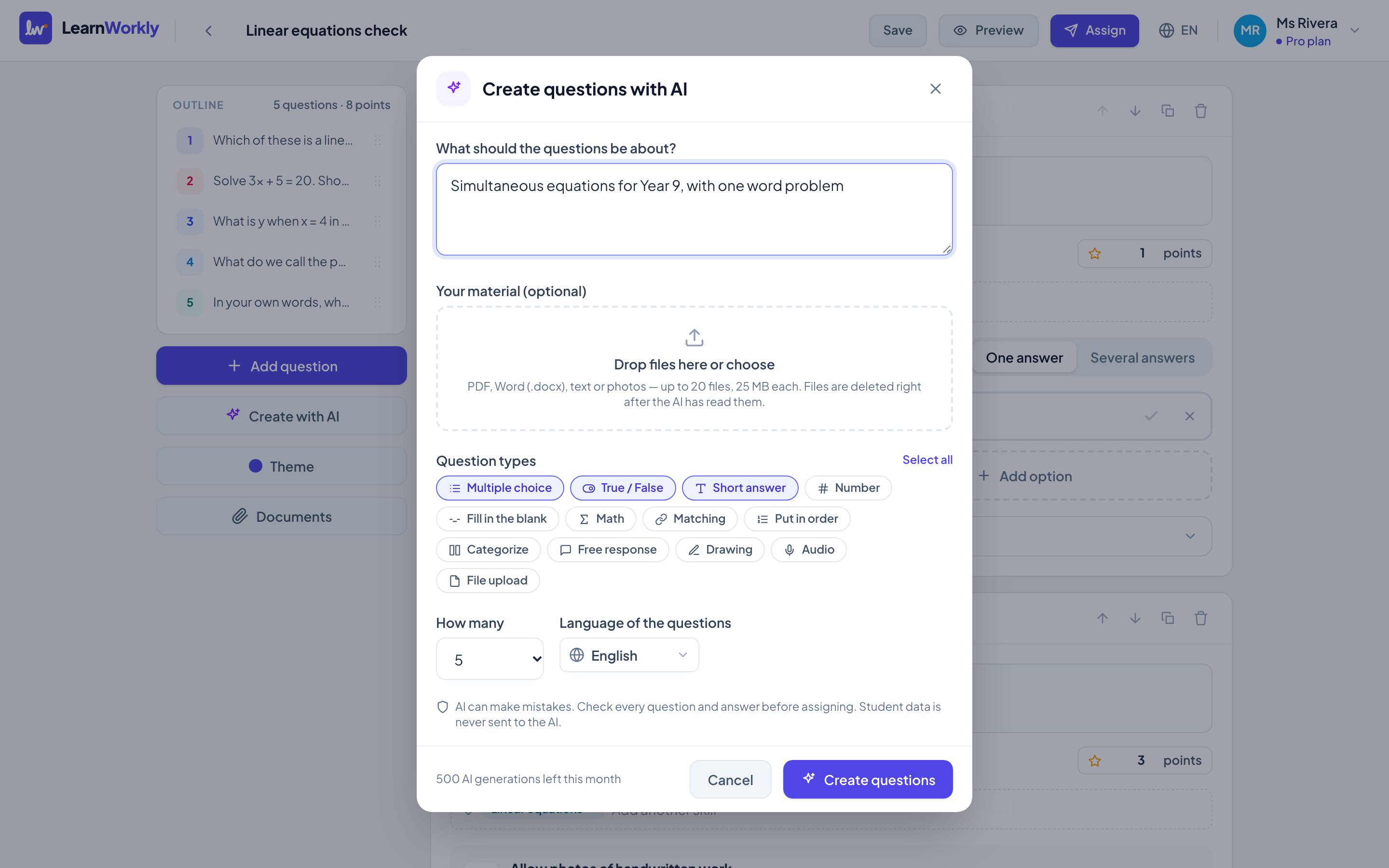
Let AI draft questions from a topic or your own handout, then edit them before the session.
Certificates for those who pass
Set a pass mark and participants who reach it can download a certificate.
Single sign-on for companies
For organisations we set up sign-in with your company accounts on an Academy plan. Results download as CSV or Excel.
Example
A one-day workshop for 25 people
- 1
Morning: a quick check on what people already know, so you can skip what the room has mastered.
- 2
After each block: two or three questions. Answers appear live and you revisit what most people missed.
- 3
A week later: a short follow-up task. Those who pass get a certificate, and you send the results to your client.
Features you will use most
Frequently asked questions
Do participants need an account or email?
No. They join with a code or a link and type their name.
Can our staff sign in with company accounts?
Yes, for organisations. We set up single sign-on as part of an Academy plan. Email hi@learnworkly.com.
Can I export the results?
Yes. Download scores for every participant and question as CSV or Excel.
Also made for
Try it in your next lesson
Free for up to 10 students. Set up your first activity in five minutes.
Free for up to 10 students · No credit card