Interactive questions
Word Cloud: see what the room is thinking in one picture
Short answers grow bigger the more people send them.
Opens a demo in the app. No sign-up needed.
What is Word Cloud?
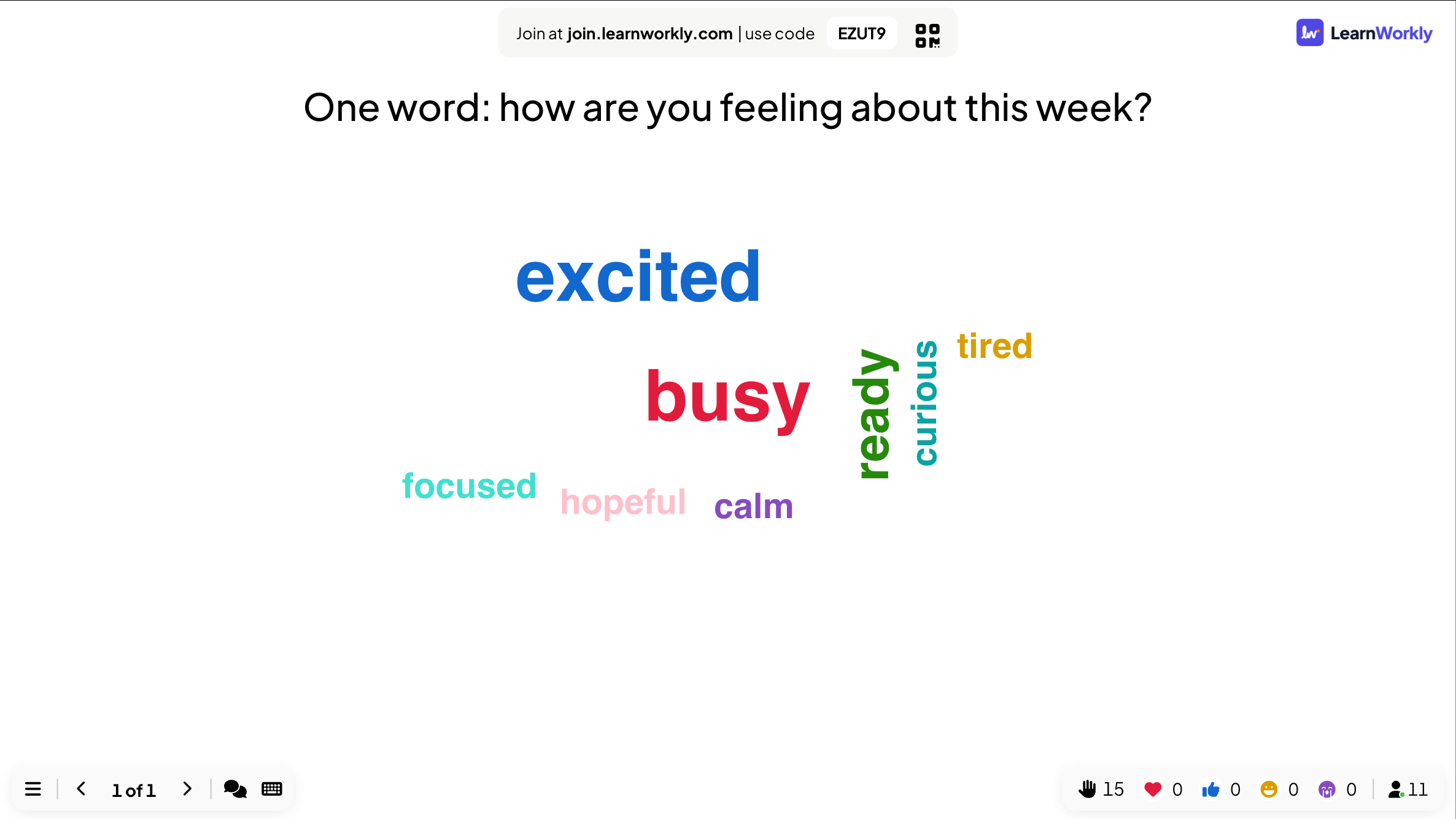
A Word Cloud turns short answers from your audience into a single picture. Everyone types a word or a short phrase on their phone, and it appears on the big screen right away. When several people send the same answer, that word grows bigger, so the most common ideas stand out without anyone counting. It suits any question with a one-word answer: how people feel, what they already know about a topic, or the first thing that comes to mind. It takes seconds to answer and gives the room something to talk about.
Read the full guide to Word CloudOn the big screen
A cloud of every word sent so far, with the most frequent answers drawn largest. New words pop in as they arrive. Answers that differ only in capital letters count as the same word. No names are shown next to the words.
On phones
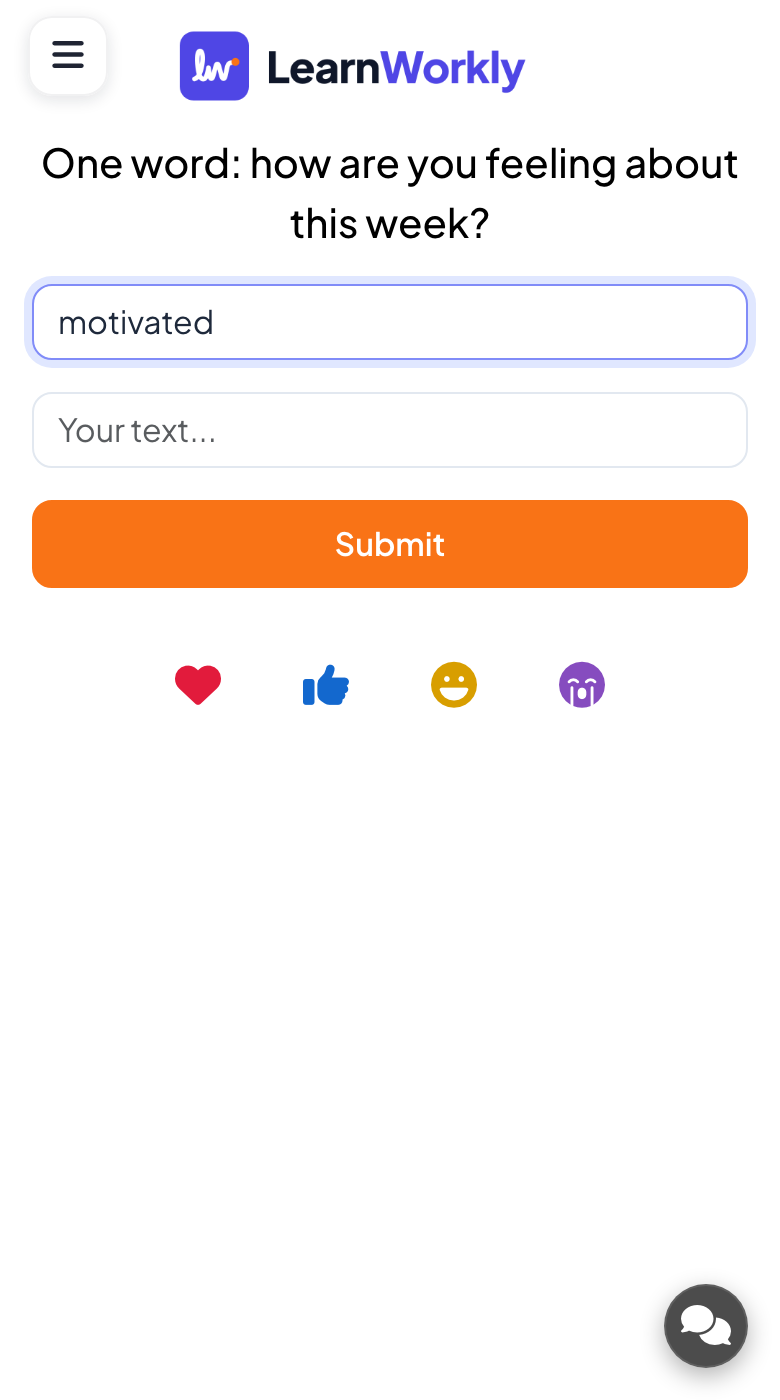
Participants get one or more text boxes, each taking up to 50 characters, and press Submit. They can tap View my submission to check what they sent and, when allowed, send more words in another round.
What you control
Number of responses lets each person send 1 to 7 words at once (1 by default). Multiple Submissions is on by default. You can keep text horizontal, hide the result, set a time limit, and click any word to edit or delete it.
Great for
Vocabulary warm-ups
Ask learners for every word they know on a theme and see the class vocabulary appear in one cloud.
ESL and language teachersOpen a training day
Ask what people hope to get from the session and use the biggest words to shape the agenda.
Trainers and L&D teamsRetro and check-ins
Start a team meeting with one word about the week and spot the mood of the group at a glance.
Meetings and presentationsEvent icebreakers
Fill the big screen at a conference or team day with answers from the whole crowd in under a minute.
Events and team buildingWord cloud ideas to try
Copy one into a Word Cloud slide, or use them as a starting point for your own.
Play it live- 1
One word: how are you feeling about this week?
- 2
What comes to mind when you hear "climate change"?
- 3
Name an adjective that describes our team.
- 4
Which skill do you want to improve this year?
- 5
Give one word for today's event so far.
Run it in three steps
- 1
In the editor, click + New Slide and pick Word Cloud. Change the sample content to your own.
- 2
Click Present. People join on their phones with the code or QR code on the screen.
- 3
Answers appear on the big screen as people send them, and stay in the report afterwards.
Word Cloud: frequently asked questions
Is a word cloud anonymous?
Yes, on screen it is. The cloud only displays the words people sent, never who sent them. The report also lists each word with how many times it was sent rather than a name next to it.
Can I stop rude or unwanted words appearing?
Switch on the profanity filter in the presentation settings before you start. During the session you can also click any word on the cloud and delete it, or edit it to fix a typo.
Can people send more than one word?
Yes. Set Number of responses from 1 to 7 and each phone shows that many boxes. Keep Multiple Submissions on if you want people to come back and add more words after their first submit.
Why are words with different capitals merged?
The cloud treats "Excited" and "excited" as the same answer, so they add to one word instead of splitting the count. That way the size of each word reflects how many people really said it.
More activities like this
All activities
See it in your next session
Free for up to 10 live participants. No credit card, nothing for your audience to install.
Free for up to 10 participants · No credit card