Games
Quick Draw: the fastest finger in the room wins
Phones turn red, then green. The fastest tap wins.
Opens a demo in the app. No sign-up needed.
What is Quick Draw?
Quick Draw is a pure reflex game that needs no preparation at all. Every phone turns red and asks players to wait, then switches to green after a random pause. The first to tap on green is fastest, but tapping too soon counts as a false start. Optional fake-outs flash yellow first to catch out jumpy fingers. Over several rounds, the player with the best average reaction time wins. Because there is no content to write, it works as an instant energiser for any age or setting.
Read the full guide to Quick DrawOn the big screen
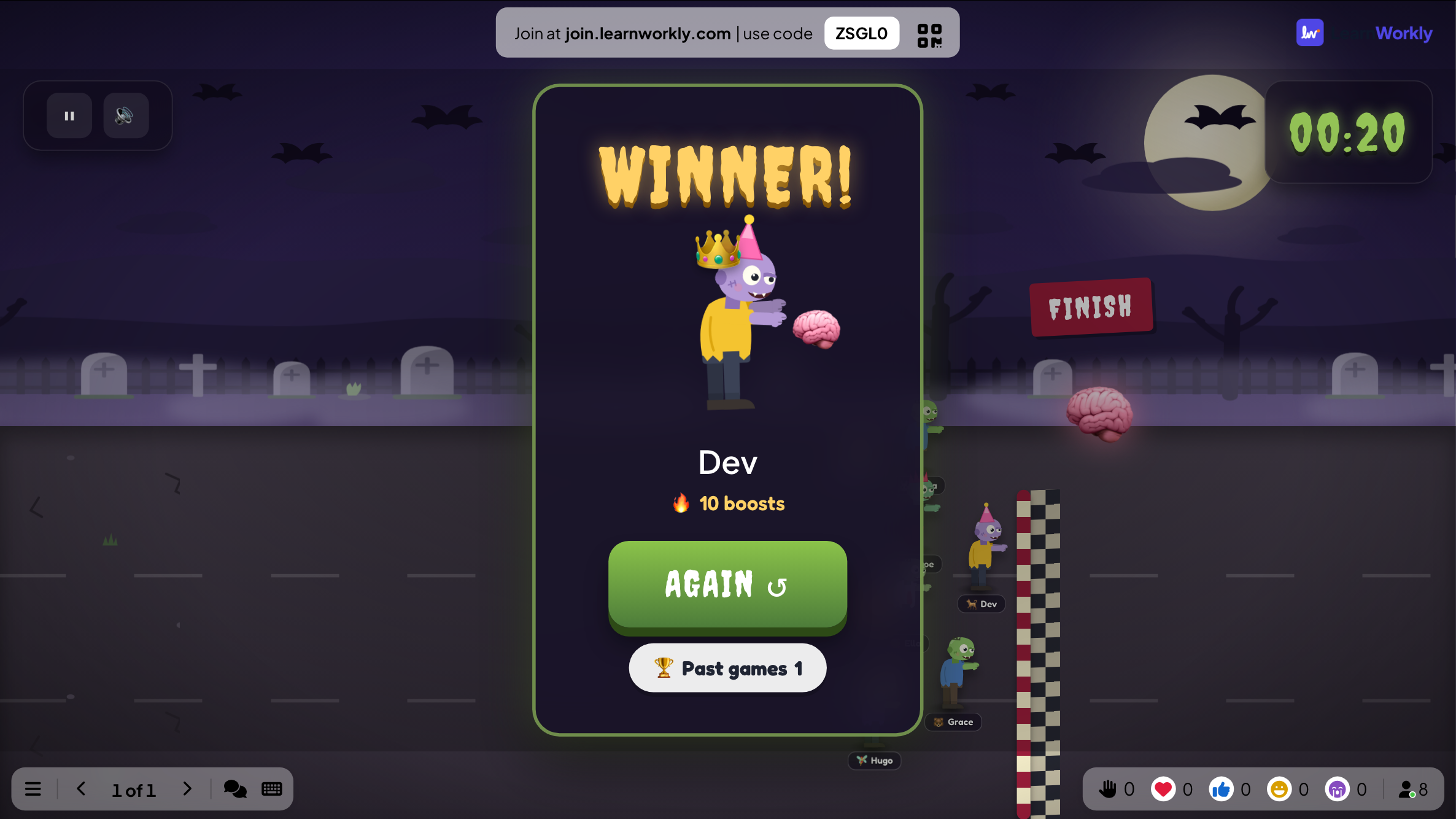
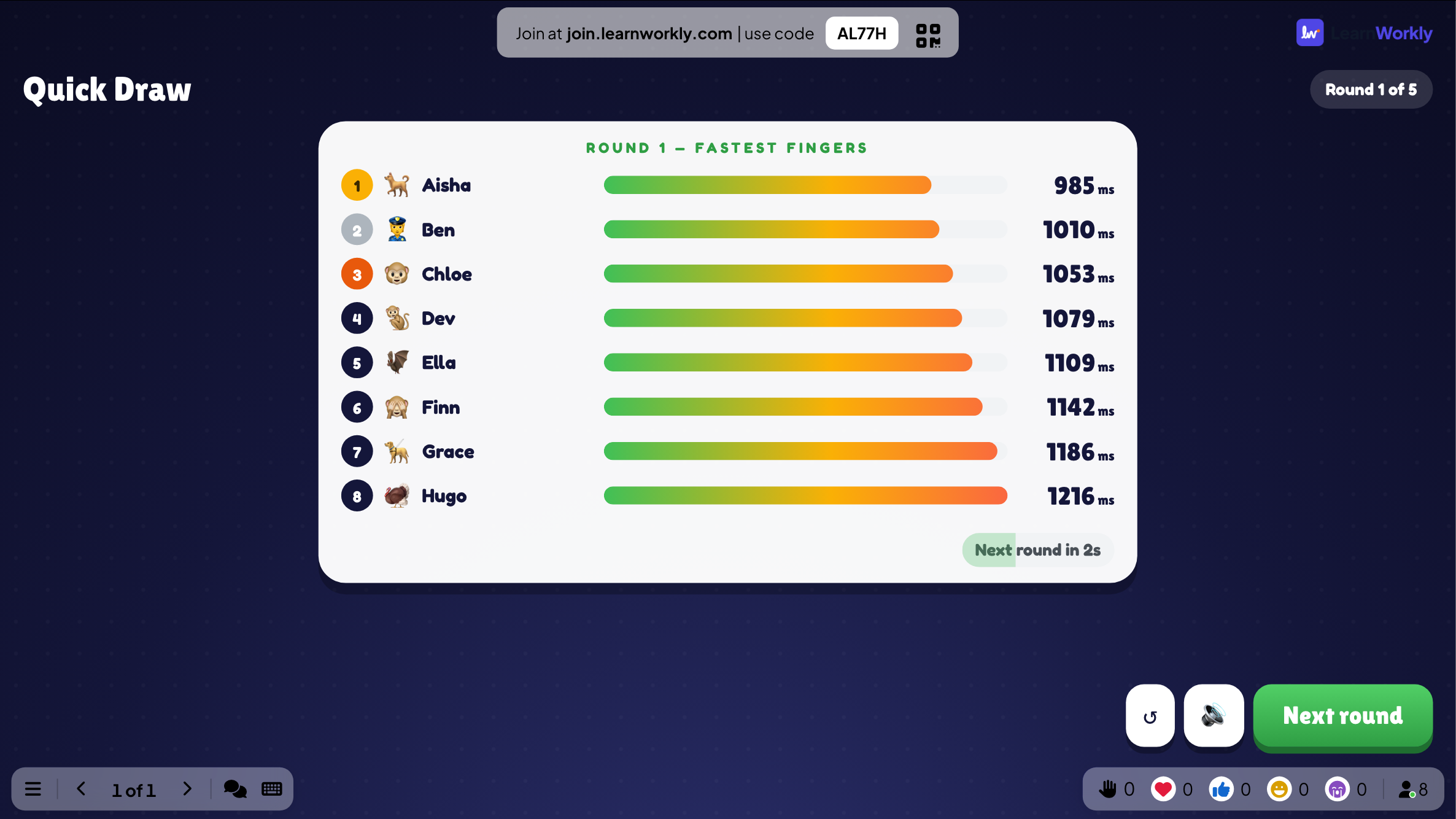
The big screen shows how many players have tapped during each round, followed by the fastest fingers and their reaction times. At the end, it names the player with the quickest average across all rounds.
On phones
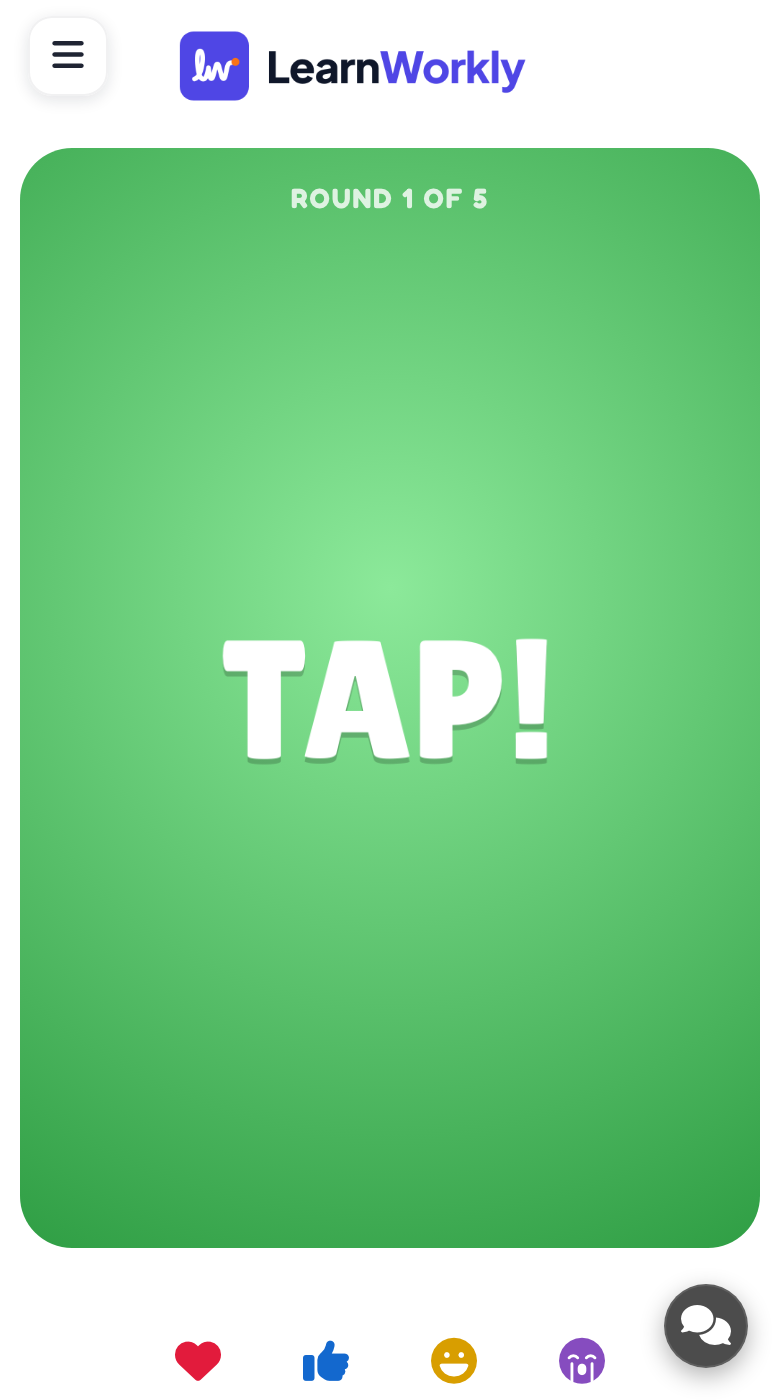
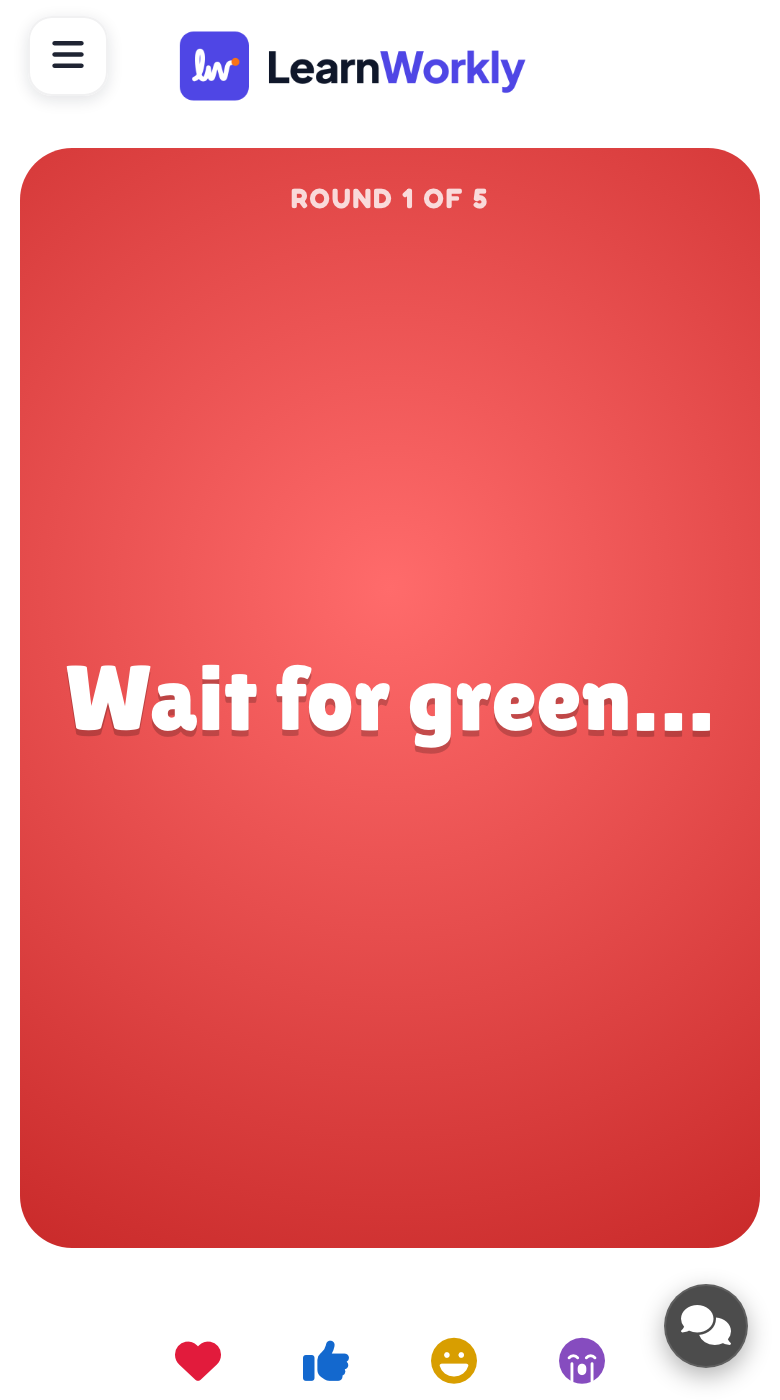
Each phone turns red with a wait message, then green with TAP! after a random delay. Players tap as soon as they see green. With fake-outs on, a yellow flash may come first, and tapping on it counts as a false start.
What you control
There are only two settings: the number of rounds (3, 5, 7 or 10, with 5 by default) and fake-outs, which are off by default. Press START, then let rounds roll on automatically or press Next round to move faster.
Great for
Brain break in class
Give pupils a quick reflex challenge between tasks, with no questions to prepare beforehand.
School teachersPost-lunch training slot
Wake up a workshop group after lunch with a few rounds of fastest finger.
Trainers and L&D teamsEvent warm-up
Get a hall or party involved from the first minute while people are still arriving and joining.
Events and team buildingOnline meeting opener
Start an online session with a quick contest that everyone can join from a phone.
Meetings and presentationsWays to play
Copy one into a Quick Draw slide, or use them as a starting point for your own.
Play it live- 1
Three rounds as a warm-up before the lesson starts
- 2
Ten rounds with fake-outs on for a tense party final
- 3
Fastest average wins first pick of the group project topic
- 4
The winner reads out the next question or presents first
- 5
Play again next week and challenge the room to beat the best time
Run it in three steps
- 1
In the editor, click + New Slide and pick Quick Draw. Change the sample content to your own.
- 2
Click Present. People join on their phones with the code or QR code on the screen.
- 3
Start the game: it plays out on the big screen while everyone takes part on their phone.
See it in action
Quick Draw: frequently asked questions
Is Quick Draw fair if someone has a slow connection?
Yes. Each phone measures the reaction from the moment its own screen turned green, not from a signal sent across the network. A phone that turns green a little later than the others is not penalised for it.
What counts as a false start?
Tapping before the screen turns green, including tapping on a yellow fake-out flash, is a false start. That round is recorded as 1,000 milliseconds for the player, and missing a round counts the same. They play the next round normally.
How is the Quick Draw winner decided?
After the last round, reaction times are averaged for each player and the lowest average wins. This rewards steady reflexes across all rounds rather than a single lucky tap.
Do I need to prepare anything?
No questions, words or lists are needed. Add the slide, choose how many rounds to play and whether to include fake-outs, then present. People join at join.learnworkly.com with the code or QR code, with no app or account.
More activities like this
All activities
See it in your next session
Free for up to 10 live participants. No credit card, nothing for your audience to install.
Free for up to 10 participants · No credit card