Games
Zombie Race: tap your zombie to the brain first
Everyone picks a zombie and shambles toward the brains.
Opens a demo in the app. No sign-up needed.
What is Zombie Race?
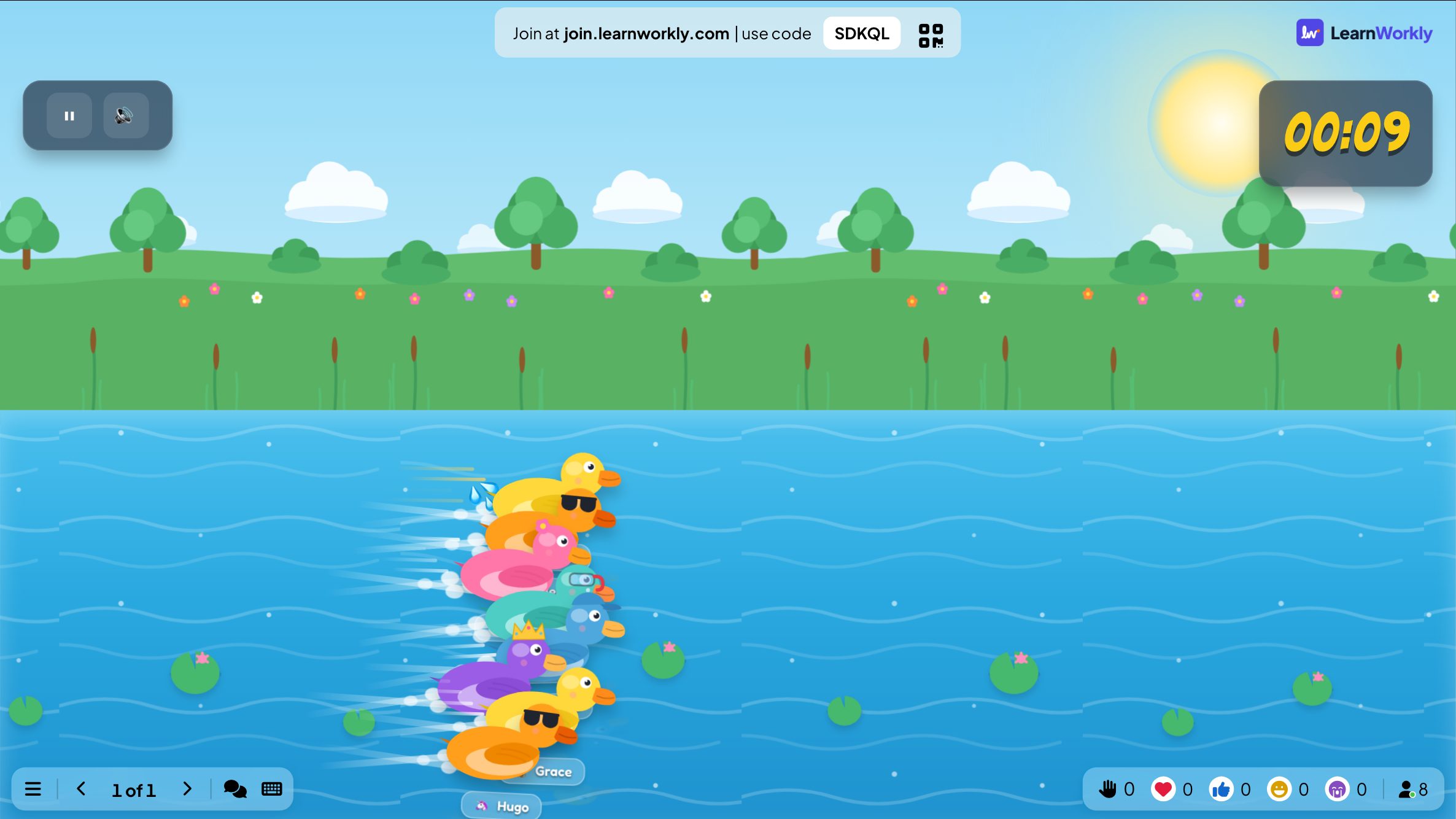
Zombie Race is a themed tap race for the big screen. Everyone who joins picks a cartoon zombie on their phone and names it, then the whole horde shuffles towards a giant brain waiting at the finish line. Players tap to make their zombie run faster, so effort decides the result, or you can switch boosting off and leave the winner to chance. It plays exactly like Duck Race but with graveyards and toxic swamps instead of a river, which makes it a natural pick for Halloween lessons, themed parties and any group that enjoys a bit of silliness.
Read the full guide to Zombie RaceOn the big screen
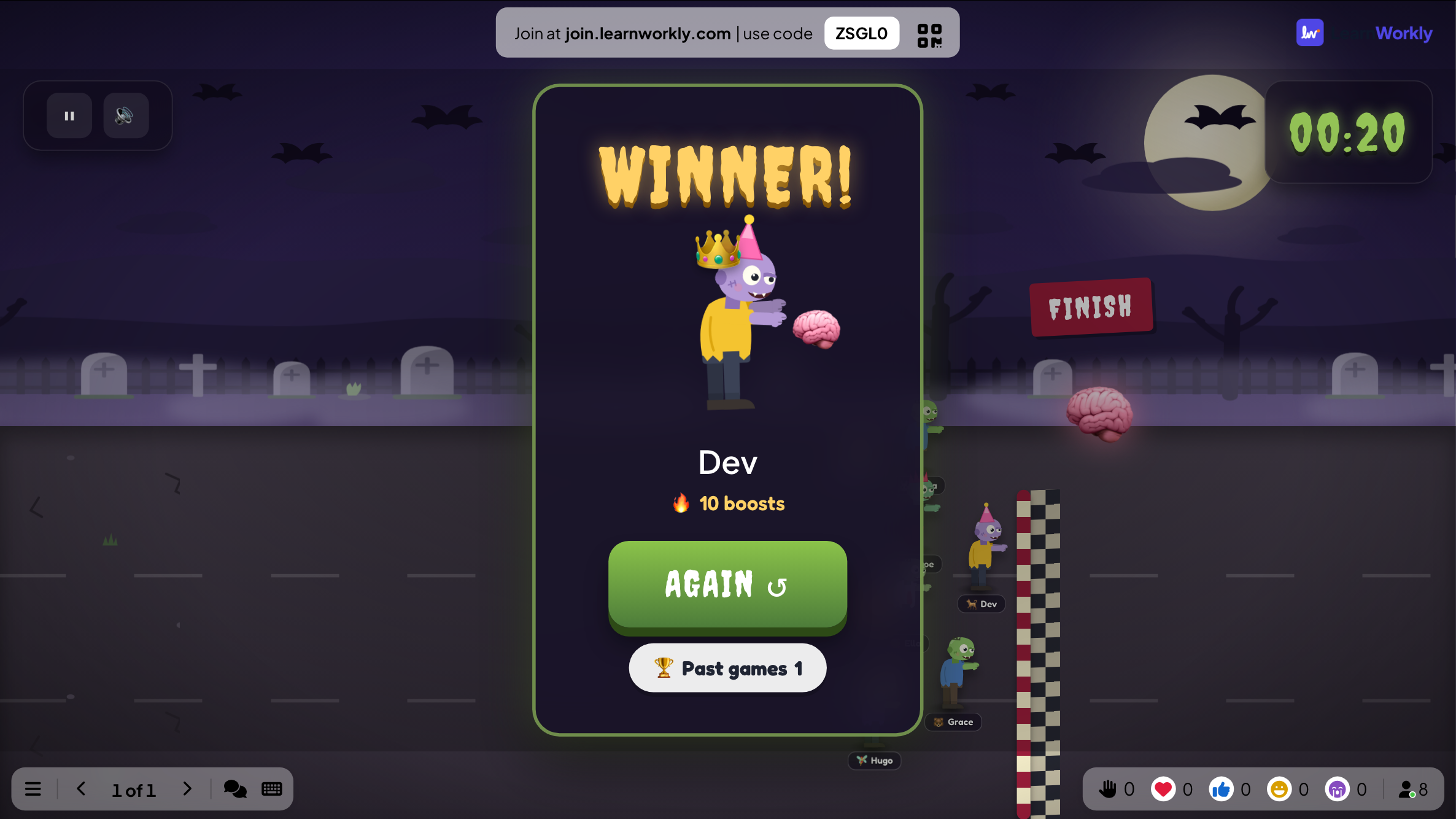
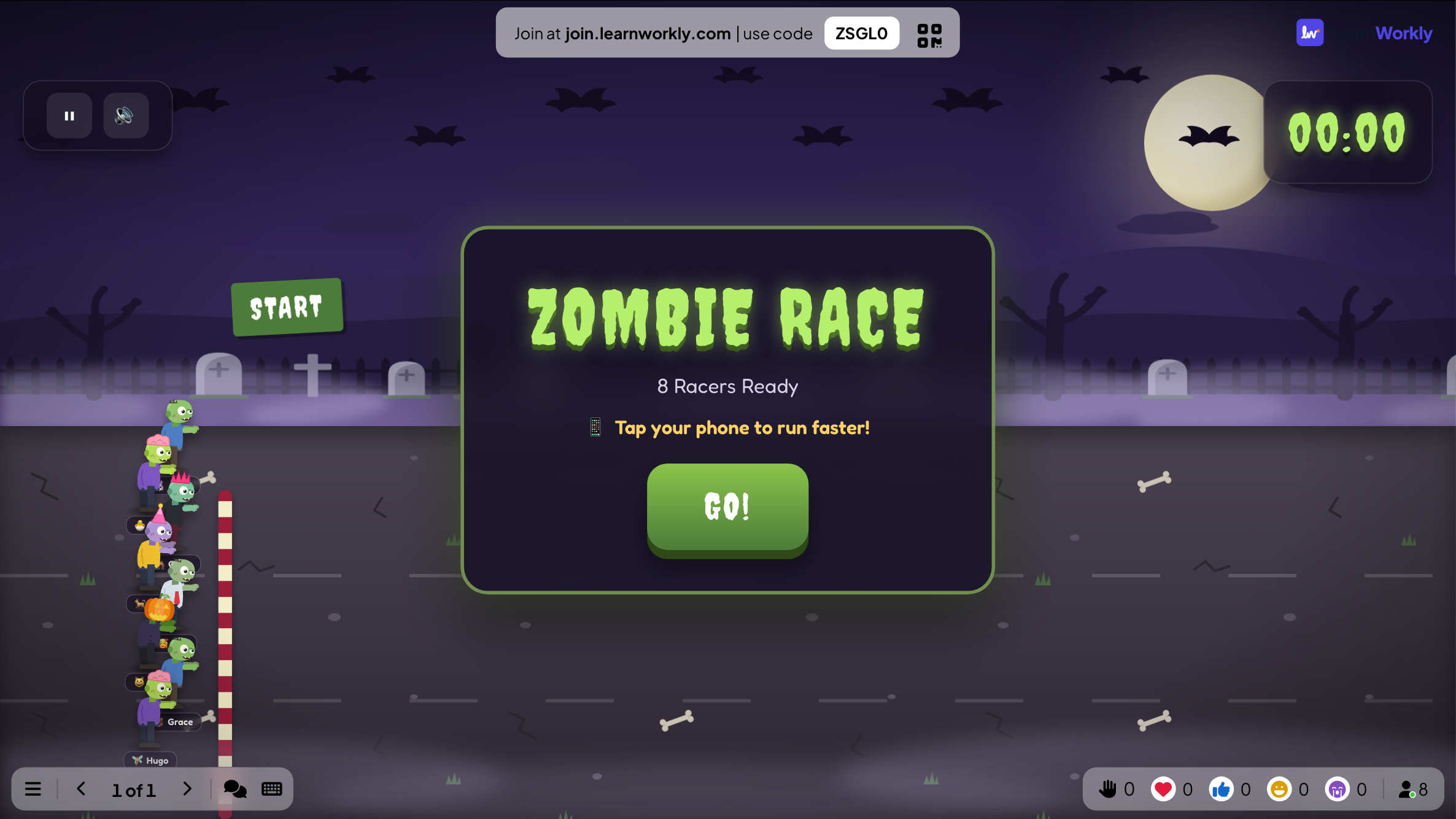
The big screen shows a lobby with a count of racers who are ready, then the race itself across the scenery you chose. A winner card announces the first zombie to reach the brain and the number of boosts it got.
On phones
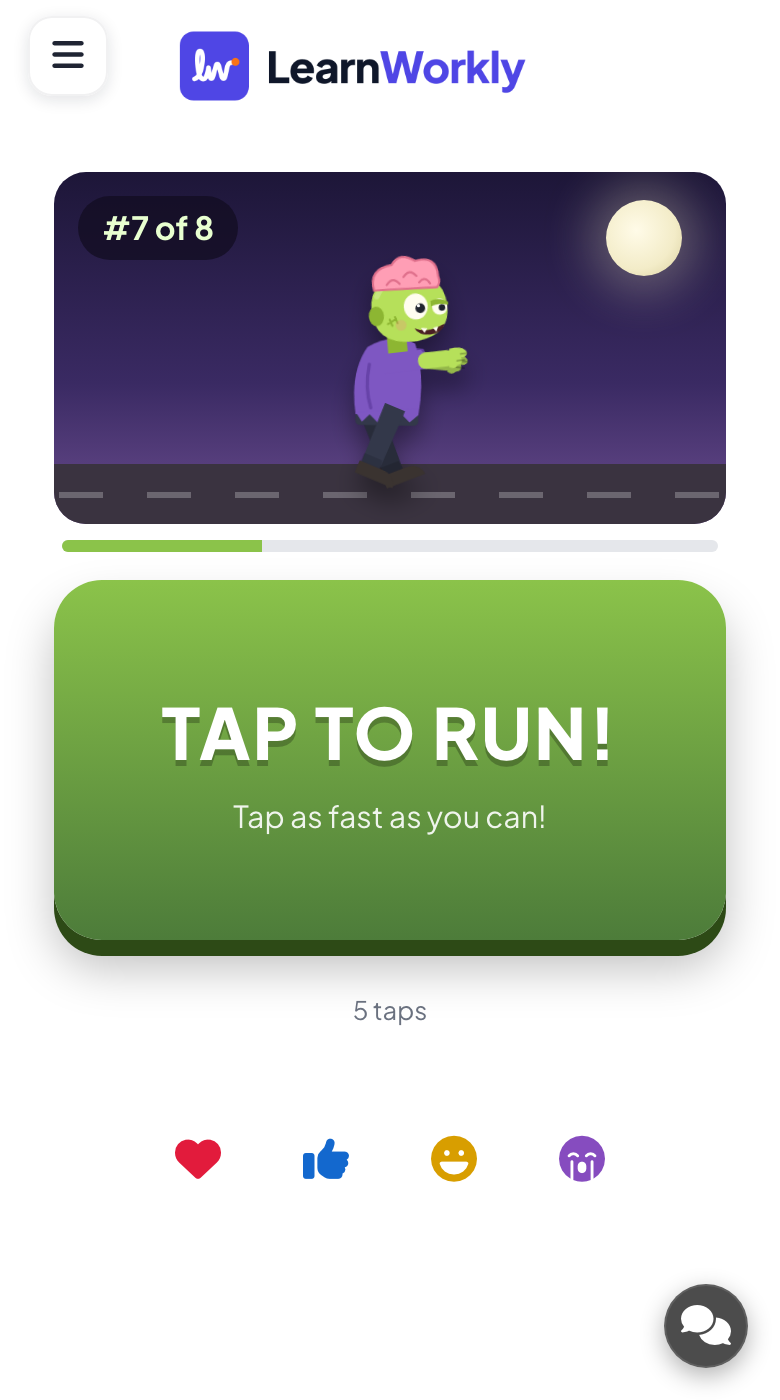
Each player chooses a zombie from a grid, or takes a random one, and enters a name. During the race the phone shows a large TAP TO RUN! button with a tap counter, and at the end it shows the player's finishing place.
What you control
You set the race length, 45 seconds by default, and decide whether participants can boost, which is on by default. Pick one of three scenes: Graveyard, Ruined City or Toxic Swamp. Press GO! to start and AGAIN to reopen the lobby for another race.
Great for
Halloween lesson
End a Halloween-week lesson with a short race that every pupil can join from a phone or tablet.
School teachersWorkshop wake-up call
Run a 30-second race after lunch to wake the room up before an afternoon training block.
Trainers and L&D teamsThemed office party
Add a spooky moment to an October social: colleagues tap their zombies towards the brain on the big screen.
Events and team buildingOnline club night
Participants on a video call join with the code and tap along while you share the race.
Meetings and presentationsRaces to run
Copy one into a Zombie Race slide, or use them as a starting point for your own.
Play it live- 1
Who gets first pick of the Halloween sweets?
- 2
Graveyard race: which team reads its spooky story first?
- 3
Toxic Swamp raffle with boosting off for the best costume prize
- 4
Ruined City race to decide who starts the next quiz round
- 5
Friday finish: which desk chooses the office playlist?
Run it in three steps
- 1
In the editor, click + New Slide and pick Zombie Race. Change the sample content to your own.
- 2
Click Present. People join on their phones with the code or QR code on the screen.
- 3
Start the game: it plays out on the big screen while everyone takes part on their phone.
See it in action
Zombie Race: frequently asked questions
Is Zombie Race suitable for young children?
The zombies are drawn as cartoon characters rather than anything gory. If a group might still find them too spooky, Duck Race plays in exactly the same way with ducks on a river, so you can swap without changing your plan.
How do players win Zombie Race?
With boosting on, tapping speeds up each zombie and the one in front when time runs out wins. Switch boosting off and the winner is chosen at random, while phones simply show how the race is going.
How long does a Zombie Race last?
As long as you set it. The default is 45 seconds and the shortest possible race is 5 seconds, so you can fit a race into a quick transition or stretch it out for more tapping drama.
Can I run several races in a row?
Yes. When a race ends, press AGAIN to return to the lobby. Anyone who joined in the meantime is included, and pressing GO! starts the next race. Every finished race is saved in Past games.
More activities like this
All activities
See it in your next session
Free for up to 10 live participants. No credit card, nothing for your audience to install.
Free for up to 10 participants · No credit card