
Games
Tug of War: a team quiz battle on one rope
Two teams answer right and fast, then tap to pull the rope.
Opens a demo in the app. No sign-up needed.
What is Tug of War?
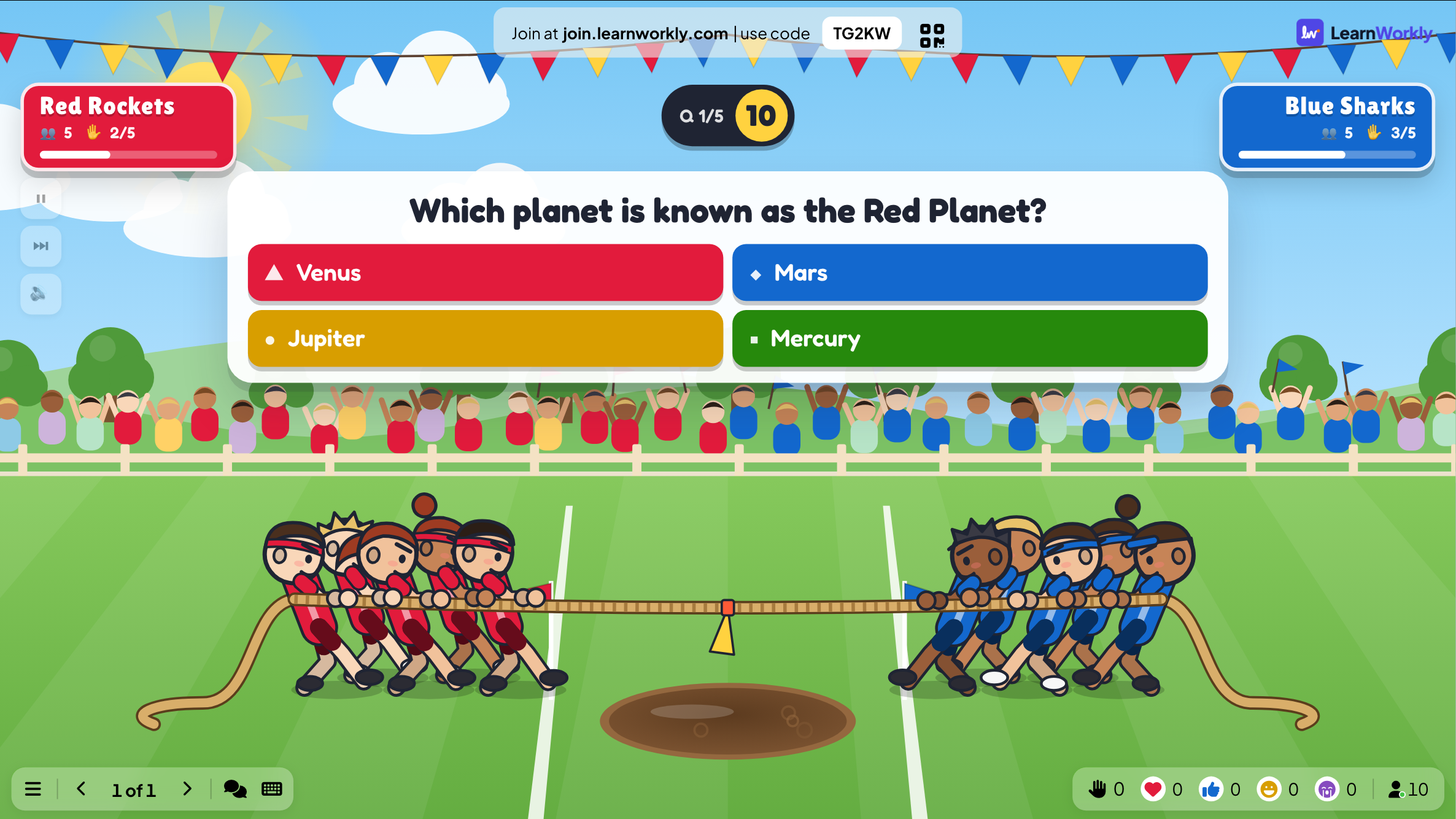
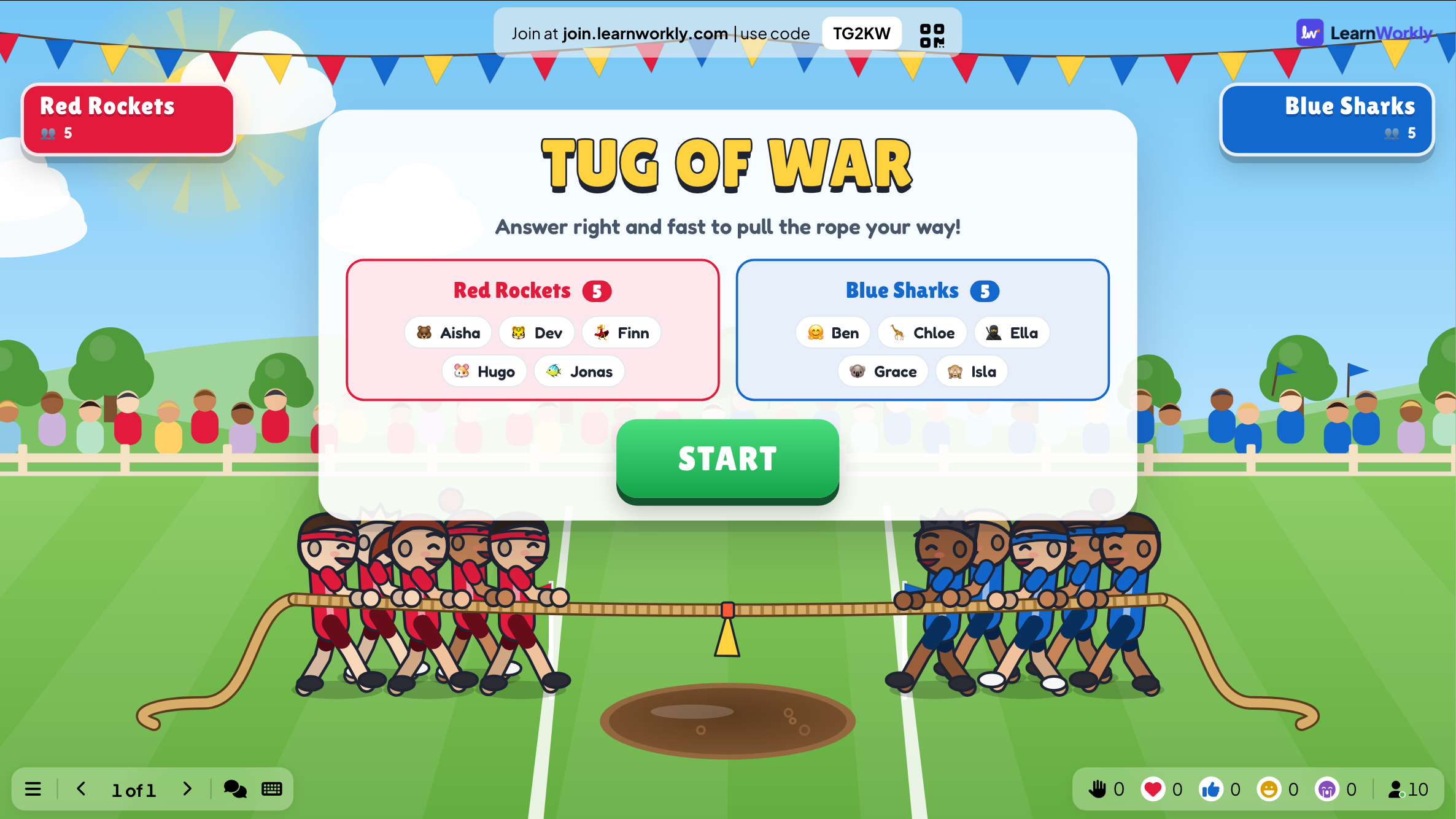
Tug of War divides everyone into two teams pulling on the same rope. In a quiz battle, each correct answer adds pulling power to your team, and quicker answers pull harder; after each reveal, a short tapping heave can drag the rope further. In a tap battle there are no questions at all, just two teams tapping their phones as fast as they can. Drag the flag over your own line and the other side ends up in the mud. It turns a revision quiz into a loud, shared contest.
Read the full guide to Tug of WarOn the big screen
The big screen shows both team panels, the rope with its pullers and, in a quiz battle, the current question, its answers and a countdown. Each panel counts how many teammates answered correctly, and the rope shifts at every reveal.
On phones
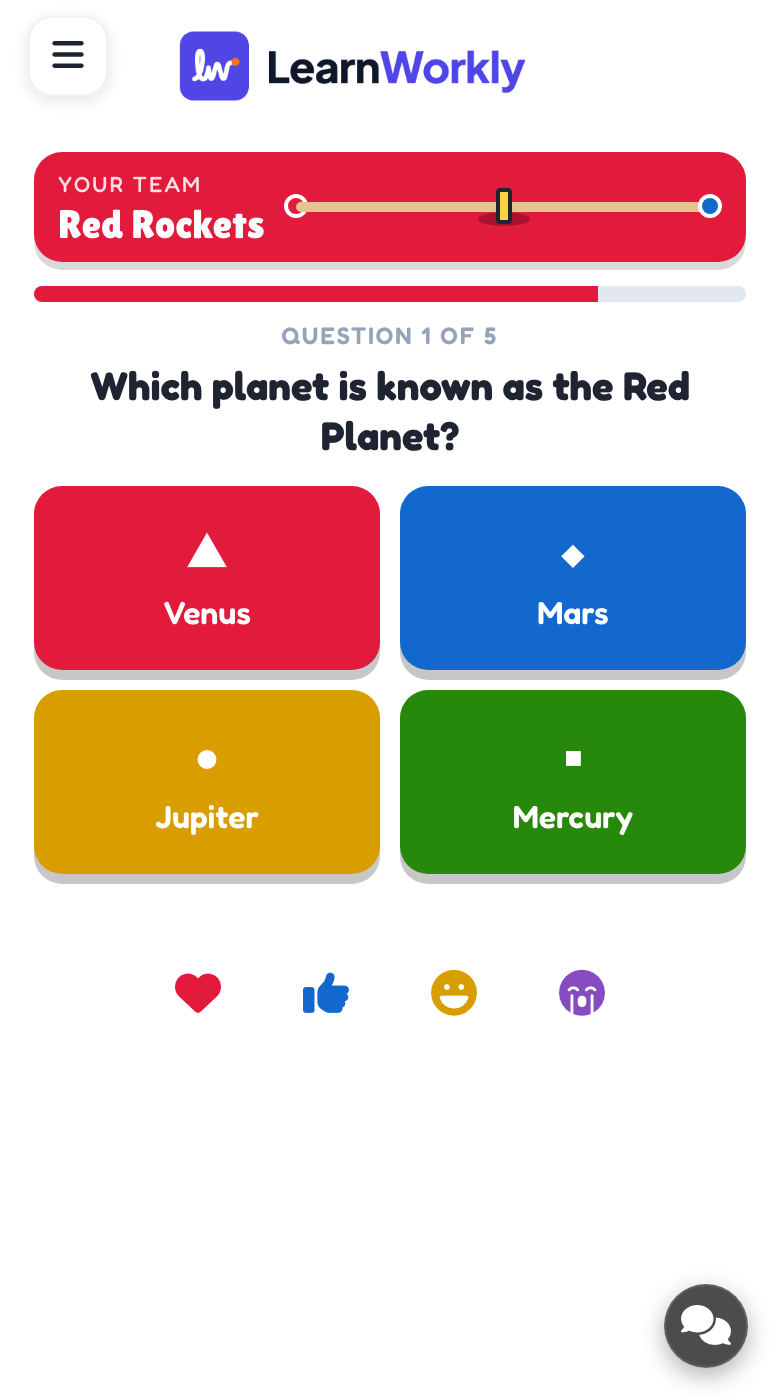
Every phone shows the player's team and the rope position. In a quiz battle players tap one of the answers before time runs out; during a heave, or throughout a tap battle, a big PULL! button turns their taps into pulling power.
What you control
Choose quiz battle or tap battle, rename both teams and change their colours, and write the questions. Defaults: 15 seconds per question, a 6-second heave after each answer, 30-second tap battles, teams picked automatically and the Sunny Meadow theme.
Great for
Revision before a test
Turn a set of review questions into a class-wide contest where every right answer helps the whole team.
School teachersTraining knowledge check
Check what a cohort remembers after a module, with teams competing rather than individuals being singled out.
Trainers and L&D teamsTeam building tap battle
Run a pure tap battle between departments or tables for a loud contest that needs no preparation.
Events and team buildingESL vocabulary battle
Ask quick vocabulary or grammar questions in an online lesson and let two teams of learners pull the rope.
ESL and language teachersQuestion sets to try
Copy one into a Tug of War slide, or use them as a starting point for your own.
Play it live- 1
Capital cities: What is the capital of Canada? | *Ottawa | Toronto | Vancouver
- 2
Times tables: 7 × 8? | *56 | 54 | 64
- 3
Irregular verbs: past tense of 'go'? | *went | goed | gone
- 4
Science: Which gas do plants take in? | *Carbon dioxide | Oxygen | Nitrogen
- 5
Tap battle: Marketing versus Sales, 30 seconds, no questions needed
Run it in three steps
- 1
In the editor, click + New Slide and pick Tug of War. Change the sample content to your own.
- 2
Click Present. People join on their phones with the code or QR code on the screen.
- 3
Start the game: it plays out on the big screen while everyone takes part on their phone.
See it in action
Tug of War: frequently asked questions
How does a team win Tug of War?
A team wins outright by dragging the flag across its own line. If that never happens, the team ahead on rope position when the questions run out wins. A rope that ends dead even triggers a SUDDEN DEATH! heave to settle it.
What if the teams are different sizes?
With teams picked automatically, each new player joins the smaller side, which keeps numbers balanced. Answer speed and the heaves count for a lot, so a slightly smaller team still has a real chance of winning.
Can players choose their own team?
Yes. Change the team setting to By players and phones show both sides before the game starts, so friends, departments or tables can line up together. Leave it on Automatically if you want the app to balance numbers.
Do I need to write questions for Tug of War?
Not for a tap battle, which uses no questions. A new quiz battle slide comes with five sample questions to try, and you can paste a whole list at once, one question per line with the right answer starred.
More activities like this
All activities
See it in your next session
Free for up to 10 live participants. No credit card, nothing for your audience to install.
Free for up to 10 participants · No credit card