Games
Duck Race: a river race played from every phone
A duck race on the big screen that shows each player’s progress.
Opens a demo in the app. No sign-up needed.
What is Duck Race?
Duck Race is a live race shown on your big screen. Each participant joins on their phone, chooses a duck and gives it a name, and every duck sets off down a river towards the finish line. You decide whether it is a race of effort or of pure luck: with boosting on, players tap to make their duck swim faster; with it off, the winner is drawn at random. That makes it just as handy as a prize draw, a fair way to choose who goes first, or a short energiser between harder tasks.
Read the full guide to Duck RaceOn the big screen
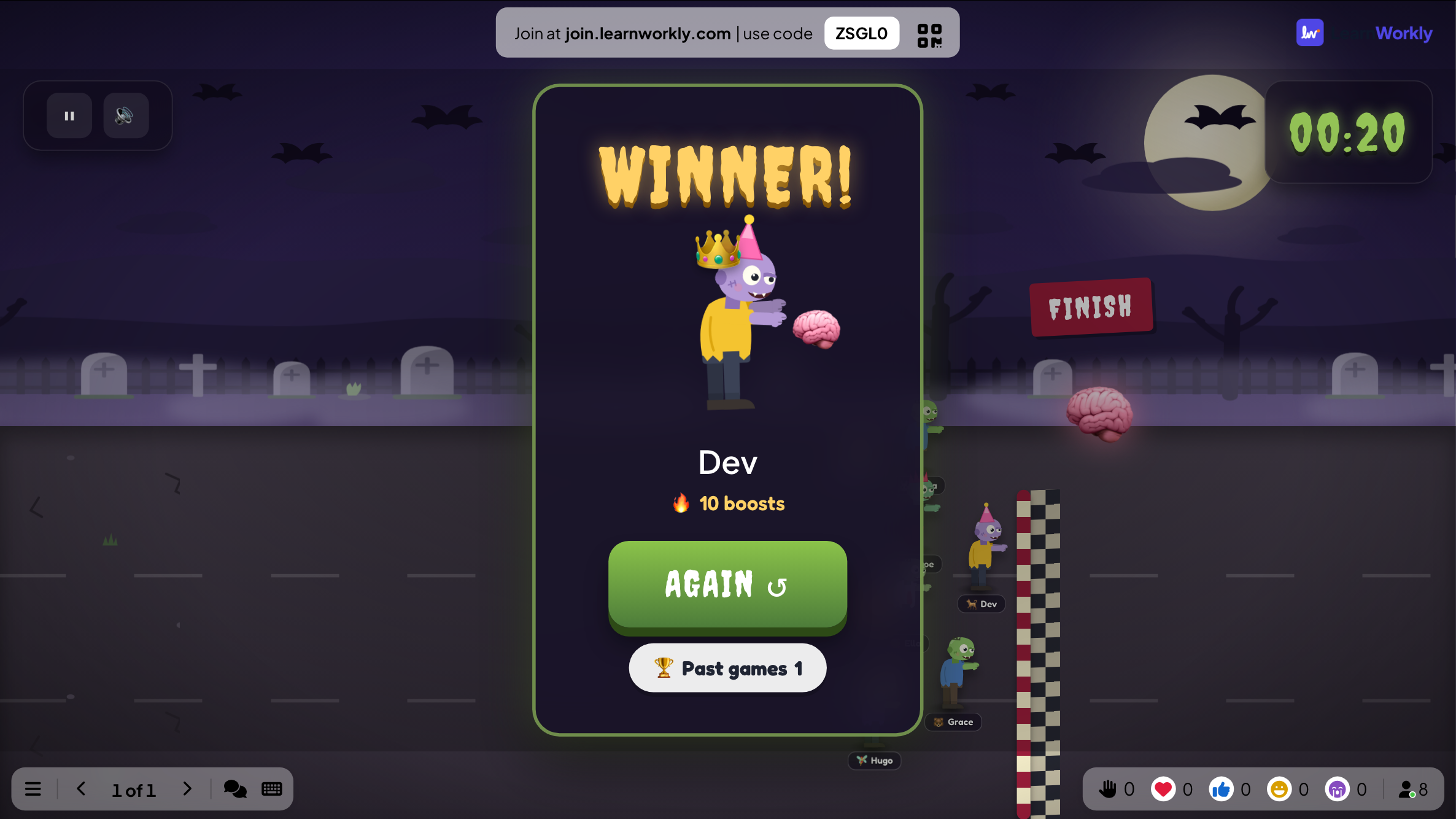
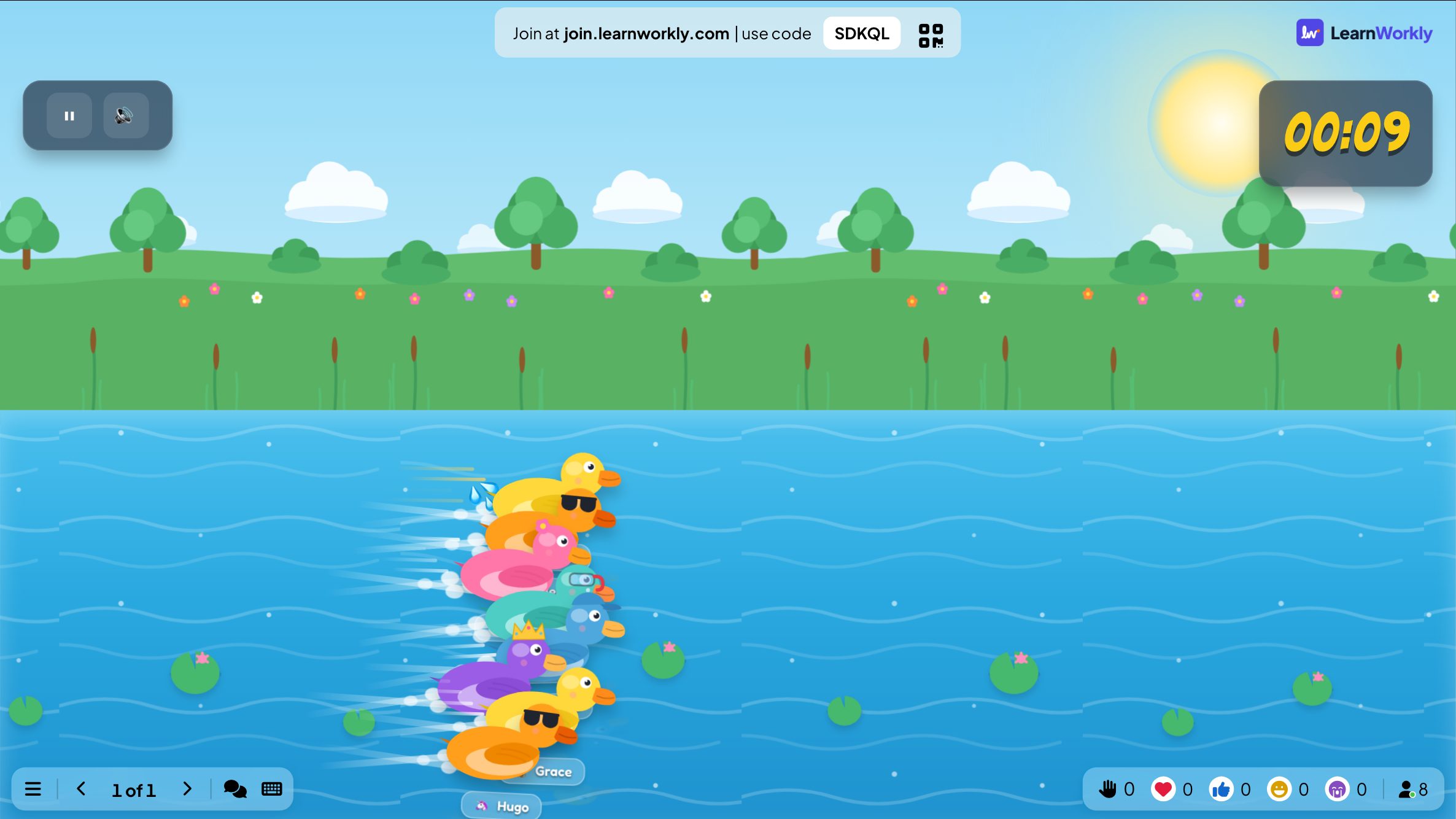
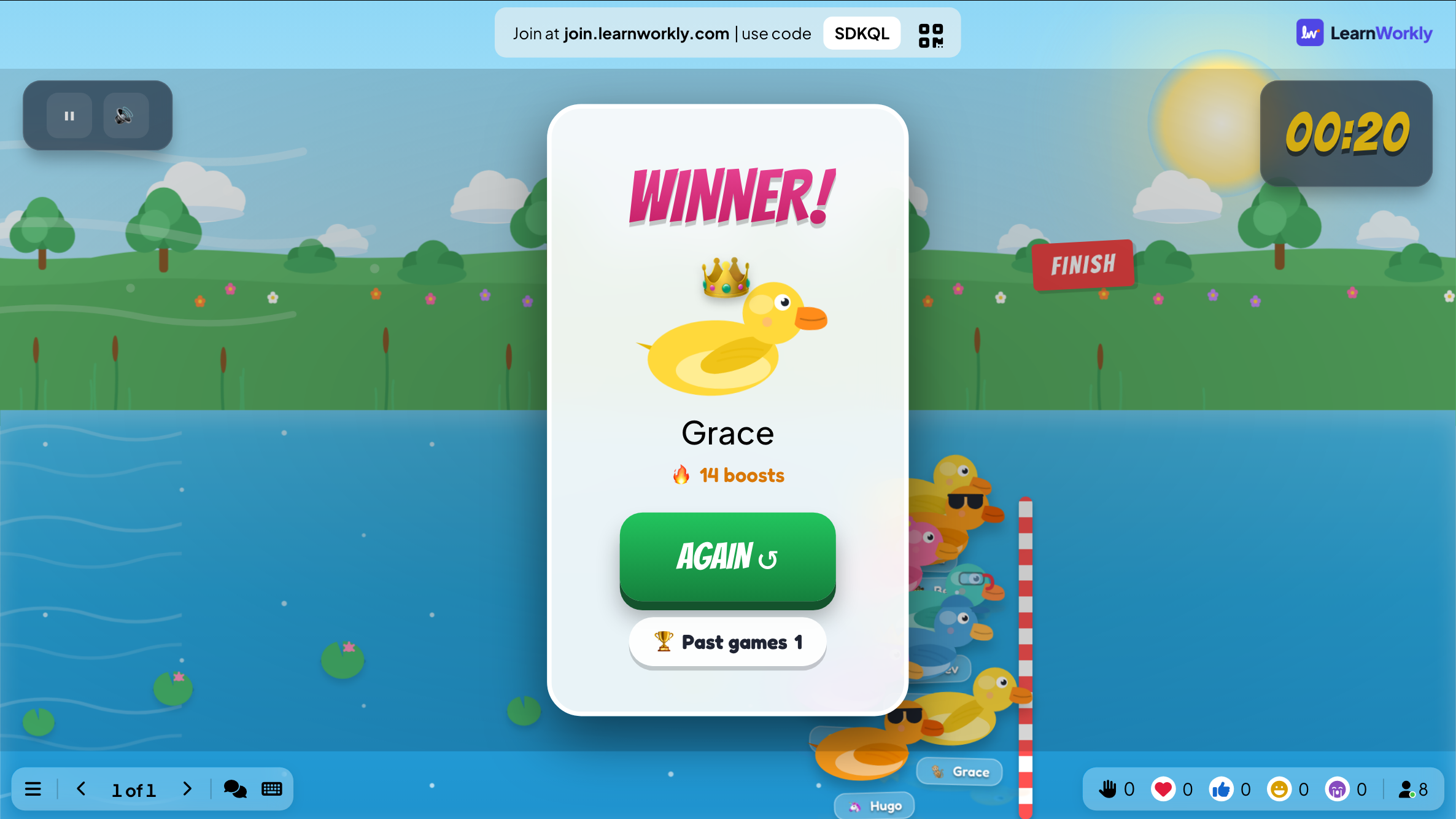
The big screen shows the river with every duck labelled with its player's name and a race timer. The view follows the pack and slows down for the finish, then a winner card shows the winning duck and how many boosts it got.
On phones
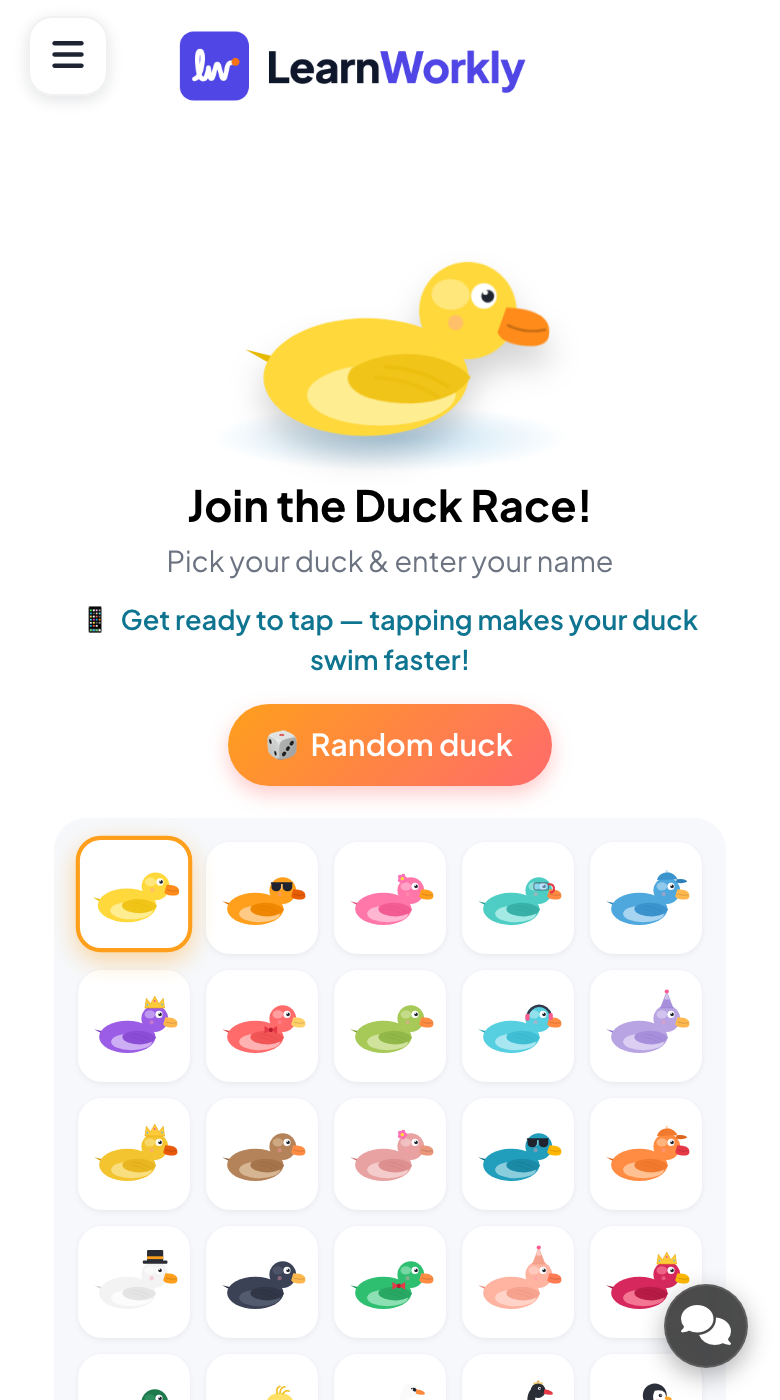
Phones open on a grid of ducks. Players pick one, or let the app choose a random duck, and type a name. With boosting on, a large tap button counts their taps and shows their current place; afterwards each phone says where they finished.
What you control
You set the race length (45 seconds by default, 5 at the shortest), switch participant boosting on or off (off by default) and choose one of seven themes, from Spring to Halloween. Press GO! to start, pause mid-race, and AGAIN to race once more.
Great for
Picking a volunteer
Turn boosting off and let a random duck decide who presents first, reads aloud or chooses the next activity.
School teachersWorkshop energiser
After a dense session, a tap race gets people moving and laughing before the next module starts.
Trainers and L&D teamsPrize draw at events
At a party or team day, run the race with boosting off so chance alone picks the prize winner.
Events and team buildingOnline session break
Remote participants join from their own phones while you share the race, so everyone on the video call takes part.
Meetings and presentationsRaces to run
Copy one into a Duck Race slide, or use them as a starting point for your own.
Play it live- 1
Who picks the Friday film?
- 2
Which group presents its project first?
- 3
Raffle for the door prize, with boosting switched off
- 4
Winter theme race to open the last lesson before the holidays
- 5
Who chooses the team lunch venue this month?
Run it in three steps
- 1
In the editor, click + New Slide and pick Duck Race. Change the sample content to your own.
- 2
Click Present. People join on their phones with the code or QR code on the screen.
- 3
Start the game: it plays out on the big screen while everyone takes part on their phone.
See it in action
Duck Race: frequently asked questions
How is the Duck Race winner decided?
It depends on one setting. With participant boosting on, tapping makes a duck swim faster and whoever leads when the timer ends wins. With boosting off, the app picks the winner at random and taps have no effect, which keeps a prize draw fair.
Can I use Duck Race as a random name picker?
Yes. Switch boosting off and the winner is picked at random from everyone who has joined. Each person picks their own duck and types their own name on their phone, so you do not need to prepare a list of names beforehand.
What happens if people join after the race starts?
Anyone who joins after you press GO! is ready for the next race. When the current one ends, press AGAIN to reopen the lobby with everyone who has joined, then press GO! to start a new race that includes them.
Which themes can I choose for the race?
There are seven: Spring, Summer, Autumn, Winter, Lunar New Year, Christmas and Halloween. Spring is the default. The theme only changes the scenery, so you can match it to the season or the occasion without changing how the race plays.
More activities like this
All activities
See it in your next session
Free for up to 10 live participants. No credit card, nothing for your audience to install.
Free for up to 10 participants · No credit card