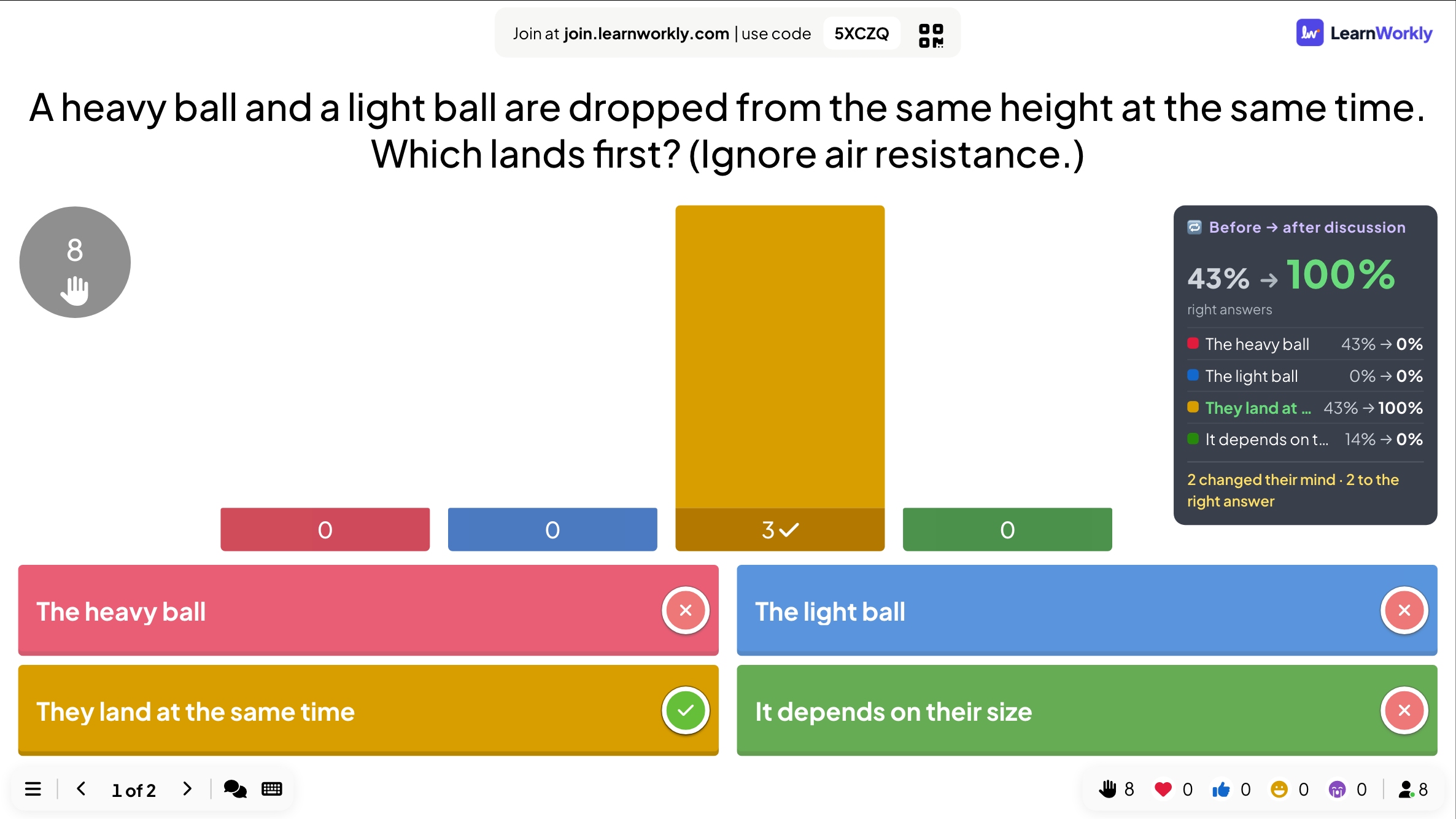
Vote · Discuss · Revote
Vote alone, discuss with a neighbour, vote again, and see how the room changed its mind.
Type a short answer that is matched to the correct response.
Opens a demo in the app. No sign-up needed.
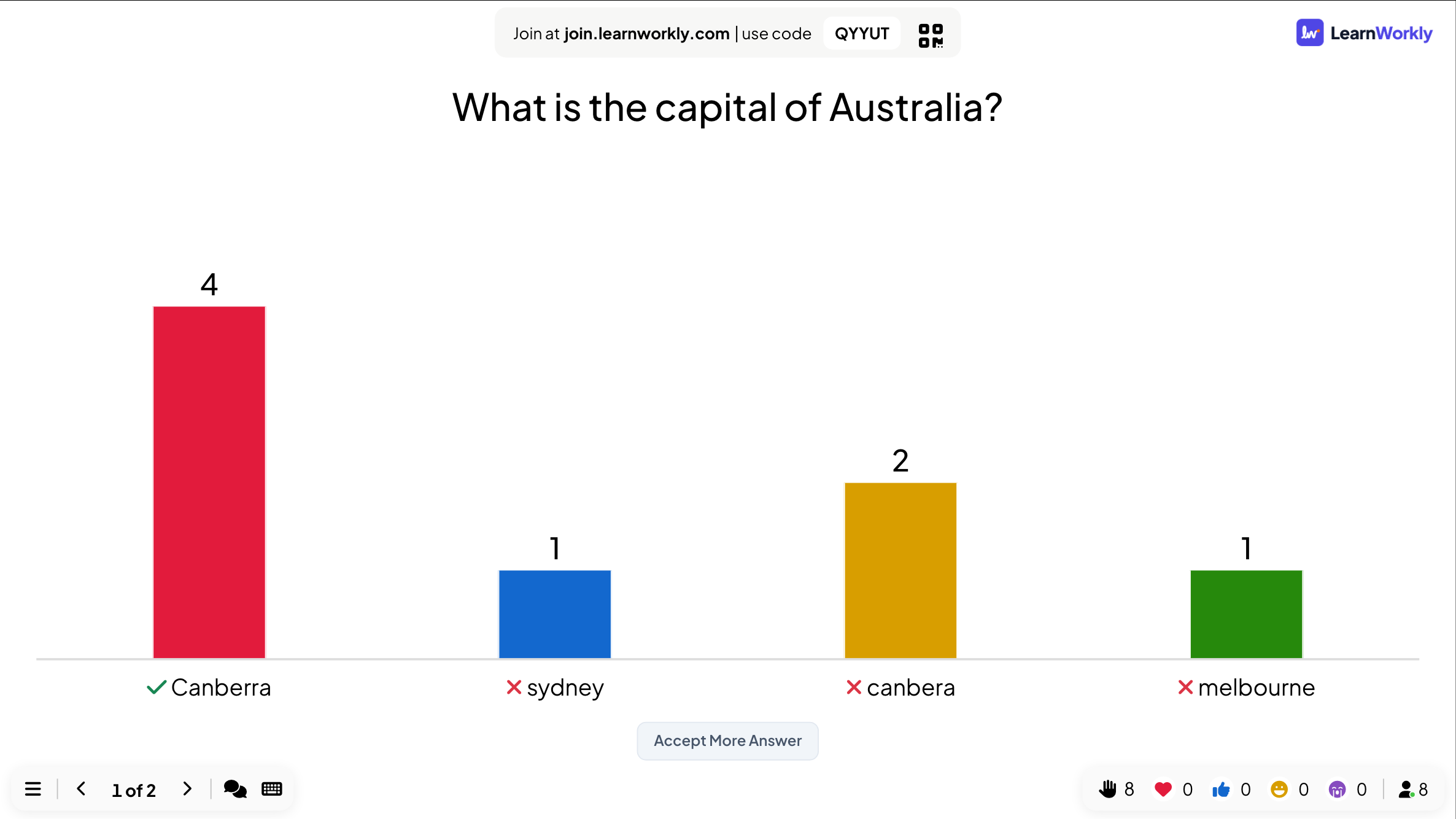
Type Answer is a quiz question with no options to choose from. Players have to recall the answer and type it on their phone, which makes it a better test of memory than multiple choice. Before you present, you list every answer you accept, such as other spellings or a longer form. Capitals and stray spaces are ignored when answers are marked. If someone types a near miss you are happy with, you can accept it from the results after the question, and the scores are recalculated for everyone who typed it.
Read the full guide to Type AnswerAt the reveal the big screen shows a bar for each different answer the room typed, with the accepted one ticked. Misspellings and common wrong answers stand out, and no names appear on the chart.
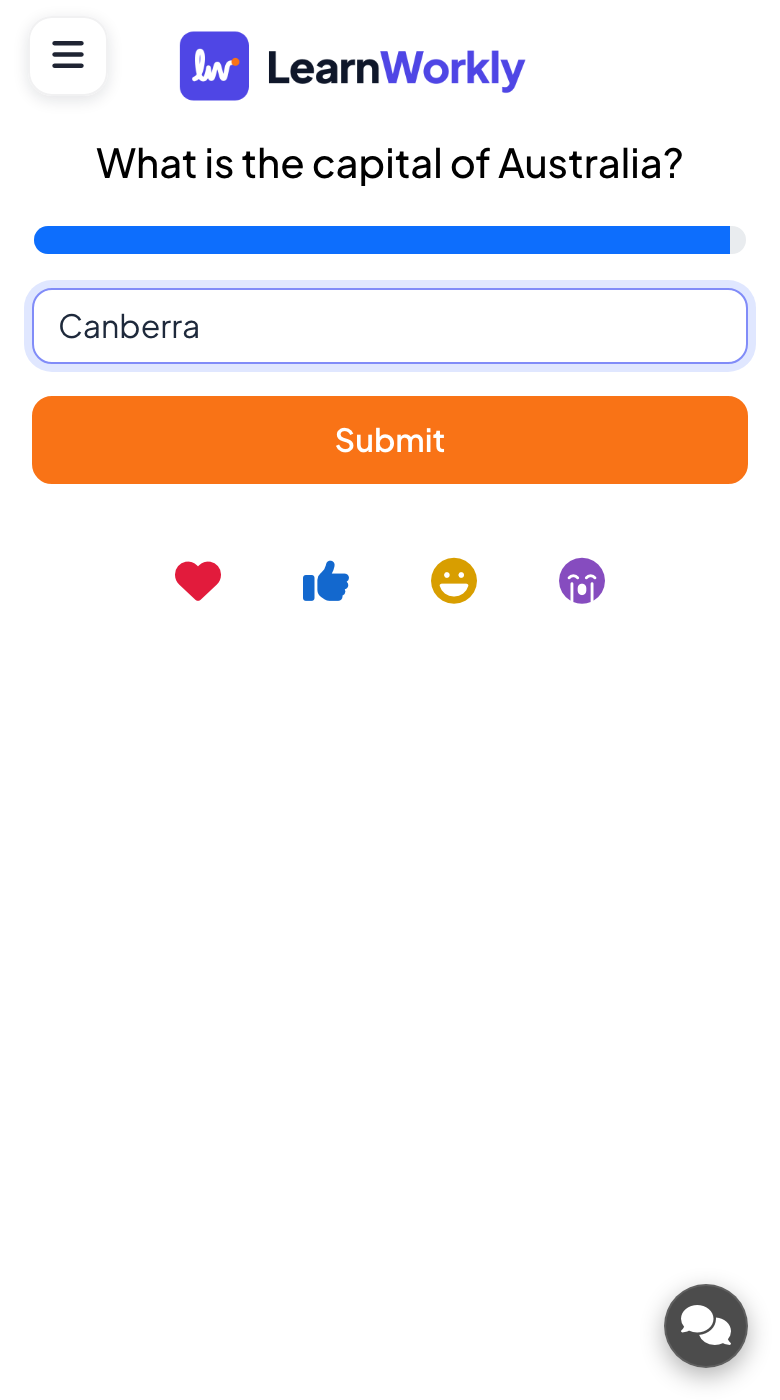
Each phone shows a text box for an answer of up to 100 characters and a Submit button. After the reveal, players see whether their answer was accepted and how many points it earned.
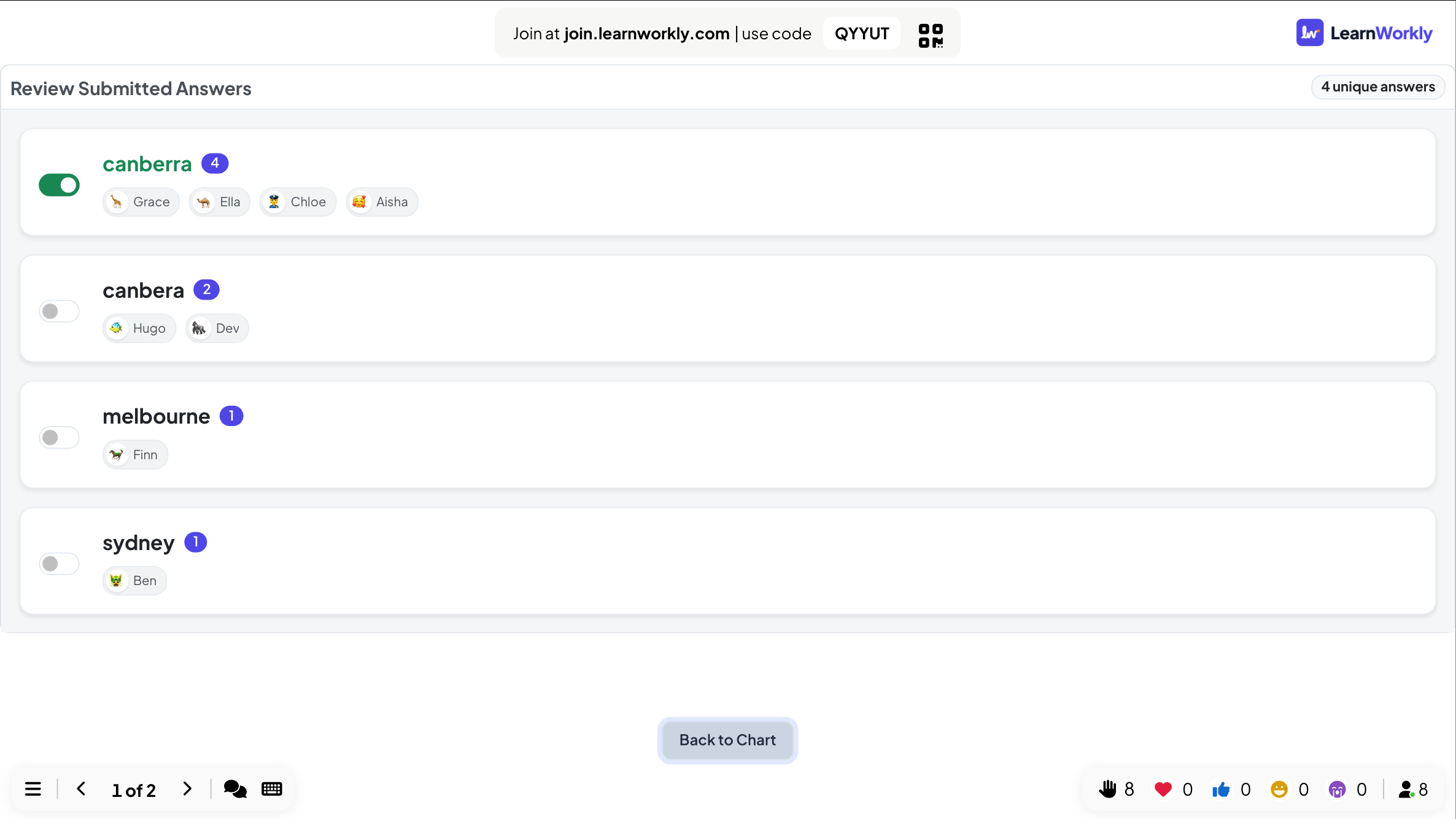
You add every accepted answer and set the time and points; allow 20 to 30 seconds for typing. At the reveal, Accept More Answer lists every answer with who gave it, and one switch accepts it.
Ask for a word or translation and see which spellings the class gets wrong most often.
ESL and language teachersCheck key terms after a lecture section without giving students options to guess from.
University lecturersAsk trainees to name a feature, form or step, and accept close variants afterwards.
Trainers and L&D teamsUse a typed question to separate close teams, since nobody can guess from a list.
Events and team buildingCopy one into a Type Answer slide, or use them as a starting point for your own.
Play it liveWhat is the capital of Australia? (Canberra)
What is the chemical symbol for gold? (Au)
What is the past tense of "bring"? (brought)
How many sides does a hexagon have? (6, also accept six)
Which shortcut copies selected text on most computers? (Ctrl+C, also accept Cmd+C)
In the editor, click + New Slide and pick Type Answer. Change the sample content to your own.
Click Present. People join on their phones with the code or QR code on the screen.
Fast, correct answers score points, and the leaderboard shows the top players after each question.
No. Upper and lower case are treated the same, and spaces before or after the answer are ignored. Spelling does matter, so add the common spellings you want to accept before you present.
Yes. On the results, open Accept More Answer, which lists every different answer with who gave it. Switch on the one you accept: it joins your accepted answers and everyone who typed it gets their points.
The big screen chart shows the answers without names. Names appear only in the review list you open as presenter and in the report of the session.
Use it when you want to test recall rather than recognition: spelling, vocabulary, names, numbers or short facts. With options on screen, people can often spot the answer; with a text box, they have to know it.
Vote alone, discuss with a neighbour, vote again, and see how the room changed its mind.
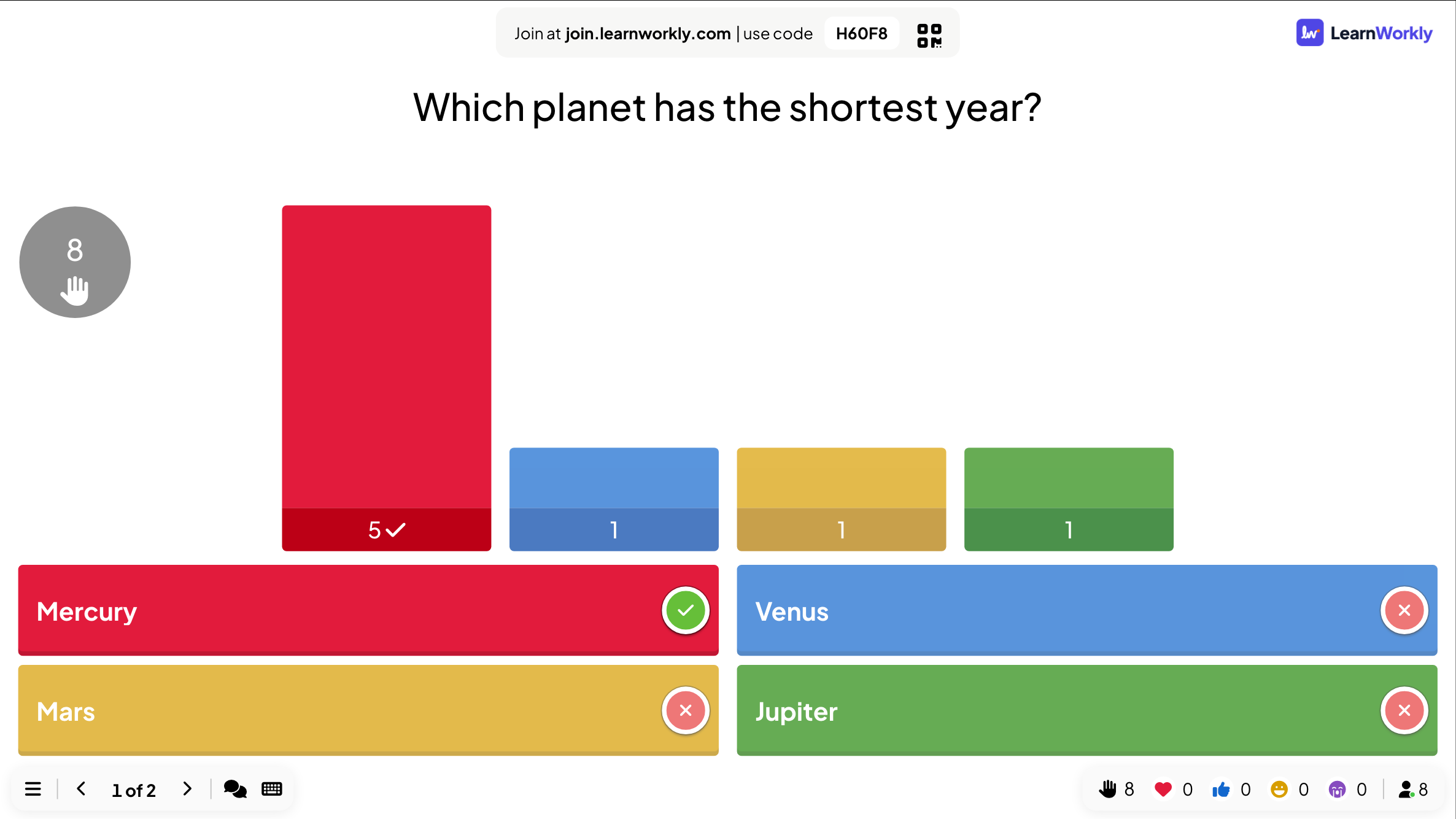
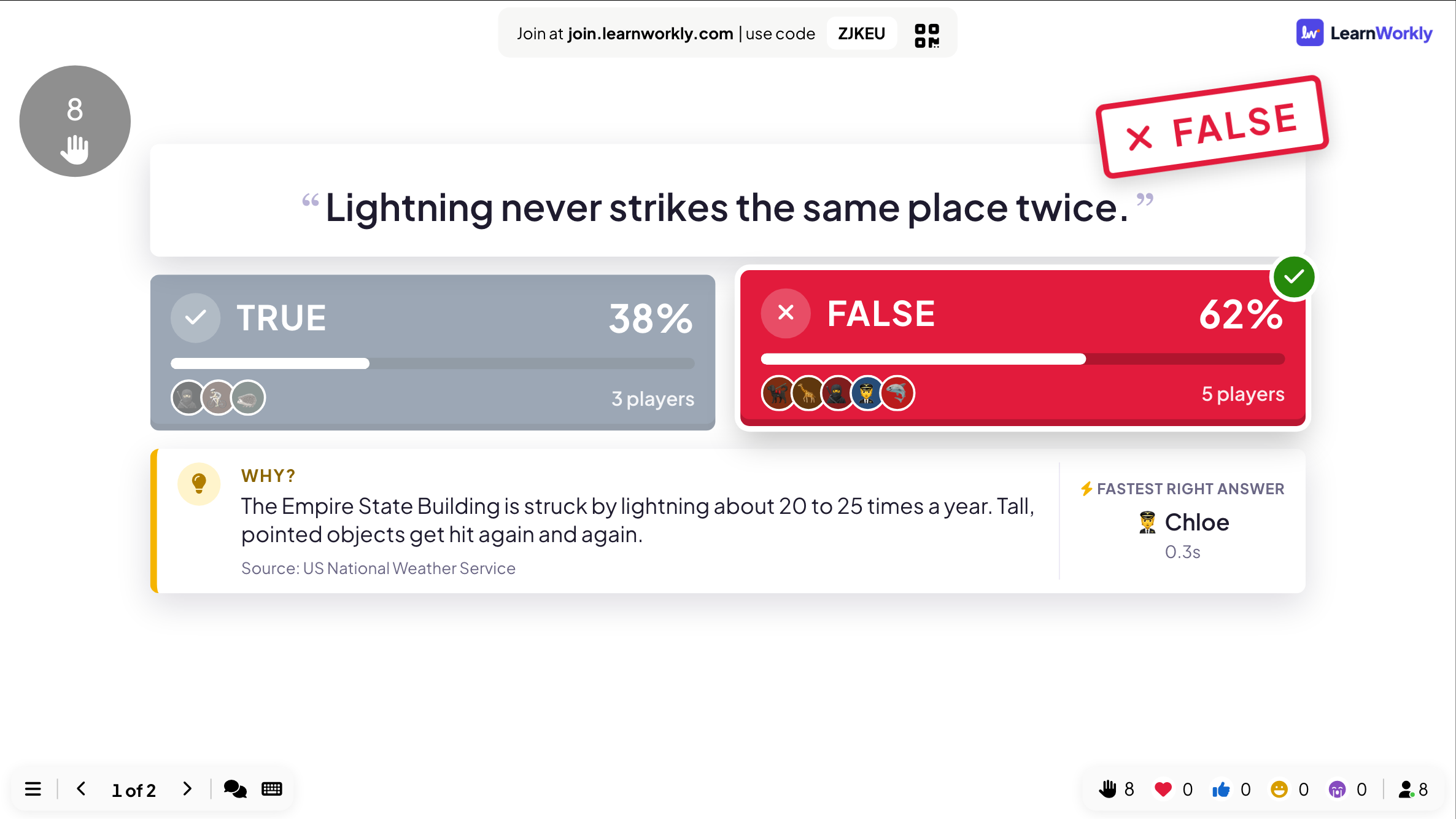
Players pick a side, then the answer is stamped on screen with the reason why.
Free for up to 10 live participants. No credit card, nothing for your audience to install.
Free for up to 10 participants · No credit card
Can we measure your visit?
We would like to use Google Analytics to see which pages are useful. It sets cookies, so it only runs if you agree.Privacy policy