LearnWorkly vs Kahoot
When a quiz game is not enough
Kahoot is great for fun, fast quiz games. Tutors often need more: the working behind an answer, open questions, recordings and feedback. LearnWorkly shows you all of it live, at each student’s own pace.
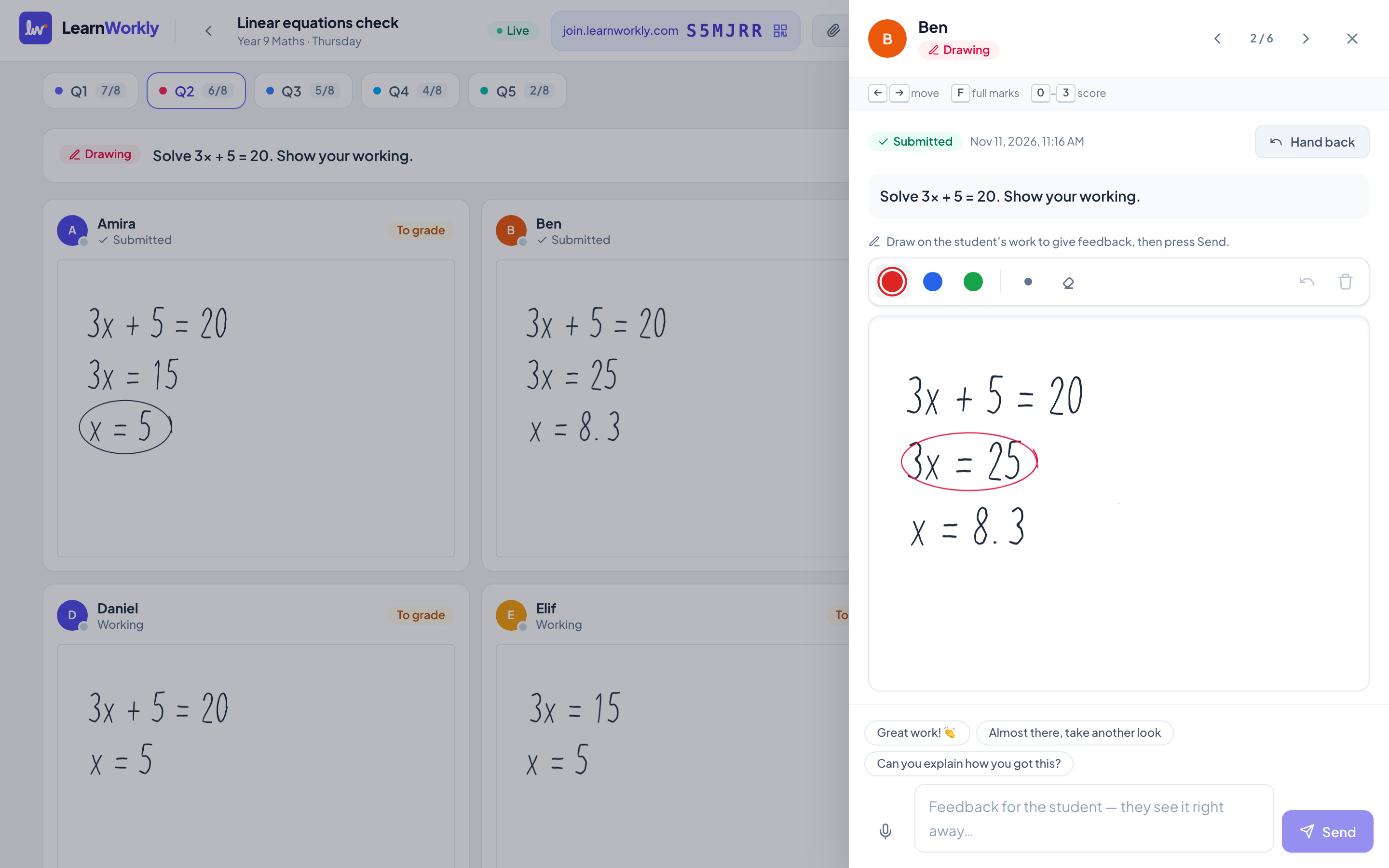
LearnWorkly and Kahoot side by side
Kahoot is built for game-based quizzes with points, timers and leaderboards.
| LearnWorkly | Kahoot | |
|---|---|---|
| Made for | Checking understanding and giving feedback | Game-based quizzes |
| Open answers, drawings and recordings | Yes | Mostly quick-choice questions |
| Students’ working and photos of paper | Yes, by QR code with any phone | Not the focus |
| Written feedback on each answer | Yes | Not the focus |
| Free plan | 10 students, every question type | Limited number of players |
| Progress reports for parents | Yes, from real scores and skills (Solo and up) | Not stated |
Information about Kahoot from its public website and reviews, checked November 2026. It may have changed: check their website for the latest details. Kahoot is a trademark of its owner; LearnWorkly is not affiliated with it.
Why tutors choose LearnWorkly
See how they think
Working, drawings and explanations, not just a fast tap.
Their own pace
No race against a timer: students think before they answer.
Feedback that lands
Reply to each answer, and students can reply back.
Fair to say: Choose Kahoot if you want a fast, competitive quiz game to energise a group.
See how it works
Handwritten work
Paper and pen, straight to your screen
Maths working, essay plans, diagrams: some work is simply easier on paper. Students scan a QR code with their phone, take a photo, and it lands on the question you asked, in front of you, seconds later.
Learn more: Photos of handwritten work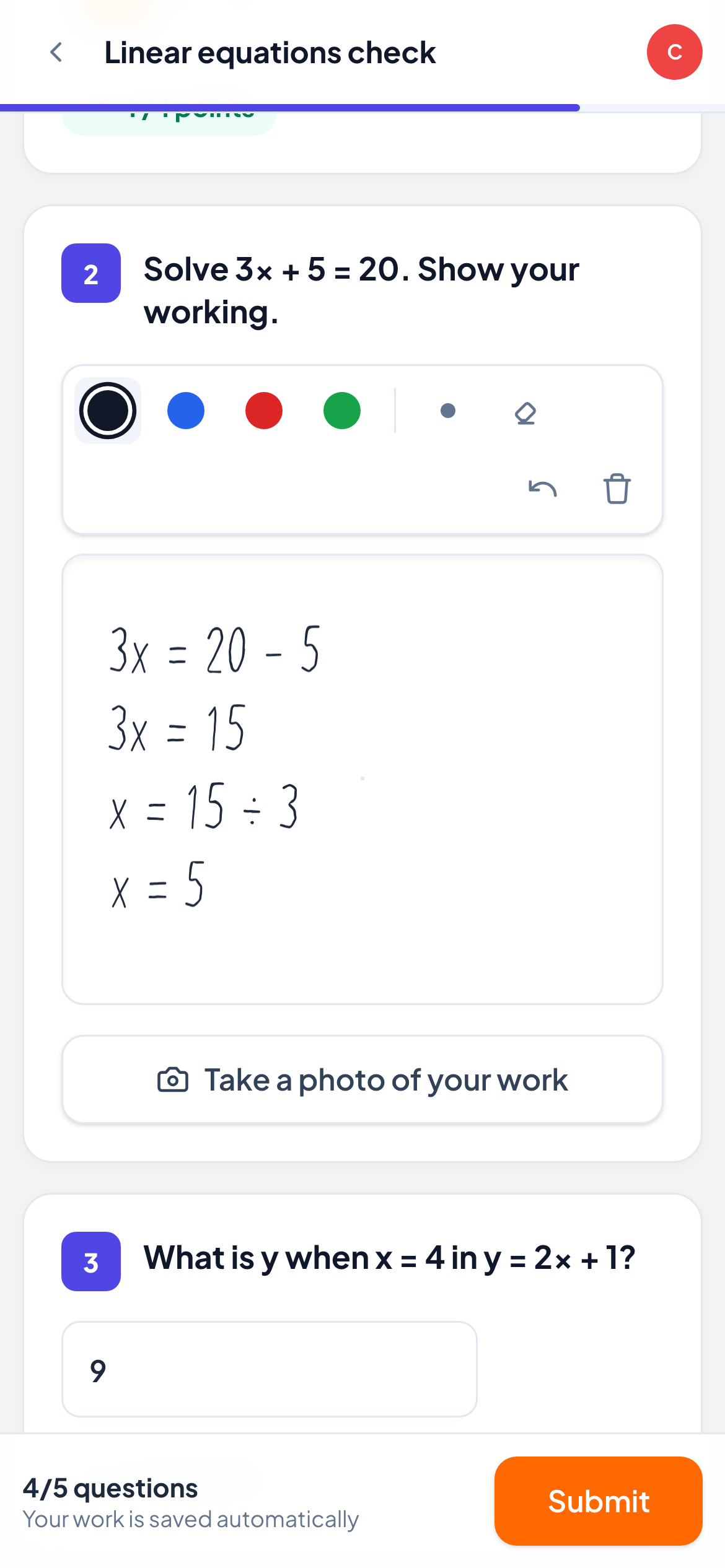
Live view
See every answer the moment it is written
Ask a question and watch the whole group answer in real time: typed answers, multiple choice, drawings, recordings and photos of handwritten work. No more “Is everyone OK?” followed by silence.
Learn more: Live view of every answer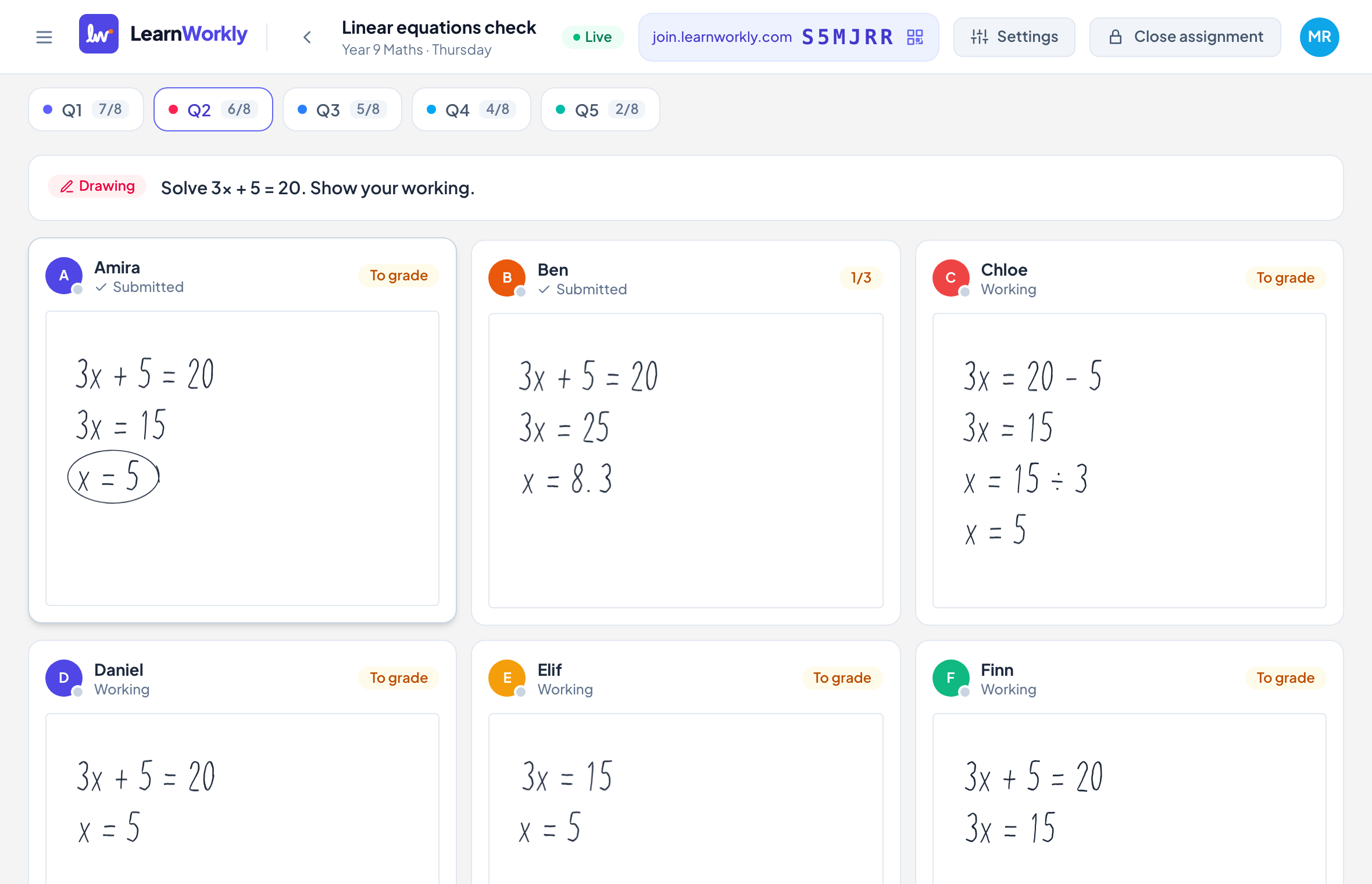
Frequently asked questions
Can I still run a quick quiz?
Yes. Multiple choice and true or false questions are auto-marked, and you can move the group one question at a time.
Is LearnWorkly good for younger students?
Yes. Students only need a name to join, and can answer by drawing, recording or taking a photo.
Other comparisons
Try it in your next lesson
Free for up to 10 students, with every question type. Set up your first activity in five minutes.
Free for up to 10 students · No credit card