Games
Treasure Hunt: answer right, open a chest, get rich
Answer at your own pace; every right answer opens a treasure chest.
Opens a demo in the app. No sign-up needed.
What is Treasure Hunt?
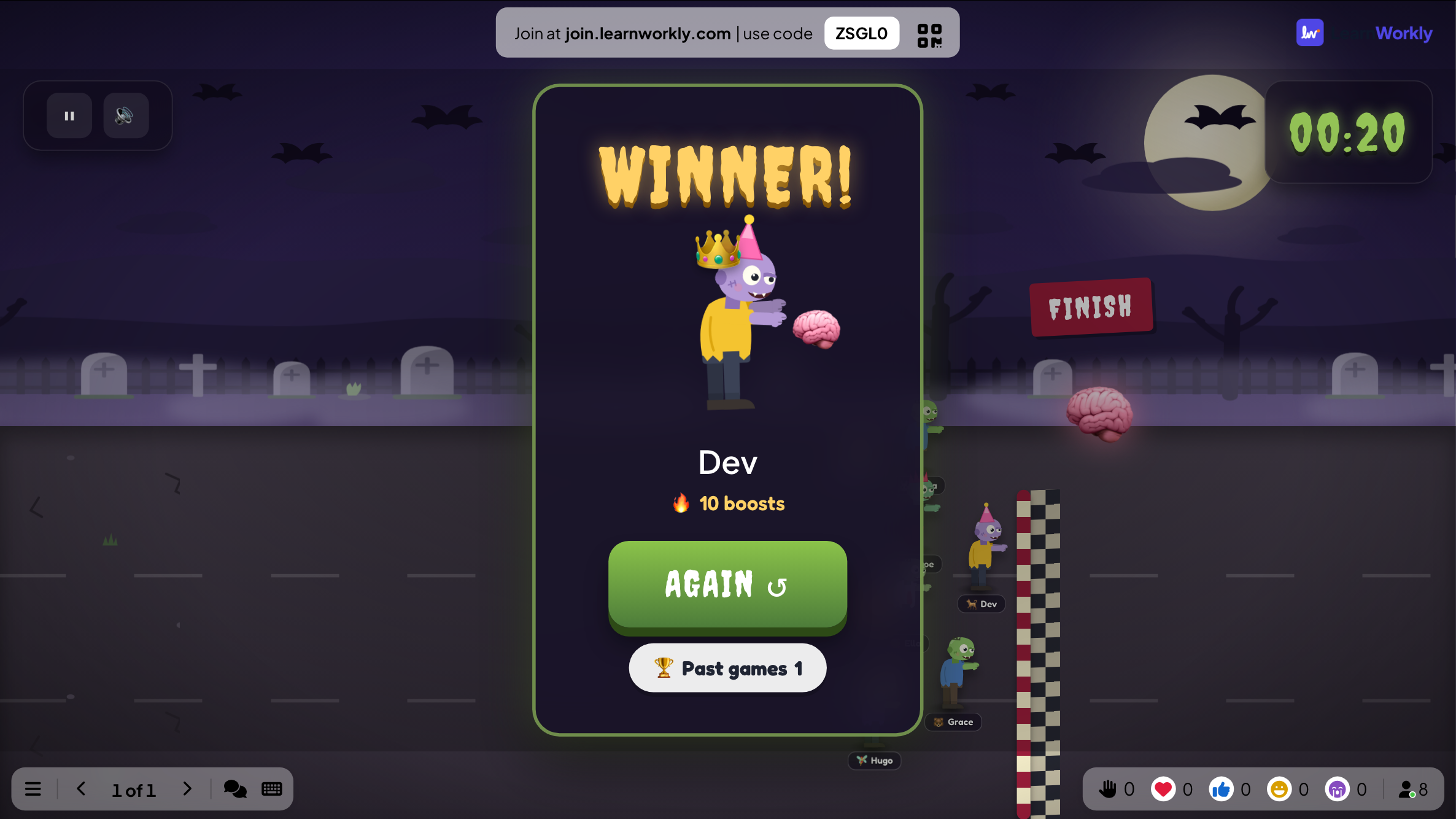
Treasure Hunt is a self-paced quiz with a dose of luck. Everyone works through your questions on their own phone, in their own order, until the timer ends. Each right answer earns the choice of one of three chests, which might hold gold, a ×2 or ×3 multiplier, a steal from or swap with another player, nothing at all, or a dragon that eats some gold. The richest player at the end wins. Missed questions come back a few questions later, so players keep practising what they got wrong.
Read the full guide to Treasure HuntOn the big screen
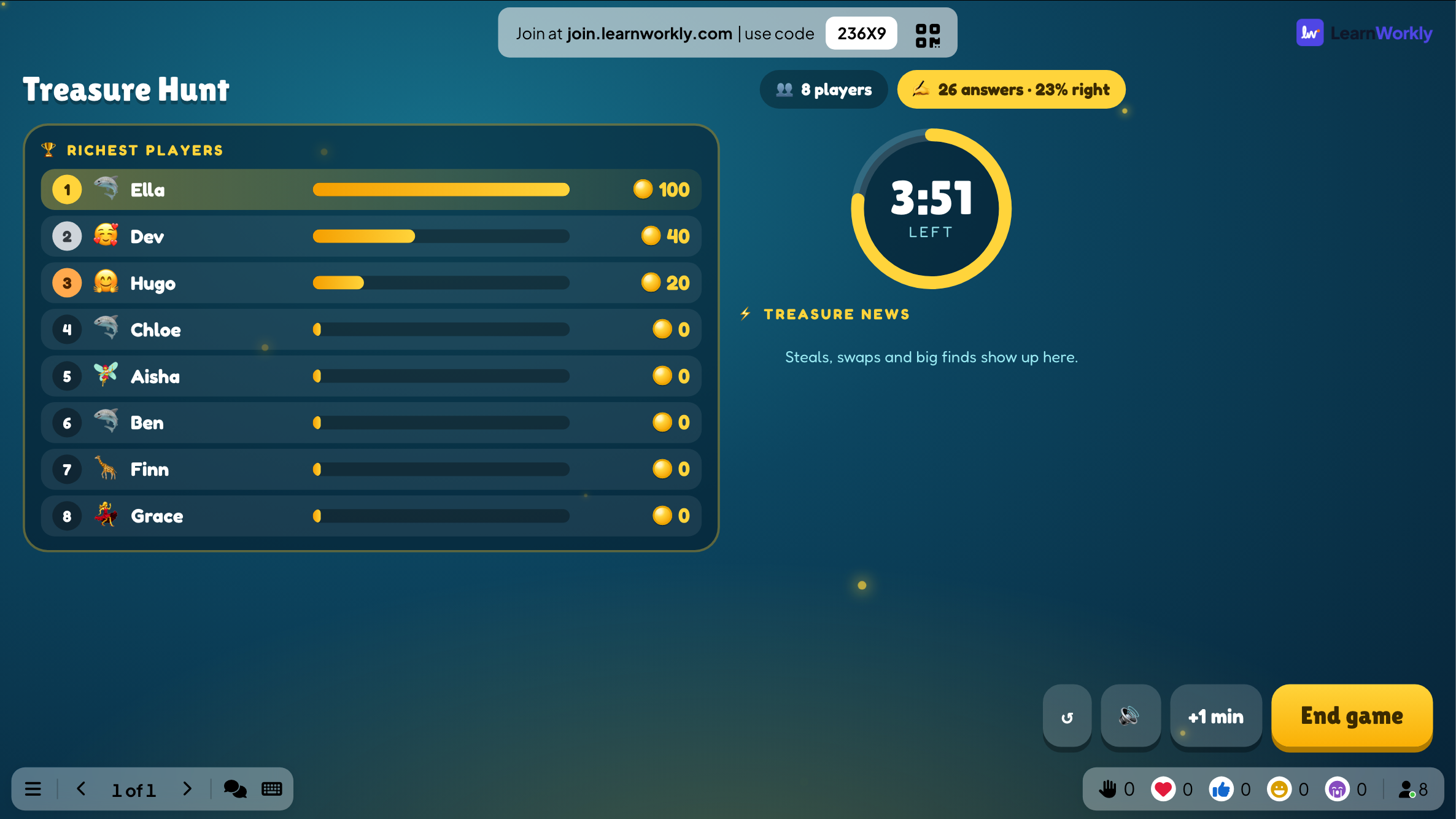
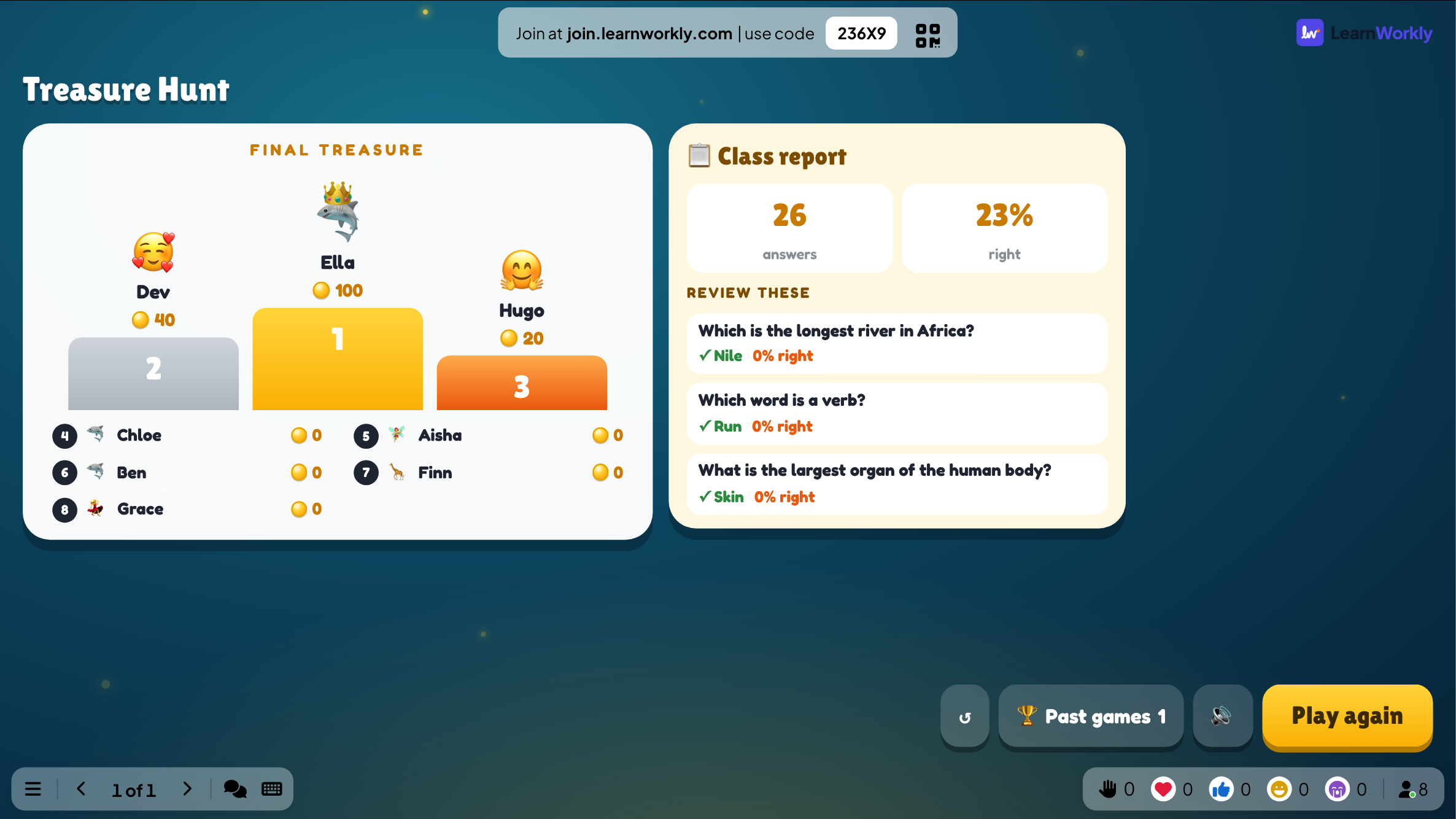
The big screen shows the time remaining, the richest players and a treasure news feed of steals, swaps and big finds. At the end it shows the final treasure and a class report with the questions worth reviewing.
On phones
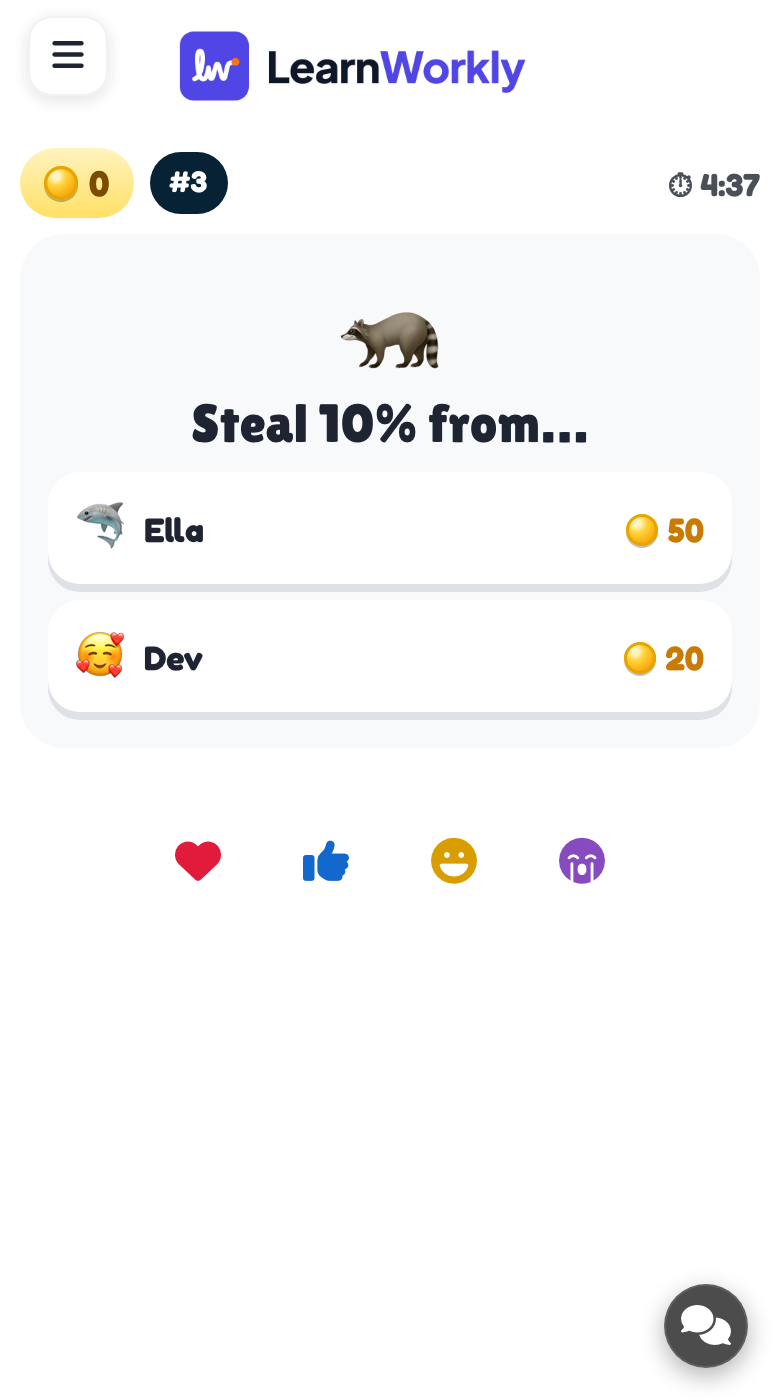
Each phone shows a question. After a correct answer, players pick one of three chests and see what is inside, then move on to the next question. Some chests let them choose another player to steal from or swap with.
What you control
Generate questions with AI, paste a list, reuse your quiz slides or add them by hand; at least 3 are needed. Game time is 5 minutes by default, and you can add a minute or end early. Kind mode, off by default, removes steals, swaps and losses.
Great for
Mixed-ability revision
Everyone answers at their own pace, so quicker and slower learners both stay in the race until the end.
School teachersCourse review
Close a training module with a self-paced quiz and use the report to see which questions need revisiting.
Trainers and L&D teamsTeam event quiz
A quiz with steals and swaps keeps a team-building crowd laughing right up to the final second.
Events and team buildingOnline lesson game
Learners in an online lesson play on their own devices while you share the richest players on the call.
Interactive lessonsQuestion decks to try
Copy one into a Treasure Hunt slide, or use them as a starting point for your own.
Play it live- 1
French numbers: What is 'seize' in English? | *16 | 6 | 60
- 2
Geography: Which is the longest river in Africa? | *Nile | Congo | Niger
- 3
Fractions: What is 1/2 + 1/4? | *3/4 | 2/6 | 1/6
- 4
Onboarding: true or false questions about your own workplace policies
- 5
Generate with AI: the water cycle, beginner level, 10 questions
Run it in three steps
- 1
In the editor, click + New Slide and pick Treasure Hunt. Change the sample content to your own.
- 2
Click Present. People join on their phones with the code or QR code on the screen.
- 3
Start the game: it plays out on the big screen while everyone takes part on their phone.
See it in action
Treasure Hunt: frequently asked questions
How do players win Treasure Hunt?
The player holding the most gold when the timer runs out wins. Gold comes from chests opened after right answers, and multipliers, steals and swaps can change the order quickly, so a player who starts slowly can still finish on top.
Can I stop players from stealing gold?
Yes. Turn on Kind mode and chests only give gold or a ×2 or ×3 multiplier. Nobody can steal, swap or lose gold, which suits younger classes or any group where losing points would feel unfair.
How many questions does Treasure Hunt need?
At least three, but 8 to 20 works best. Players see the questions in their own order and missed ones come back, so a deck of that size keeps the game varied for the whole game time.
Can AI write the questions for me?
Yes. Enter a topic, choose a level and pick 5, 10, 15 or 20 questions, and AI writes them for you. You can also pull in the multiple-choice questions already in your presentation. Always check generated questions before you play.
More activities like this
All activities
See it in your next session
Free for up to 10 live participants. No credit card, nothing for your audience to install.
Free for up to 10 participants · No credit card