Flip Cards are cards you reveal one by one on the big screen. Use them for vocabulary, revision questions, speaking prompts or discussion topics. Participants’ phones show the cards you open.
Set it up
- 1
Add the slide
In the editor, click + New Slide. In Choose Slide Type, open the Interactive tab and pick Flip Cards. Give it a title such as "Say it in Spanish".
- 2
Add the cards
Under Options, fill in the front and back of each card, up to 9. Each side can have an image, and each card a colour.
- 3
Choose a card style
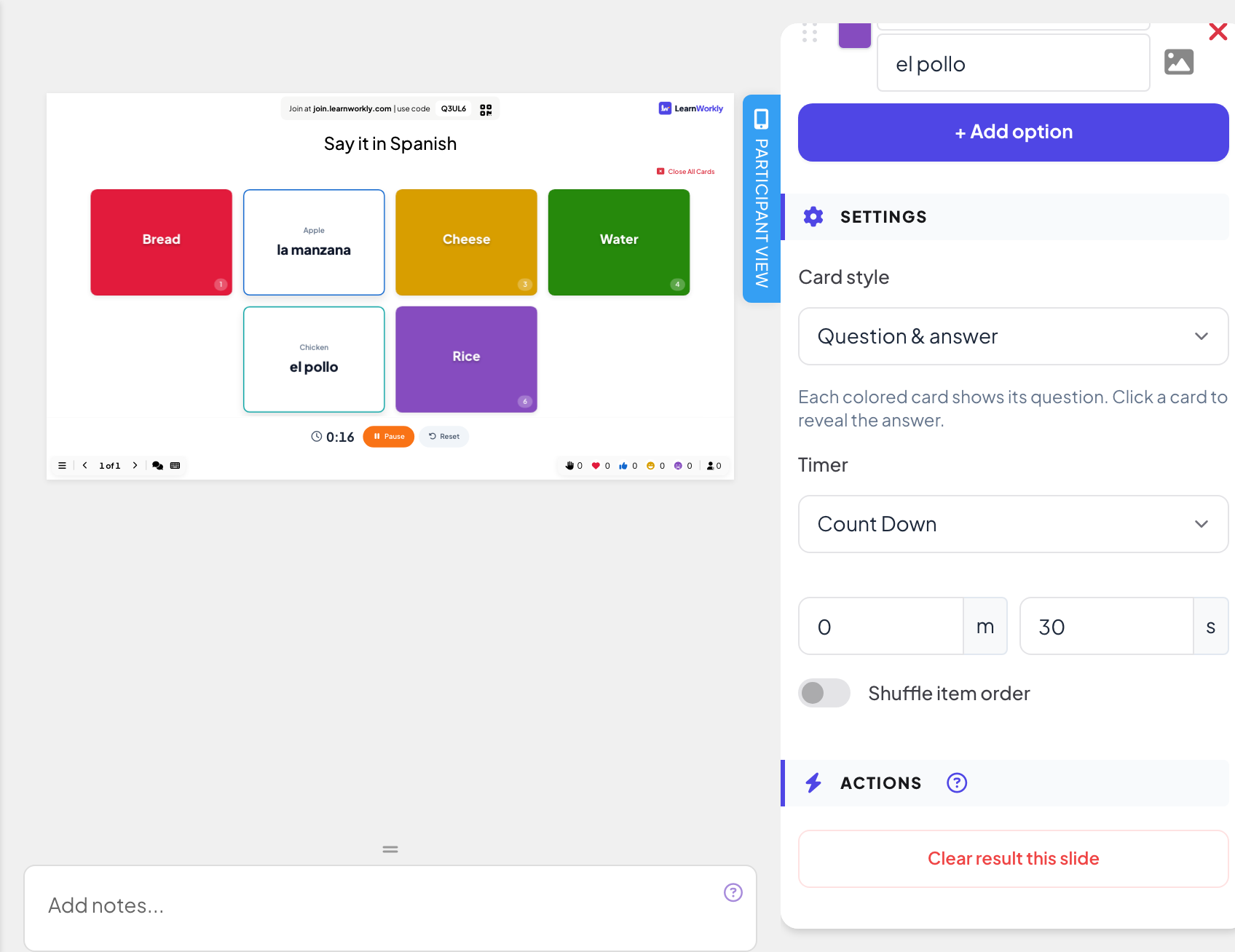
Under Card style, pick Question & answer (each coloured card shows its question; click it to reveal the answer) or Mystery cards (cards show a ? until you click them).
- 4
Add a timer
Under Timer, choose None, Count Up or Count Down (with minutes and seconds). The timer starts when you open a card.
More settings
- Number Of Deal Places (Mystery cards only, 1 to 9): how many cards can be open at once. Opening another card closes the oldest one.
- Shuffle item order: shows the cards in a random order.
Run it live
- 1
Present the slide
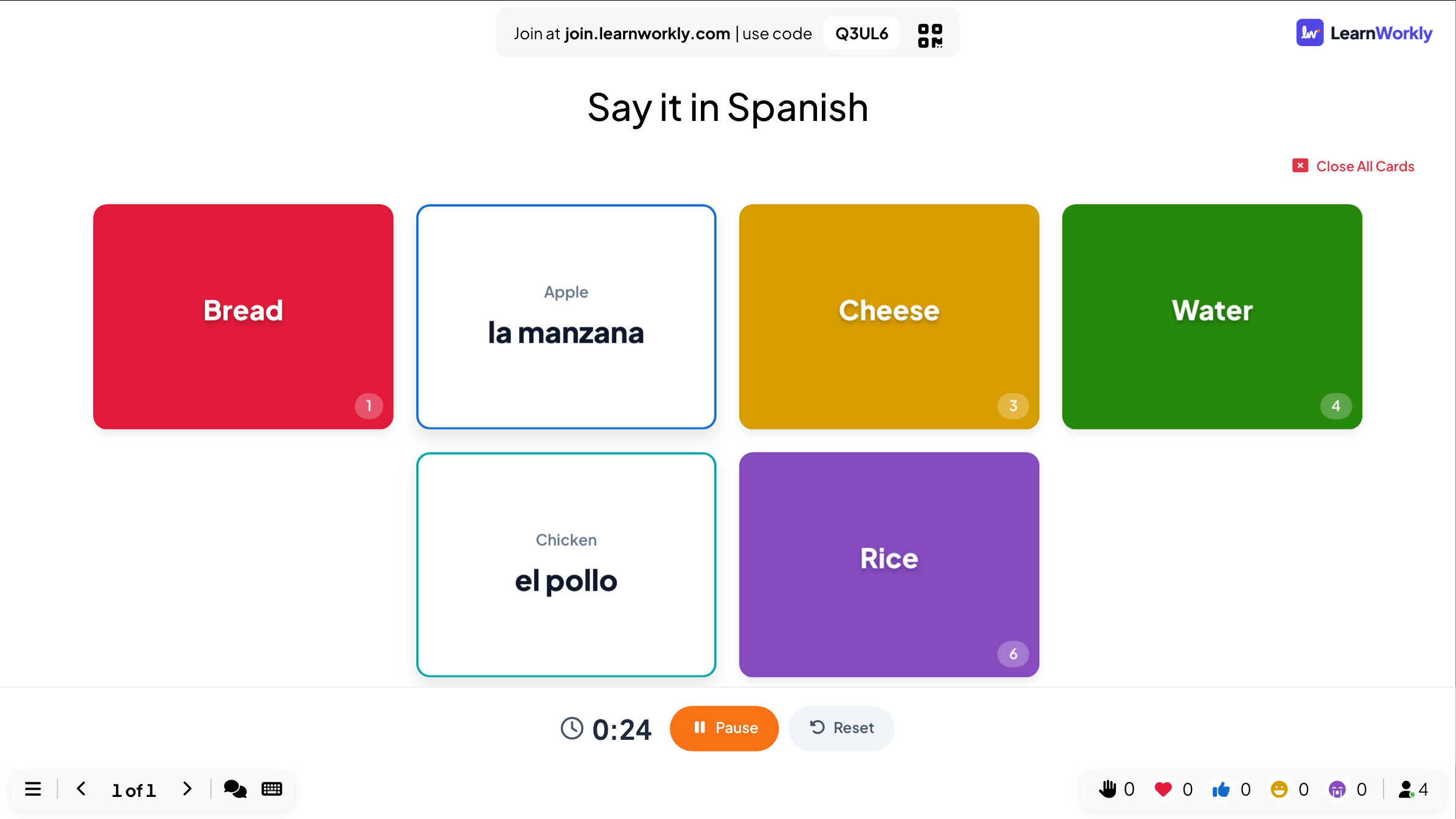
Click Present. People join at join.learnworkly.com with your code or the QR code, and the slide appears on their phones.
- 2
Open a card
Click a card on the big screen to flip it, and click again to close it. The timer starts when a card opens, with Pause and Reset. Close All Cards turns every card back over.
- 3
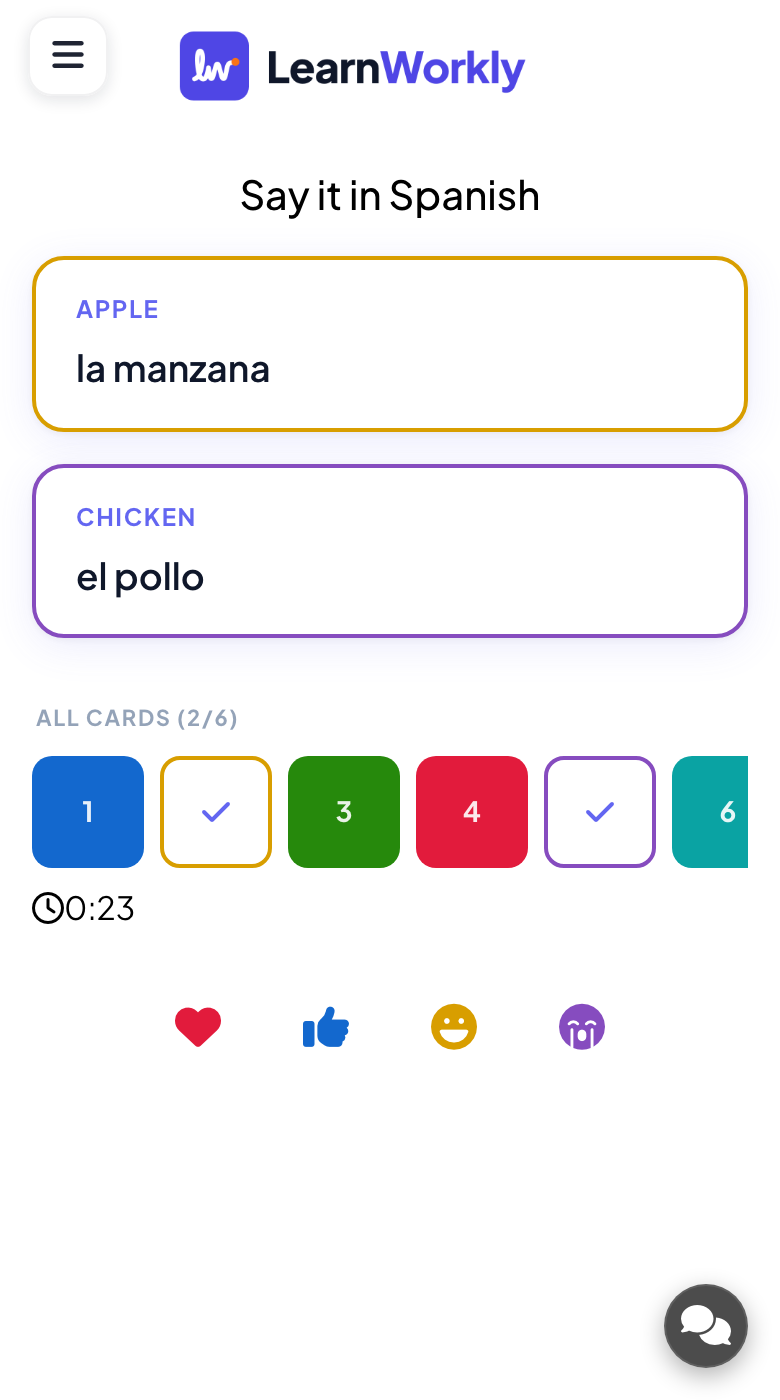
Phones follow
Phones show Waiting for the presenter to reveal a card... until you open one, then show the opened card.
Frequently asked questions
Do participants answer anything?
No. Flip Cards are for showing and discussing; phones follow the cards you open. Ask people to answer out loud or add a poll or quiz after the cards.
Can I open several cards at once?
With Mystery cards, set Number Of Deal Places to how many may stay open.
Do results go into the report?
No, there are no answers to save on this slide.
Last checked against the app on 17 November 2026.
Related articles
- Q&A slide: questions from the audience, upvotedParticipants send questions from their phones and upvote the ones they want answered. The most popular rise to the top; mark each one answered.
- List slides: reveal points one line at a timeA List slide shows bullet points in one or two columns and reveals them one line at a time with the arrow keys while you present.
- Spinner Wheel: pick a name or a prize at randomA lucky spinner wheel that picks a random name, prize or topic. Type the entries, upload a CSV file or let participants add their own names.