In Higher or Lower, a card is on the big screen and everyone guesses on their phone whether the next one is higher or lower. A tie is safe for everyone. Play with numbers, a deck of playing cards, or your own list of things with a number, such as films by release year or buildings by height.
Set it up
- 1
Add the slide
In the editor, click + New Slide. In Choose Slide Type, open the Games tab and click Higher or Lower. The game’s content and its Settings are in the Content tab of the column on the right.
- 2
Pick the deck
Numbers (1 to 100), Playing cards (ace is high) or Your own list (things with a number).
- 3
Build your own list (optional)
Start from a template (Which movie came out later? or Which one is taller?) or add items yourself: a Name and a Number for each, up to 40. Paste list adds one item per line: Name | number. You can rename the buttons (Higher means, Lower means) and add a Unit, such as m or kg. You need at least 3 items; the list is shuffled every game.
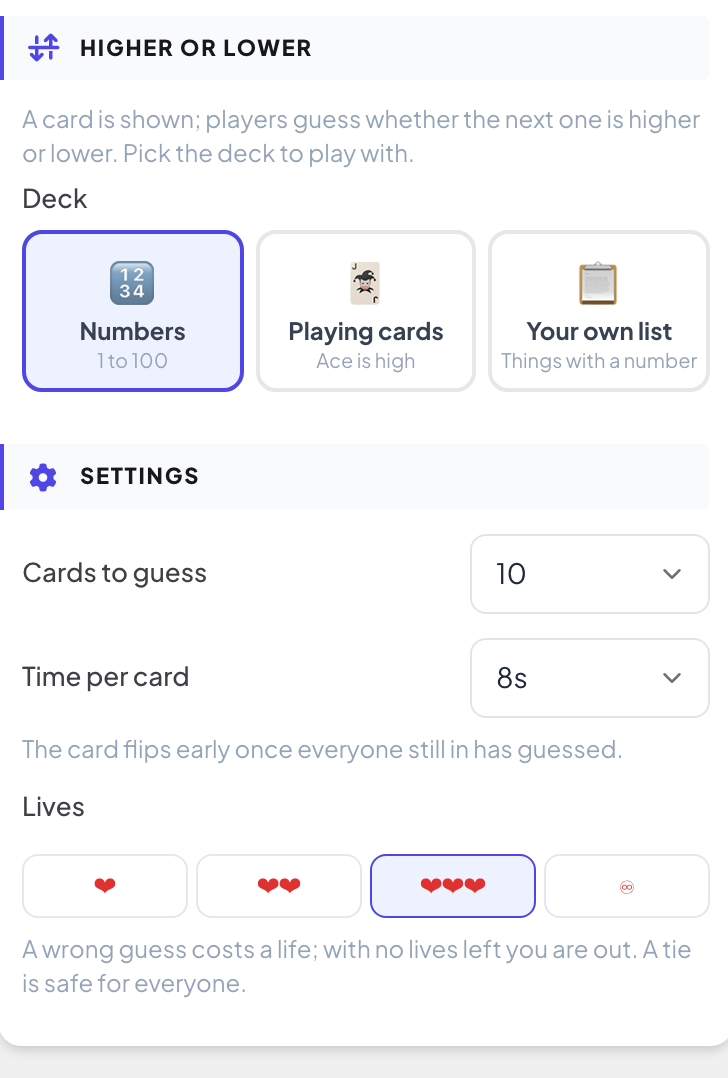
Settings
| Setting | What it does | Default |
|---|---|---|
| Cards to guess | 5, 10, 15 or 20. With your own list, the game stops when the list runs out. | 10 |
| Time per card | 5, 8, 10 or 15 seconds. The card flips early once everyone still in has guessed. | 8 s |
| Lives | 1, 2 or 3 lives: a wrong guess costs a life, and with no lives left you are out. ♾ means no elimination: everyone guesses every card. | 3 lives |
Play it live
- 1
Open the lobby
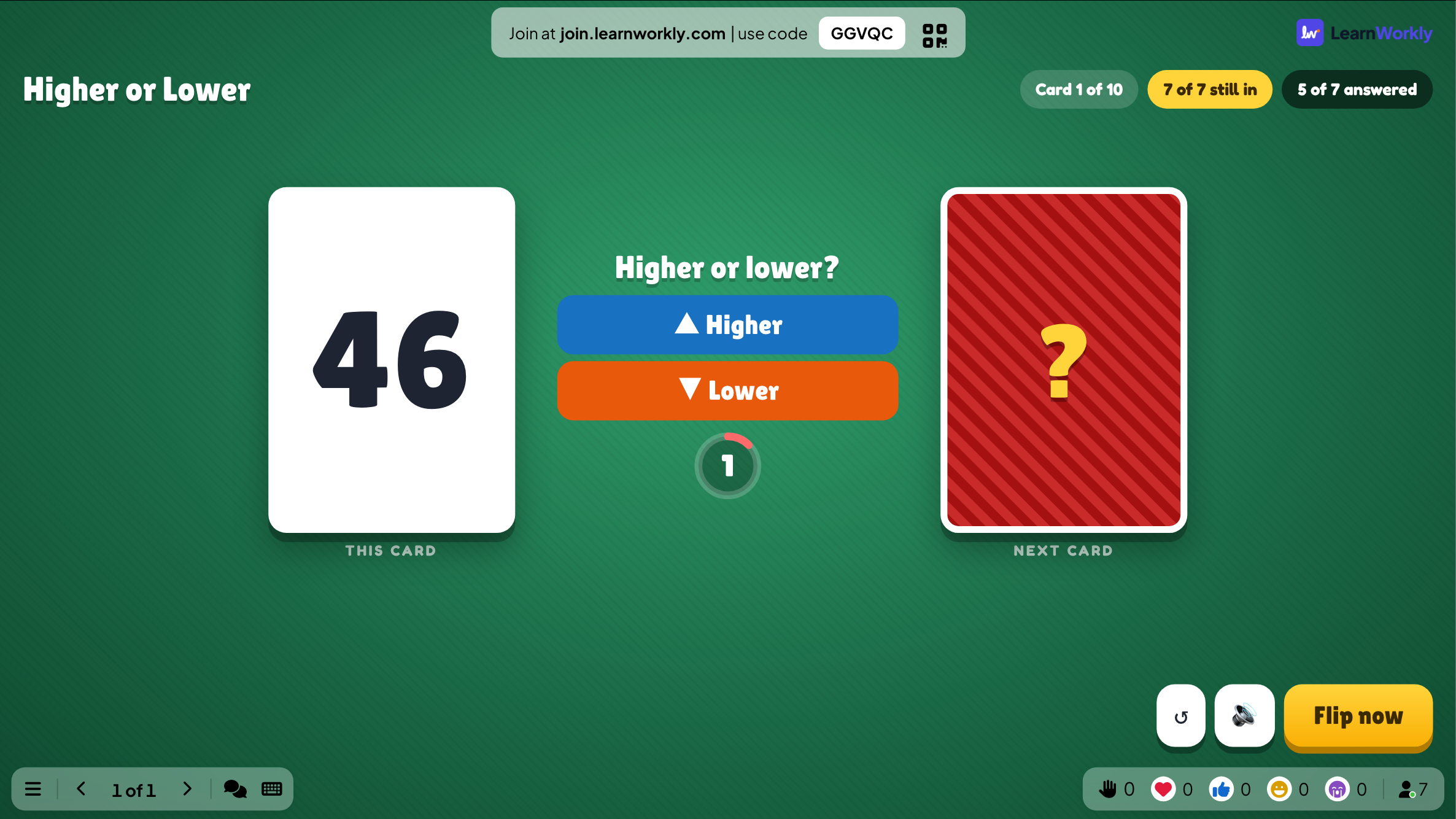
Click Present. The big screen shows the game’s lobby. People join on their phone with the code or the QR code, with no app or account, and type a nickname. The lobby fills up as they join. Press START.
- 2
Guess
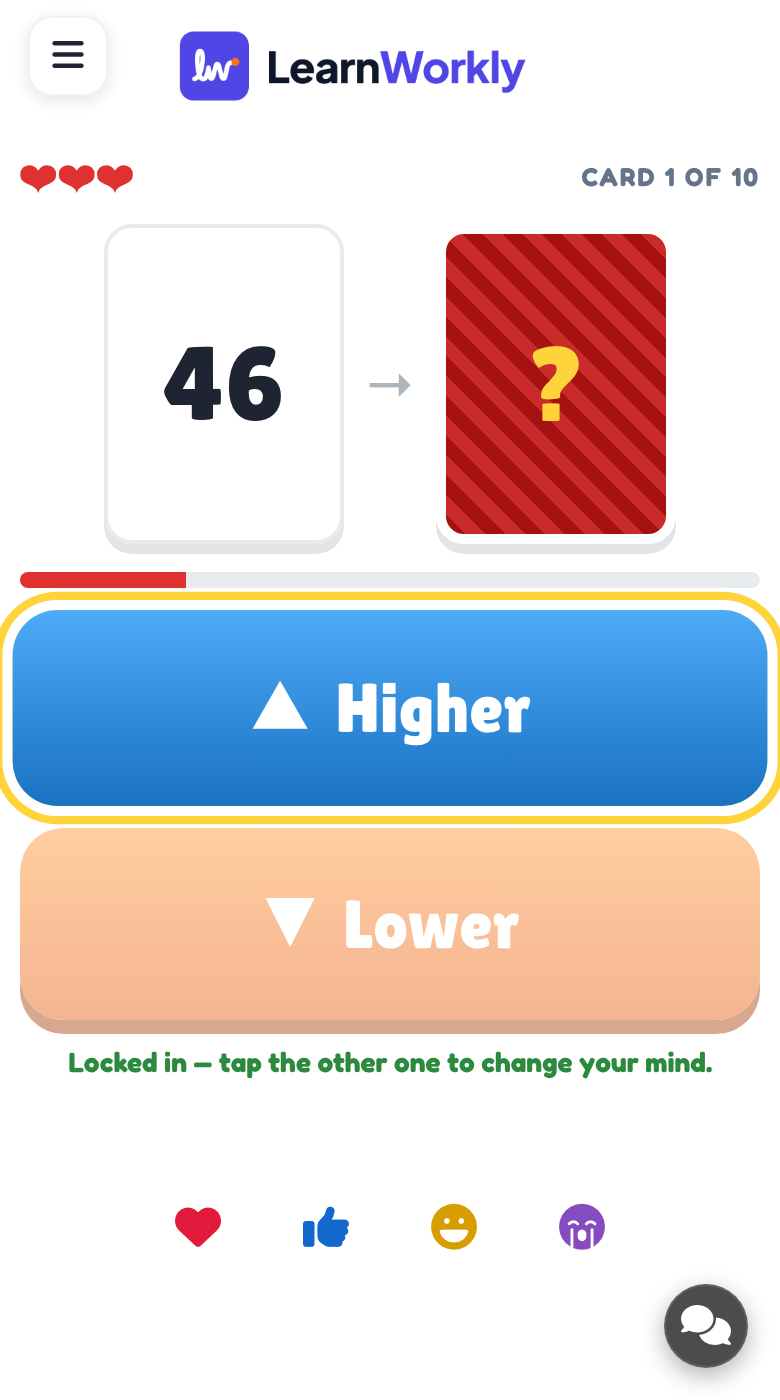
For each card, players tap Higher or Lower (or your own labels) and can change their guess until time runs out. Press Flip now to flip early.
- 3
The flip
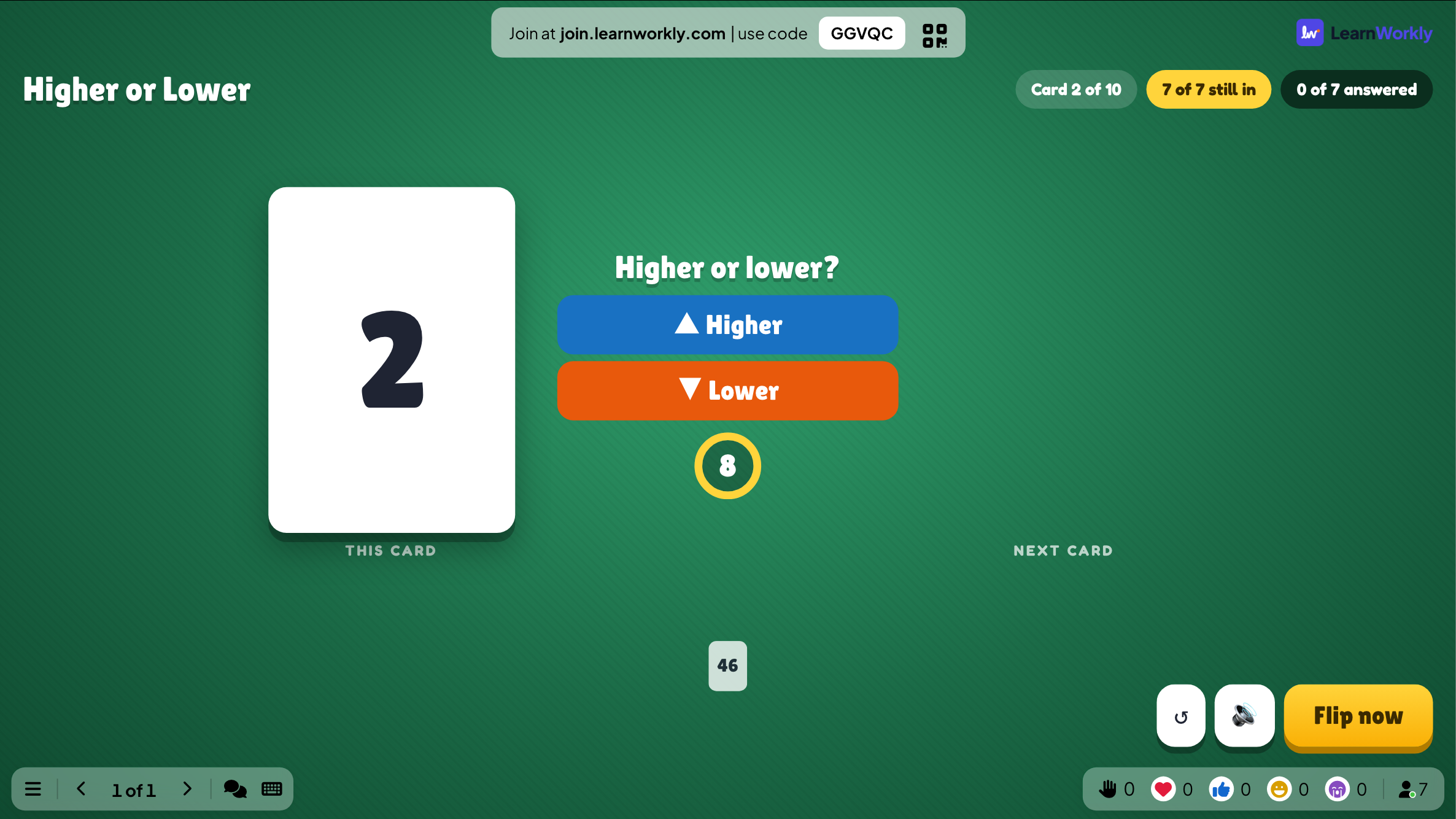
The big screen shows the next card, who was right and who is out. If everyone still in gets it wrong, nobody loses a life.
- 4
The winner
The most right guesses wins, and the longest streak breaks a tie.
Every finished game is saved with its results. Click Past games on the slide (or at the top of its Content tab) to see earlier plays, and find them in the report for the presentation.
Frequently asked questions
Someone joined in the middle of a card.
They play from the next card.
The next card is the same as this one.
A tie (SAME!) is safe for everyone.
I do not want anyone to be out.
Set Lives to ♾: everyone guesses every card, and the most right guesses still wins.
How do I play again?
Press Play again on the final screen, or Restart while the game is running. The finished game stays in Past games.
Last checked against the app on 17 November 2026.
Related articles
- Estimate: guess a number on a sliderPlayers drag a slider to guess a number. The closer the guess, the more points. Set the answer, the slider range, the unit and who scores points.
- Heads or Tails: call the coinEveryone calls the coin on their phone, the big screen flips it and wrong calls are out, until the number of winners you chose is left.
- Present on the big screenStart presenting from the editor, move through slides with the keyboard, use the menu while you present and stop when you are done.
- How participants join your presentationPeople join at join.learnworkly.com with your code or by scanning the QR code, with no app and no account. See what they do and how to change the code.