In Hot Potato, a bomb lands on a random player’s phone. That player taps PASS! and it jumps to another random player still in the game. Whoever holds it when it blows is out. Rounds repeat until one player is left. Nobody, not even you, knows when the fuse runs out. The game needs at least 2 players.
Set it up
- 1
Add the slide
In the editor, click + New Slide. In Choose Slide Type, open the Games tab and click Hot Potato. The game’s content and its Settings are in the Content tab of the column on the right.
- 2
Choose the fuse
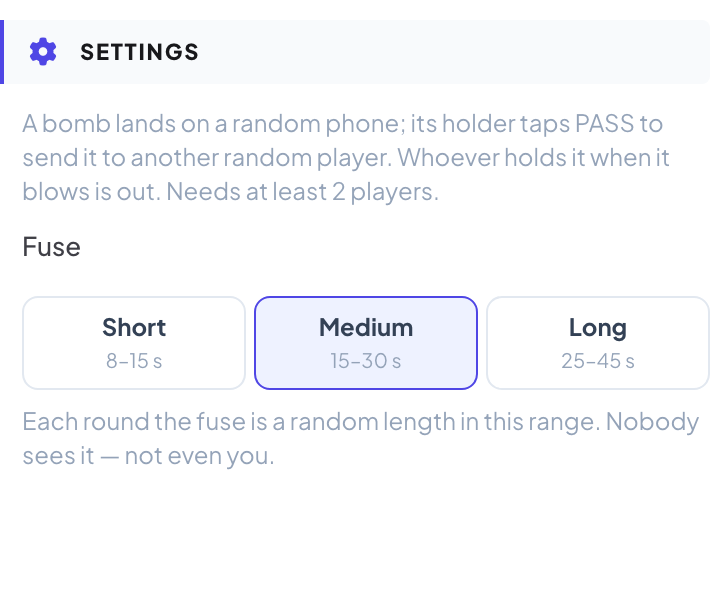
Pick Short (8–15 s), Medium (15–30 s, the default) or Long (25–45 s). Each round the fuse is a random length in this range.
Play it live
- 1
Open the lobby
Click Present. The big screen shows the game’s lobby. People join on their phone with the code or the QR code, with no app or account, and type a nickname. The lobby fills up as they join. Press START.
- 2
Pass the bomb
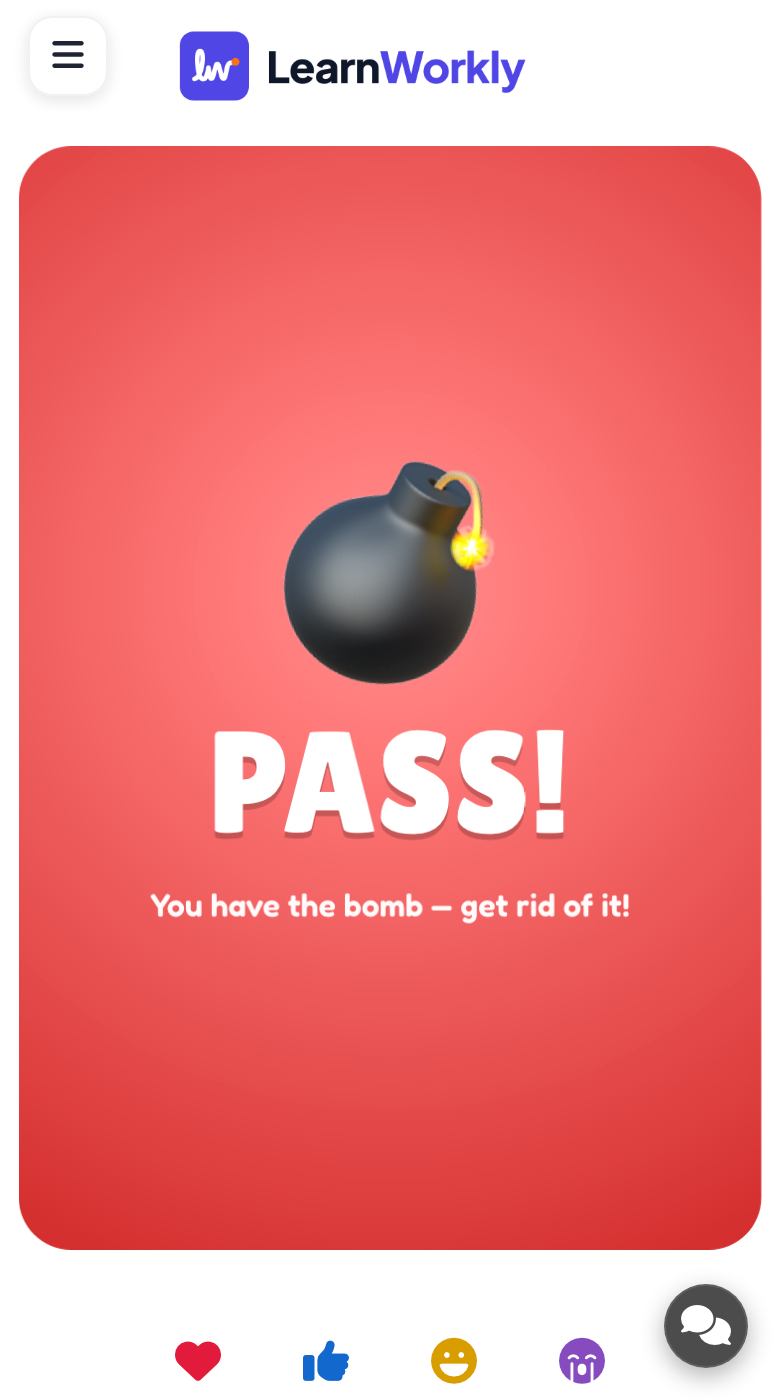
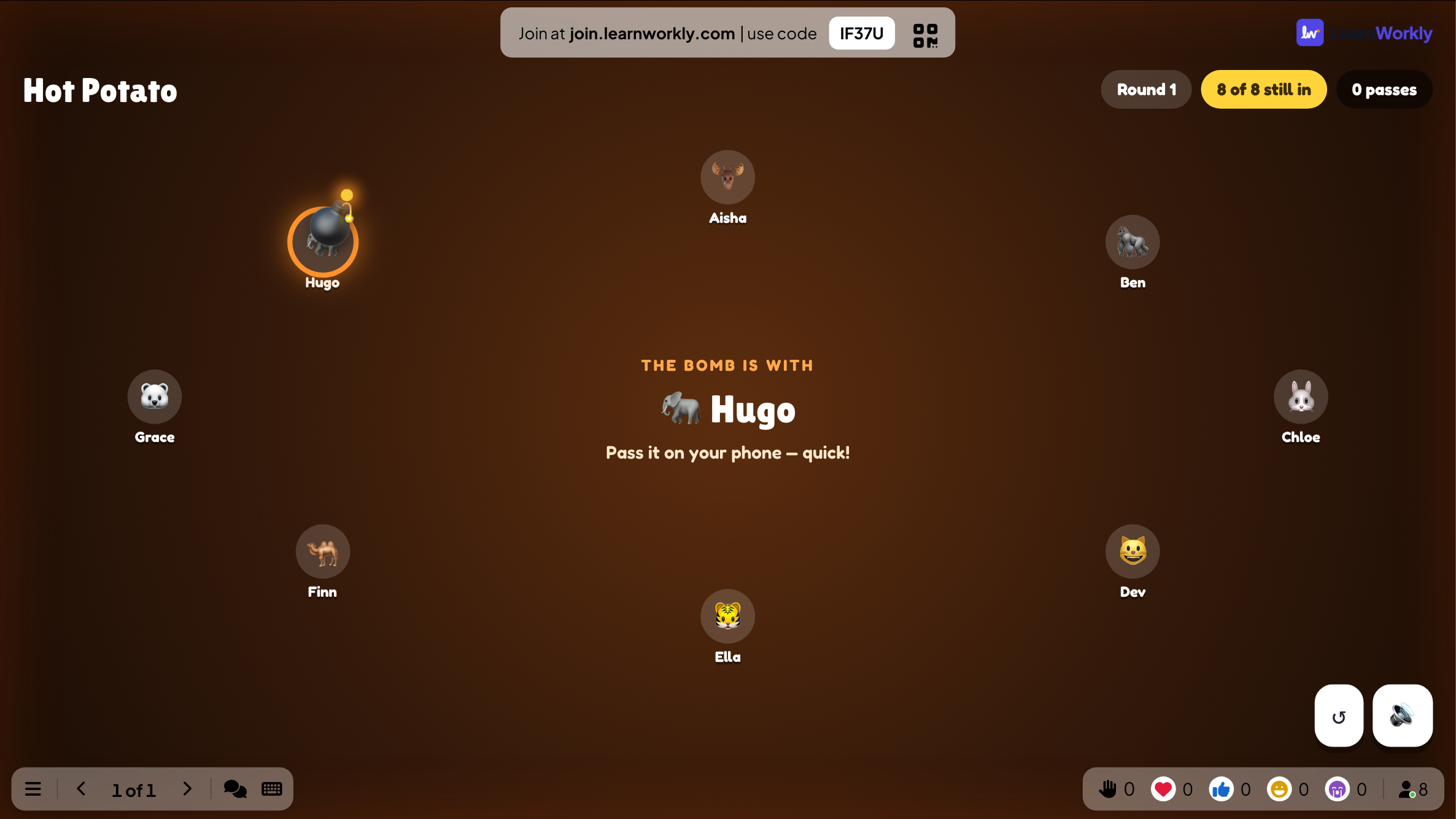
The big screen shows who holds the bomb and how many passes there have been. The holder’s phone says You have the bomb — get rid of it! with a big PASS! button; other phones show who has it.
- 3
BOOM!
When the fuse runs out, the holder is out and the next round starts by itself.
- 4
The winner
At the end, the big screen shows the winner and the player who passed the bomb the most.
Every finished game is saved with its results. Click Past games on the slide (or at the top of its Content tab) to see earlier plays, and find them in the report for the presentation.
Frequently asked questions
Someone joined after START.
They watch the big screen and can play the next game.
It says I need more players.
Hot Potato needs at least 2 players.
Do I control when the bomb blows?
No. Nobody knows: the fuse is a random length within the range you chose.
How do I play again?
Press Play again on the final screen, or Restart while the game is running. The finished game stays in Past games.
Last checked against the app on 17 November 2026.
Related articles
- Quick Draw: a reaction gameA reaction game: phones turn red, then green after a random wait, and the fastest tap wins. Tap too early and it is a false start.
- Rock Paper Scissors: the room against the screenThe whole room plays rock, paper, scissors against the big screen. Lose and you are out, and the last two face off in a final duel.
- Present on the big screenStart presenting from the editor, move through slides with the keyboard, use the menu while you present and stop when you are done.
- How participants join your presentationPeople join at join.learnworkly.com with your code or by scanning the QR code, with no app and no account. See what they do and how to change the code.