Zombie Race works like Duck Race with a spooky look: everyone picks a zombie and shambles toward a giant brain at the finish line. It is a good fit for Halloween, a themed party or any session that needs a laugh.
Set it up
- 1
Add the slide
In the editor, click + New Slide. In Choose Slide Type, open the Games tab and click Zombie Race. The game’s content and its Settings are in the Content tab of the column on the right.
- 2
Check the settings
Set the Race Duration (seconds), choose whether people can boost, and pick a Theme (see the table).
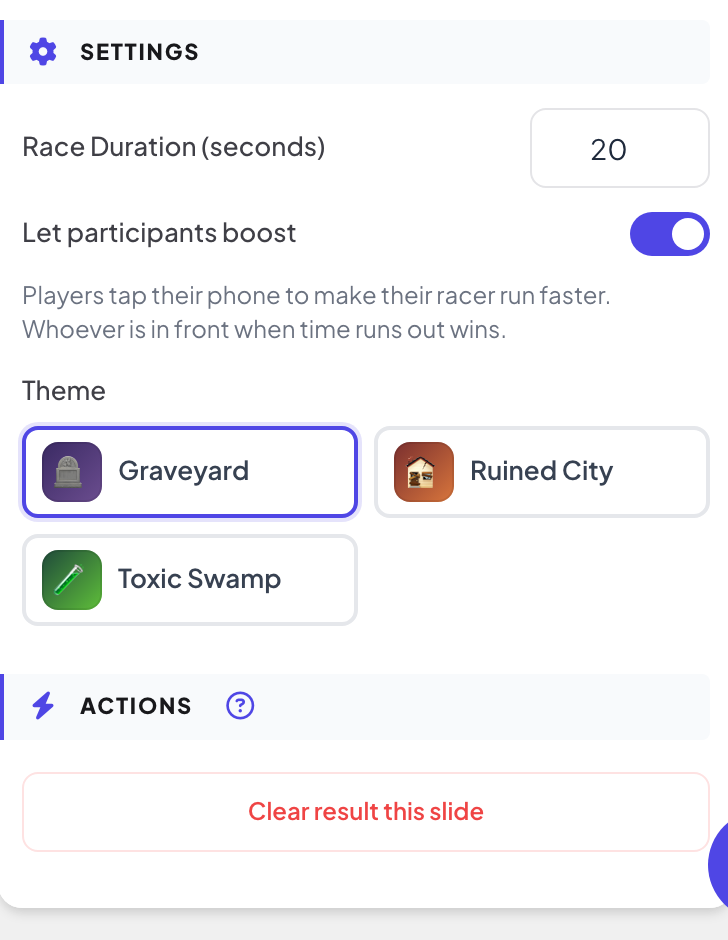
Settings
| Setting | What it does | Default |
|---|---|---|
| Race Duration (seconds) | How long the race lasts. The shortest race is 5 seconds. | 45 |
| Let participants boost | On: players tap their phone to make their zombie run faster, and whoever is in front when time runs out wins. Off: the winner is picked at random and phones just show the race status. | On |
| Theme | The scenery: Graveyard, Ruined City or Toxic Swamp. | Graveyard |
Run the race
- 1
Open the lobby
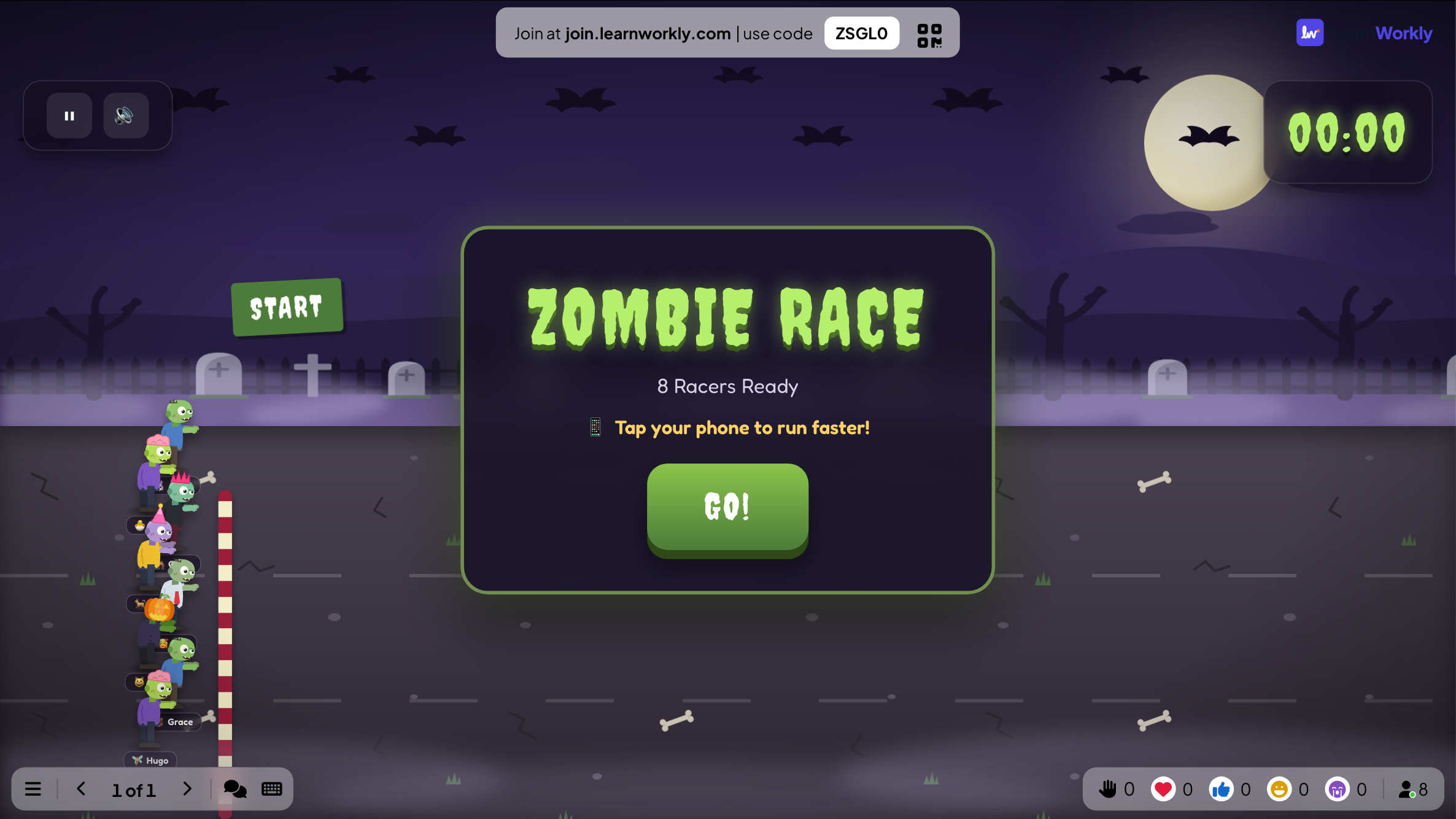
Click Present. The big screen shows the game’s lobby. People join on their phone with the code or the QR code, with no app or account, and type a nickname. The lobby fills up as they join. The lobby counts the racers who are ready.
- 2
People pick a zombie
Phones show Join the Zombie Race!. People tap a zombie (or Random zombie) and enter their name.
- 3
Start
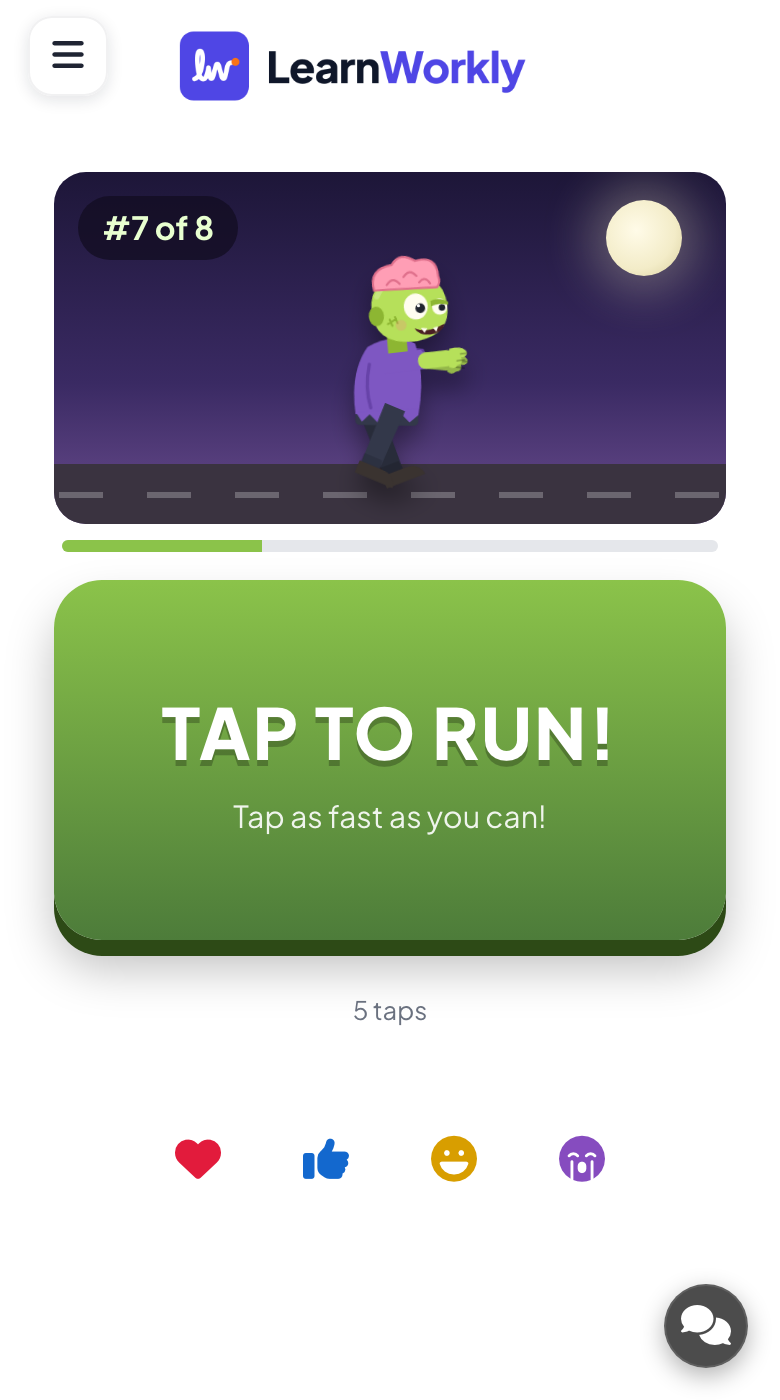
Press GO!. With boost on, every phone shows a big TAP TO RUN! button and counts the taps.
- 4
The winner
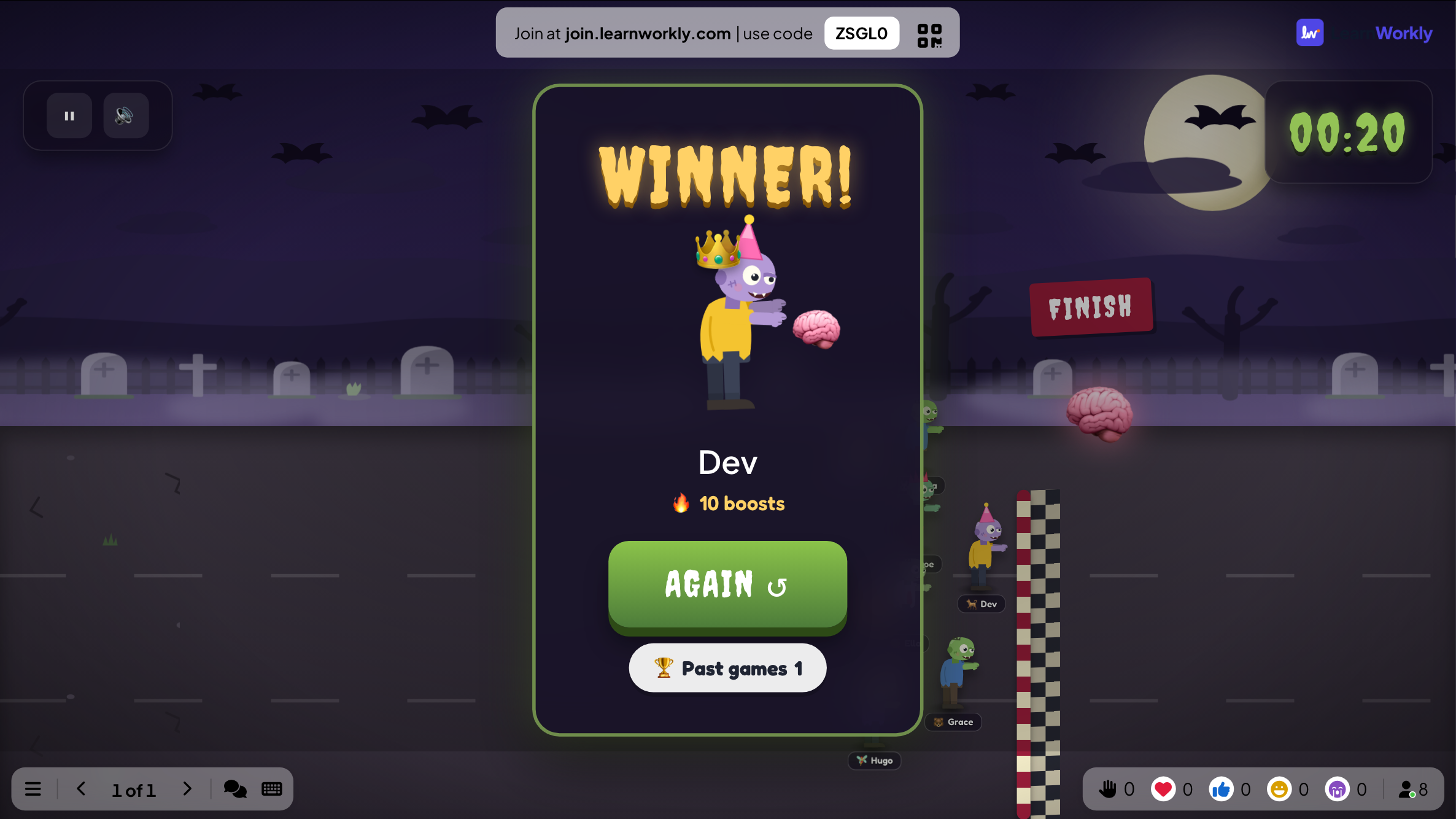
The first zombie to reach the brain wins. Each phone shows the player’s place. Press AGAIN ↺ to go back to the lobby, then GO! for another race.
See the results later
Every finished game is saved with its results. Click Past games on the slide (or at the top of its Content tab) to see earlier plays, and find them in the report for the presentation.
Frequently asked questions
Is it too scary for young children?
The zombies are cartoon characters. For a calmer look, use Duck Race, which plays the same way.
Can chance pick the winner instead?
Yes. Turn off Let participants boost.
Someone joined after GO!
Press AGAIN ↺ when the race is over. The lobby opens again with everyone who has joined; press GO! to race.
Last checked against the app on 17 November 2026.
Related articles
- Duck Race: a race on the big screenEveryone picks a duck on their phone and races down the river on the big screen. Let people tap to swim faster, or let chance pick the winner.
- Hot Potato: pass the bomb before it blowsA bomb with a hidden fuse jumps from phone to phone. Tap PASS to get rid of it: whoever holds it when it blows is out, until one player is left.
- Present on the big screenStart presenting from the editor, move through slides with the keyboard, use the menu while you present and stop when you are done.
- How participants join your presentationPeople join at join.learnworkly.com with your code or by scanning the QR code, with no app and no account. See what they do and how to change the code.