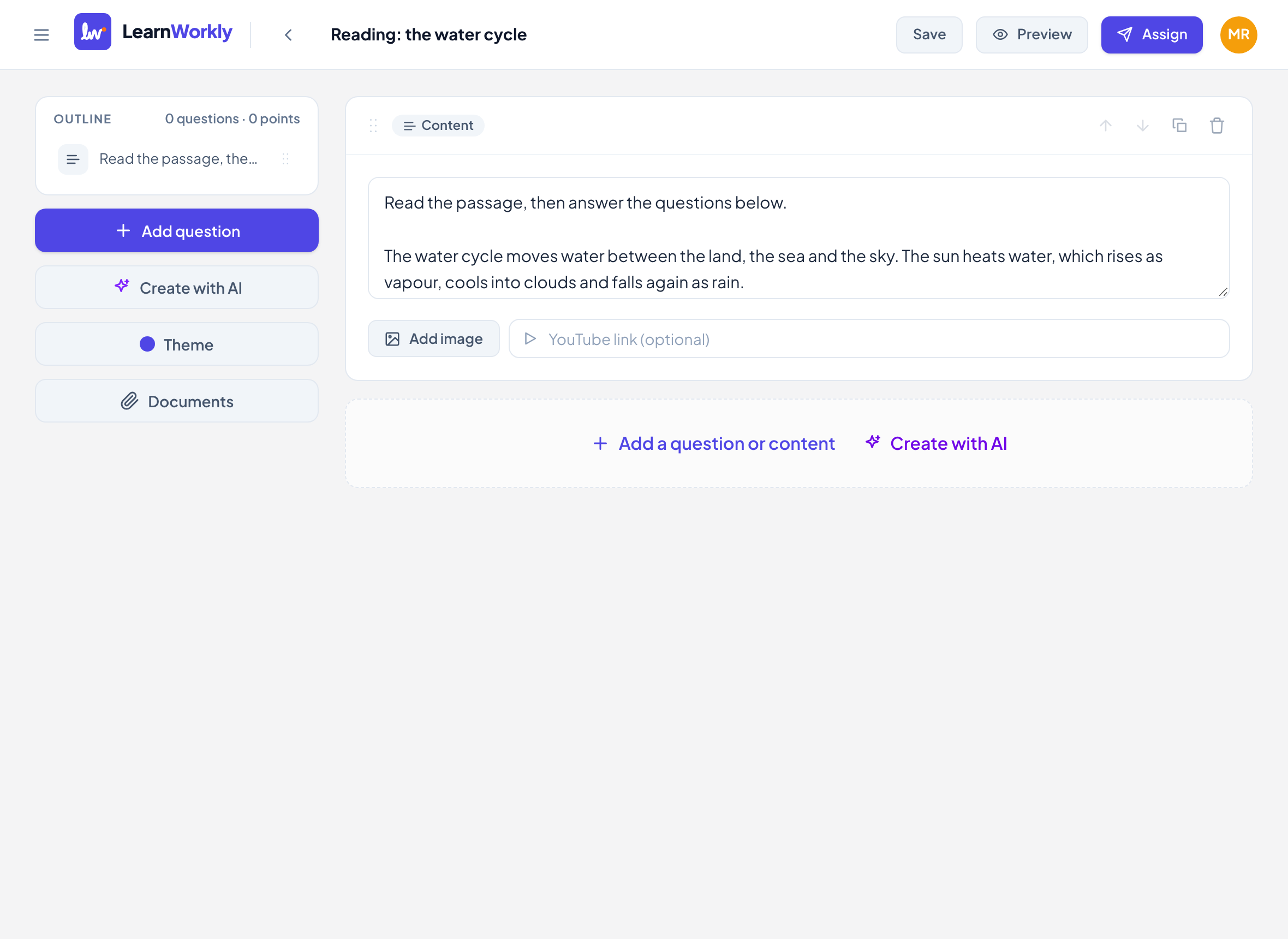
Content is not a question. It is a block you put between questions to give students what they need: instructions, a reading passage, a worked example, an image or a video. Students read or watch it; there is nothing to answer.
Add a content block
- 1
Choose Content
In the editor, click Add a question or content and choose Content.
- 2
Write the text
Type in the box that says Reading passage, instructions, worked example…. Line breaks are kept as you type them.
- 3
Add an image (optional)
Click Add image to upload a picture, such as a chart or a page of a book.
- 4
Add a video (optional)
Paste a link in YouTube link (optional).
- 5
Place it
Drag the block, or use the arrows, to put it just before the questions it belongs to.
What students see
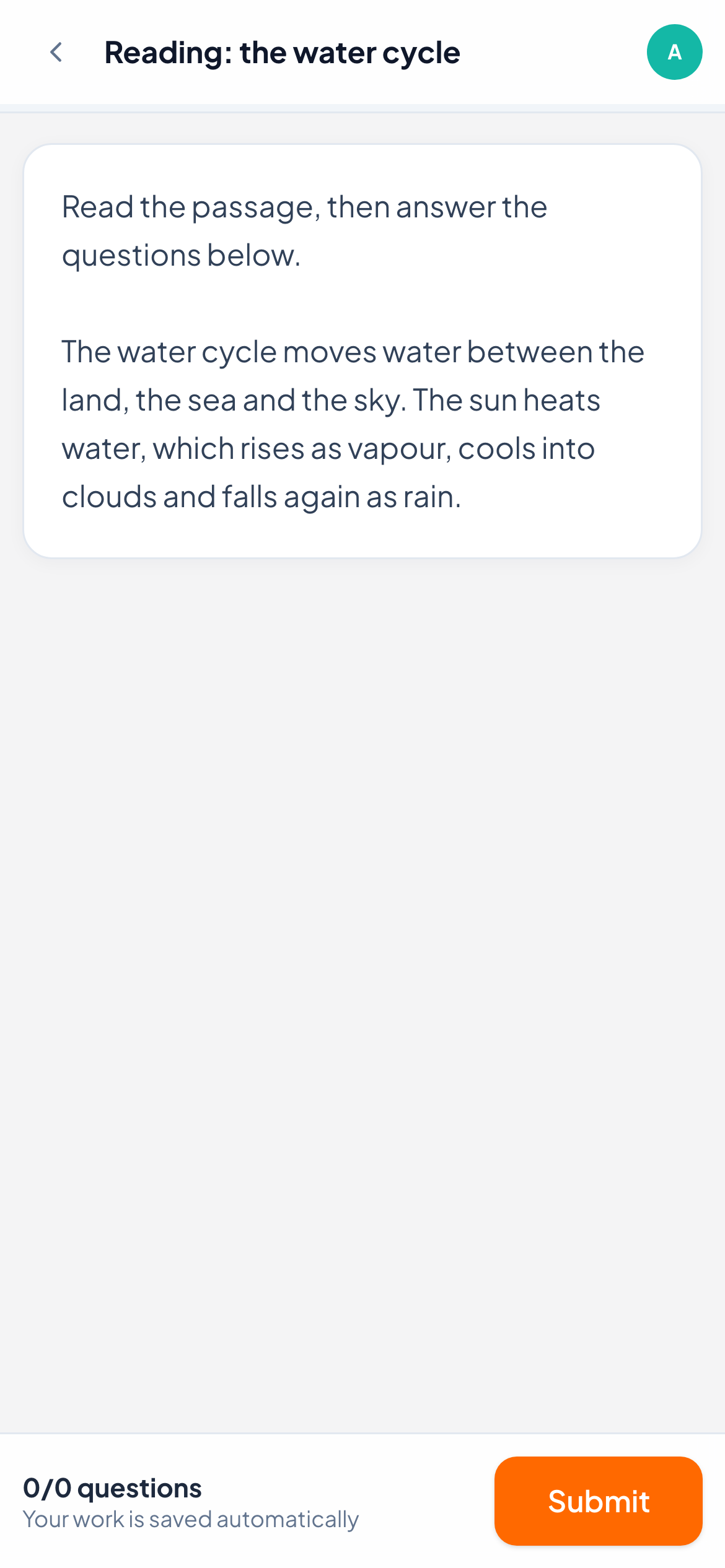
Students see the text, then the image, then the video. A YouTube link plays inside the page; other video links show an Open video link instead.
Content blocks have no number, no points and no answer box, so question numbers skip over them. When One question at a time is on, each block is its own page, marked as instructions in the question list. When Shuffle questions is on, the questions are shuffled but content blocks keep their place.
Frequently asked questions
Do content blocks count towards the score?
No. They have no points and are not counted in progress or results.
Can I put a formula in a content block?
Content text is shown as plain text. For a formula, put it in the question that follows, using Formula, or add it as an image.
Can I share a whole PDF with students?
Upload it to Documents and share it with the class or with this activity: see Your documents library.
Last checked against the app on 11 November 2026.
Related articles
- Build and organise activitiesAdd and reorder questions, mark skills, add hints and explanations, preview as a student, and duplicate or import activities to save time.
- The 13 question typesWhat each of the 13 question types is for, which ones LearnWorkly marks automatically and which ones you mark yourself, with partial credit where it applies.
- Free response questionsAsk for a written answer in the student’s own words, or a photo of handwritten work. You mark it yourself, with one score or a rubric.