LearnWorkly vs Lessonspace
Check understanding, not just share a whiteboard
Lessonspace is a virtual classroom with a shared whiteboard and video. LearnWorkly focuses on what happens to understanding: structured questions every student answers, live answers, auto-marking, homework and progress reports.
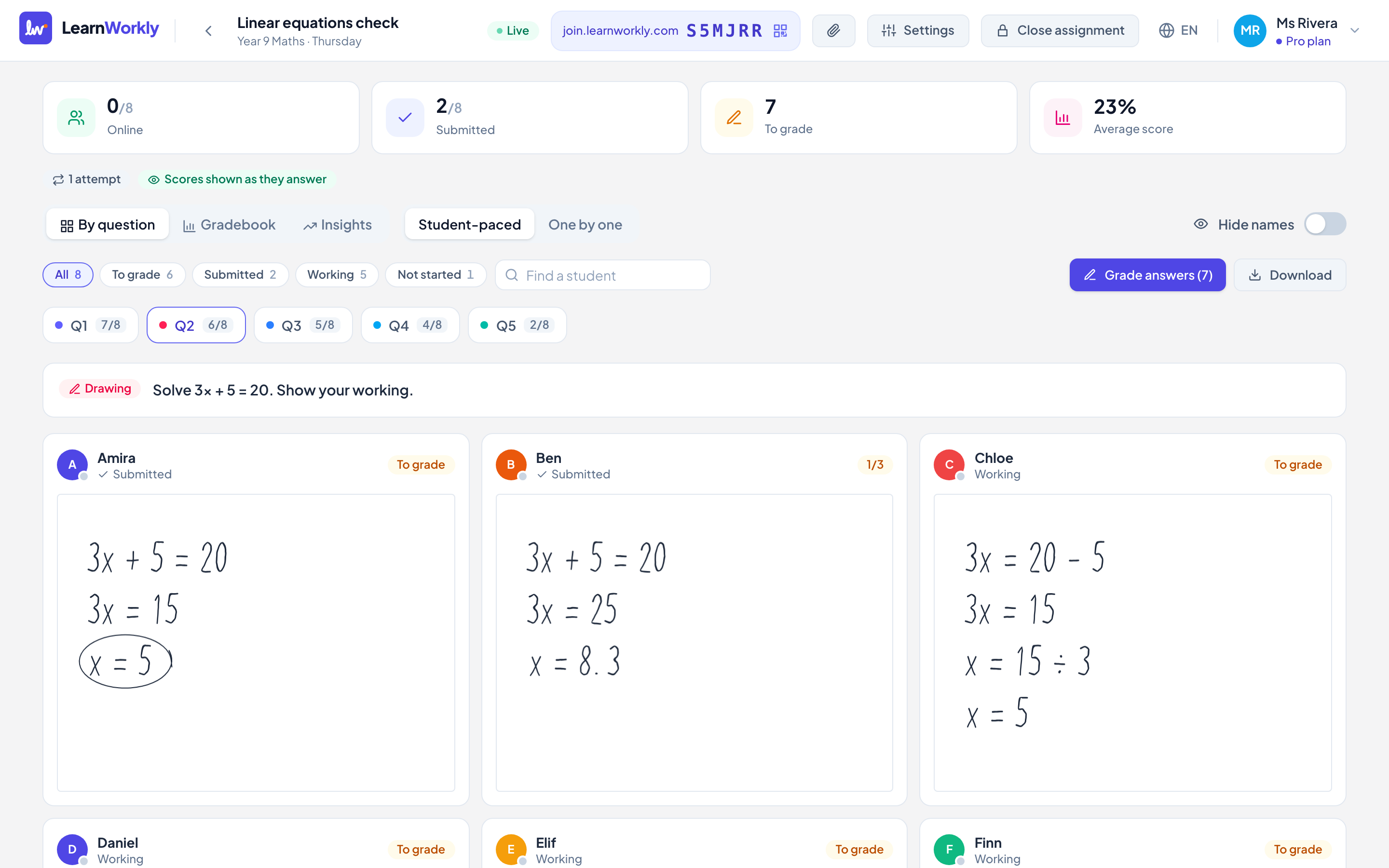
LearnWorkly and Lessonspace side by side
Lessonspace is built as an online classroom: video, a shared whiteboard and lesson recordings in one place.
| LearnWorkly | Lessonspace | |
|---|---|---|
| Made for | Checking understanding in and between lessons | Running the online lesson itself |
| Paid plan price | Free for 10 students; Solo $9.99/month; Pro $14.99/month | From $9/month, up to $199/month |
| Structured questions with auto-marking | 9 auto-marked types | Not the focus |
| Every student answers on their own screen | Yes | Shared whiteboard |
| Homework with due dates and reminders | Yes | Not stated |
| Progress reports for parents | Yes, from real scores and skills (Solo and up) | Not stated |
| Built-in video calls | Coming later | Yes |
Information about Lessonspace from its public website and reviews, checked November 2026. It may have changed: check their website for the latest details. Lessonspace is a trademark of its owner; LearnWorkly is not affiliated with it.
Why tutors choose LearnWorkly
Evidence from everyone
Each student answers individually, so you know who understood.
Between lessons too
Homework and practice with due dates and reminders.
Progress you can show
Scores by skill over time and reports for parents.
Fair to say: Choose Lessonspace if you mainly need a full virtual classroom with video and a shared whiteboard.
See how it works
Homework and practice
Keep learning going between lessons
Use the same activities for homework and practice. Set a due date, a time limit or a number of attempts, and let LearnWorkly remind students and mark what it can while you get on with your day.
Learn more: Homework and practice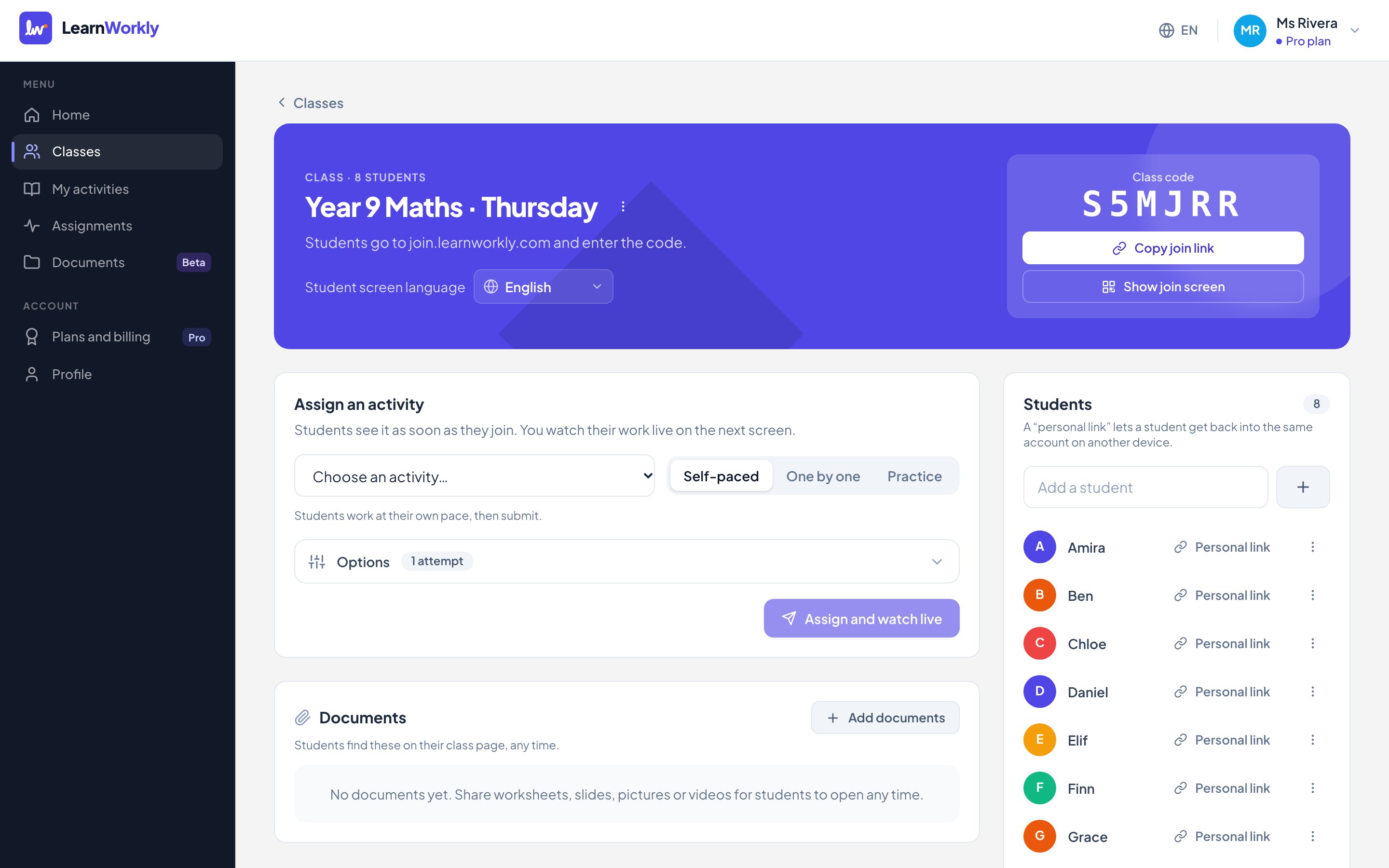
Parent reports
Show parents the progress, not just the hours
Parents pay for progress. LearnWorkly turns scores, skills and your notes into a short, friendly report you can review and email in a couple of minutes, for 1-to-1 students and small groups alike.
Learn more: Progress reports for parents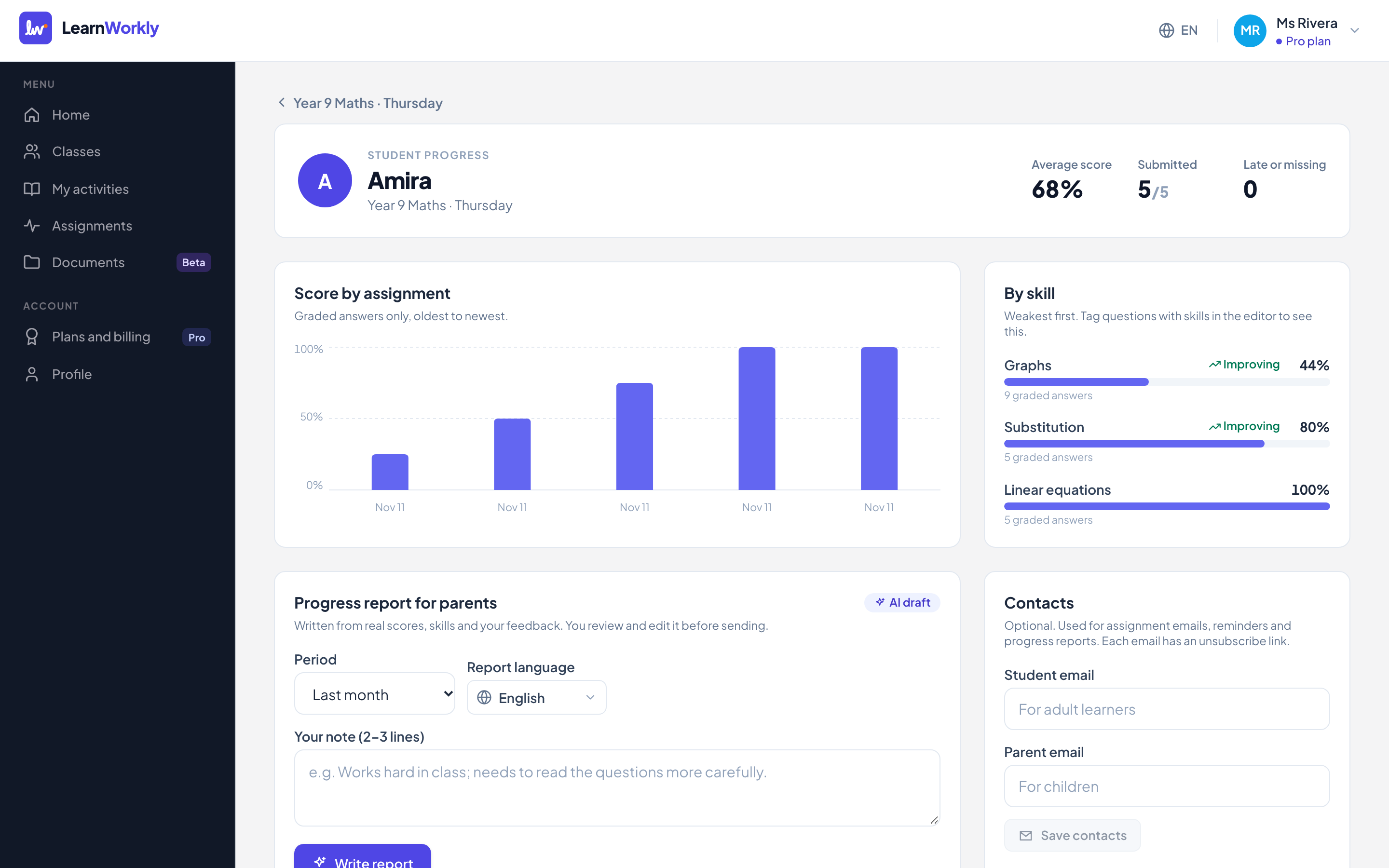
Frequently asked questions
Can I use LearnWorkly with my video lessons?
Yes. Keep LearnWorkly open in another tab during the lesson; students can answer on their computer or phone.
Will LearnWorkly have video calls?
Built-in video lessons are planned. Today LearnWorkly focuses on checking understanding during and between lessons.
Other comparisons
Try it in your next lesson
Free for up to 10 students, with every question type. Set up your first activity in five minutes.
Free for up to 10 students · No credit card