Handwritten work
Paper and pen, straight to your screen
Maths working, essay plans, diagrams: some work is simply easier on paper. Students scan a QR code with their phone, take a photo, and it lands on the question you asked, in front of you, seconds later.
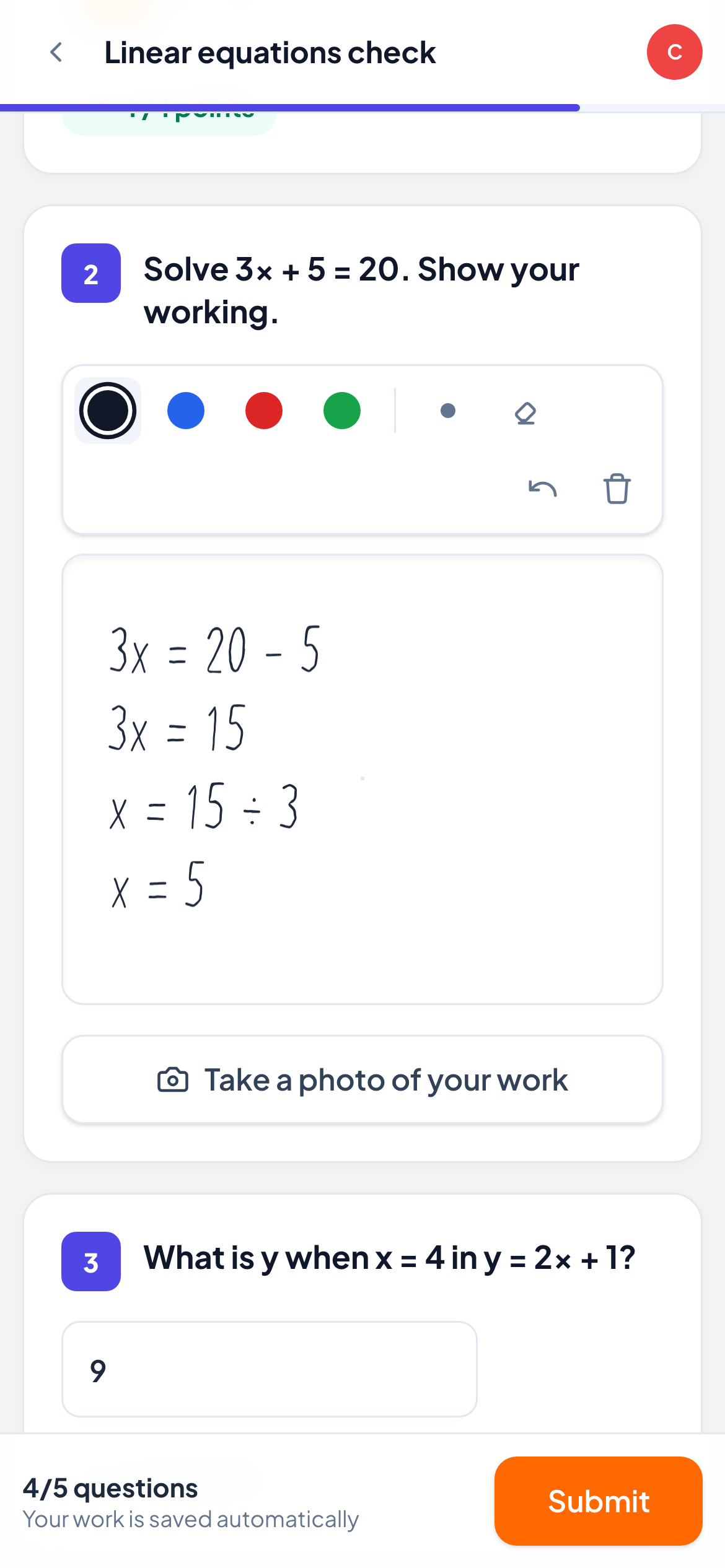
Scan, snap, done
A QR code on the student’s screen opens the camera on their phone. No app to install, no login on the phone.
Mark it and reply
Score the photo, then send a comment or a voice note about it. The student sees it straight away and can reply.
Private by default
Photos are only shown through short-lived private links to you and the student.
How it works
- 1
Turn on photo answers for a question.
- 2
The student scans the QR code and takes a photo of their page.
- 3
You see it instantly and reply with comments or drawings on top.
Frequently asked questions
Do students need a tablet or stylus?
No. Any phone with a camera works. Students who have a touch screen can also draw their answer directly.
Is the phone linked to the student’s account?
The QR code is a one-time link to that question for that student. Nothing is installed and no personal data is collected from the phone.
Related features
Try it in your next lesson
Free for up to 10 students, with every question type. Set up your first activity in five minutes.
Free for up to 10 students · No credit card