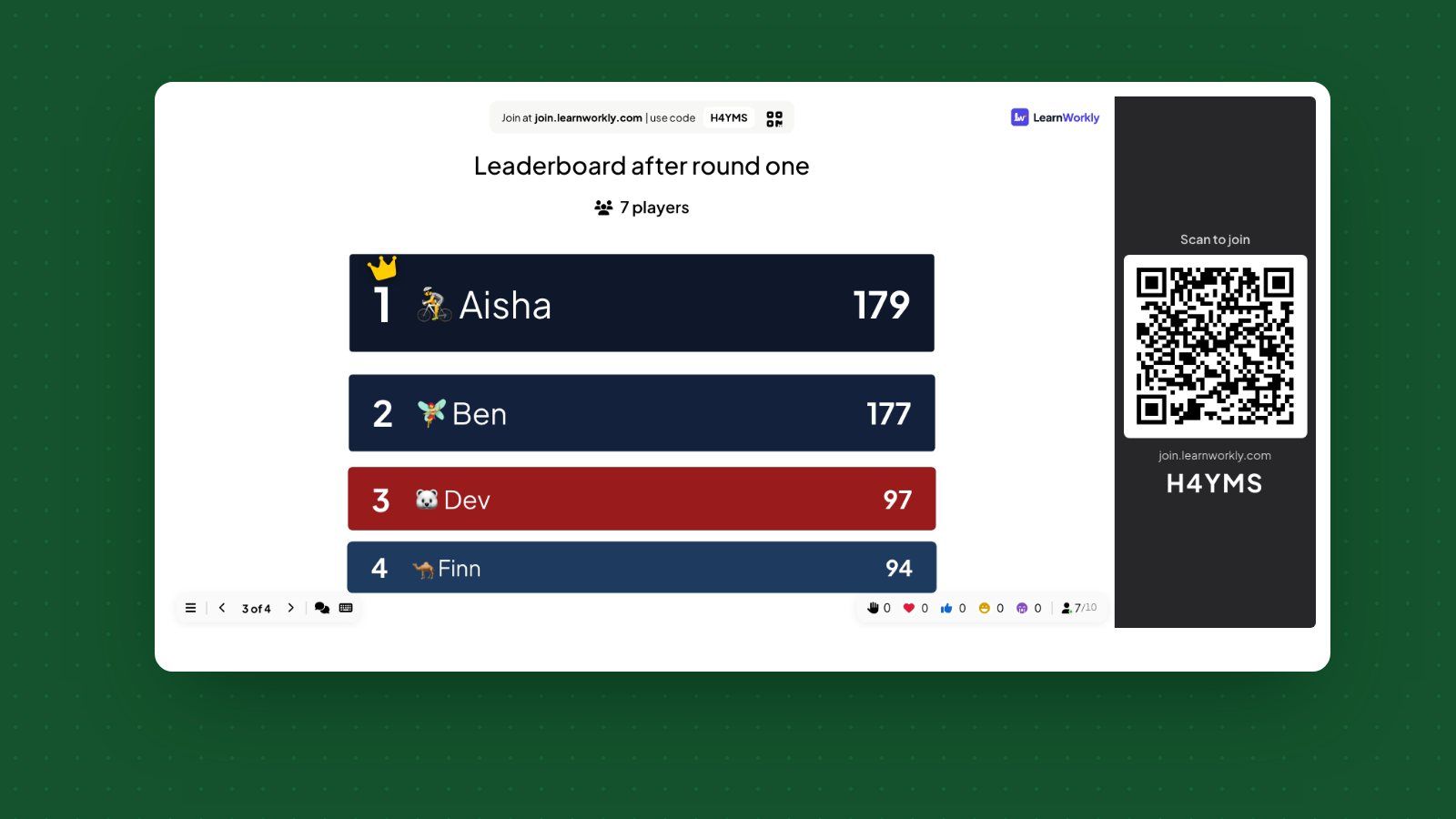
Christmas quiz for students: a last lesson that revises
A Christmas quiz for students that still revises the term: festive and subject rounds for Years 7 to 11, a winter version, and how to keep it calm and fair.
· 7 min read
Passwords, private details and scams, plus a branching story: what would you do if a stranger messaged?
Free account, no credit card. The template is copied into your account to edit.
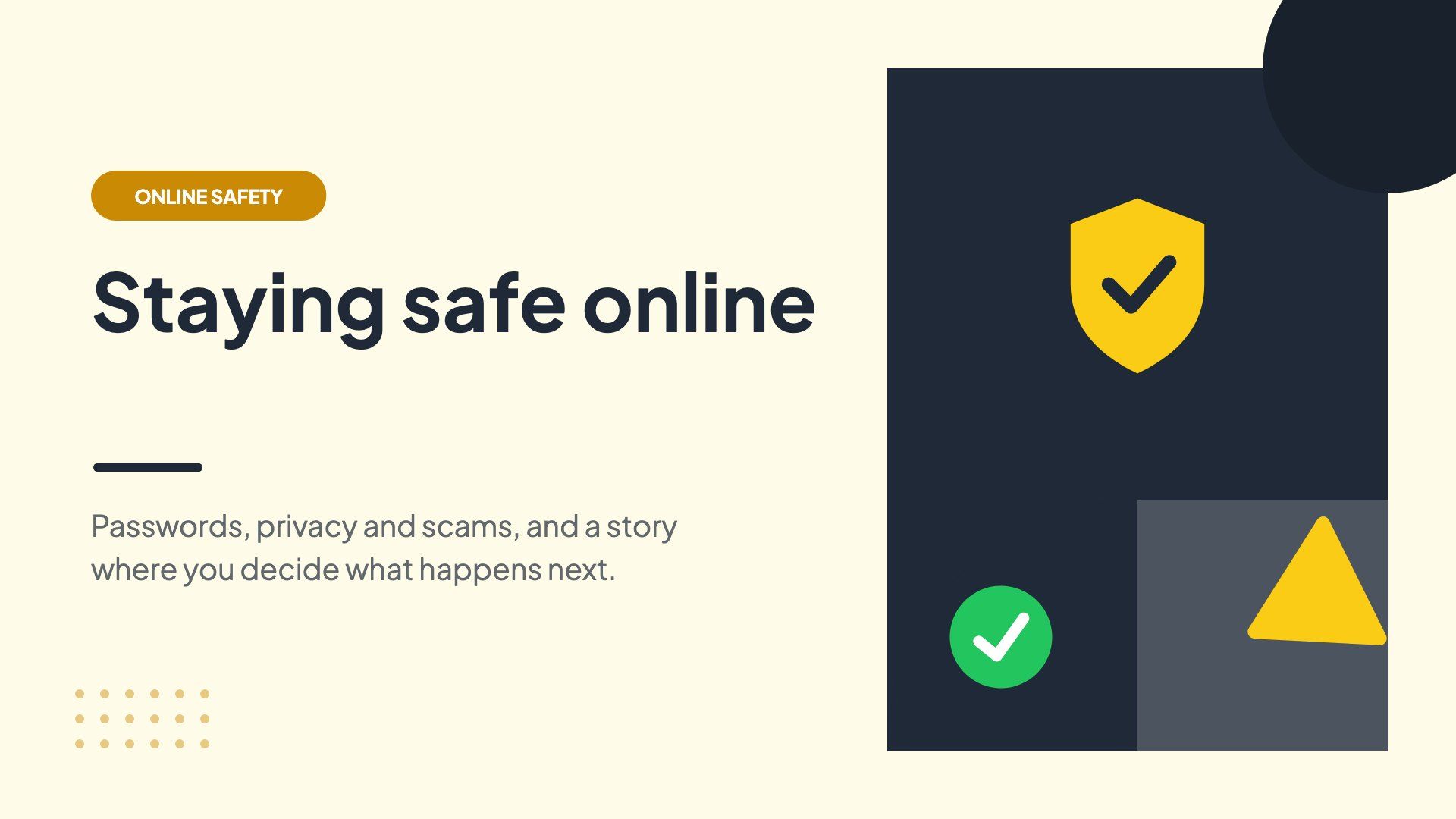
The interactive activities in this template. People answer on their phones and the results show live on the big screen.
Real situations it was made for. Change the content to fit yours.
Pupils sort what is fine to share and follow the stranger message story. The choices in the story start a calm discussion about what to do.
The class compares passwords and spots a prize scam. The open question on tips for younger students becomes a poster for the corridor.
Young people answer anonymously, so they are more honest. The scenario and scam questions lead into how to report worrying messages.
Every slide of the template in order. Change any question, answer or timer before you present.
Click Use this template. Sign up free or log in, and a copy opens in your account.
Change the questions, answers, images and timers to fit your group, or keep it as it is.
Click Present. Everyone joins on their phone with the code or QR code on the screen.
A Christmas quiz for students that still revises the term: festive and subject rounds for Years 7 to 11, a winter version, and how to keep it calm and fair.
· 7 min read
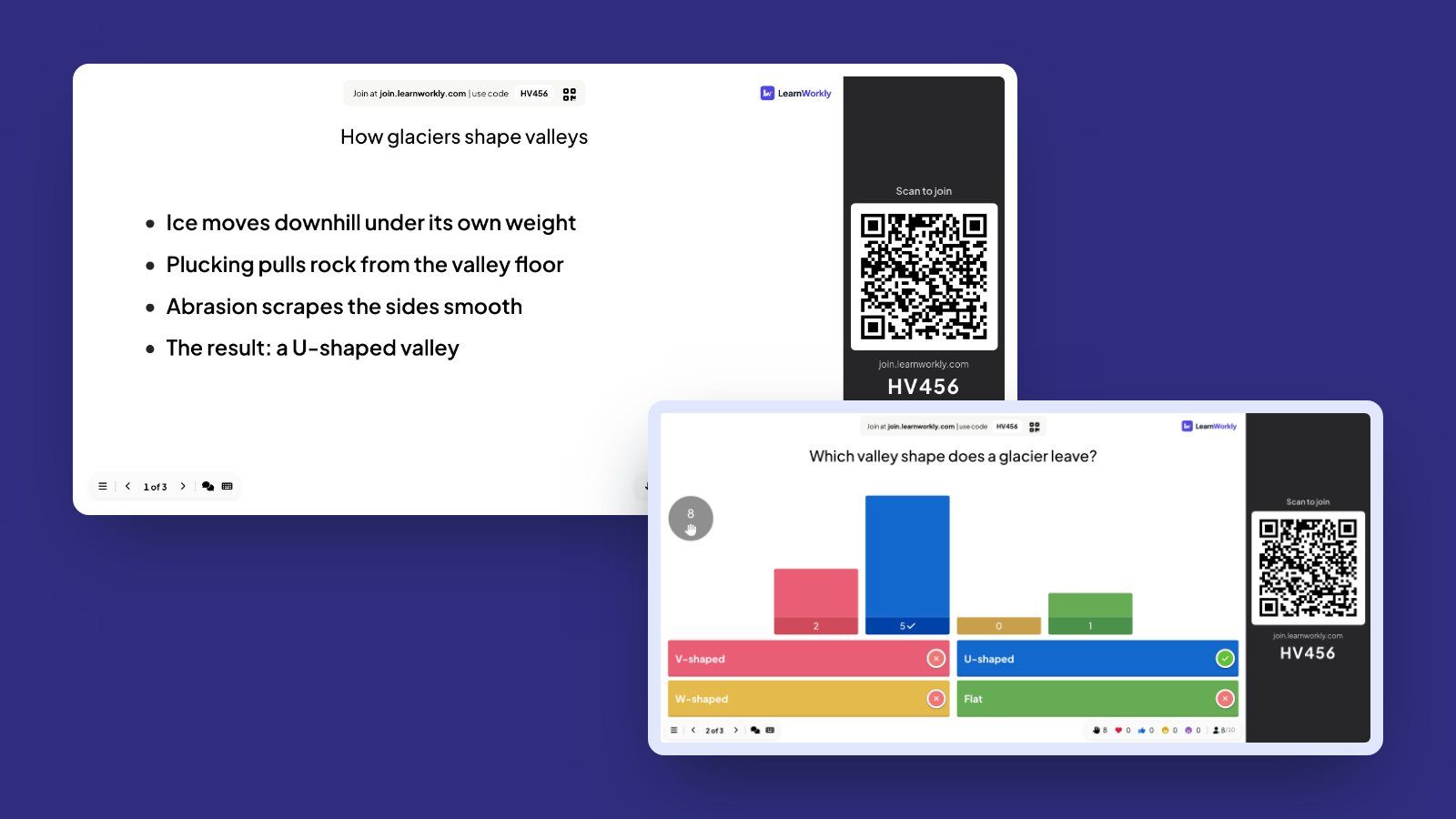
How to teach an interactive lesson from the classroom screen: a 50-minute structure with timings, what goes on each slide, and how to act on live answers.
· 7 min read

How to tutor GCSE science online: a lesson structure, practising equations and required practicals, diagrams without a pen tablet, and exam-style answers.
· 5 min read

Reflect on the year, pick a focus area, write one goal and check how ready you are.

Eight quiz questions on how the world welcomes the New Year, with leaderboards.
A first-lesson warm-up for January: check-in, this-or-that, a winter quiz and term goals.
Free for up to 10 live participants. No credit card, nothing for your audience to install.
Free for up to 10 participants · No credit card
Can we measure your visit?
We would like to use Google Analytics to see which pages are useful. It sets cookies, so it only runs if you agree.Privacy policy