The Question Library is a free collection of ready-made questions, grouped in collections. Filter by Trivia, True or False, Debate, This or That and Math, or search, for example "planets". You can start a new presentation from it or add questions to the one you are editing.
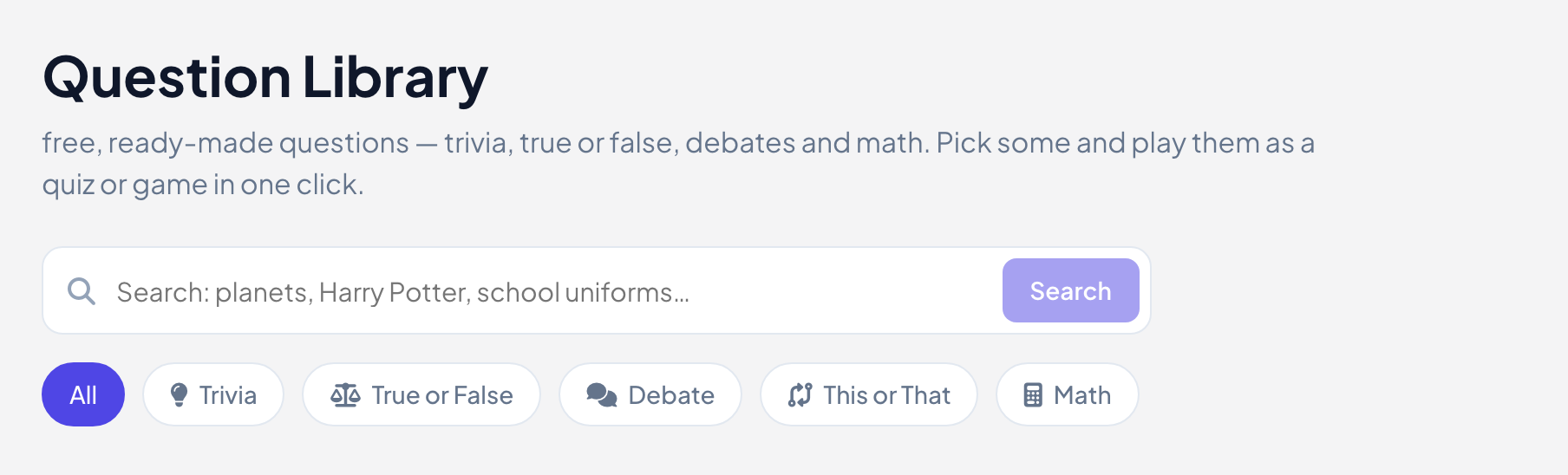
Create a presentation from the library
- 1
Open the library
Click Question Library in the menu on the left.
- 2
Find questions
Open a collection or search. Tick the questions you want, or click Select all on this page. You can pick up to 50.
- 3
Create the presentation
Click Create presentation in the bar at the bottom.
- 4
Choose how to play
Under How do you want to play these questions?, pick Best fit, Select Answer, Type Answer, Bet / Wager, Vote · Discuss · Revote or Estimate, or put them all in one Treasure Hunt or Last One Standing game. Formats that do not suit the questions are greyed out. Then click Create presentation.
Add questions while you edit
- 1
Open the panel
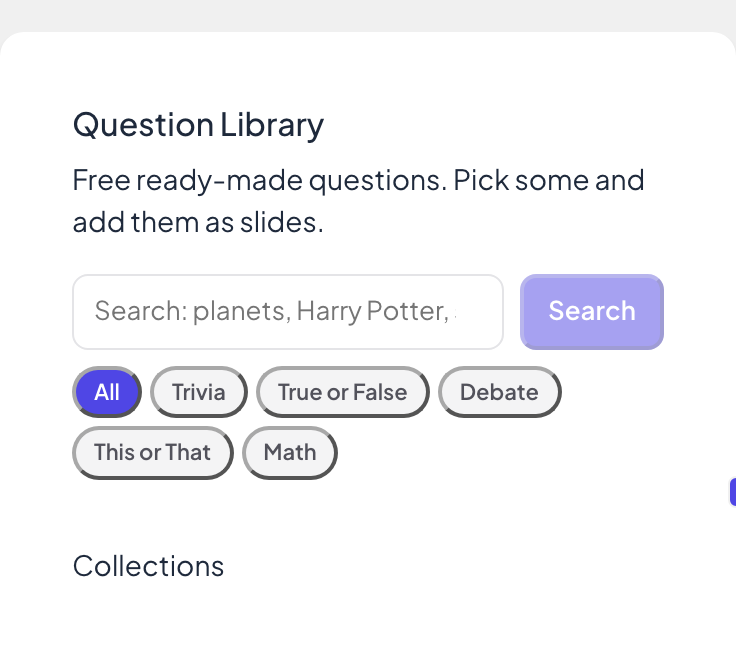
In the editor, click the Question Library icon on the right edge. The same library opens in a panel.
- 2
Pick and add
Tick questions, choose Play as and click Add slides. The slides are added to your presentation.
Frequently asked questions
Can I edit library questions?
Yes. Once they are slides in your presentation, they are yours to change like any other slide.
What is “More slides like this one”?
On some slides, a box below the settings suggests similar questions from the library. Add slide puts one right after the current slide.
Is the library free?
Yes, on every plan.
Last checked against the app on 17 November 2026.
Related articles
- Create your first presentationStart a blank presentation, add slides from more than 50 slide types, write your questions and check what participants will see before you present.
- Select Answer: multiple-choice quiz questionsAsk a multiple-choice question with up to six options, mark the right answers, set the time and points, and play it live with a countdown and a reveal.
- Treasure Hunt: answer questions, open chestsPlayers answer your questions at their own pace and every right answer opens a treasure chest. The richest player when time is up wins.