AI can draft a whole presentation from a short prompt, with quiz questions, polls and content slides. It is a beta feature and free on every plan. Always read the slides before you present: you can edit everything it creates.
Generate a presentation
- 1
Write a prompt
On Home, type what you need in Create Presentation with AI: the topic, the audience and the kind of slides, for example "A 6-slide quiz on the water cycle for 11-year-olds".
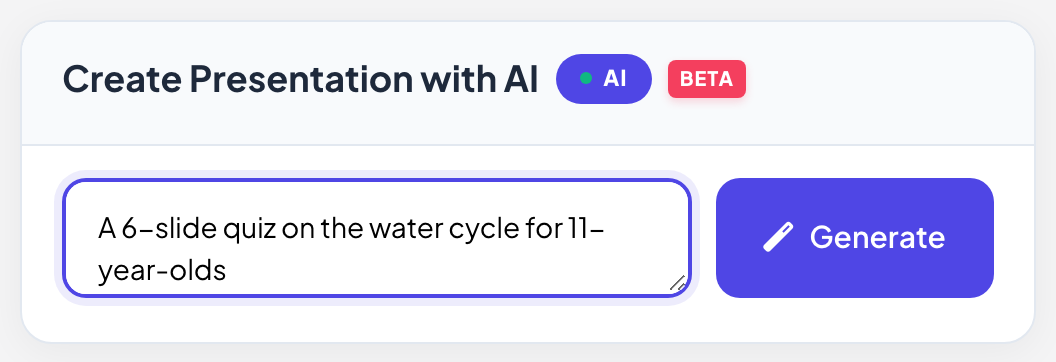
- 2
Click Generate
The status changes from Thinking... to AI is generating slides... and Creating presentation.... This takes a short while.
- 3
Edit the result
When it is done, the new presentation opens in the editor. Change, reorder or delete any slide like one you made yourself.
Refine it with the AI Assistant
- 1
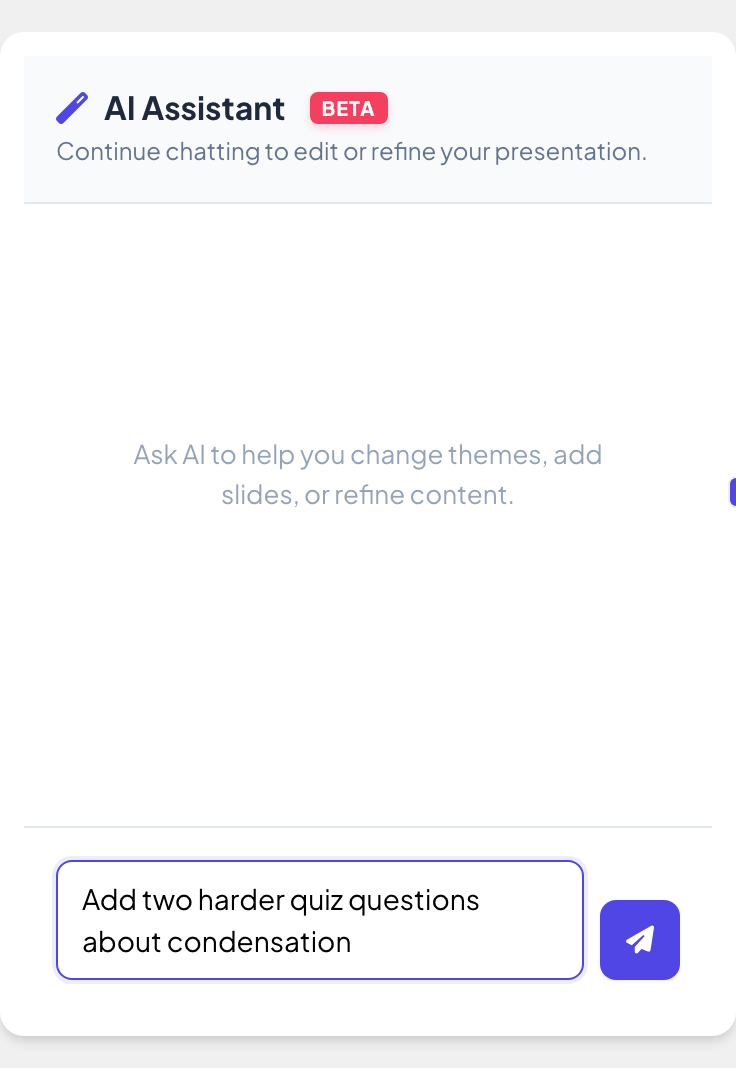
Open the AI Assistant
In the editor, click AI at the top of the icons on the right edge.
- 2
Ask for a change
Type what you want, for example "Add two harder quiz questions about condensation", and send it. Ask it to change the theme, add slides or rewrite content, then keep chatting to refine the presentation.
Frequently asked questions
It says the AI process failed.
Try again in a moment, or make the prompt shorter and more specific.
Does AI cost extra?
No. AI is free on every plan while it is in beta.
Can AI write an assignment instead?
Yes. On the Assignment page, click Create with AI. You can also upload an exam or worksheet for it to copy. See Set a self-paced assignment.
Can AI write questions for a game?
Yes. Some games, such as Treasure Hunt and Escape Room, have their own AI button for the questions.
Last checked against the app on 17 November 2026.
Related articles
- Create your first presentationStart a blank presentation, add slides from more than 50 slide types, write your questions and check what participants will see before you present.
- Start from a templateBrowse ready-made presentations from LearnWorkly, preview every slide and make your own copy to edit. The original template never changes.
- Use the Question LibraryPick ready-made trivia, true or false, debate, this-or-that and maths questions and turn them into quiz slides or a game in one click.