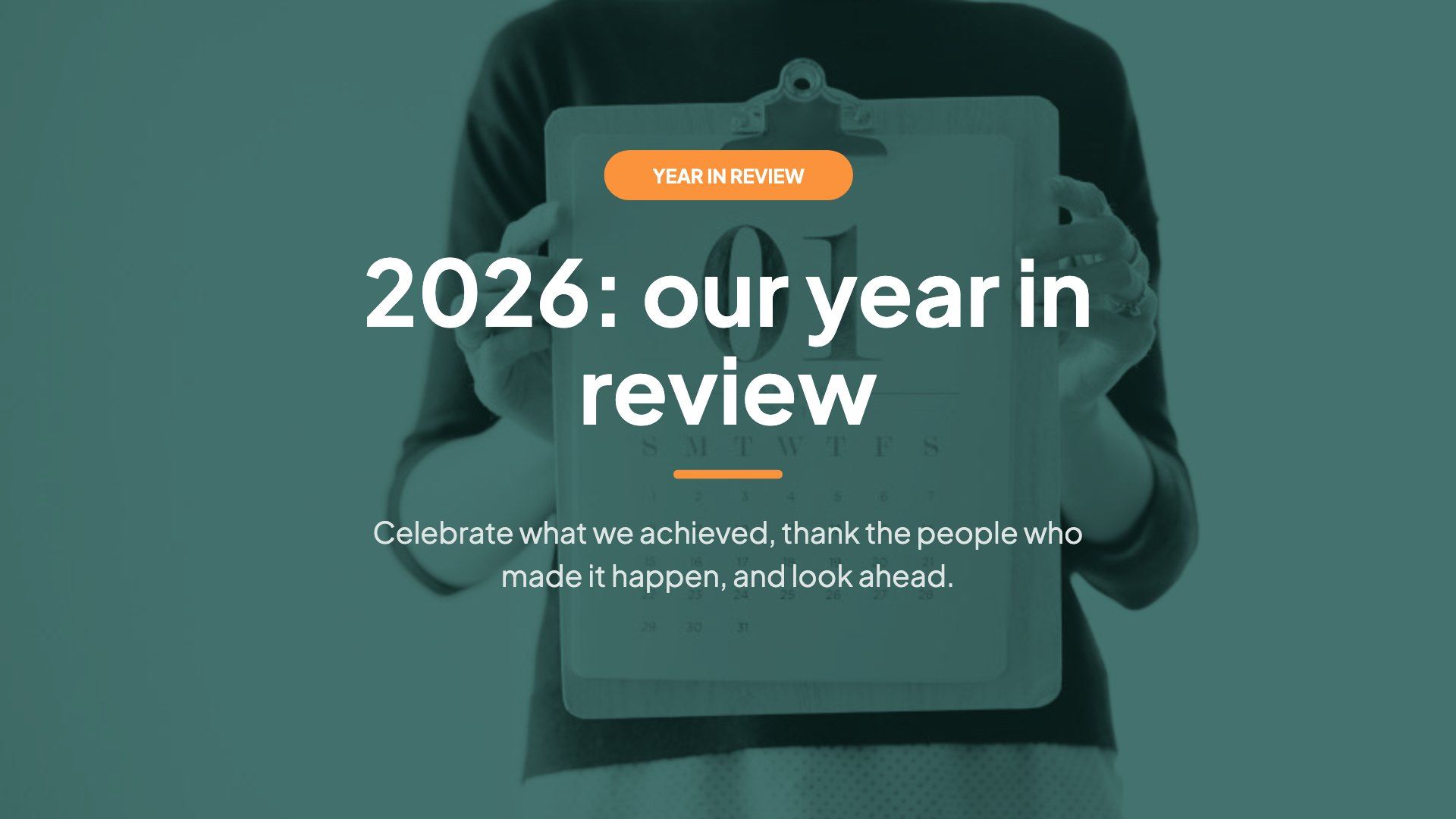
2026 year in review
Celebrate the year: one-word recap, highlights, shout-outs, a 2026 quiz and hopes for 2027.
10 slidesWord CloudPollOpen Ended
Run a panel: opening poll, audience priorities, upvoted questions, raise-your-hand stage and a rating.
Free account, no credit card. The template is copied into your account to edit.
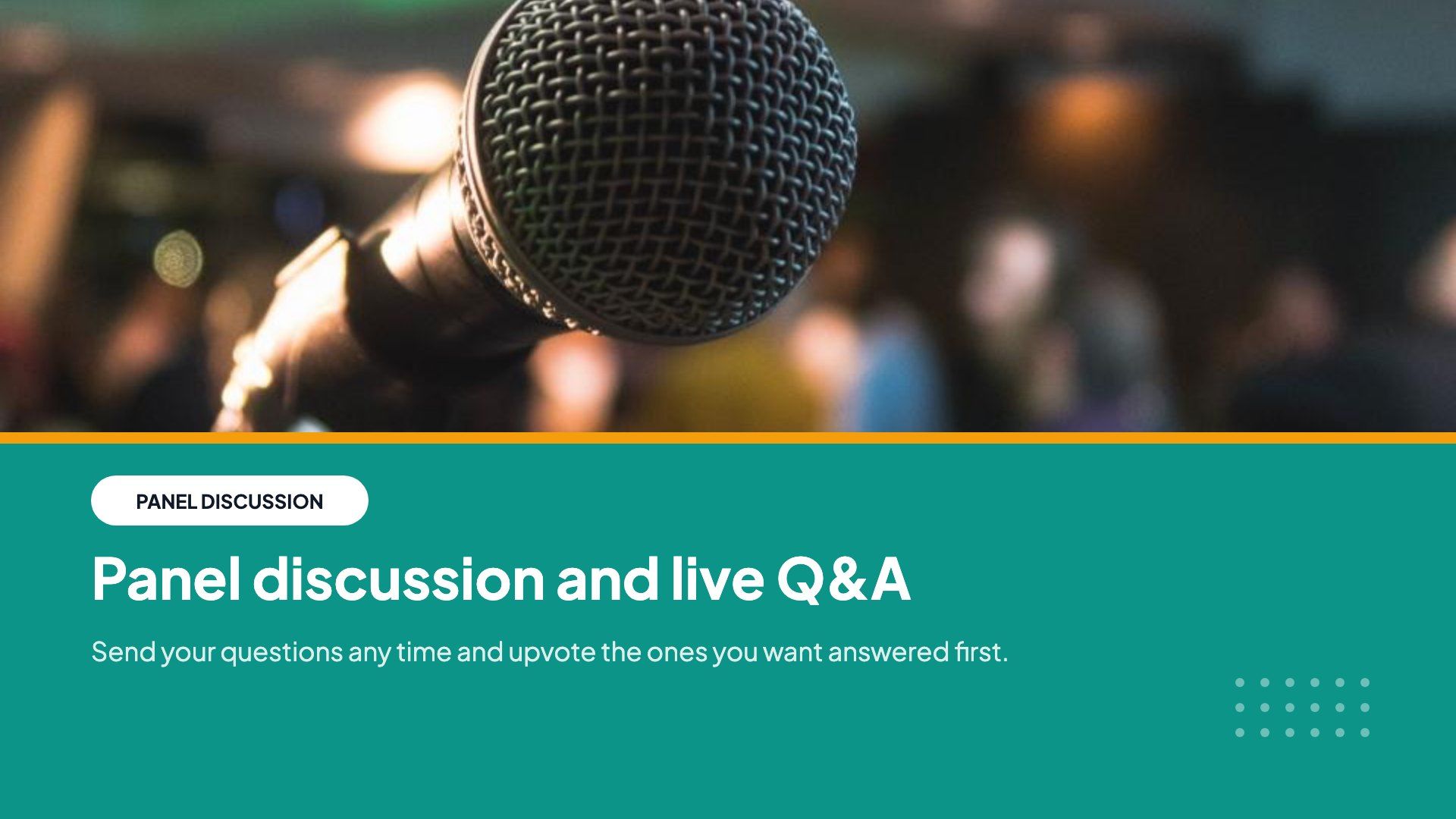
The interactive activities in this template. People answer on their phones and the results show live on the big screen.
Real situations it was made for. Change the content to fit yours.
The audience sends and upvotes questions, and the most popular go to the panel first. People who raise a hand can ask live on the audio stage.
Students share 100 points on what the panel should cover. The has-your-view-changed poll shows the impact of the discussion.
Residents ask questions anonymously, which keeps the debate calm. The rating and takeaway answers go into the meeting notes.
Every slide of the template in order. Change any question, answer or timer before you present.
Click Use this template. Sign up free or log in, and a copy opens in your account.
Change the questions, answers, images and timers to fit your group, or keep it as it is.
Click Present. Everyone joins on their phone with the code or QR code on the screen.
Celebrate the year: one-word recap, highlights, shout-outs, a 2026 quiz and hopes for 2027.
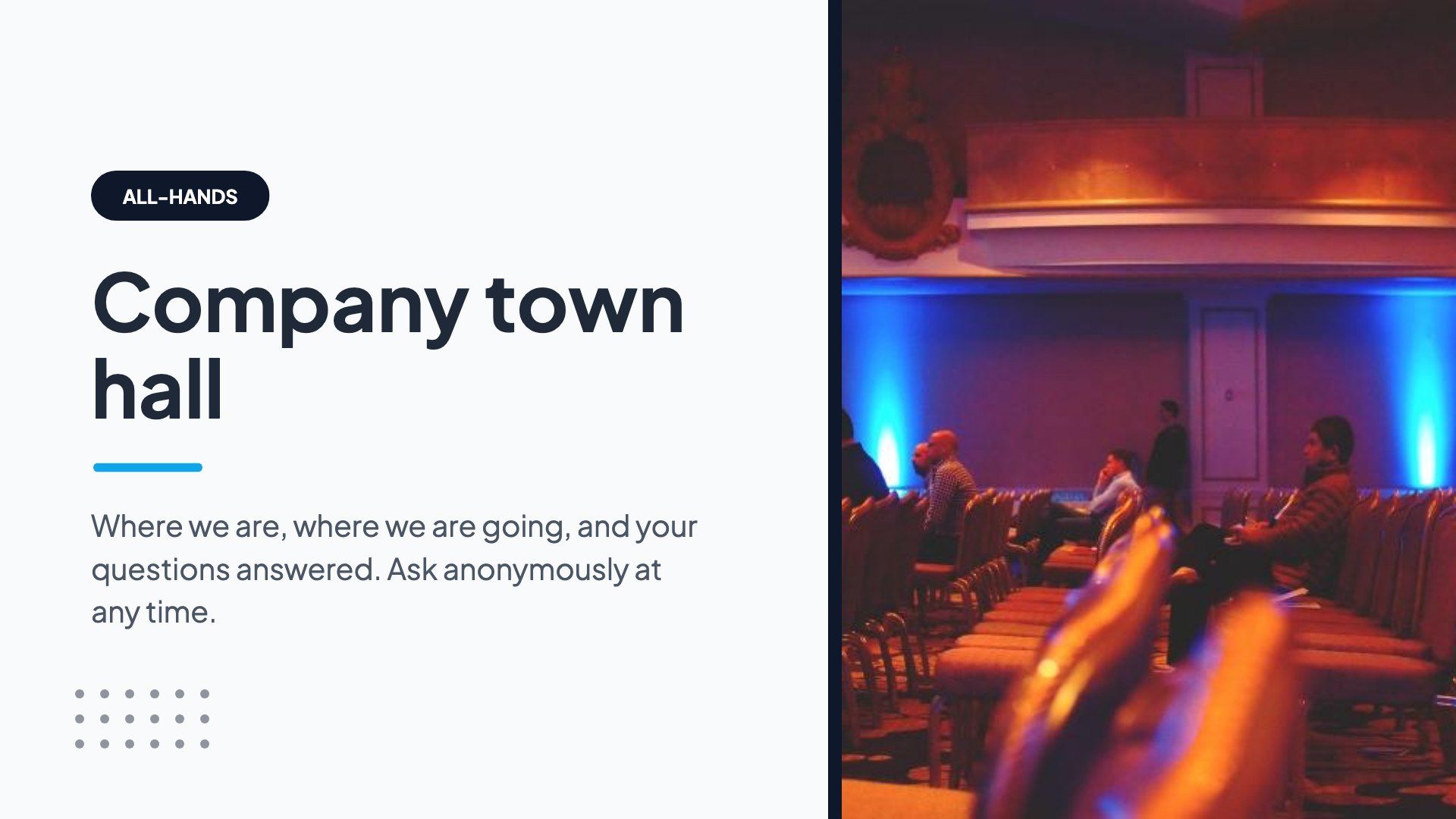
A company all-hands with key numbers, priorities vote, 100-point budget and live anonymous Q&A.
Fire up the sales team: reaction game, sales trivia with bets, a leaderboard, wins and targets Q&A.
Free for up to 10 live participants. No credit card, nothing for your audience to install.
Free for up to 10 participants · No credit card
Can we measure your visit?
We would like to use Google Analytics to see which pages are useful. It sets cookies, so it only runs if you agree.Privacy policy