Office Christmas raffle: a fair prize draw for the team
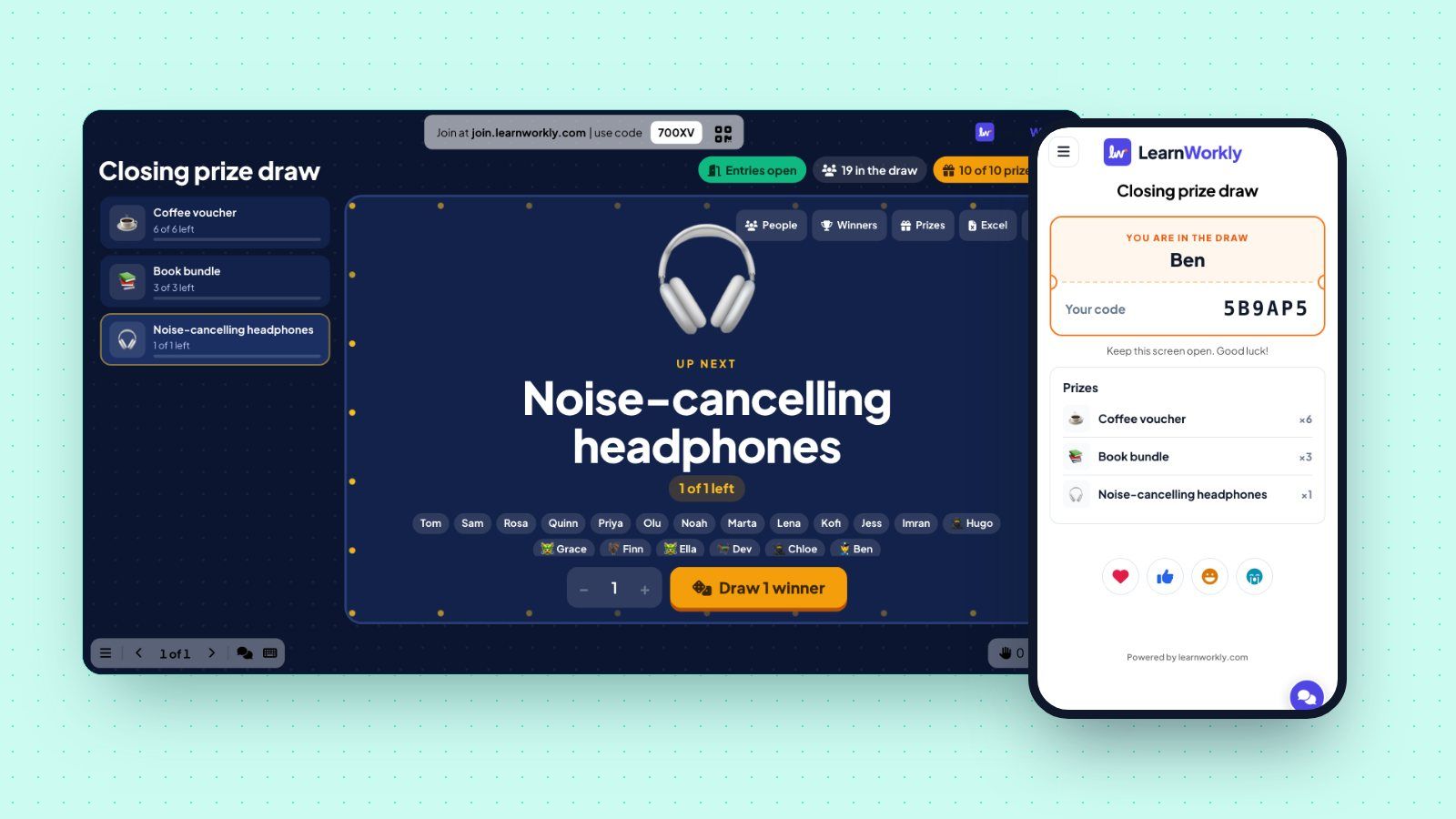
Run an office Christmas raffle on the big screen: colleagues join on their phones, the screen draws winners for each prize, and you keep a record.
LearnWorkly team6 min read

Most offices give something away at the Christmas party: a hamper from a supplier, a few gift cards, an extra day off from the boss. The draw itself is usually the weak part. Someone tears raffle tickets off a book, half the team never got one, the hat goes round twice, and nobody is sure who won the second hamper. An office Christmas raffle on the big screen fixes that. Colleagues join on their own phones, every prize is drawn in front of everyone, and you have a list of who won what at the end of the night.
Keep the office Christmas raffle free
In the UK, a draw that people pay to enter is a lottery, and lotteries are regulated. A draw where nobody pays is a free draw, and the Gambling Commission’s guide to free draws and prize competitions explains where the line sits. For a staff party the simple choice is to make everyone eligible for free: no ticket money, no “buy five for a pound”. If you want to raise money for a charity at the same party, ask HR how to run that part properly, and keep it apart from the prize draw.
Free entry also makes the draw feel fair. Nobody can buy better odds, and the intern has the same chance as the finance director.
The office Christmas raffle running order
Here is a plan for a two-hour office party with about 60 people and eight prizes. Move the times to match your evening.
Before the party: build the prize list
Open the presentation you use for the party (it may already hold your Christmas party games) and add a Lucky Draw slide from the Games tab. Type each prize, set its quantity, and pick an icon or upload a photo of the real hamper. The order of the list is the order you will draw in, so put the big prize at the bottom.
Keep Prizes per person at 1. With eight prizes and sixty people, nobody wants to watch the same lucky colleague walk up three times. Add a note under a prize if someone donated it; the note shows on the big screen when that prize is up next.
Test the slide a few days before with two colleagues on their phones. You will see what a ticket looks like, how the reels spin, and what a winner sees. Then use Clear result this slide so the real draw starts empty.
On the night: let people join early
Put the Lucky Draw slide on the screen as people arrive. Colleagues scan the QR code, type their name and get a ticket with a six-character code. There is no app and no account. The big screen shows how many people are in the draw and their names as they join, which works as a quiet invitation for the rest.
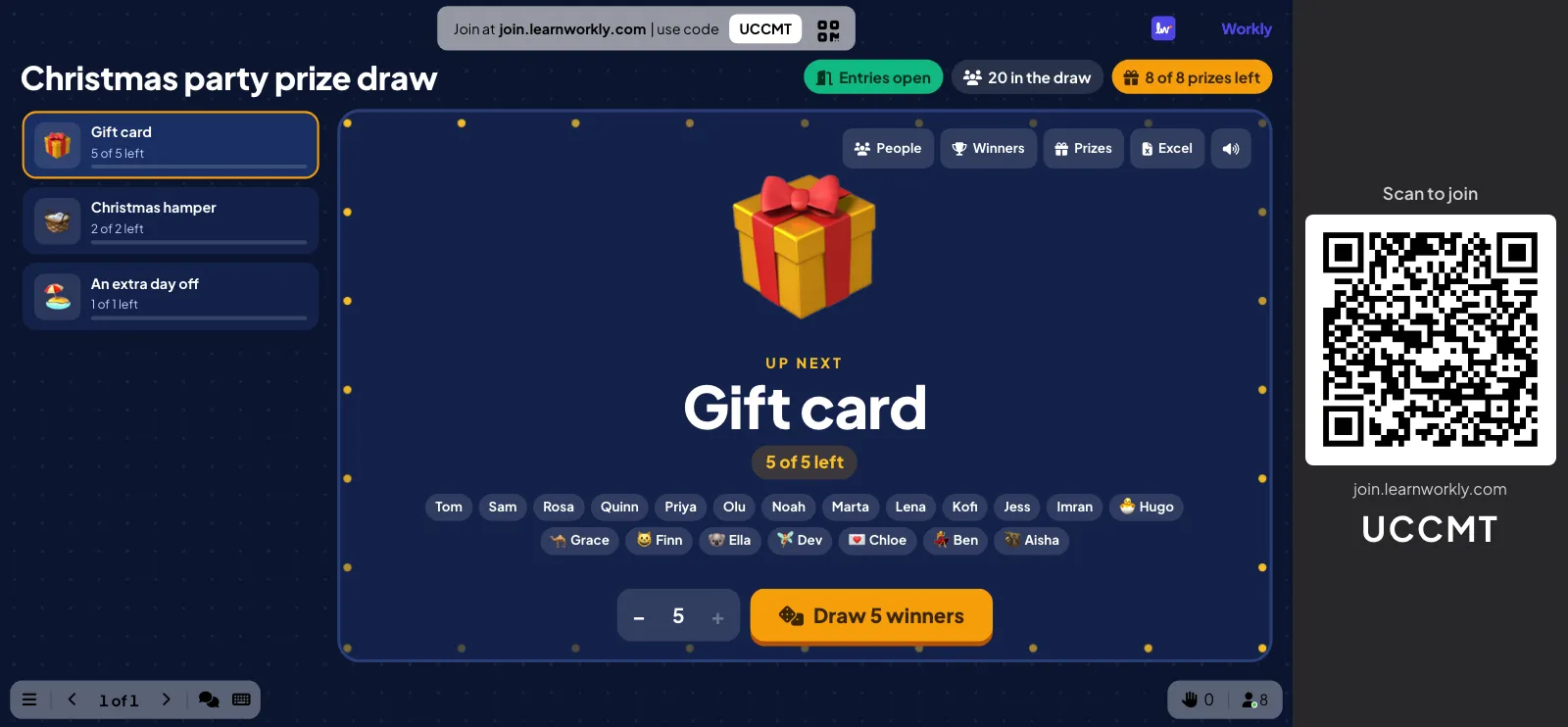
Some people will not bring their phone, or it will be flat by eight o’clock. Open People on the slide and type their names, one per line. They get a code like everyone else, and you can tell them what it is.
Once the draw starts, close entries with the green chip at the top of the slide. Latecomers then cannot join halfway through and change the odds for the remaining prizes.
Draw the small prizes in one go
Pick the gift cards on the left and press the draw button. With Draw every winner of a prize at once on, one click draws all five winners: five name reels spin and stop one after another. For a party this is the right pace. Drawing gift cards one by one takes ten minutes and the room drifts back to the bar.
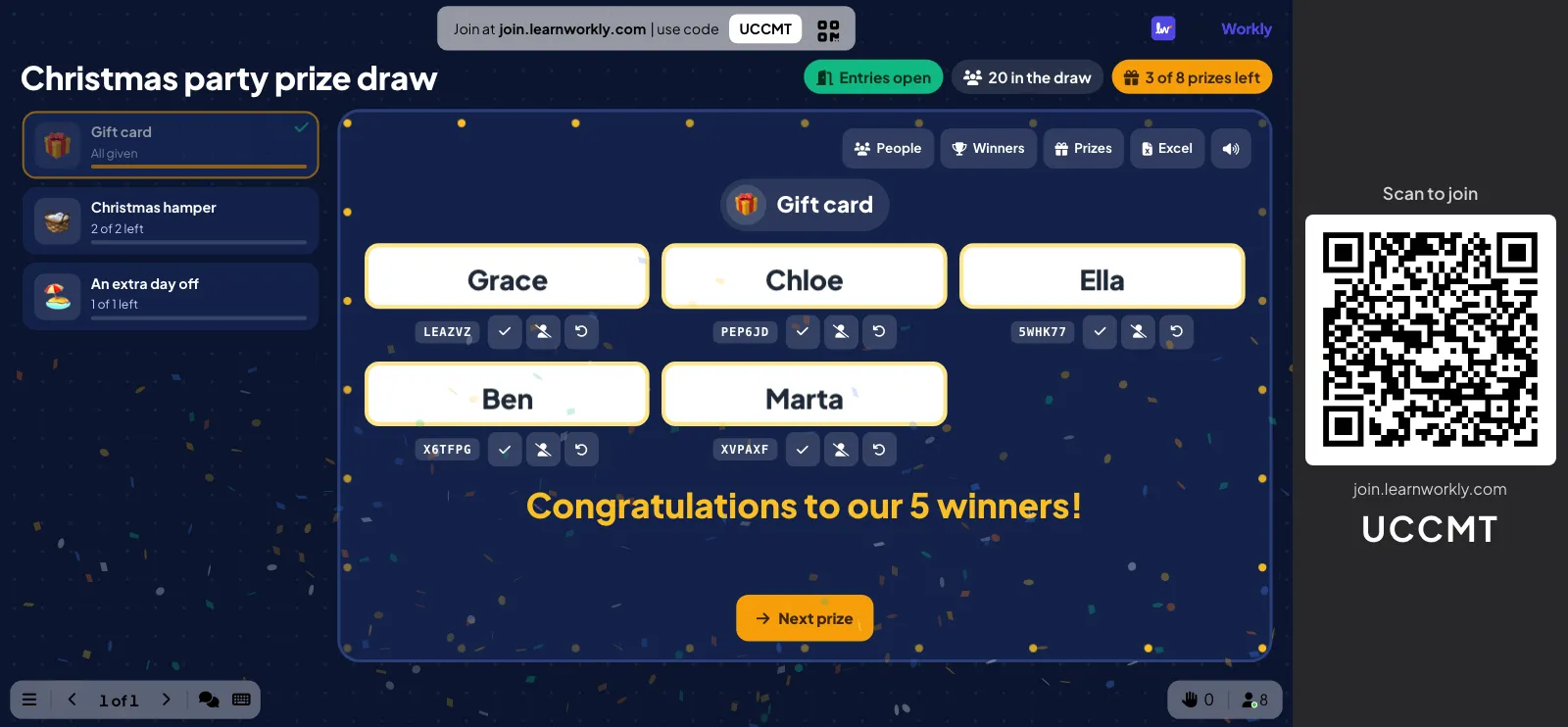
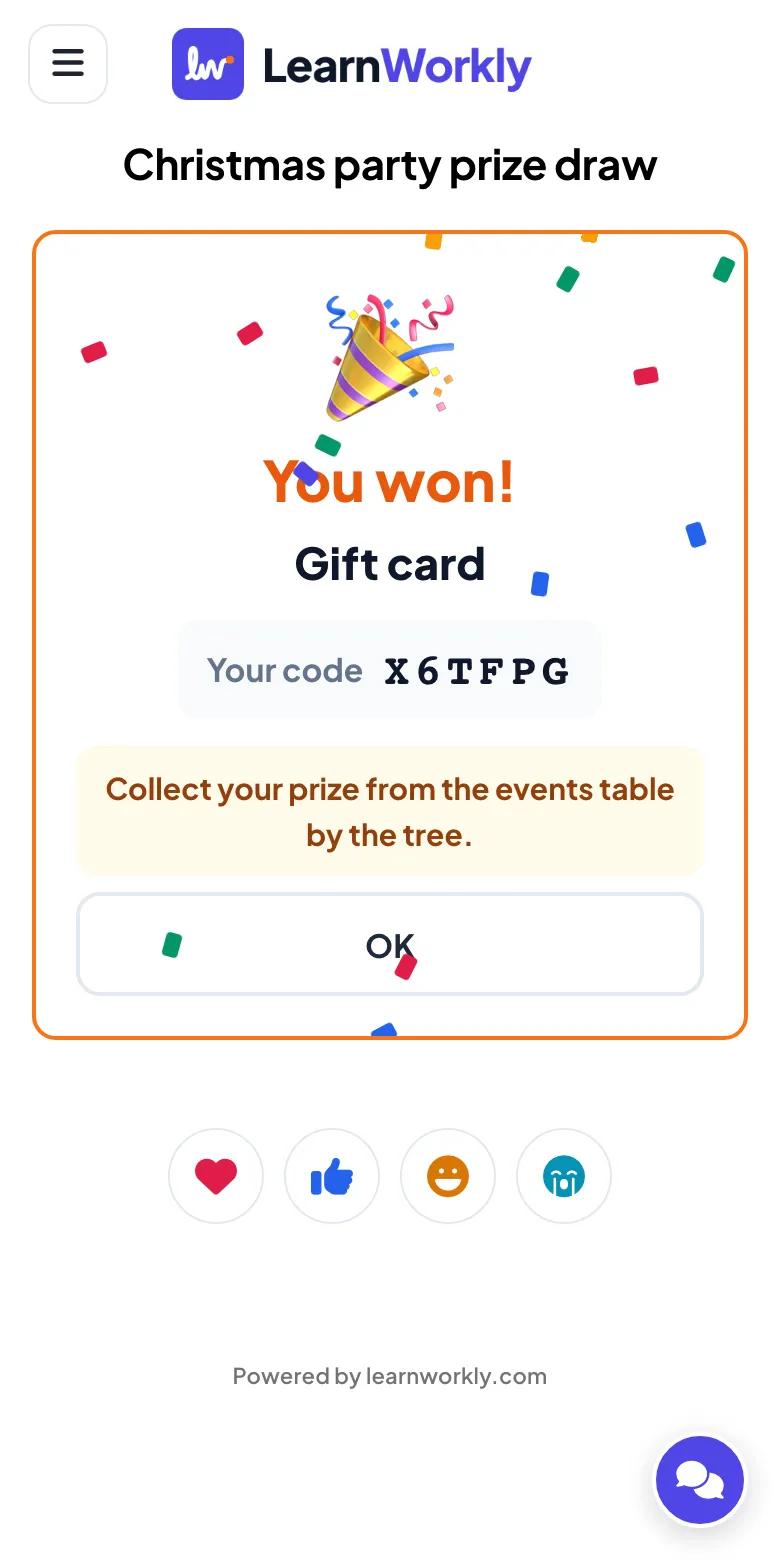
The winners are picked at random by the server, not by the laptop on the stage, so nobody can say the host chose their friends. Each winner’s phone shows the prize, their code and your message about where to collect it. The others see “No prize this time” and stay in the draw for the next prize.
Then there is the colleague who went home at nine. Click Not here under their name. The prize goes back, and Draw 1 more draws someone who is still in the room. People marked absent are left out of the later draws, so the extra day off will not go to someone who has already left.
The grand prize
Save the best prize for last and draw it on its own. A single reel fills the screen, the drumroll plays, and the name lands with a crown on top. Ask the winner to come up and check the code on their phone against the one on the screen. It takes five seconds and it settles any “there are two Toms in sales” moments.
After the draw: who collected what
Prizes go missing at office parties. A hamper sits under a table until Monday, a gift card is “with Sam”. Mark each prize as collected as people pick it up: open Winners on the slide and press Collected next to the name. If you planned to give a prize to someone who never showed up, the list tells you at a glance who is still waiting.
Before you pack up, click Excel. The file has the winners by prize with their codes and status, the prize list with what is left, everyone who joined, and a log of each draw, including anyone marked not here. Send it to whoever handles the prizes on Monday. It also helps next year, when someone asks how many people came.
Prize ideas that suit an office
You do not need a big budget. These work well in most teams:
- Gift cards for a local shop or a coffee chain, in small amounts and several of them.
- A Christmas hamper, ideally one donated by a supplier and named in the prize note.
- An extra half day or day off, if your HR policy allows it (check first, and agree when it can be taken).
- Lunch with the team of your choice, or the best parking space for January.
- A donation to a charity chosen by the winner.
Keep one prize that people talk about. The day off usually wins that contest.
If the party is mixed, with remote colleagues watching from home, share the big screen on the video call and give them the join code in the chat. They join the draw like everyone in the room, and the prize can be sent to them. For other party formats, see our guide to team building and events.